Auto-Properties
approvedby Aaron Gillespie
Create automated properties based on note content and rules. - This plugin has not been manually reviewed by Obsidian staff.
Auto-Properties
An Obsidian plugin that automatically fills note frontmatter properties using configurable rules. Pairs well with Bases, Templates, and Dataview.
See the wiki for examples and full documentation.
👉 DEMO VIDEO
How it works
You define rules in the plugin settings. Each rule watches note content and writes a value to a frontmatter property when its trigger fires. Note bodies are never modified — only frontmatter properties are written.
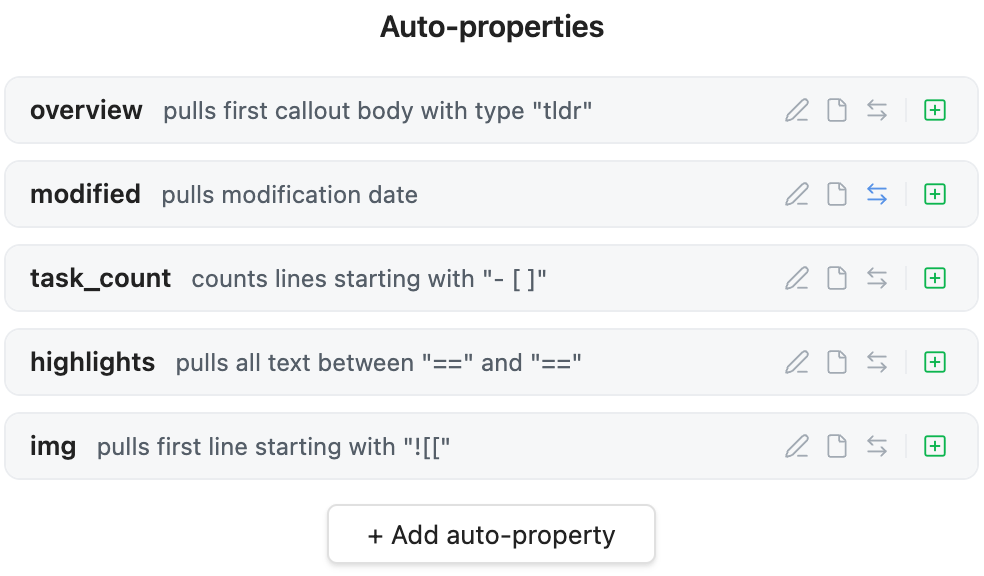
Example Uses
- Find in-work tasks
- Pull highlighted material
- Extract a TL;DR block
- Add the first image embed
- Do word counts or reading time
- Auto-add file create / update dates
- ...and whatever else you can think of
Rule types
Lines
Pulls lines that match a pattern. Match modes: Starting with, Ending with, Containing, Regex.
Options: pull first / all / count of matching lines, omit the search string from the result, ignore indentation, pull the next line instead of the matched one, case sensitive.
Between
Pulls content found between two delimiter strings (e.g. ==highlighted==, [[, 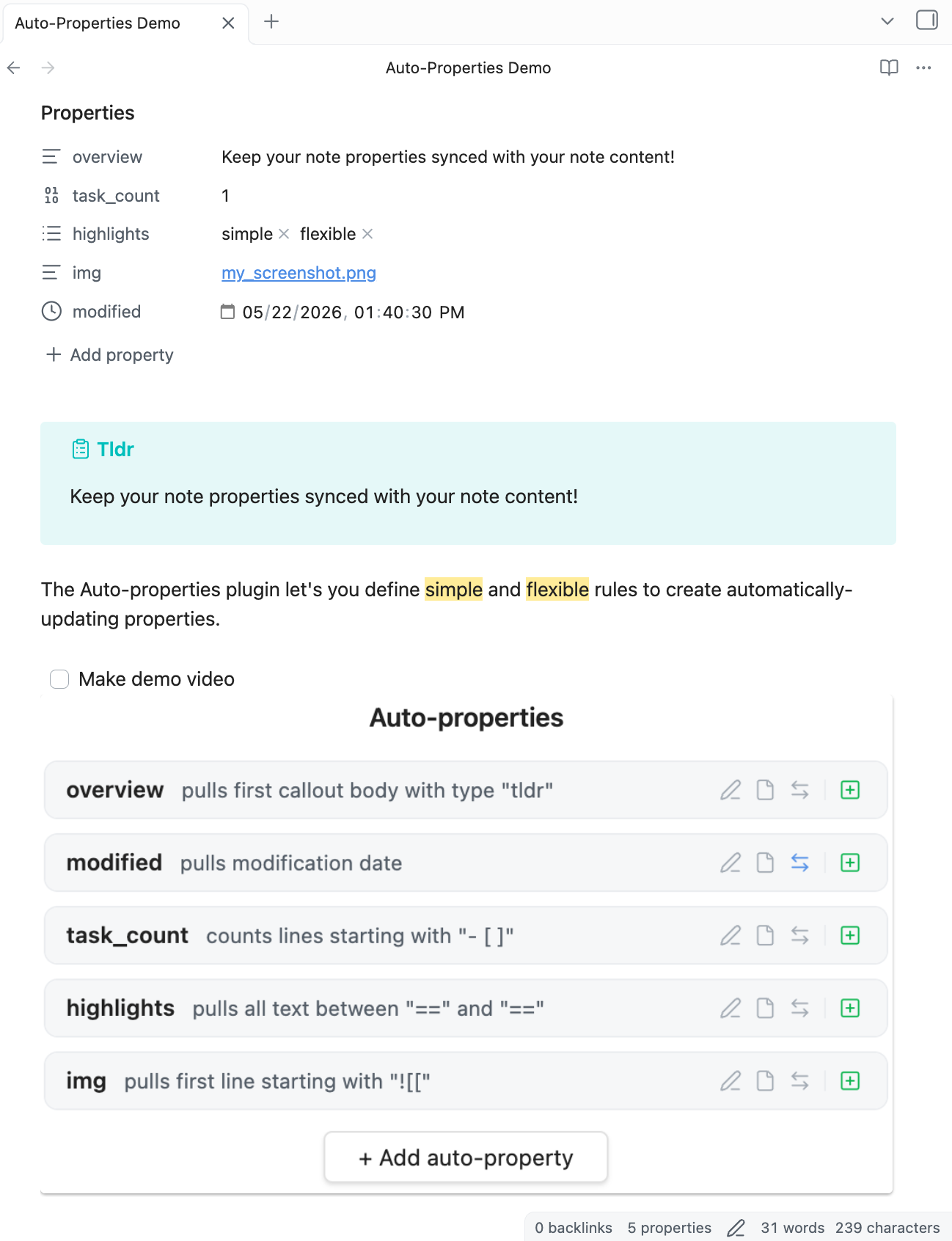
[
  {
    "key": "overview",
    "autoadd": true,
    "strip_markdown": true,
    "type": "callouts",
    "callout_type": "tldr"
  },
  {
    "key": "modified",
    "autoadd": true,
    "trigger": [
      "focus_change"
    ],
    "type": "file",
    "file_pull": "modified"
  },
  {
    "key": "task_count",
    "autoadd": true,
    "value": "- [ ]",
    "pull": "count",
    "ignore_indentation": true
  },
  {
    "key": "highlights",
    "autoadd": true,
    "type": "between",
    "pull": "all",
    "start": "=="
  },
  {
    "key": "img",
    "autoadd": true,
    "value": "![["
  }
]
Design principles
- Note bodies are never changed. Only frontmatter properties are written.
- Everything optional except the property key. Sane defaults cover all omitted fields.
- No dependencies. Zero npm dependencies beyond the Obsidian API.
Installation
Listed in the Obsidian Community directory!
Or install via BRAT:
- Install & enable BRAT
- In BRAT settings, click Add Plugin
- Paste this repo's URL
- Done
NOTE FOR EARLY ADOPTERS OF THE PLUG-IN V1.0 ERA
Rules created in the earlier V1.0 will unfortunately be erased in the update to V2.0. You'll need to re-create your rules one time. Sorry for the annoying task. Shouldn't happen again.
This was a huge re-write and the rule parsing logic is much cleaner now. I don't expect to ever need to invalidate the current rule parsing enginge (this one is much more forward-thinking)!
For plugin developers
Search results and similarity scores are powered by semantic analysis of your plugin's README. If your plugin isn't appearing for searches you'd expect, try updating your README to clearly describe your plugin's purpose, features, and use cases.