Bento Grid
approvedby Ruveyda
A draggable, resizable bento-style grid for embedding markdown and widgets. - This plugin has not been manually reviewed by Obsidian staff.
Bento Grid
Obsidian plugin that creates a customizable bento-style grid inside a pane. Widgets can contain rendered markdown, images, pages, countdowns, and other content types. Items can be dragged, resized, and arranged to create personalized dashboards.

Features
- Drag & drop widgets
- Resize widgets using drag handles
- Render markdown inside widgets
- Support for multiple widget types:
- Markdown
- Images
- Pages
- Countdowns
- Flexible bento-style layouts
- Transparent and standard widget modes
- Duplicate a widget
- Snap-to-grid resizing support
Getting Started
- Search for
Bento Gridin Community Plugins. - Install and enable the plugin in Obsidian.
- Open any note where you want to create a bento grid.
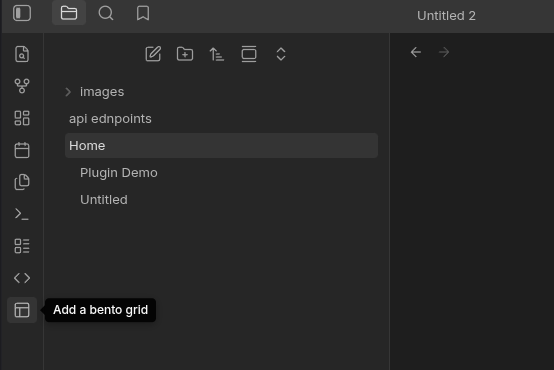
- Click the pane layout button in the sidebar to open a Bento Grid pane.
- Add widgets using the Add Widget button and customize your layout however you like.
Notes / TODO
- Improve markdown rendering, fix rendering problem
- Add additional widget types
The plugin needs getMarkdownFiles() to locate notes containing frontmatter metadata before reading selected files.
If you find this plugin useful, consider supporting me:

For plugin developers
Search results and similarity scores are powered by semantic analysis of your plugin's README. If your plugin isn't appearing for searches you'd expect, try updating your README to clearly describe your plugin's purpose, features, and use cases.