Code Block
approvedby paddan
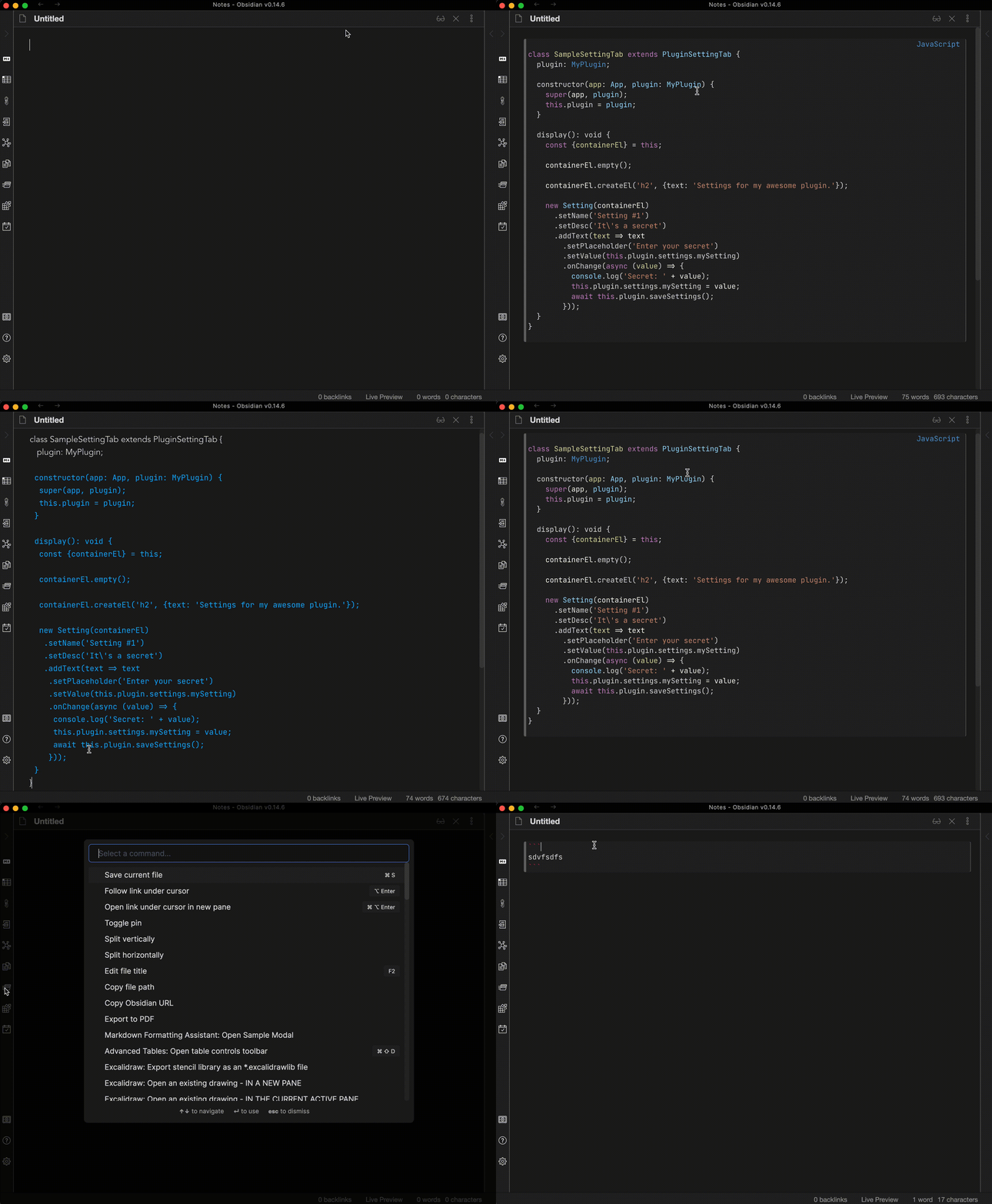
Convert text into code blocks with automatic language detection.
Code Block Plugin
This plugin converts selected text or pasted text into a code block with automatic programming language detection. Select the languages to consider in the plugin settings.
Detection runs locally using highlight.js (all languages it ships with) plus the third-party Cypher grammar.
Distinctive syntax such as shebangs, JSON objects and arrays, graph patterns,
and certain language declarations takes priority over automatic scoring.
C is recognized from common C headers when no C++ markers are present; fragments valid in both languages
cannot always be distinguished. HTML uses the xml language, and TOML shares the ini grammar.
Empty input, likely plain prose, low-scoring results, and unresolved ties produce an unlabelled code block. Disabled languages are never selected, including by the syntax rules. If a snippet still gets the wrong language, edit the language after the opening code fence or narrow the enabled languages in settings. Detection is heuristic: a short fragment may be valid in several languages.
Development
npm install
npm run dev    # watch build
npm run build  # typecheck + production build
npm run lint
npm test
The detection tests include a representative snippet for every supported language, with both the full language selection and that language alone, plus short snippets, prose, shebangs, aliases, and disabled-language cases. These are regression examples, not an accuracy benchmark for arbitrary code.
data.json is Obsidian's local settings file for the plugin and is git-ignored. It appears in the
project root after you enable the plugin in a vault for the first time.
For plugin developers
Search results and similarity scores are powered by semantic analysis of your plugin's README. If your plugin isn't appearing for searches you'd expect, try updating your README to clearly describe your plugin's purpose, features, and use cases.