Confluence Link
approvedby bungarazvan
Upload files to Confluence pages
Confluence Link
Welcome to the Confluence Link project. The objective of this project is to make it easy to write documentation on Obsidian and quicky create a Confluence page to share with you team members.
Setting things up
- Open the plugin settings and configure the following fields:
Confluence Domain: The URL of your Atlassian Confluence instanceAtlassian User Name: Your Atlassian account's email addressAtlassian API Token: Your Atlassian API token. You can generate one from your Atlassian Account Settings.- (Optional)
Confluence Default Space: The space identifier where all you confluence pages will be created
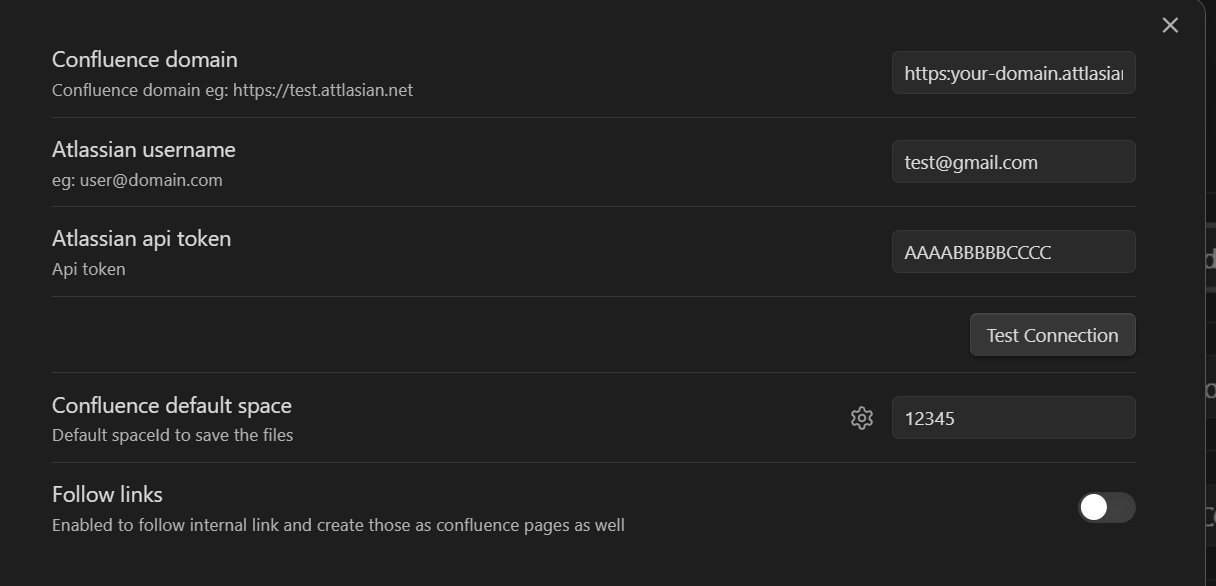
- (Optional) Open the default obsidian hotkeys settings:
- search for
confluence-link - add hotkeys
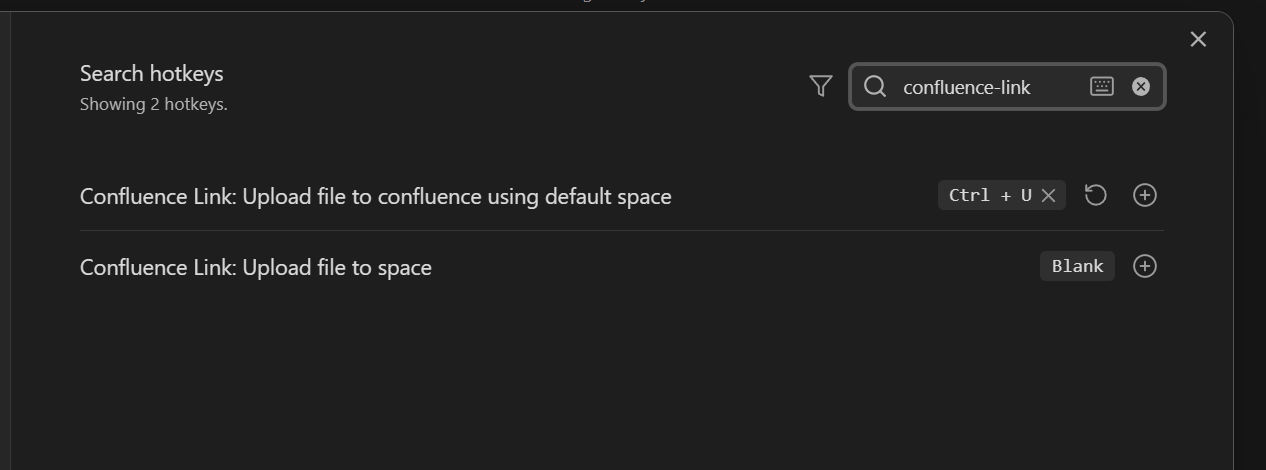
Usage
- Open a md file
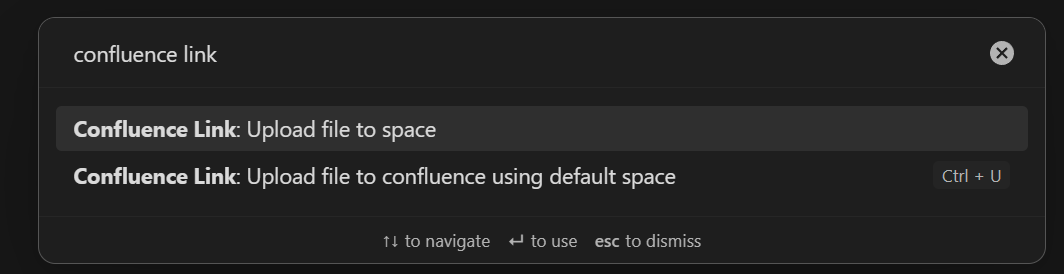
- Press the hotkey set at step 2 in Settings things up section or use the command pallet (
Ctrl/Cmd + P) and search forConfluence Linkcommands to execute
Nice to know
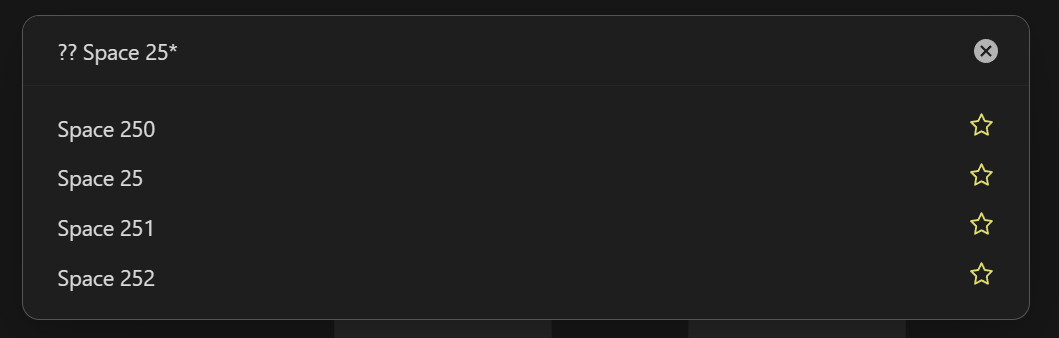
While the spaces modal is opened you can mark or unmark spaces as favorites by clicking the star icon. This will make them appear as the first results the next time you open this modal.
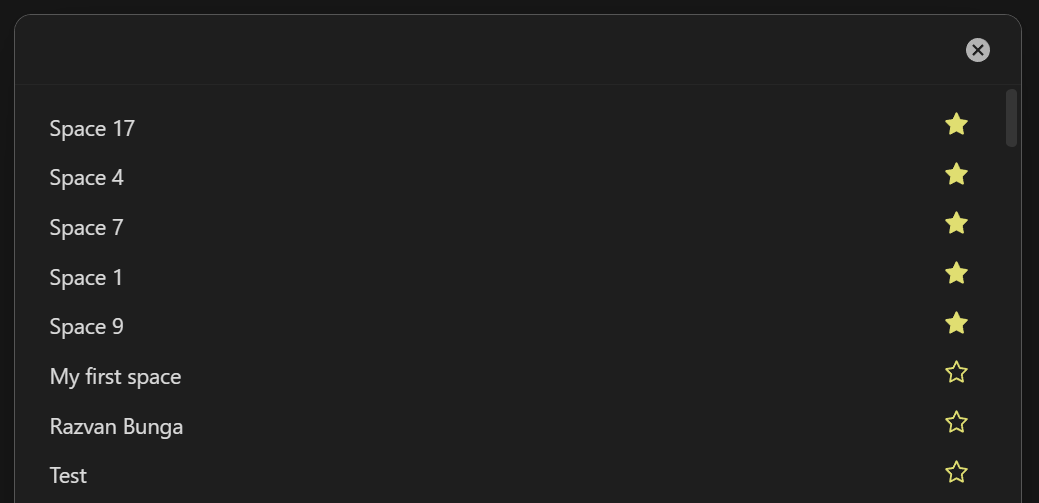
If a space is not in the initial list you can type ?? followed by the space title for a "fuzzy search" using all the spaces you have access to, not just the up to 250 that the confluence API can return in one request.
Issues
Please log issues or feature requests to https://github.com/BungaRazvan/confluence-link/issues as this is where the code is being developed
For plugin developers
Search results and similarity scores are powered by semantic analysis of your plugin's README. If your plugin isn't appearing for searches you'd expect, try updating your README to clearly describe your plugin's purpose, features, and use cases.