Data Files Editor
approvedby zuktol
Create and edit .txt, .json and .xml files.
Obsidian Data Files editor plugin


This plugin adds an ability to create and edit files of types: .txt, .json, .jsonl, .xml, .xsd, .yaml, and .yml in Obsidian (https://obsidian.md)
Installation
- Open Settings > Third-party plugin
- Make sure Safe mode is off
- Click "Browse community plugins"
- Search for "Data Files Editor" in Obsidian's community plugins browser
- Click Install
- Once installed, close the community plugins window and activate the newly installed plugin
Usage
Settings
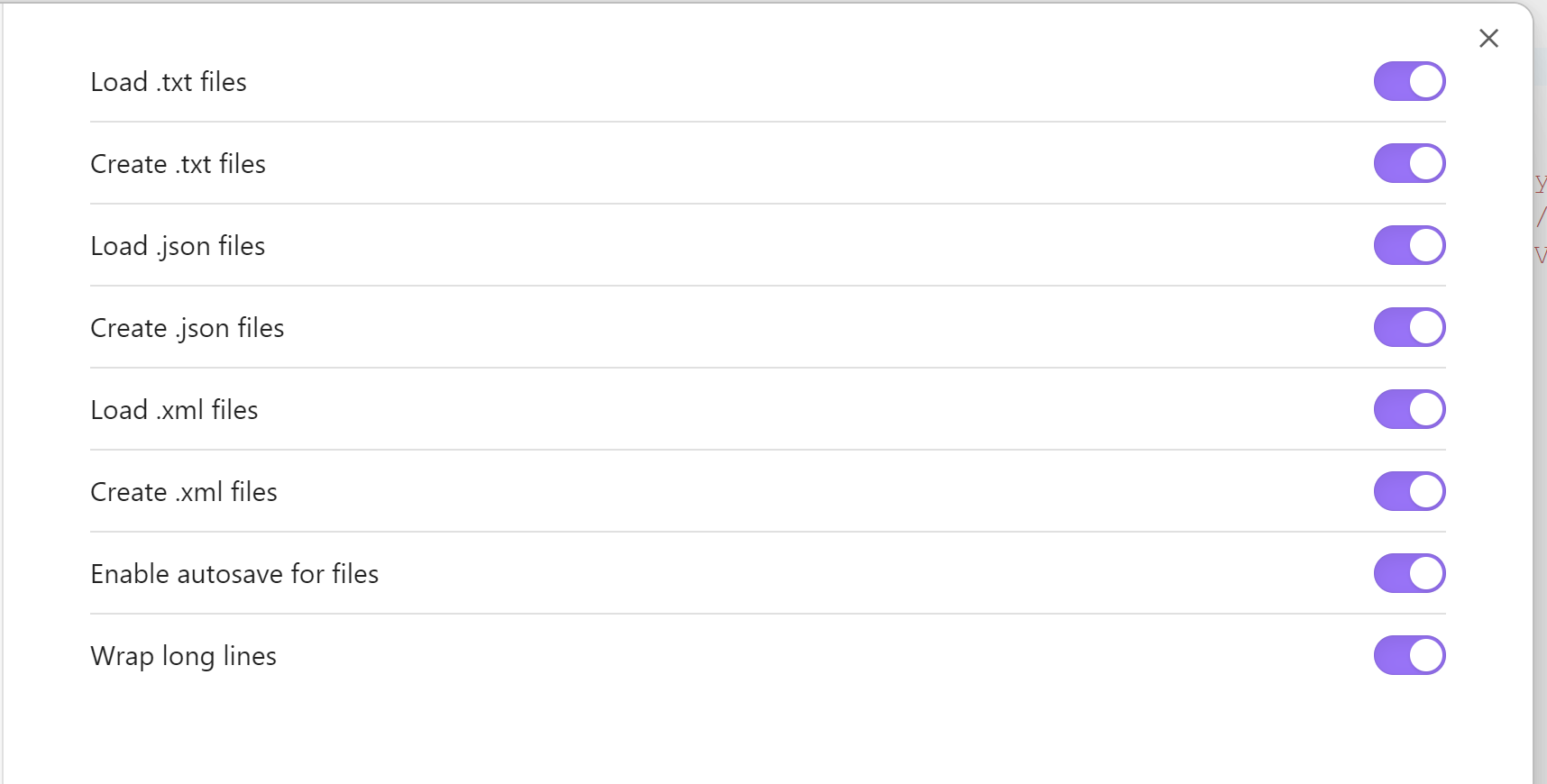
You can separately enable editing and creation of each type of data file.
TXT editor
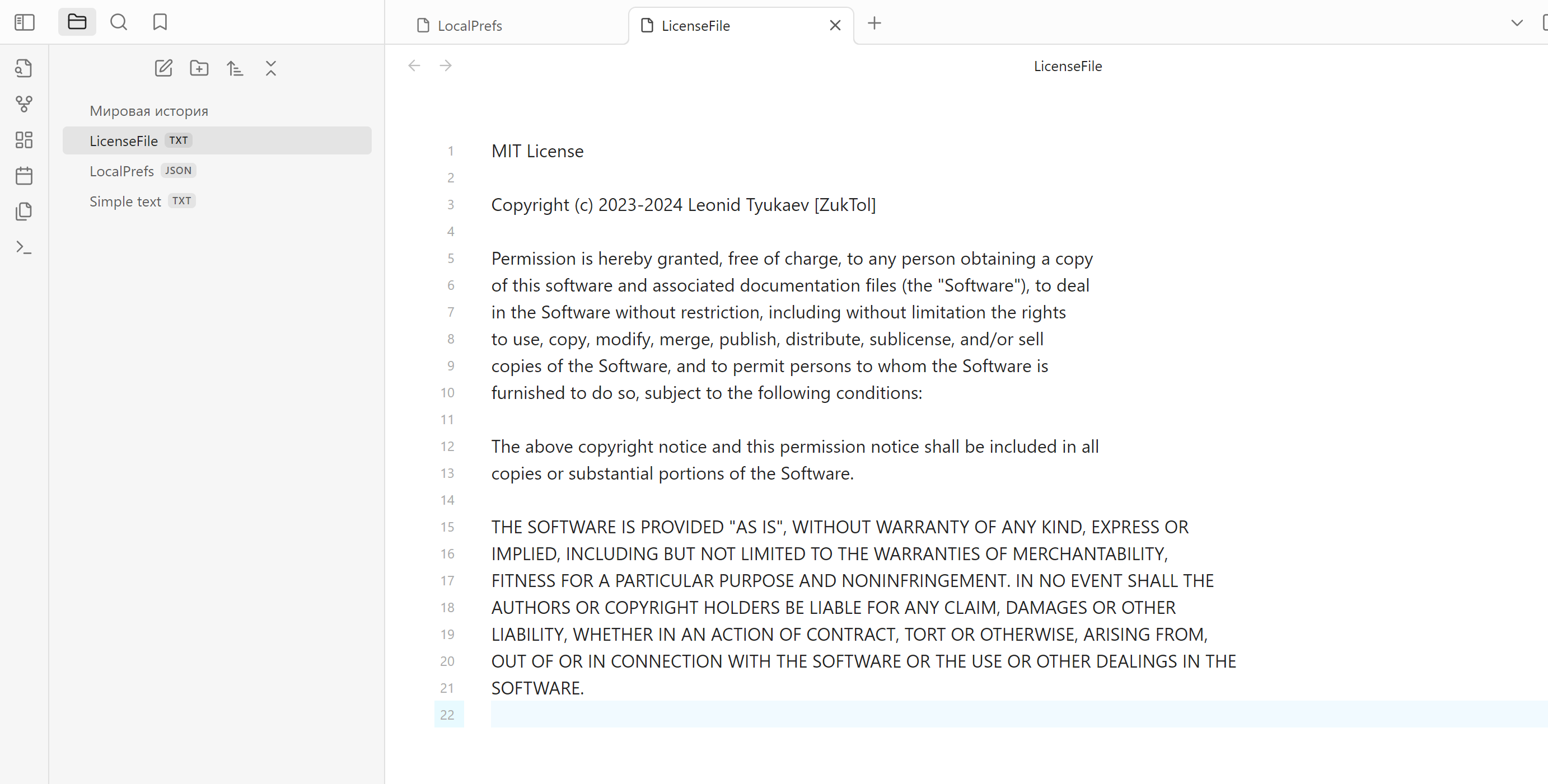
JSON editor
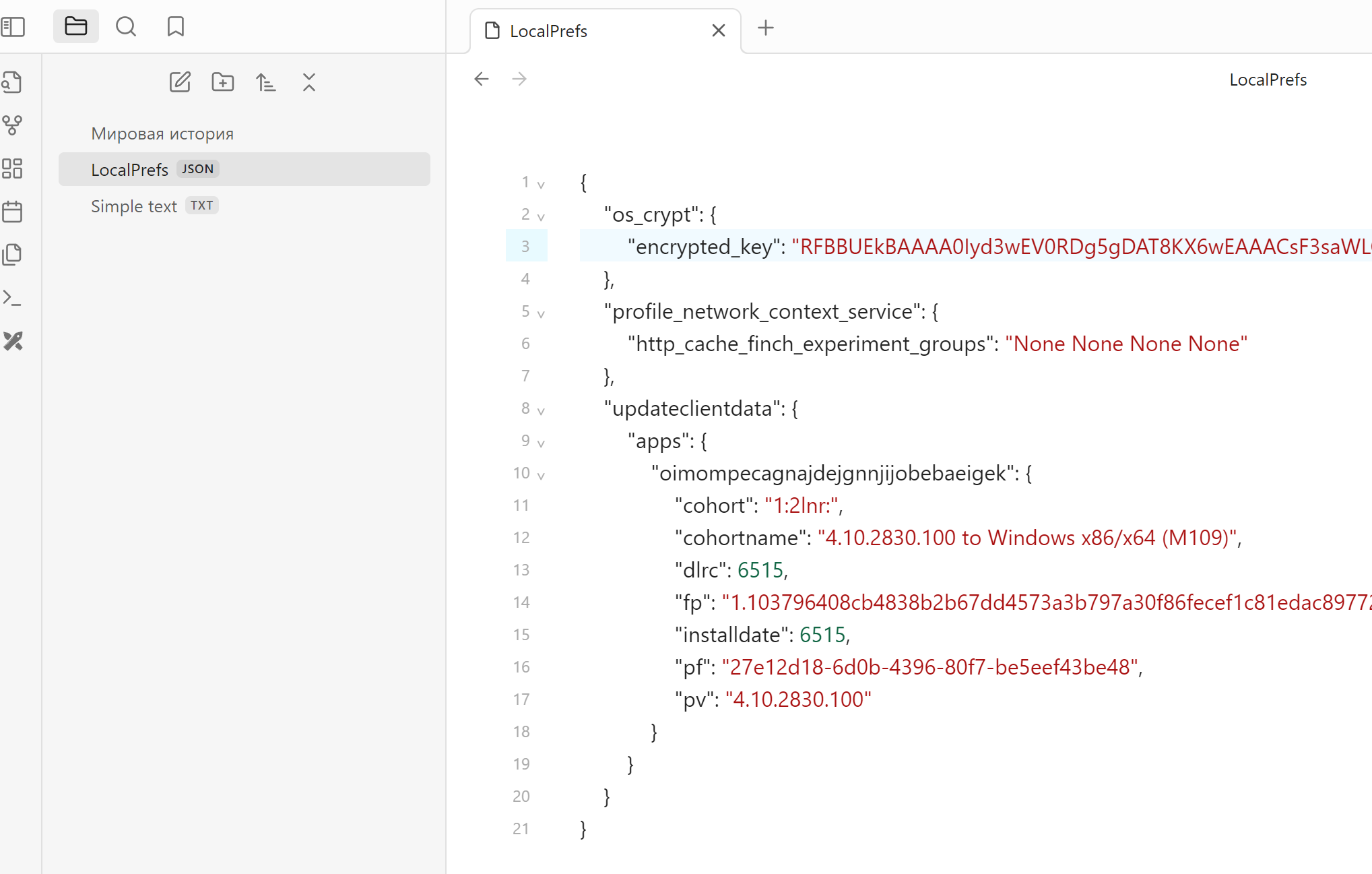
XML editor
Doesn't have highlighting yet, will be added in future releases
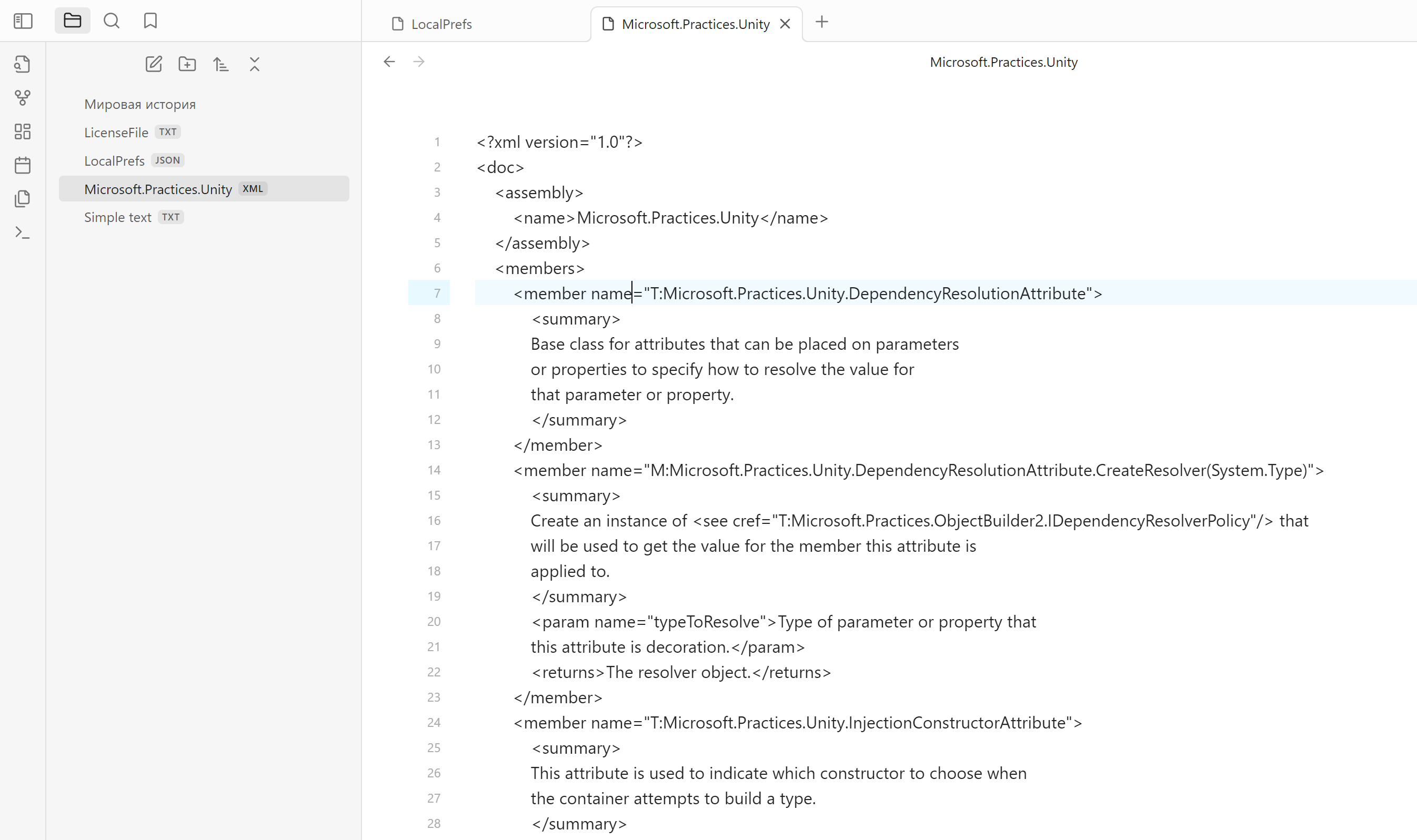
File creation
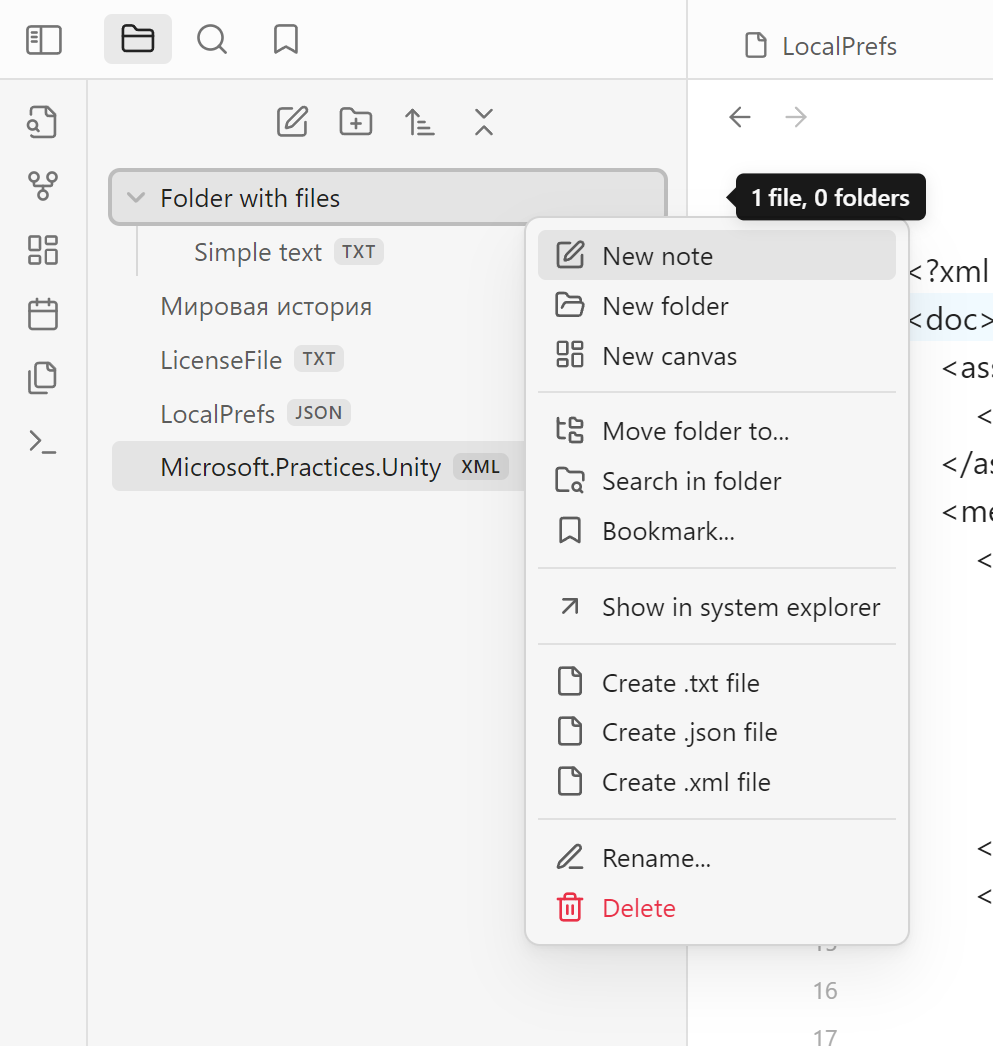
You can create files of each type from the context menu in file tree. If you click on the folder, file will be created inside the folder. If you click on any file, new file will be created on the same level that selected file.
For plugin developers
Search results and similarity scores are powered by semantic analysis of your plugin's README. If your plugin isn't appearing for searches you'd expect, try updating your README to clearly describe your plugin's purpose, features, and use cases.