Gene 🧬
approvedby matissjurevics
Generate text using the OpenAI API.
★ 35 stars↓ 5,711 downloadsUpdated 2y agoGPL-3.0
Gene: An AI assistant for Obsidian
Gene is a Free and open source AI assistant which allows you to create, modify, Translate, and overall enhance your notes.
Features
Gene uses the openai API to allow you to:
- Generate text from a prompt
- Summarise your notes
- Modify selected text in any way you want (convert to bullet points, change the tone, etc.)
- Translate your notes to any language (Including programming languages)
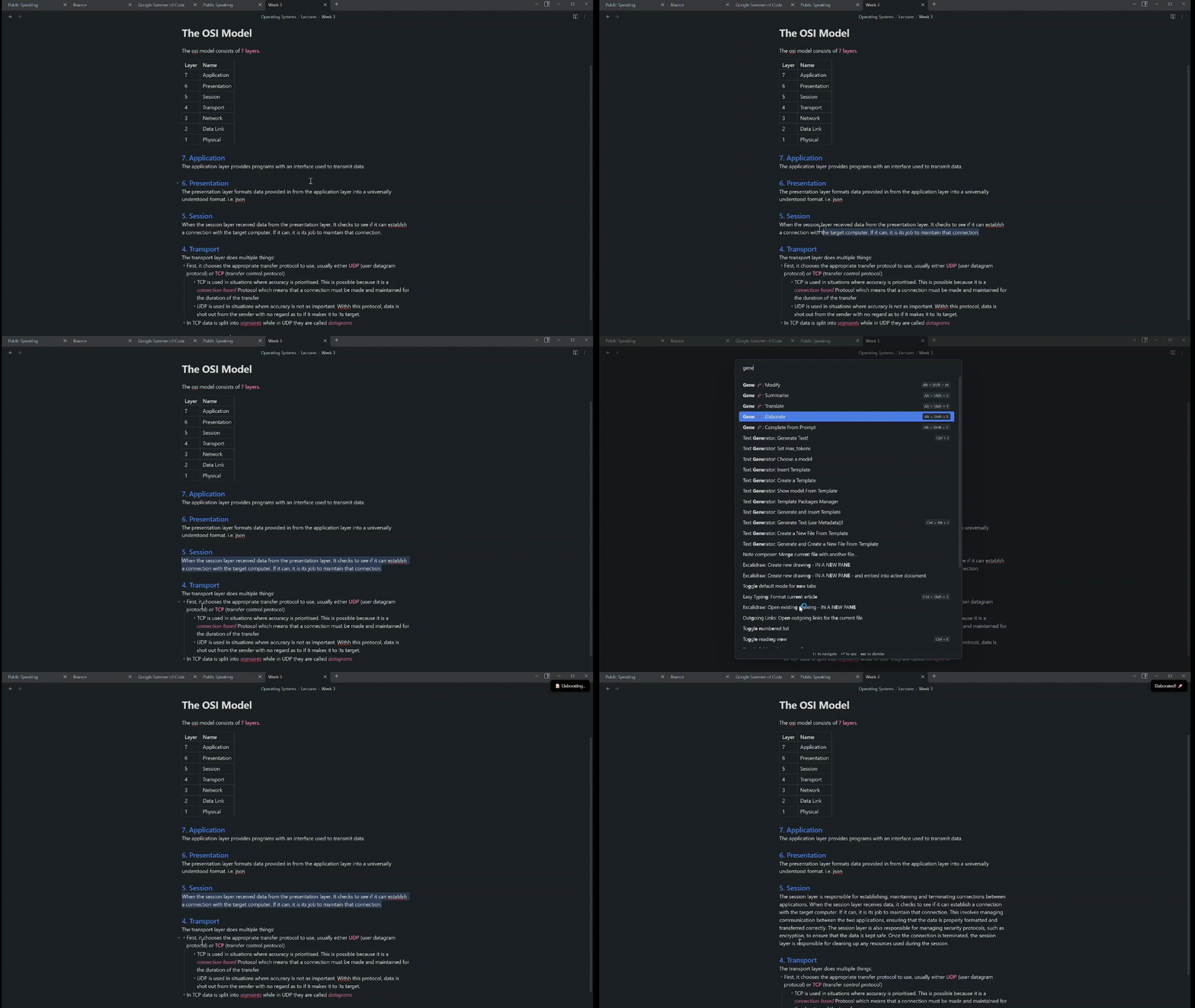
- Elaborate on something you dont quite understand
How to Use
- Go to the OpenAI website and create an account.
- Go to the OpenAI dashboard and create an API key.
- Go into settings in obsidian and enable the Gene plugin.
- Go to the Gene settings and paste your API key into the API key field.
F.A.Q
- I am getting an error after inserting my API key
- Sometimes OpenAI requires you to verify billing details before you can use the API. Dont worry though because OpenAI provides you with $18 of free credits for the first 3 months and it will not cost more than $2 a month afterwards.
Sponsor Me

For plugin developers
Search results and similarity scores are powered by semantic analysis of your plugin's README. If your plugin isn't appearing for searches you'd expect, try updating your README to clearly describe your plugin's purpose, features, and use cases.