GoBoard
approvedby dsokolov
Render Go game diagrams from Markdown code blocks.
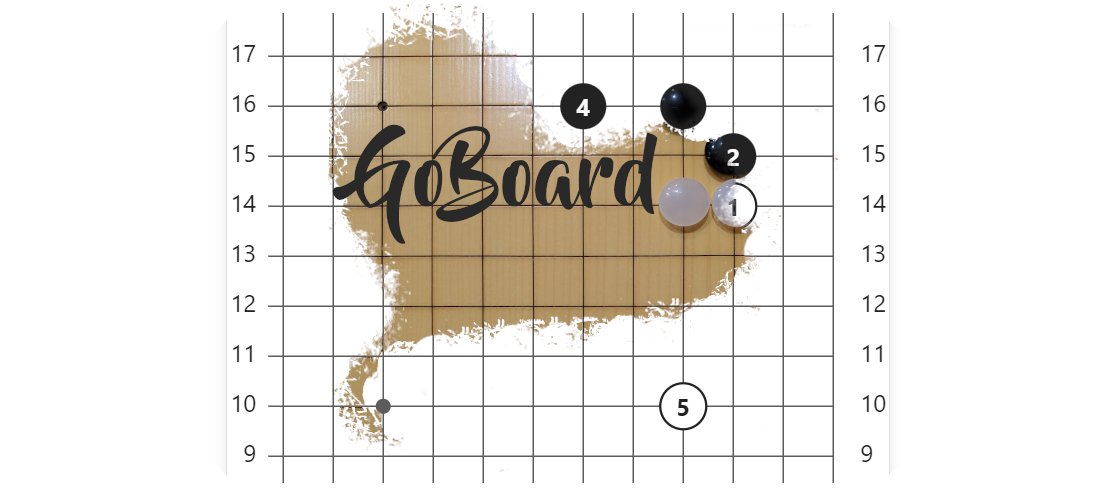
GoBoard
GoBoard is a plugin for Obsidian that renders Go game diagrams (also known as Weiqi or Baduk).



Language: English • Русский • 中文
Installation
If you don't have Obsidian installed yet - download it.
To install click here, or follow these steps:
- In the Obsidian application, open the community plugins settings:
Settings -> Community plugins. - If you haven't done this yet, you'll need to enable support for third-party plugins
Turn on community plugins. - Go to plugin selection by clicking
Browse. - In the search bar, enter
GoBoard. - Select the plugin, click
Install, and after installation is complete -Enable. - Done, now you can draw diagrams!
Other installation methods are described in installation.md
Usage
Diagrams are drawn based on markdown code blocks with the goboard syntax specified.
For example, the following code will draw an empty 9x9 goban:
```goboard
size 9x9
```
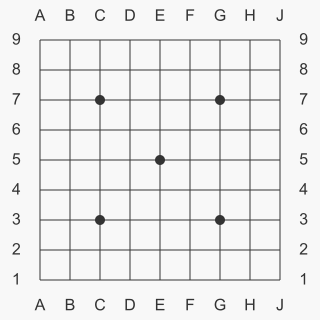
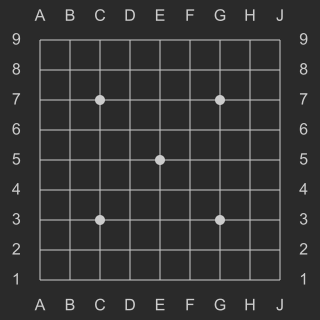
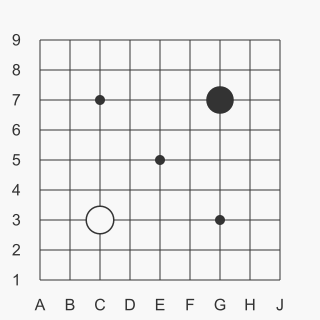
To place stones on the diagram, use B <position> and W <position> for black and white stones respectively. For example:
```goboard
size 9x9
B G7
W C3
```
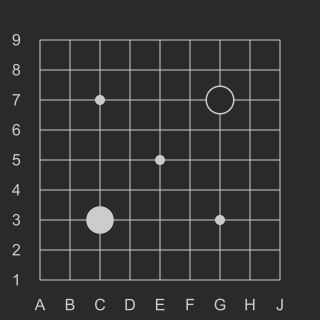
For more usage examples, see examples.md.
Building the project
See build.md
Issues and suggestions
If you found a bug or have suggestions for improvement - don't hesitate to create issues!
License
MIT License - see the LICENSE file for details.
For plugin developers
Search results and similarity scores are powered by semantic analysis of your plugin's README. If your plugin isn't appearing for searches you'd expect, try updating your README to clearly describe your plugin's purpose, features, and use cases.