Homework Manager
approvedby kadisonm
Keep track of homework through a to-do list.
Homework Manager
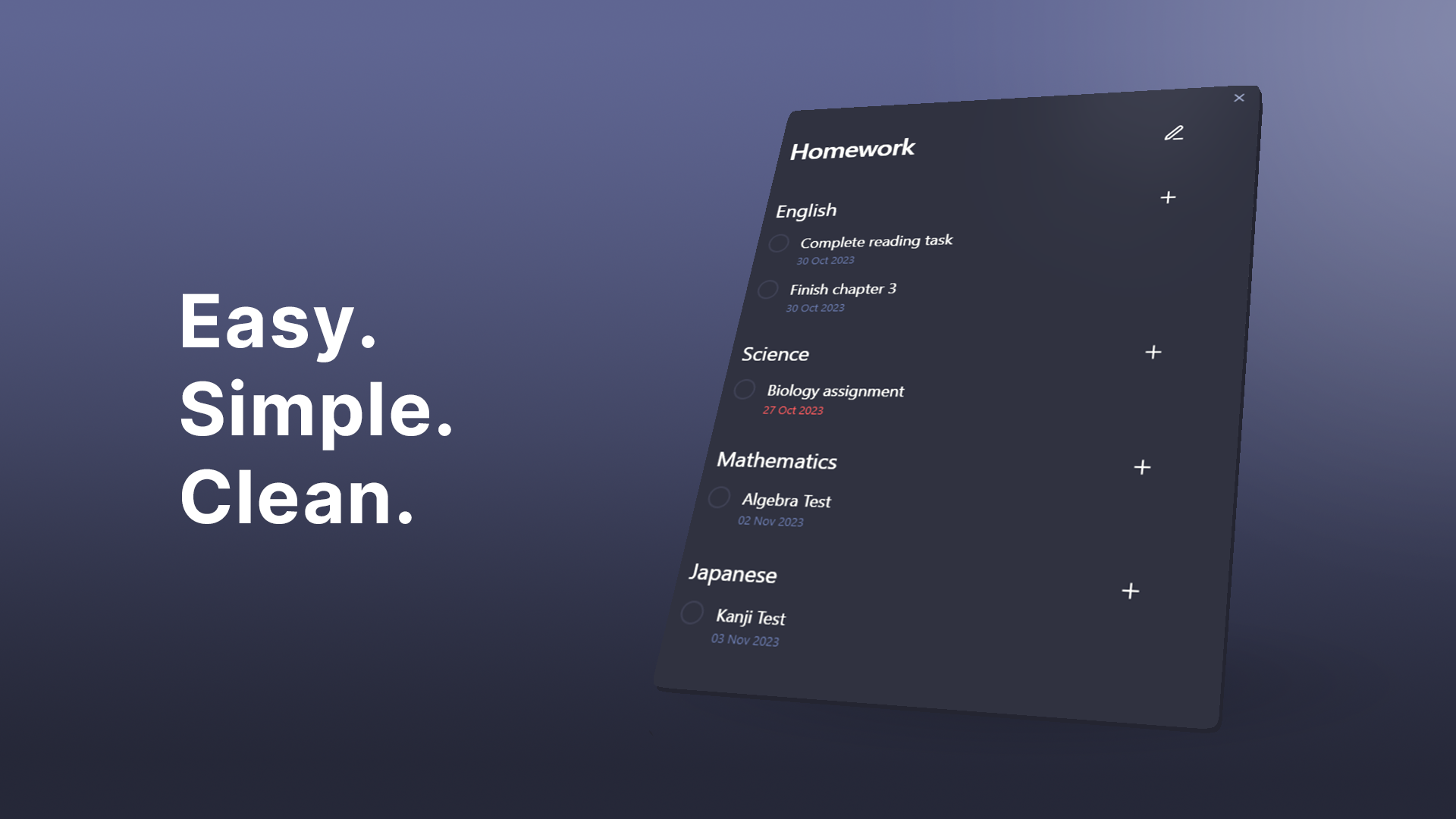
An Obsidian plugin that makes keeping track of homework easy.
Features • Installation • Usage • Contributing


This add-on is not an official Obsidian add-on.
Features:
- Easy creation of tasks and subjects
- Creating separate views for work and school.
- Task due dates and linking to notes
- Clean and easy to navigate UI
Installation
- Install through Obsidian's Community Plugins and add directly to your vault.
Usage
Press the 🕮 icon on the ribbon bar or run Homework Manager: Open homework to open.
Views
Views contain a collection of subjects and tasks. They act as a folder and can be added or removed by clicking the v dropdown button and then opening the view manager.
Subjects
- Create new subjects by clicking the
vdropdown button and clickingAdd subject - Remove subjects by clicking the
✎button and then the-button next to target subject.
Subjects can be added to your views. These are useful for sorting your tasks by categories.
Create
Remove
Tasks
-
Add to a view: press the
vdropdown button and clickAdd task. -
Add to a subject: Click the
+button next to the subject.⚠ Completing a task cannot be undone ⚠
- Due dates: Due dates can be added to your tasks which will appear red when they are overdue.
- Linked files: Tasks can be linked to notes within your vault. Click on the underlined task to be taken to the linked note.
- Editing a task can be done by clicking the
✎button.
Creation
Options
Editing
Contributing
For more information on contributing, please see development.
For plugin developers
Search results and similarity scores are powered by semantic analysis of your plugin's README. If your plugin isn't appearing for searches you'd expect, try updating your README to clearly describe your plugin's purpose, features, and use cases.