Image Helper
approvedby byfun
Context menu to convert image format in reading view.
★ 3 stars↓ 2,392 downloadsUpdated 2y agoMIT
Obsidian Image Helper Plugin
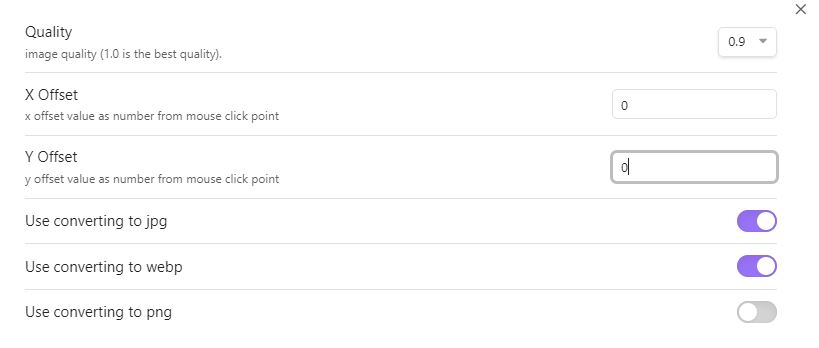
This plugin shows the following context menus:
- convert to jpeg image
- convert to webp image
- convert to png image
when you right click on the image in reading view of Obsidian.
Screenshots

Installation
You can install this plugin in the Community Plugins tab of the Obsidian. Just search for "Image Helper" or goto this plugin page : Link
Credits
This plugin uses some functions from the other plugin:
- https://github.com/musug/obsidian-paste-png-to-jpeg
- https://github.com/NomarCub/obsidian-copy-url-in-preview
If you like this plugin you can by me a coffe on Ko-fi here :

For plugin developers
Search results and similarity scores are powered by semantic analysis of your plugin's README. If your plugin isn't appearing for searches you'd expect, try updating your README to clearly describe your plugin's purpose, features, and use cases.