Rin Image Toolbar
approvedby witheredad
Hover over images for toolbar: copy, crop, and fullscreen - This plugin has not been manually reviewed by Obsidian staff.
★ 2 stars↓ 403 downloadsUpdated 2mo agoMIT
Rin Image Toolbar
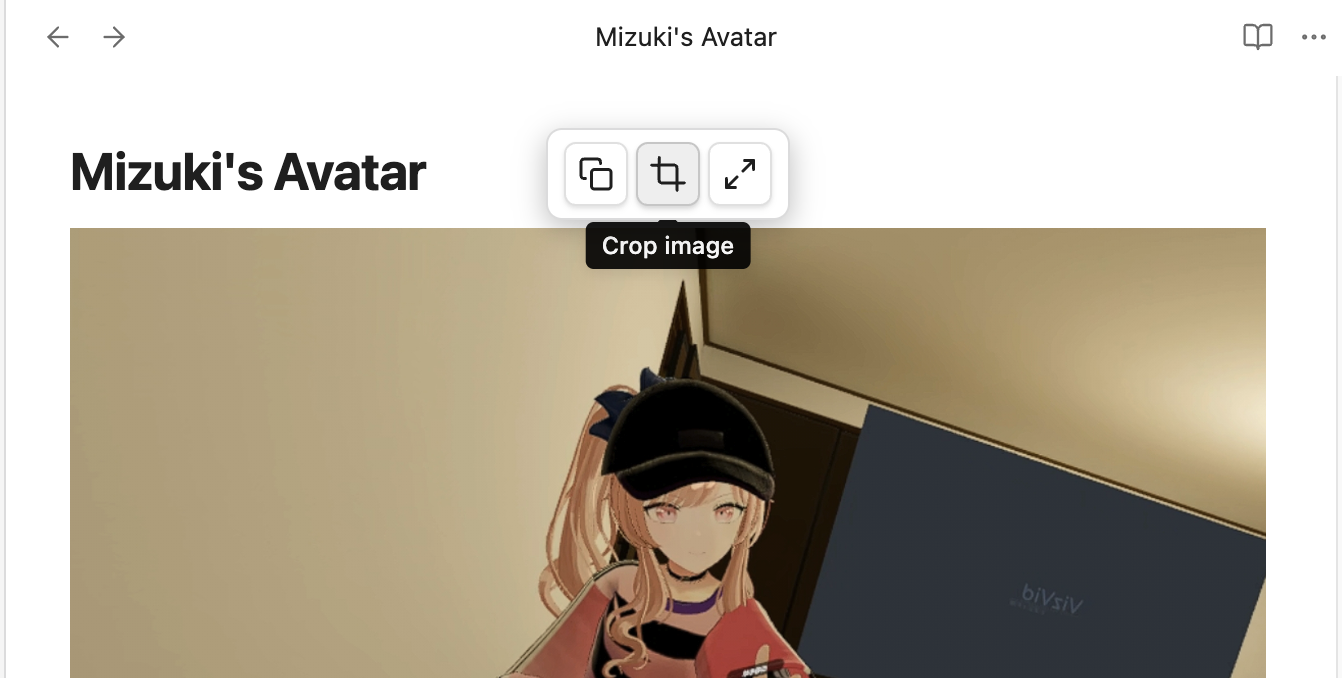
Obsidian plugin that shows a floating toolbar when you hover over images in Live Preview mode.
Features
- Copy — copy image to clipboard
- Crop — interactive crop dialog with drag handles and precise pixel input, saves as
filename_crop.ext(auto-increment if exists) - Fullscreen — view image in a fullscreen overlay
After cropping, the image reference in your note is automatically updated to point to the cropped version.
Reading view only shows Copy and Fullscreen (no crop).
Demo
Installation
- Download the latest release from Releases
- Extract into
.obsidian/plugins/image-toolbar/ - Enable "Image Toolbar" in Obsidian Settings → Community Plugins
Manual Build
npm install
npm run build
License
MIT
For plugin developers
Search results and similarity scores are powered by semantic analysis of your plugin's README. If your plugin isn't appearing for searches you'd expect, try updating your README to clearly describe your plugin's purpose, features, and use cases.