by Jack Skipworth
Shrink the pictures in your vault. Convert PNG, JPEG, WebP and GIF to JPEG XL and view .jxl files in notes. Offline, links updated, originals kept unless you choose otherwise.
JPEG XL for Obsidian
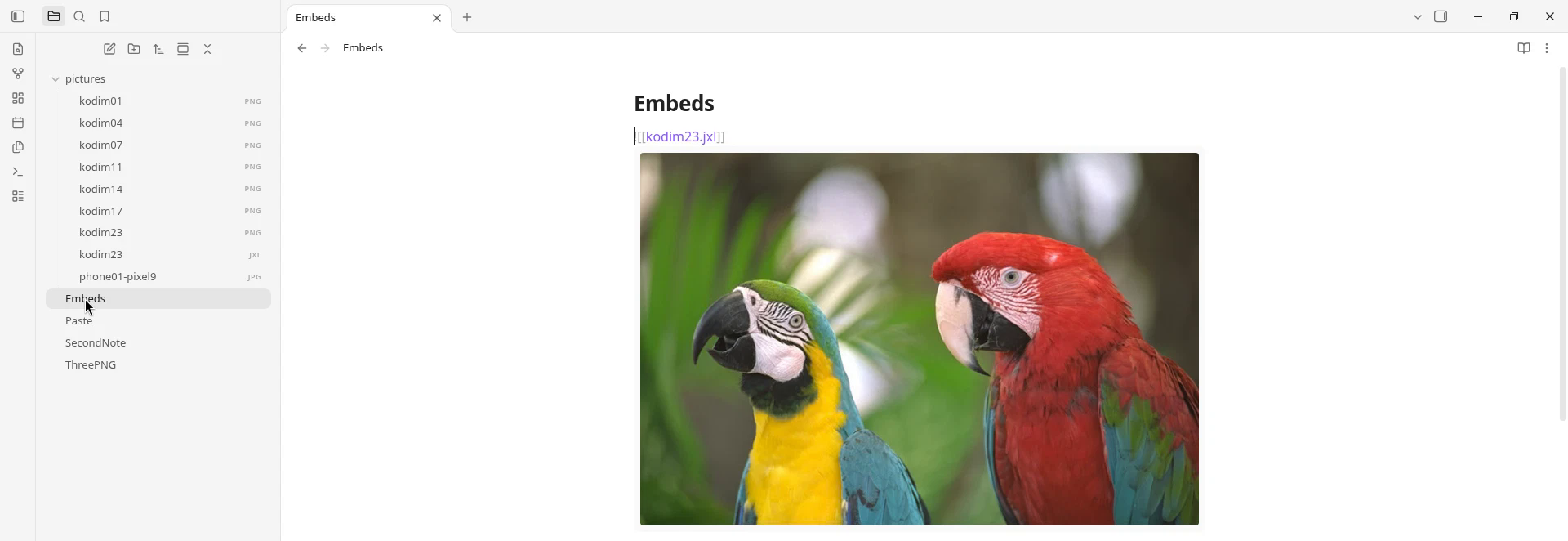
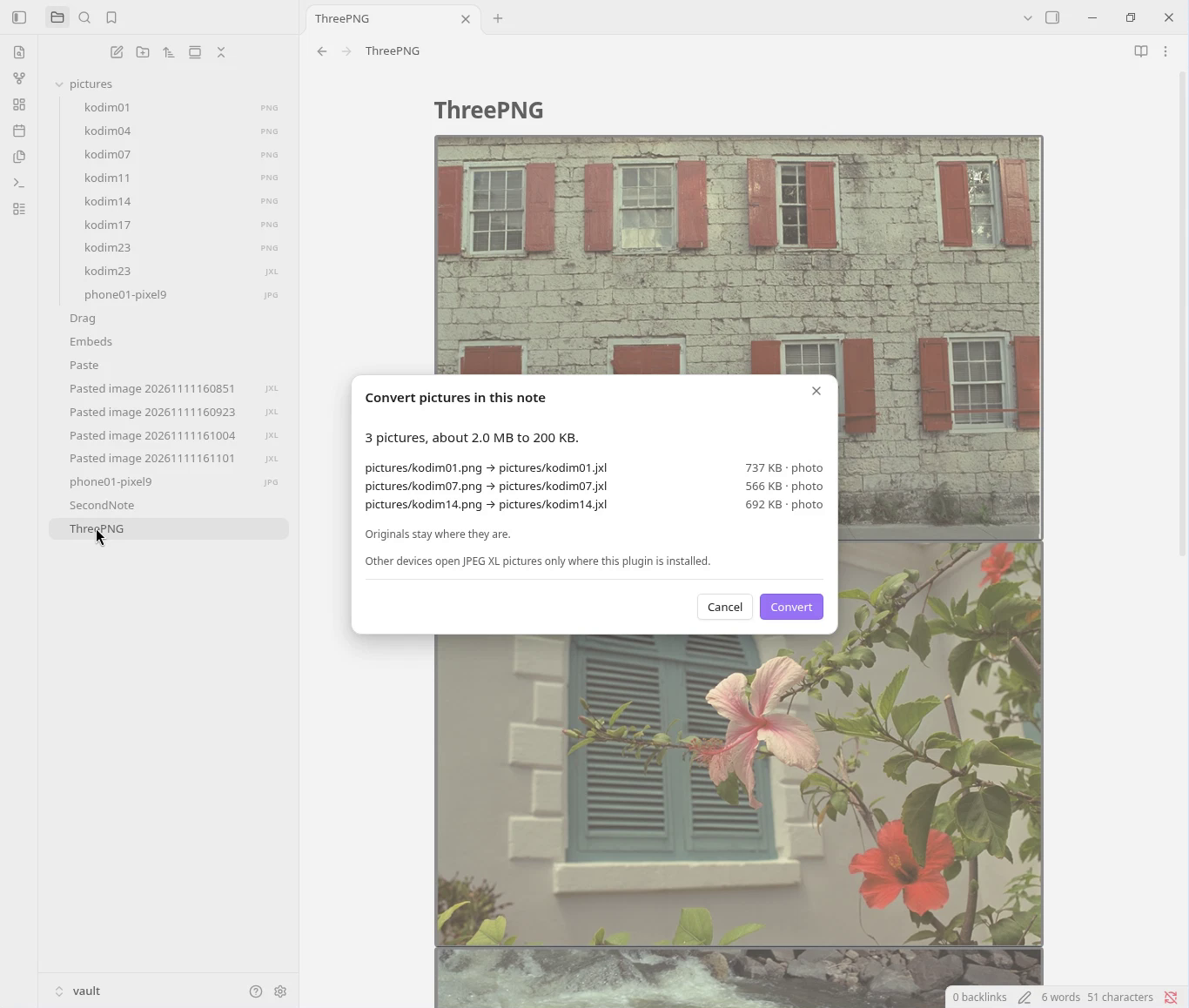
Open .jxl pictures in your notes, and convert PNG, JPEG, WebP and GIF files to smaller JPEG XL files, as you paste or across the vault.
Install
Settings, Community plugins, Browse, search for "JPEG XL", Install, Enable.
What it saves
One file each, converted by this plugin at its defaults (photo quality 90). WebP made with Pillow 12.3: lossless for screenshots and the animation, quality 90 for photographs. Not an average.
| Picture | Original | WebP | JPEG XL |
|---|---|---|---|
| Screenshot of a note, 2200 × 1520 PNG | 192 KB | 56 KB | 36 KB, every pixel kept |
| Screenshot of code, 1960 × 840 PNG | 175 KB | 57 KB | 39 KB, every pixel kept |
| Phone photo pasted as a 2560 × 1920 PNG | 7.63 MB | 893 KB | 789 KB, quality 90 |
| Phone photo, 12.5 MP JPEG | 5.44 MB | 1.83 MB, re-encoded with loss | 4.85 MB, the JPEG restores exactly |
| Animated GIF, 24 frames, 360 × 160 | 77 KB | 66 KB | 37 KB, every pixel kept |
A picture is replaced only if the new file is smaller.
Your files
- Everything runs on your device. No network, no telemetry. No file leaves your vault.
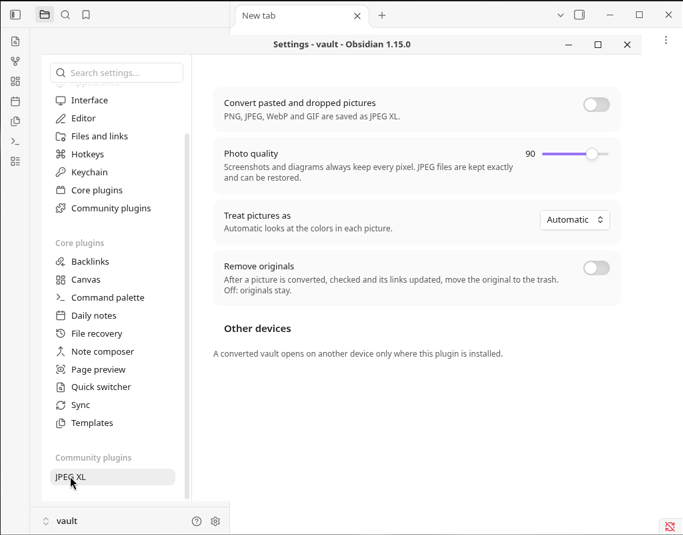
- Nothing is overwritten. Each new picture is read back and checked against the original before any link changes. Originals stay unless you turn on Remove originals, and then they go to Obsidian's trash.
- Undo the last conversion puts the links back.
- A converted vault opens on another device only where this plugin is installed.
Commands
Convert this picture · Convert all pictures in this note · Convert all pictures in the vault · Convert this picture back to PNG · Restore the original JPEG · Undo the last conversion
Made with rapier-jxl. The plugin is MIT-licensed: obsidian/LICENSE.
This repository also holds the files that Rapier (rapier.website) and its agent plugins load. Privacy and terms.
For plugin developers
Search results and similarity scores are powered by semantic analysis of your plugin's README. If your plugin isn't appearing for searches you'd expect, try updating your README to clearly describe your plugin's purpose, features, and use cases.