Live Background
approvedby remememe
Add dynamic live wallpapers (images/videos) to your workspace with customizable effects
Live Background Plugin
Live Background Plugin helps you customize Obsidian’s appearance by adding animated or static backgrounds to your notes.
Supported file formats:
.jpg,.jpeg,.png,.gif,.mp4,.webm,.avif
Features
General
- Configurations: two types of settings are available:
- Global configuration applies to all wallpapers
- Individual configuration applies to each wallpaper separately
- Reposition adjusts the size and placement of your background
- Visual Effects adjust opacity, blur, brightness, contrast, etc.
- Wallpaper History lets you easily switch back to previously used wallpapers
- Full-Resolution Wallpapers use images in their original size without downscaling
Important: In this version, the old
wallpaperfolder has been replaced with a newwallpapersfolder.
Any unused files in the old folder may have been automatically removed during the migration process.
Scheduled Themes
-
Day/Night Mode
Automatically switch between two wallpapers based on local time (default: 8 AM / 8 PM).
You can configure the exact time ranges in the plugin settings. -
Weekly Mode
Assign a different wallpaper for each day of the week.
Wallpapers are automatically changed based on the current weekday. -
Auto-Rotate Mode
Automatically cycles through wallpapers at a configurable time interval.
Transparency Settings
Advanced customization may require CSS knowledge.
-
Advanced Transparency
Define CSS selectors and override theme variables to control transparency. This helps the wallpaper appear behind the interface without making the text hard to read.- Define CSS selectors and override theme variables, for example:
--background-primary--col-bckg-mainpanels
- Define CSS selectors and override theme variables, for example:
-
Custom Background Color
- Pick a color used for blur effects
- Adjust blur intensity and dim opacity with sliders
-
Modal Background Effects Customize how modals look.
- Choose from blur, dim, or combined effects
Note: The built-in CSS editor has been removed in recent versions of the plugin to prevent accidental overwriting of user styles during updates. For full control, please use the snippet method described above.
Optional: UI-based CSS Customization
If you're looking for a graphical interface to tweak theme/plugin variables, try these community plugins:
- Style Settings
- CSS Snippets
Tip: You may need to use developer tools (Ctrl + Shift + I) to inspect selectors and variables in your theme.
Screenshots
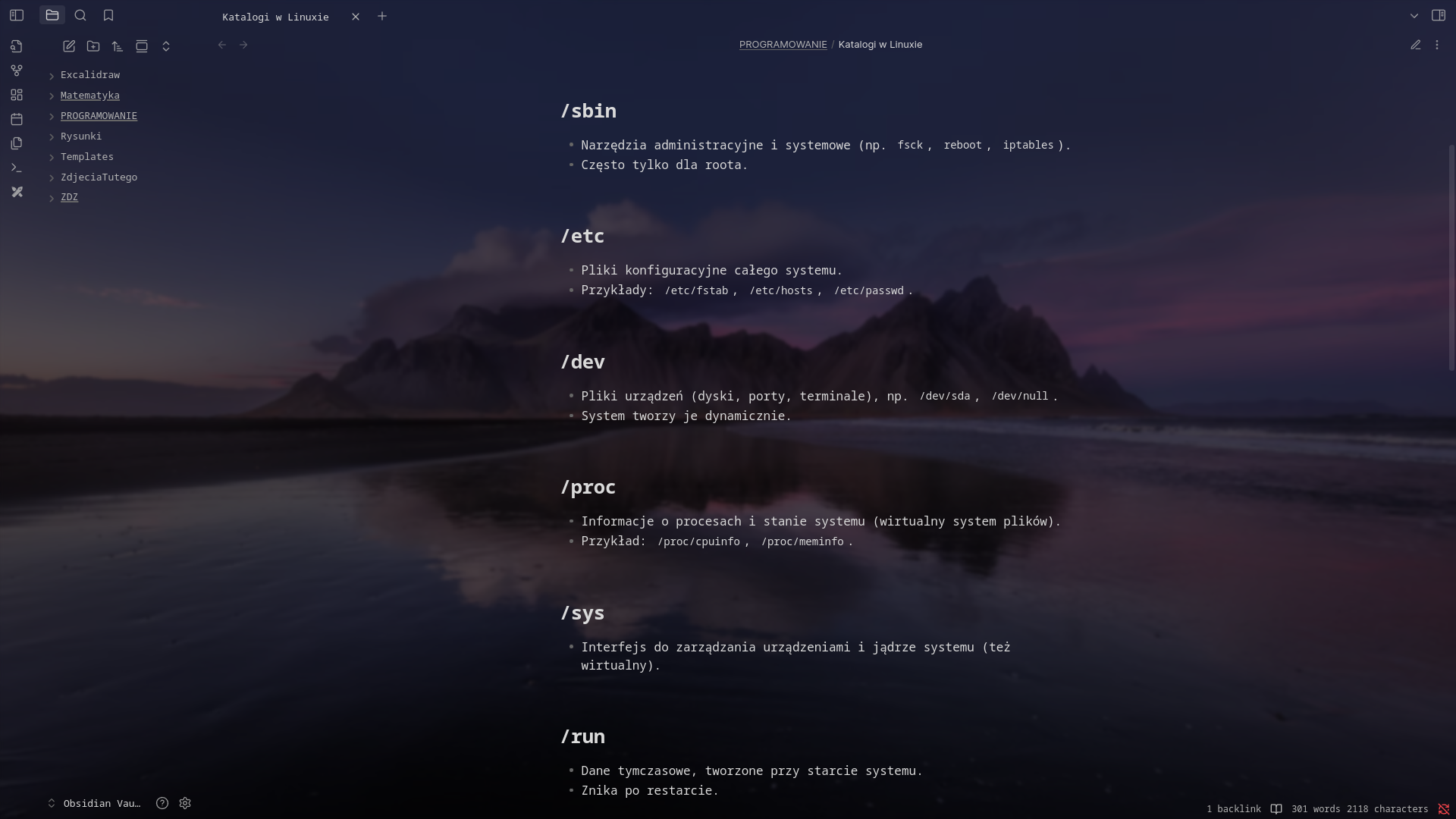
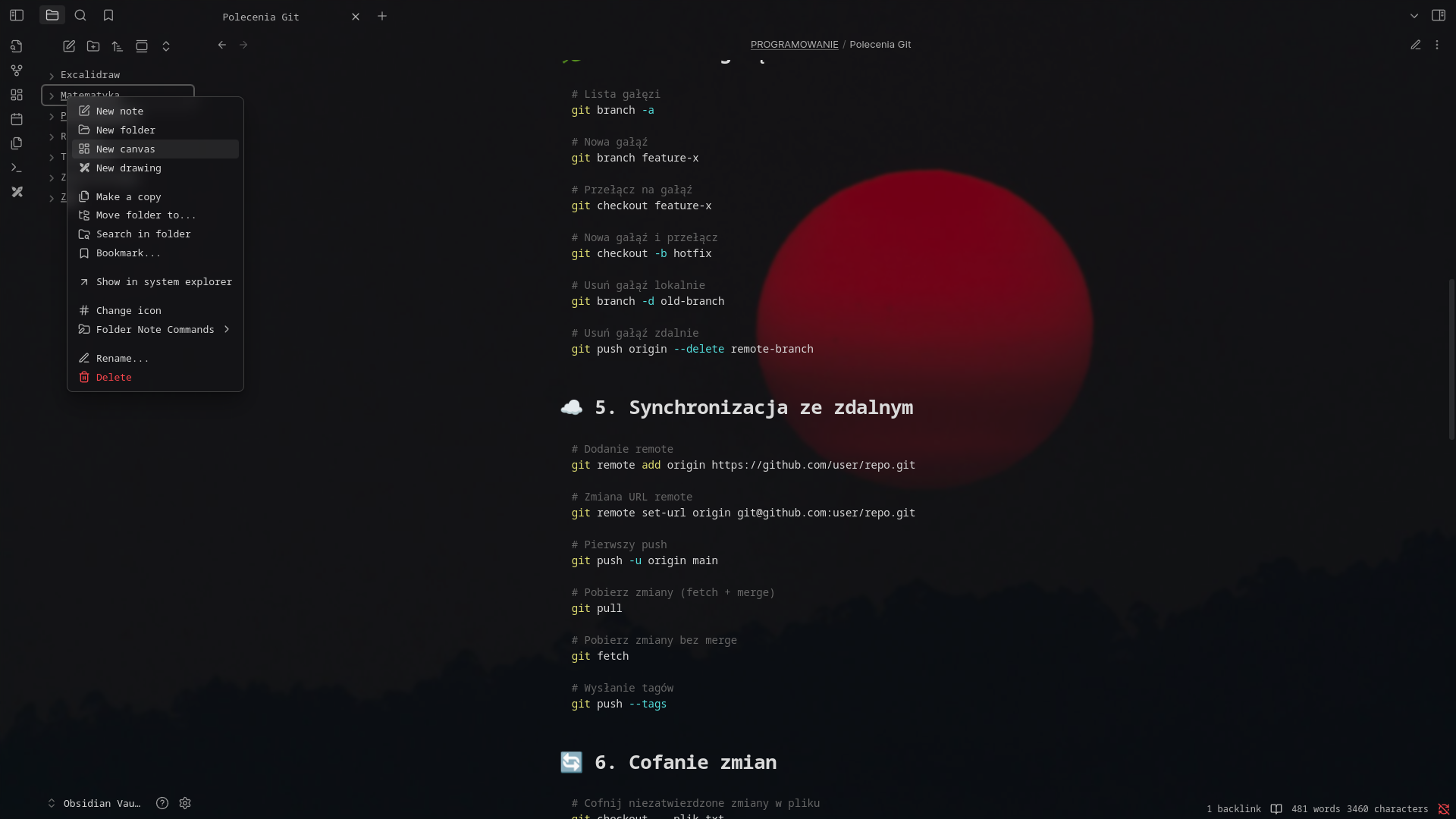
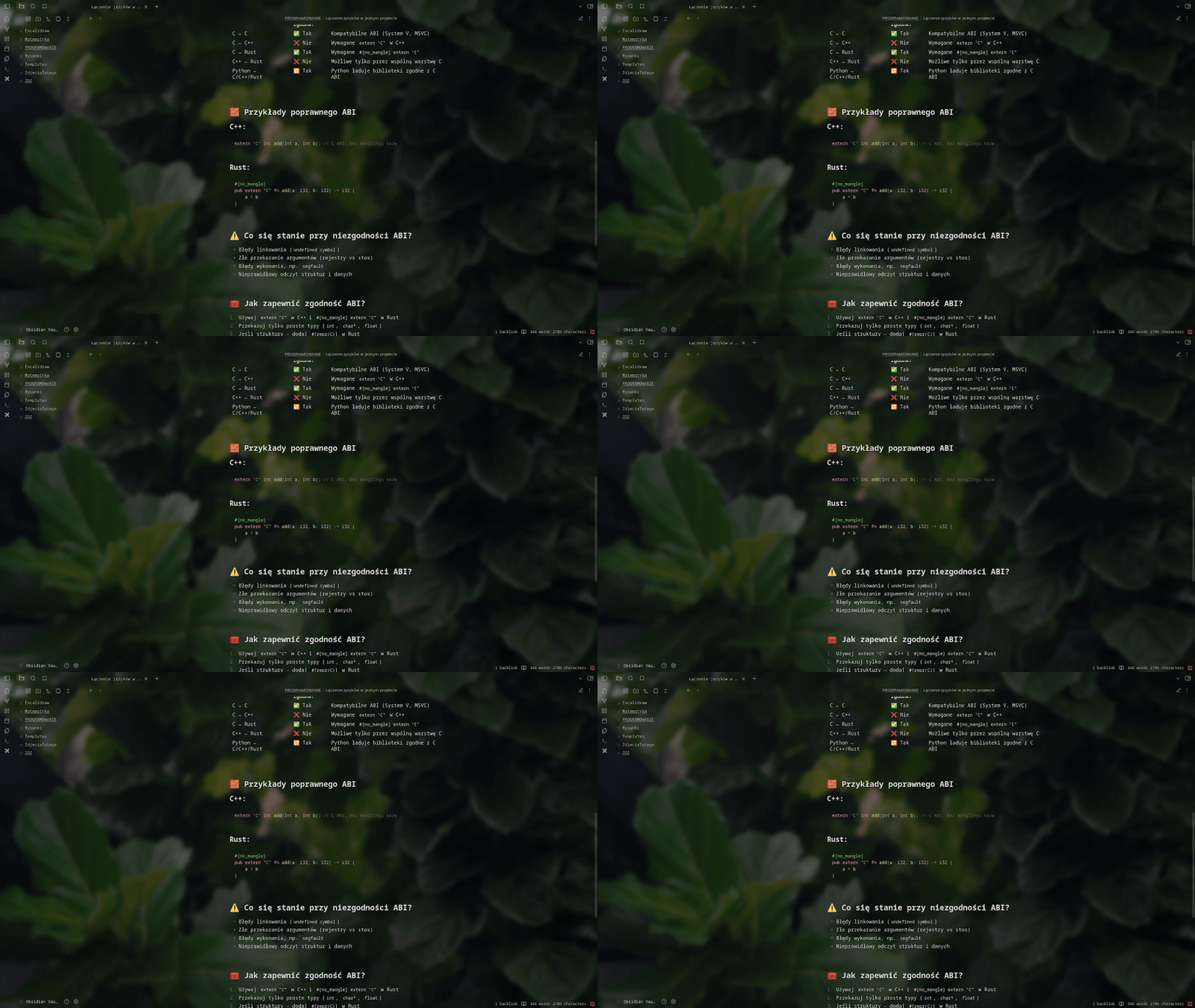
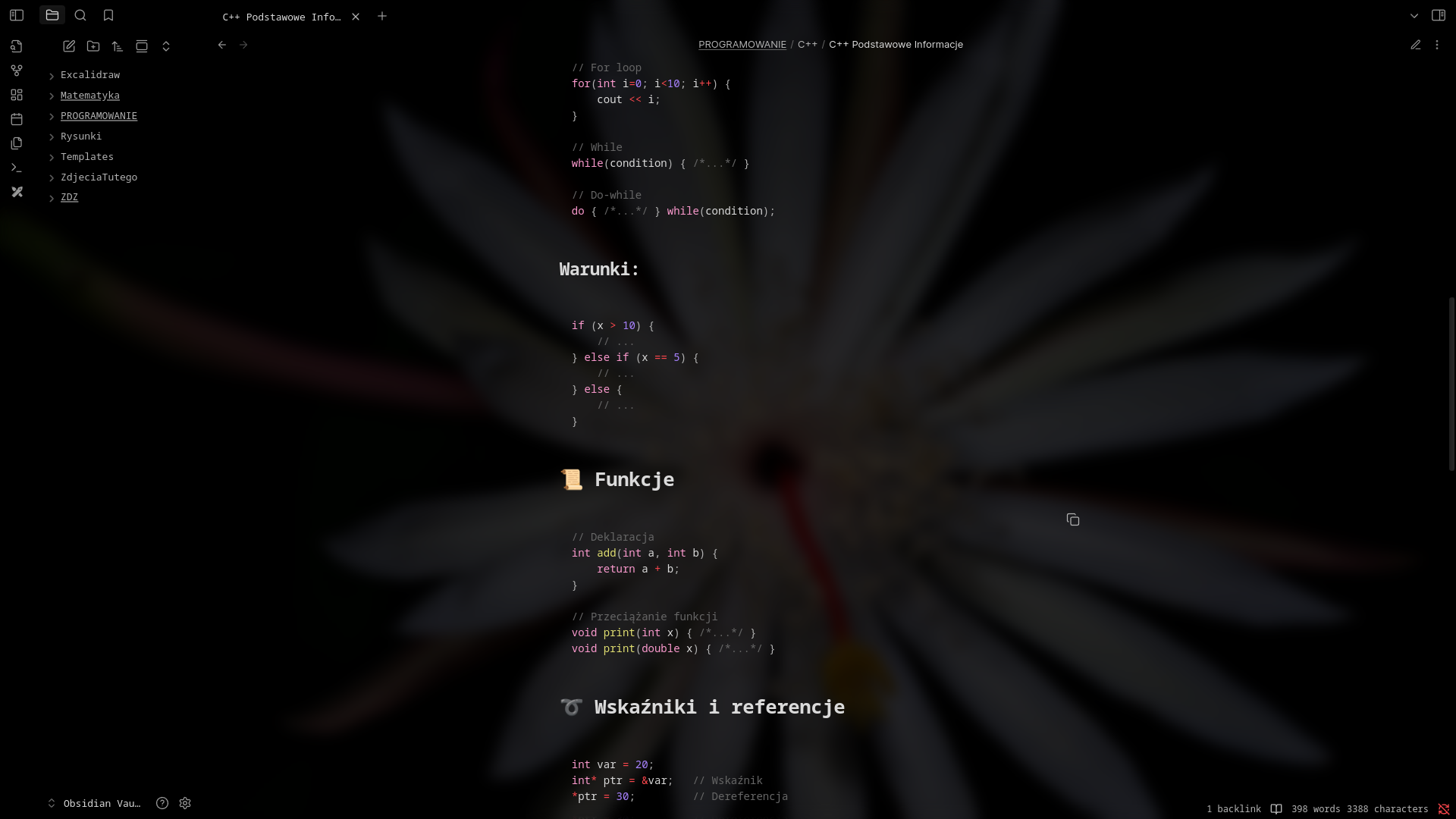
Installation
From Git
- Download the latest release from the Releases page.
- Copy the files
main.js,manifest.json, andstyles.cssto the following directory:/plugins/live-wallpaper/
From within Obsidian
You can also install the plugin directly through the Community Plugins section in Obsidian.
Dark Theme Recommended
Requires version 1.1.0+ and works on both desktop (Windows/macOS/Linux) and mobile
Note: The plugin now supports mobile devices in addition to desktop platforms.
Contribution
Contributions are welcome! If you'd like to help improve the plugin whether by fixing bugs, adding new features, or optimizing performance feel free to:
- Open an issue if you find a bug or have a suggestion
- Submit a pull request on GitHub
Getting Started with Development
git clone https://github.com/remememe/Live-Wallpaper.git
cd Live-Wallpaper
npm install
npm run build
Your contributions are greatly appreciated!!
For plugin developers
Search results and similarity scores are powered by semantic analysis of your plugin's README. If your plugin isn't appearing for searches you'd expect, try updating your README to clearly describe your plugin's purpose, features, and use cases.