MLIR Syntax Highlight
approvedby lewuathe
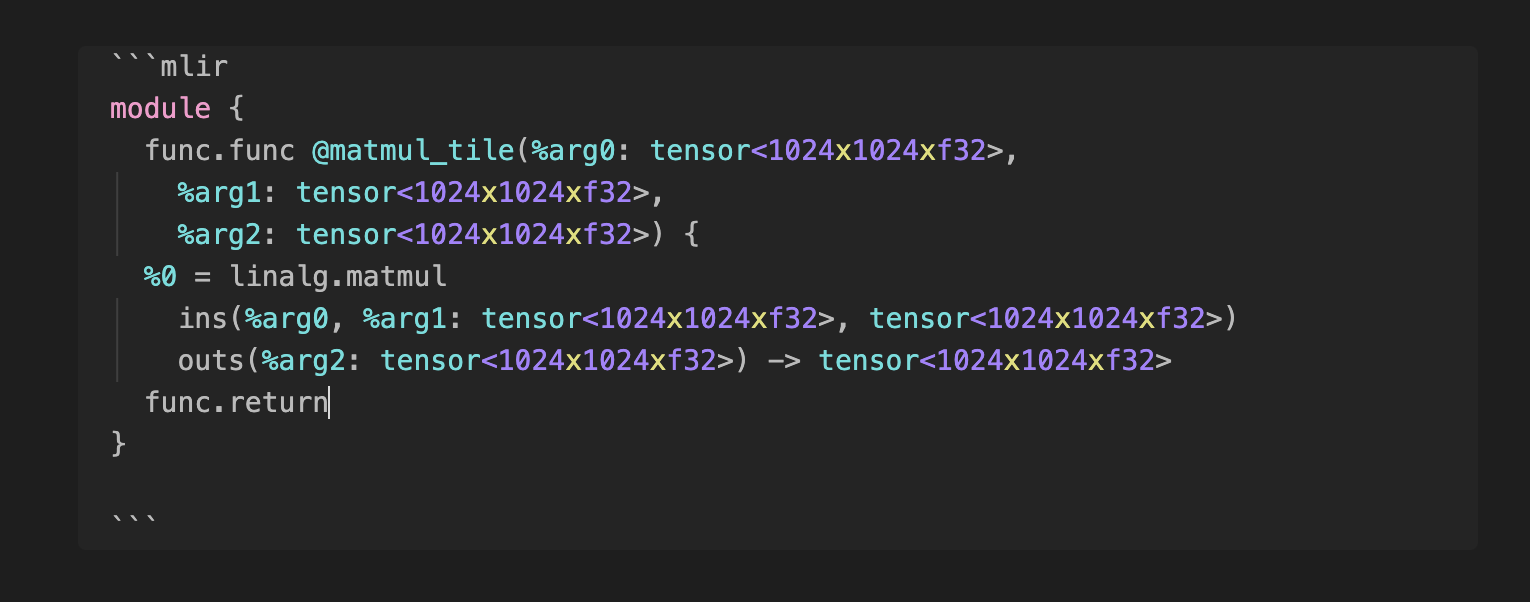
Show syntax highlighing for MLIR in code blocks the editor.
★ 5 stars↓ 10,516 downloadsUpdated 3y agoApache-2.0
MLIR Syntax Highlight Obsidian Plugin 
A plugin for Obsidian which allows MLIR syntax highlighting for code blocks in the editor.
Installation
- Open Settings > Third-party plugin
- Make sure Safe mode is off
- Click Browse community plugins
- Search for "Syntax Highlight"
- Click Install
- Once installed, close the community plugins window and activate the newly installed plugin
This plugin is mostly the fork from cm-editor-syntax-highlight-obsidian but only supporting the MLIR syntax highlighting for the simplicity.
For plugin developers
Search results and similarity scores are powered by semantic analysis of your plugin's README. If your plugin isn't appearing for searches you'd expect, try updating your README to clearly describe your plugin's purpose, features, and use cases.