Nested Notes R
approvedby Lyn Raine
Nest notes under other notes with drag-and-drop and collapse/expand. Manual rearrange supported. - This plugin has not been manually reviewed by Obsidian staff.
Nested Notes
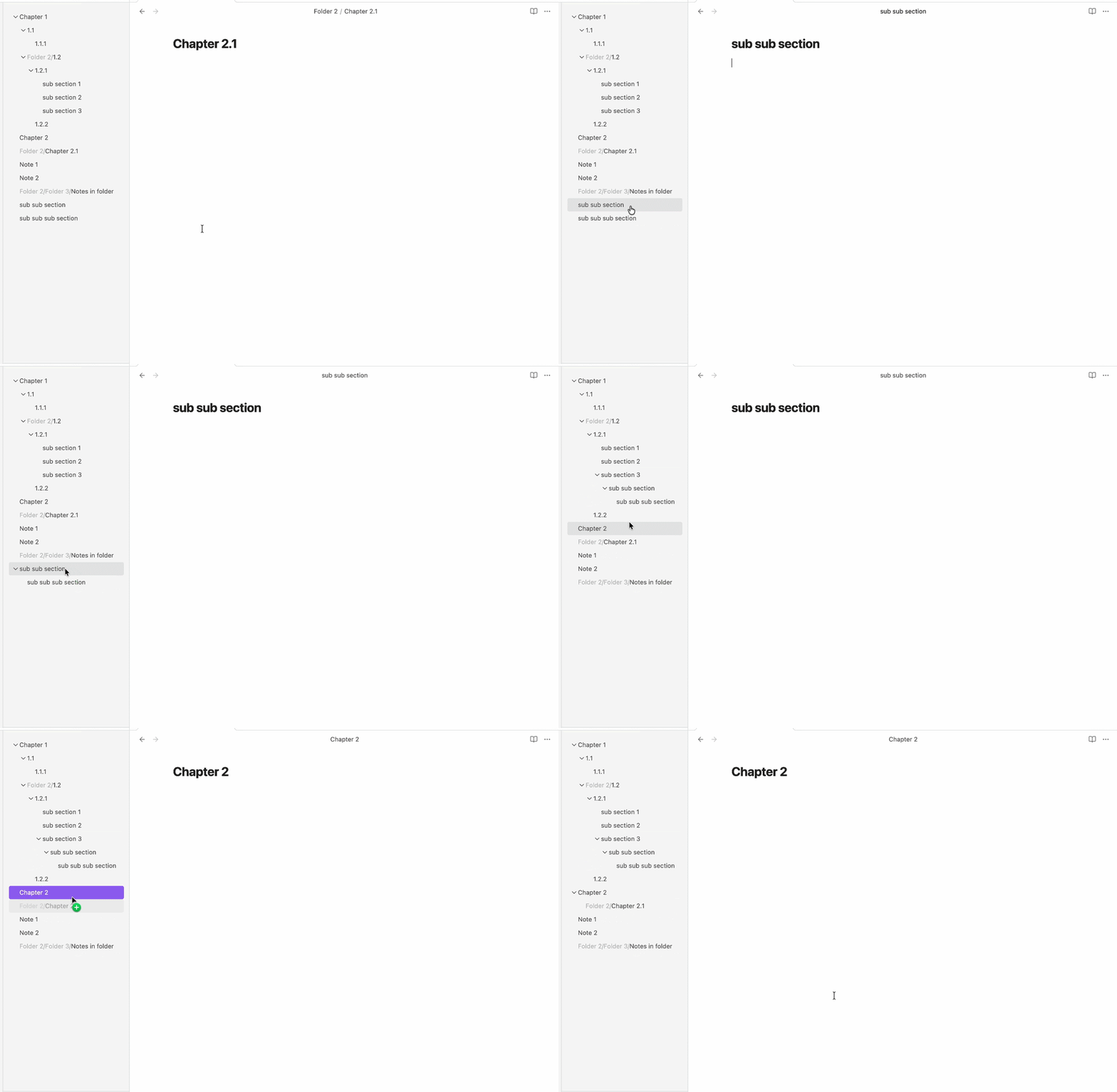
This is an Obsidian plugin that enables organizing notes in a nested structure by drag-and-drop, just like in Notion.
You can use this plugin for nested tags, indexing topics, maps of contents (MOC), etc.
This plugin is a fork of nested-notes by october (https://github.com/october-learns/nested-notes)
Original plugin demo (1.x.x)
How to use
You can activate this plugin within Obsidian by doing the following:
- Open Obsidian
- Open Setting > Community plugins
- Turn on community plugins if you haven't
- Browse > Search for Nested Notes > Install
Release history
1.0.0
- First Release
- Added Features:
- Drag and drop to organise notes.
- Collapse or expand in view.
- Hide folders, non-markdown files.
- Added Settings:
- Show/hide file icon
- Show/hide folder path
2.x.x
- Change: Files nested in file system
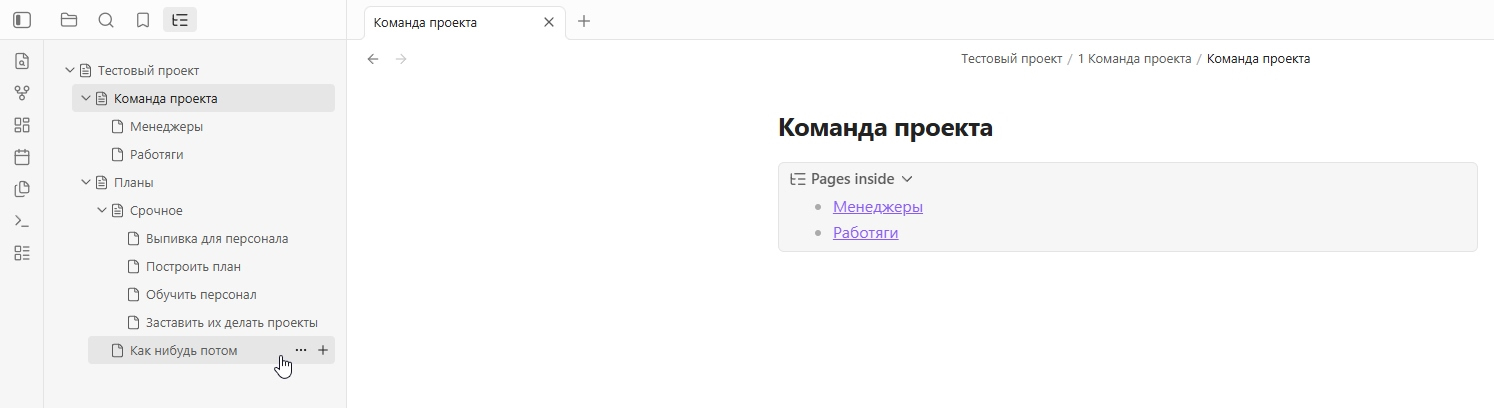
- Added: Add nested note button on hover
- Added: Auto-building content list in parent note
- Added: Ability to manually rearrange notes
- Changed: Notion-like icons
- Added: Drag-n-drop links creation
Reworked edition demo (2.x.x)
License
This project is licensed under the GNU General Public License v3.0 - see the LICENSE file for details.
AI disclosure
Generative neural networks were used to write this project.
Support Me
Not available now
For plugin developers
Search results and similarity scores are powered by semantic analysis of your plugin's README. If your plugin isn't appearing for searches you'd expect, try updating your README to clearly describe your plugin's purpose, features, and use cases.