Node Auto Resize
approvedby Boninall
Automatically resize the node when the content changes.
★ 28 stars↓ 9,382 downloadsUpdated 1y ago
Canvas Node Auto Resize
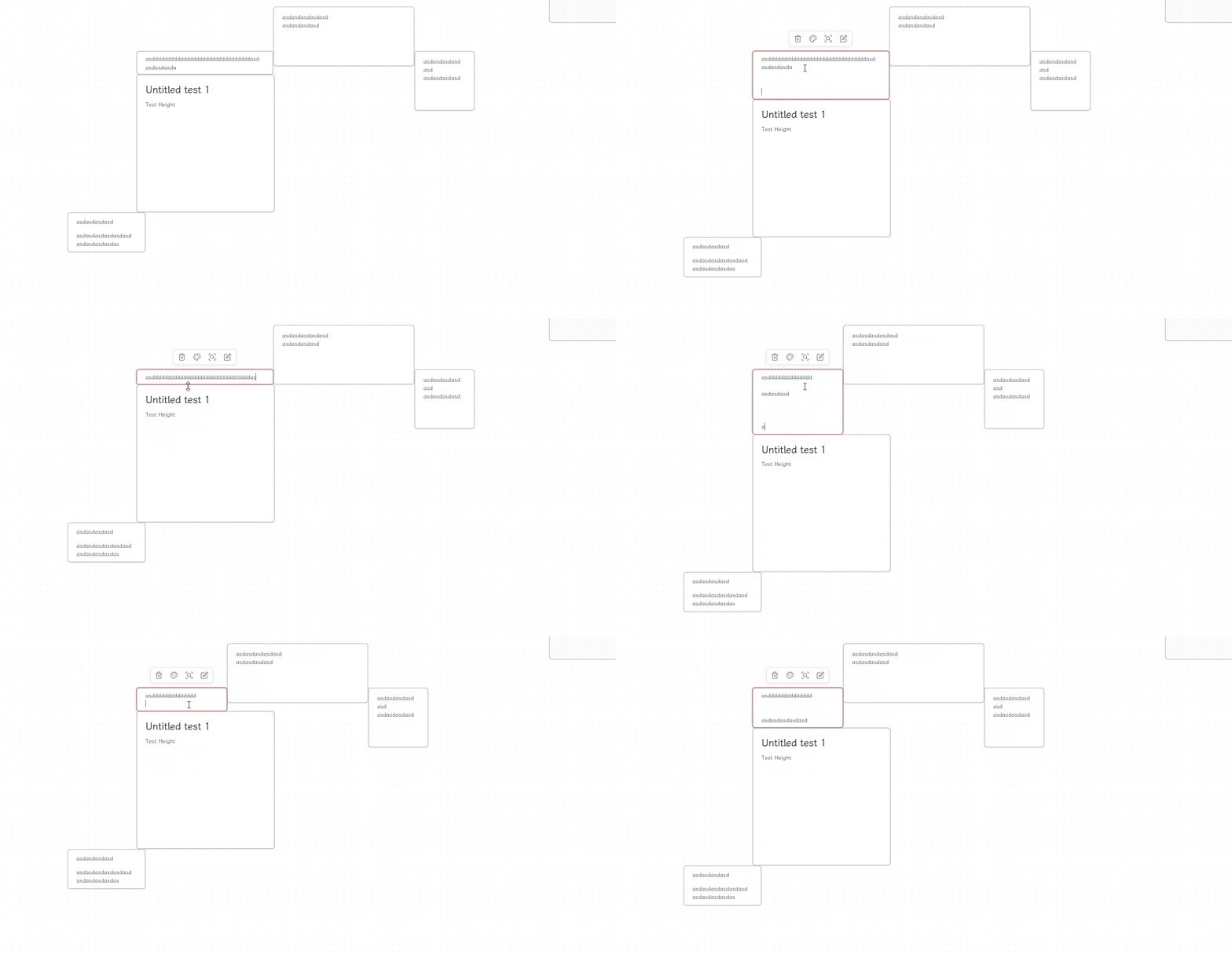
An Obsidian plugin that automatically resizes the canvas node to fit its content.
How to use
- Install the plugin.
- Update content in node from canvas view.
- The node will automatically resize to fit its content.
Settings
- Enable width auto resize;
- Set the max width
Installation
BRAT
BRAT (Beta Reviewer's Auto-update Tool) is a plugin that allows users to install Obsidian plugins directly from GitHub with automatic updates.
via Commands:
- Ensure BRAT is installed
- Enter the command
BRAT: Plugins: Add a beta plugin for testing - Enter
Quorafind/Obsidian-Node-Auto-Resize - Click on Add Plugin
via Settings:
- Ensure BRAT is installed
- Go to Settings > BRAT > Beta Plugin List
- Click on Add Beta plugin
- Enter
Quorafind/Obsidian-Node-Auto-Resize - Click on Add Plugin
Manual
Option 1:
- Go to Releases
- Download the latest
Obsidian-Node-Auto-Resize-${version}.zip - Extract its contents
- Move the contents into /your-vault/.obsidian/plugins/obsidian-Node-Auto-Resize/
- Go to Settings > Community plugins
- Enable Node Auto Resize
Option 2:
- Go to Releases
- Download the latest
main.js,styles.cssandmanifest.json - Move the files into /your-vault/.obsidian/plugins/obsidian-Node-Auto-Resize/
- Go to Settings > Community plugins
- Enable Node Auto Resize
For plugin developers
Search results and similarity scores are powered by semantic analysis of your plugin's README. If your plugin isn't appearing for searches you'd expect, try updating your README to clearly describe your plugin's purpose, features, and use cases.