Note Companion Folder
approvedby vkodocha
Manage a separate folder of attachments for each note.
Note Companion Folder Plugin
Manage a separate folder of attachments for each note. The folder name is the same as the note name minus the file extension. The plugin's default behavior is to have the companion folder as a sibling to the note, but you can configure this.
You can use the companion folder to keep the attachments separated on a per-note level instead of having a single attachments folder for all notes in a vault.
Two modes
Either keep the companion folder directly next to the note like this:
vault-folder/
|- note-file.md
|- note-file/
||- attachment-0.png
Or you can choose a subpath inside the vault where the companion folders (for all notes will reside). Set the Base path for companion folders option in the plugin settings to _file, then the layout in the file system would look like this:
vault-folder/
|-_files/
||- note-file/
|||- attachment-0.png
| note-file.md
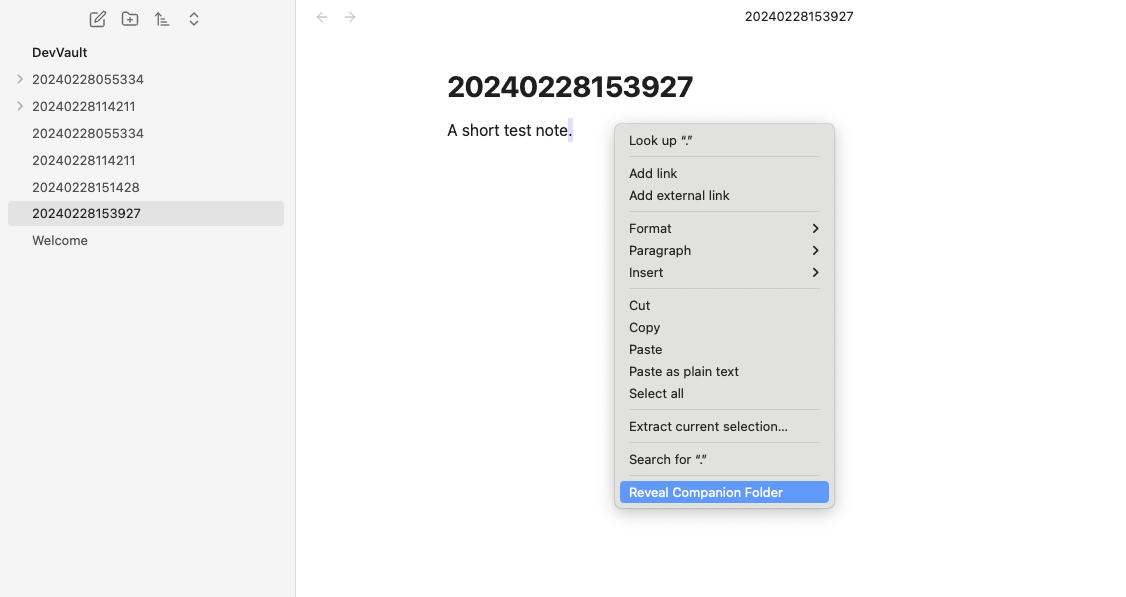
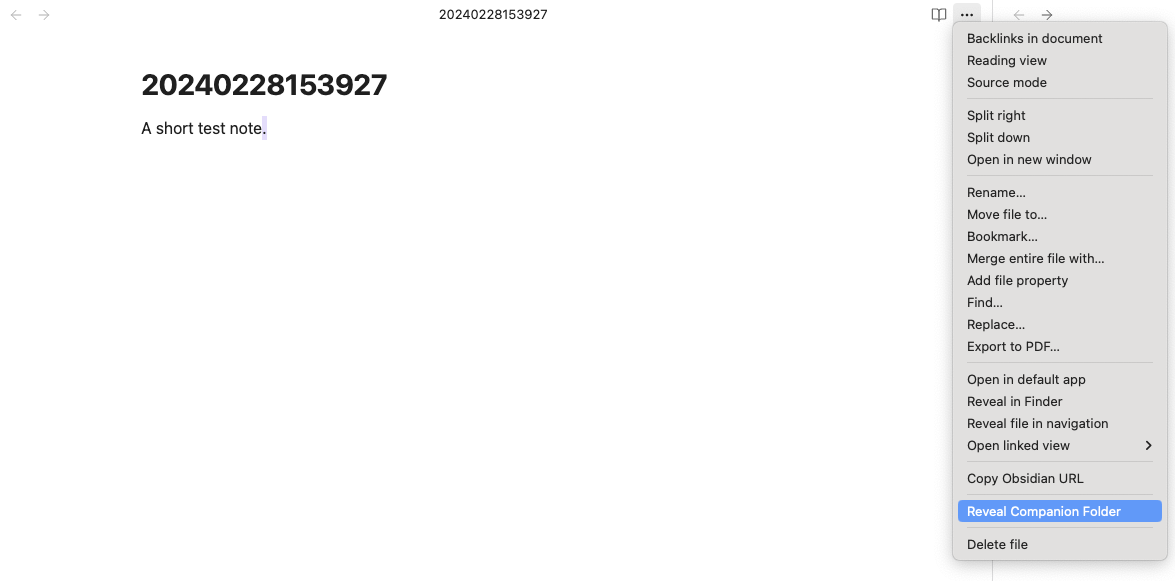
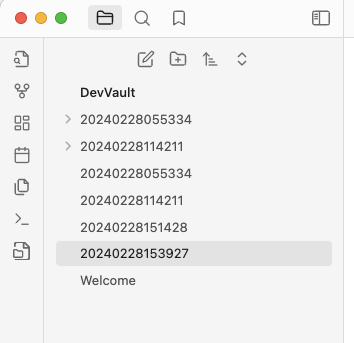
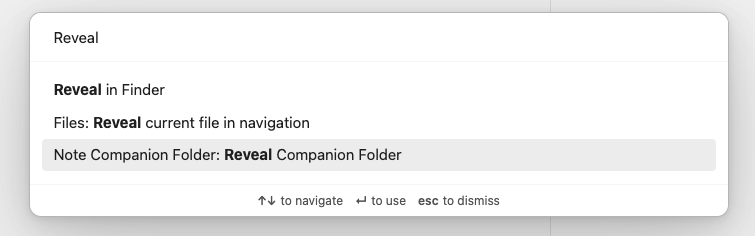
This plugin provides multiple ways to reveal a companion folder for a given note:
- A ribbon icon
- A command
- A context action
- A file action
If the companion folder for a given one does not exist, it will be created upon invoking one of the plugin's commands or actions.
Install
You can find the "Note Companion Folder" in the list of community plugins!
Development
Building
npm run dev- Start development mode with file watchingnpm run build- Build production version with type checking
Testing
This plugin includes a comprehensive unit test suite using Jest.
Run tests:
npm test              # Run all tests
npm run test:watch    # Run tests in watch mode
npm run test:coverage # Run tests with coverage report
Test structure:
tests/- Test files and helperstests/mocks/- Mock implementations of Obsidian APItests/test-helpers.ts- Utility functions for creating test fixturestests/path-resolution.test.ts- Tests for companion folder path resolution logictests/file-operations.test.ts- Tests for file drop handling and file naming logictests/settings.test.ts- Tests for plugin settings and configuration
The test suite covers:
- Path resolution for companion folders (sibling and base path modes)
- Folder existence checks
- File name conflict resolution
- Drag and drop handling setup
- Plugin settings management and persistence
For plugin developers
Search results and similarity scores are powered by semantic analysis of your plugin's README. If your plugin isn't appearing for searches you'd expect, try updating your README to clearly describe your plugin's purpose, features, and use cases.