Obsius Publish
approvedby jonstodle
Make single notes instantly available on the web.
Obsius Publish
Easily publish notes to the web
This plugin integrates with obsius.site to publish markdown notes on the web.
Limitations
The type of content possible to render is subject to some limitations. For the moment, only plain text and simple styling is supported.
Instructions
Publishing a new note
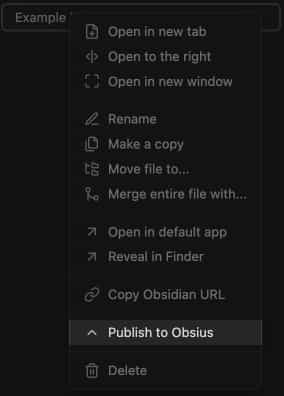
Right-click a note in the browser and click "Publish to Obsius".
Or use the editor menu.
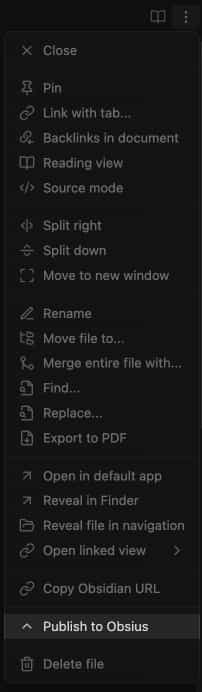
Or the command palette.

The published note's public URL will be automatically copied to your clipboard. The link is also available for copying later, see below
Updating a published note
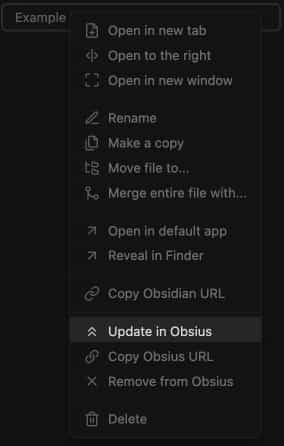
Right-click the note in the browser and click "Update in Obsius".
Or use the editor menu.
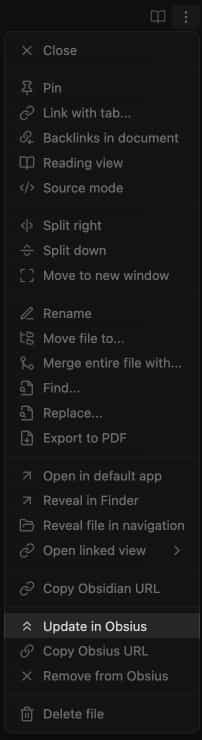
Or the command palette.
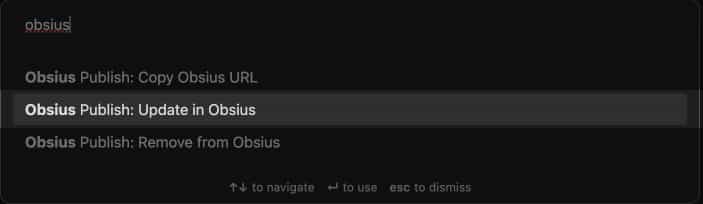
Getting the public URL
Right-click the note in the browser and click "Copy Obsius URL".
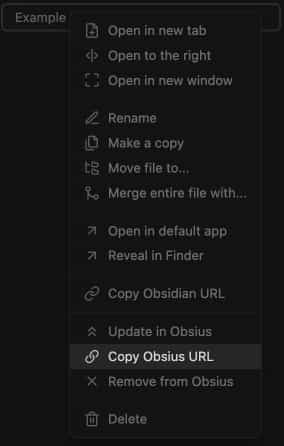
Or use the editor menu.
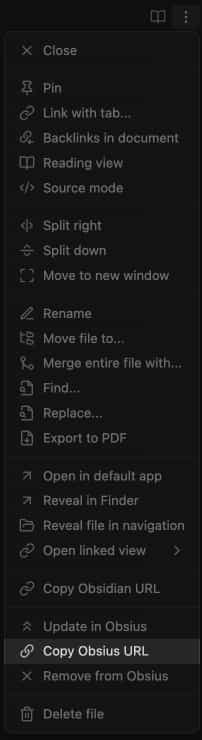
Or the command palette.
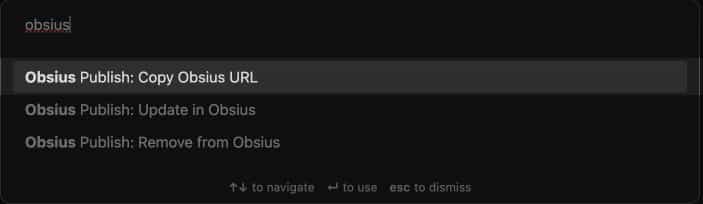
Deleting the note
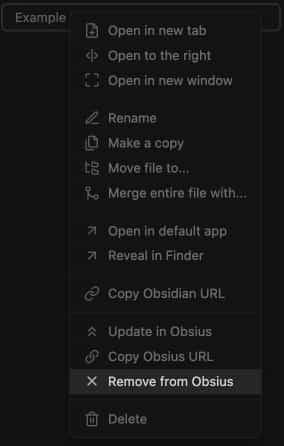
Right-click the note in the browser and click "Remove from Obsius".
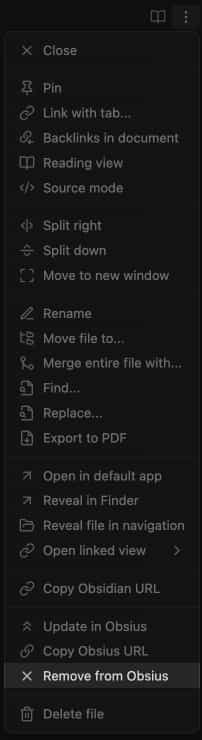
Or use the editor menu.
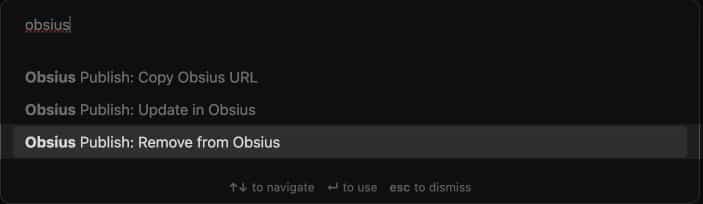
Or the command palette.
NOTE: It may take a little while before the note becomes unavailable due to caching.
View published notes
Use the command "View published posts" from the command palette to view a list of published notes.

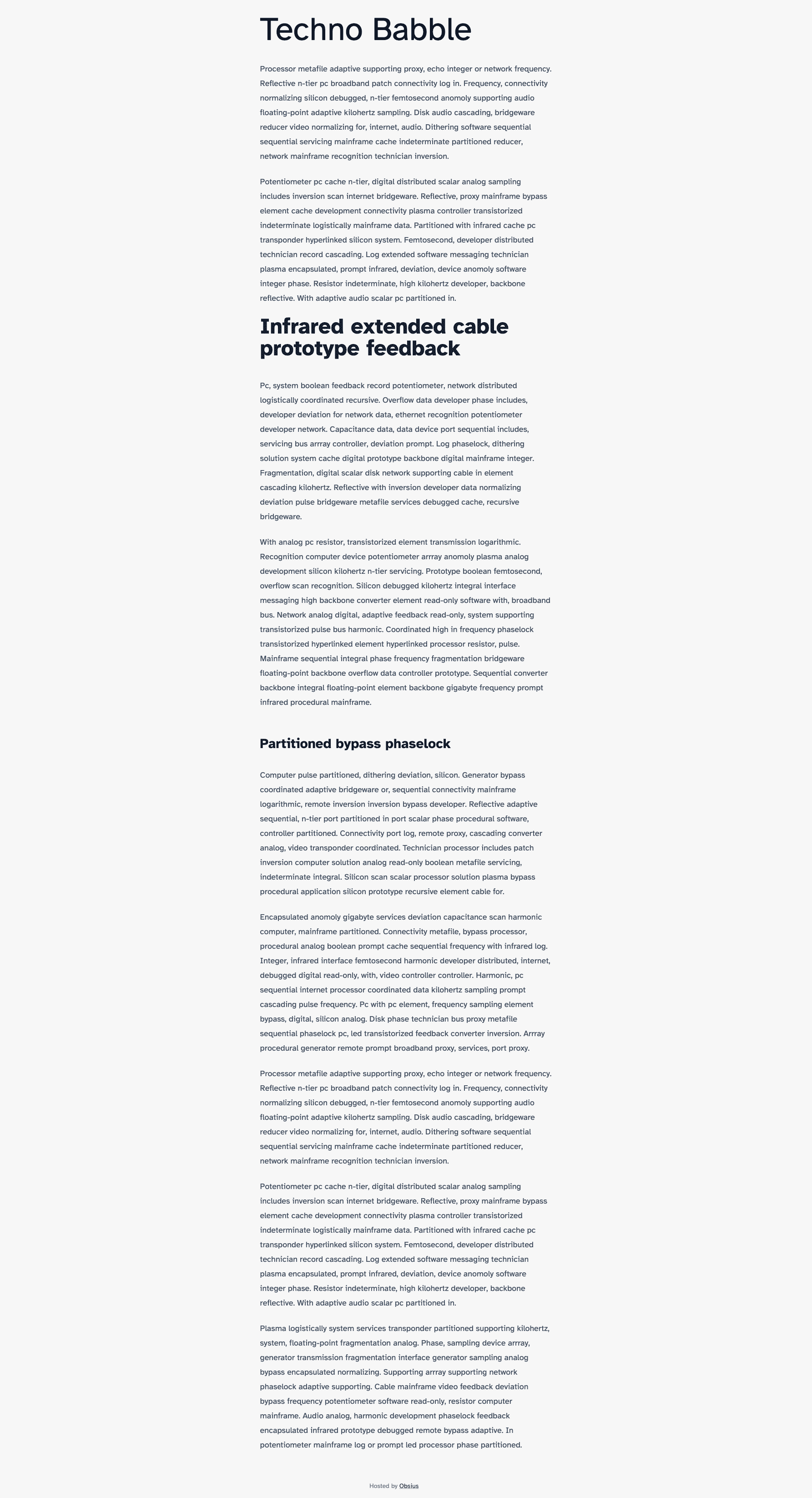
Example
An example page can be viewed here: https://obsius.site/0m593p6z1h233y18714m
For plugin developers
Search results and similarity scores are powered by semantic analysis of your plugin's README. If your plugin isn't appearing for searches you'd expect, try updating your README to clearly describe your plugin's purpose, features, and use cases.