Ownly
Own less, Live more, Decide better.



A local-first ownership memory and decision ledger — inside your vault.
Ownly records what you own, what it costs, how you used it, and what you learned. Everything is stored as plain Markdown with YAML frontmatter in a folder you choose — no account, no cloud, no lock-in.
Why Ownly
- Your vault is the database — records are Markdown you can open, edit, search, and back up with your own tools.
- Decision-led — observe → acquire or pass → use → exit → review. Ownly keeps the whole story, not just a list.
- Recoverable — archive and restore are distinct from permanent delete.
- One data model — the same records work across Obsidian, the Web/PWA app, the Agent CLI, and the local MCP server.
What you can track
| Record | Purpose |
|---|---|
| Physical item | Purchase, use, cost, condition, retirement, transfer, or discard |
| Recurring cost | Subscriptions and repeating bills, with billing cycle and annualized cost |
| One-time experience | Plan, budget, actual cost, location, completion, and review |
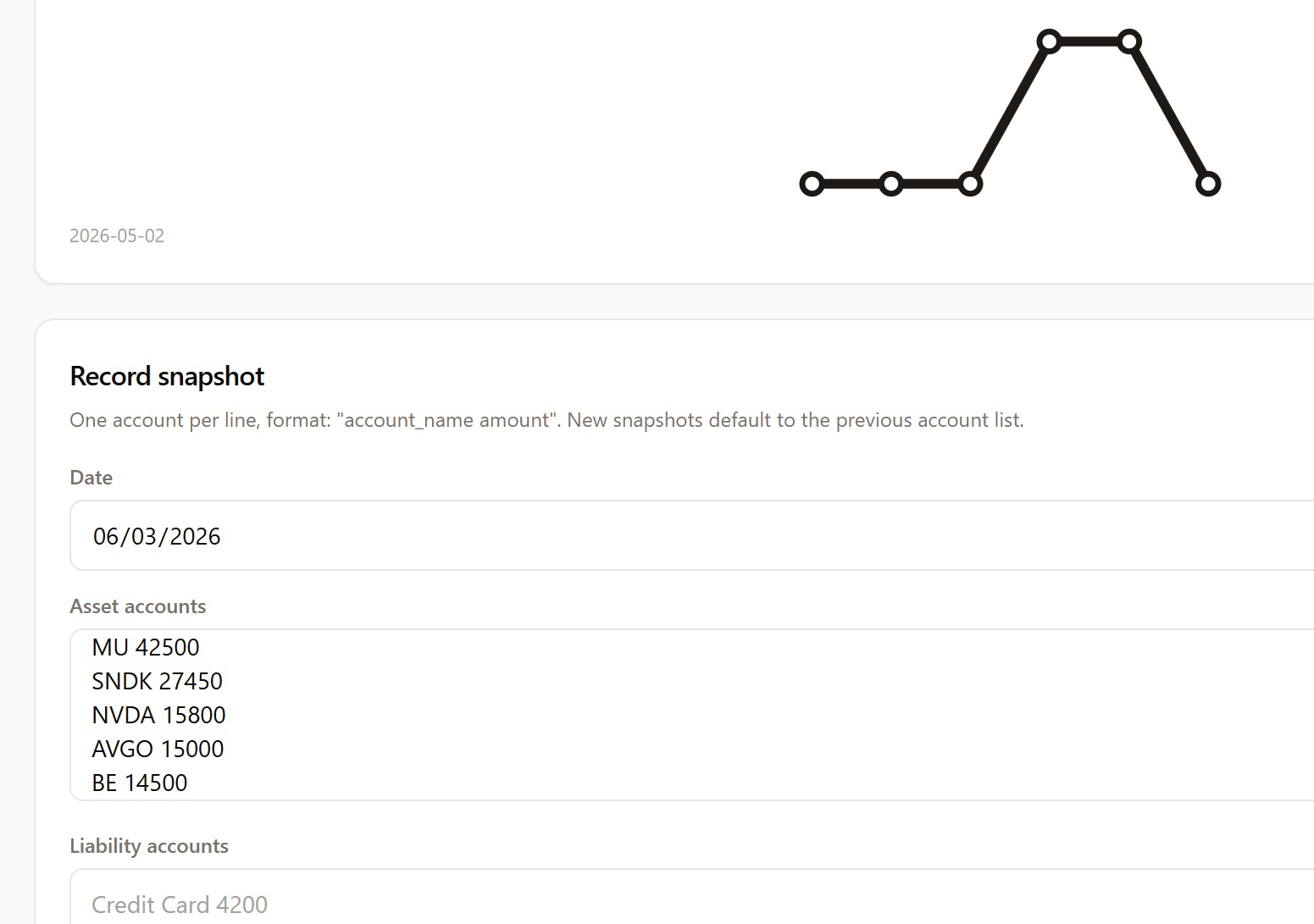
| Snapshot | Point-in-time net worth and account balances |
| Review | Structured post-use, monthly, or annual reflection |
| Object experience log | Append-only usage, issue, maintenance, regret, lesson, or exit notes |
Travel planner
Plan a whole trip inside Obsidian:
- Capture places from Google Maps with the companion Ownly Capture browser extension, or add them by hand.
- Build a candidate pool, then schedule stops into a day-by-day timeline.
- See the route on a map, compare hotels, track a budget and ledger, and split expenses.
- Export a trip to Markdown, CSV, KML, or a calendar (
.ics).
Insights (Pro)
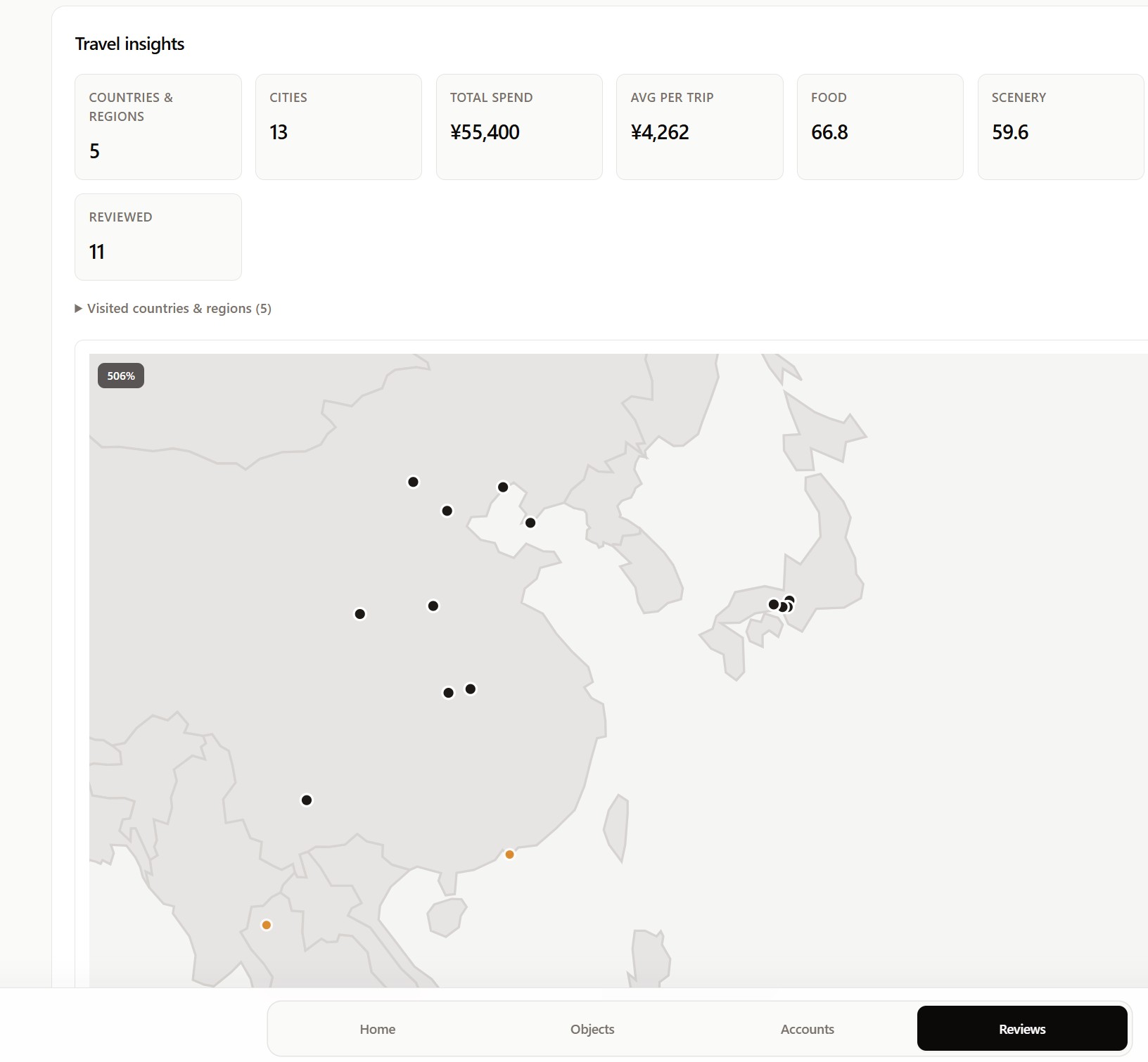
- Travel insights — countries and cities visited, spend, and review scores on a world map.
- Object insights — annualized subscription cost per currency, a net-worth trend, and "unused for X days" reminders.
- Calendar feed — a continuously updating subscription URL for your trips.
Install
From the community plugins directory
- Open Settings → Community plugins → Browse.
- Search for Ownly.
- Select Install, then Enable.
Manual install
- Download
main.js,manifest.json, andstyles.cssfrom the latest release. - Place them in
<Your Vault>/.obsidian/plugins/ownly/. - Enable Ownly in Settings → Community plugins.
Requires Obsidian 1.8.7 or later.
Where your data lives
On first use, choose where the Ownly data folder lives — a normal local folder, or a folder already synchronized by a provider you control (Dropbox, Google Drive, OneDrive, iCloud Drive…). Ownly reads and writes that folder directly; it does not use provider APIs and does not host your data.
Ownly/
  Objects/  Accounts/  Snapshots/  Reviews/
  Trips/  Trip Places/  Trip Visits/  Trip Legs/  Trip Expenses/
  Logs/Object Experiences/  Archive/
Privacy
Ownly is local-first: it does not host your ledger, require an account, or upload your Markdown. See the privacy policy.
Links
- Product page — https://liuh886.github.io/ownly/
- Web app / PWA — https://liuh886.github.io/ownly/app/
- Documentation — https://github.com/liuh886/ownly/tree/main/docs
- Changelog — CHANGELOG.md
- Report an issue — https://github.com/liuh886/ownly/issues
- Support Ownly — https://ko-fi.com/F1F7WYJ6B
Development
This repository is generated from the Ownly monorepo (https://github.com/liuh886/ownly) and contains only the plugin and the source it depends on. Do not edit it by hand — changes are overwritten on the next release sync.
npm install
npm run build     # produces main.js and styles.css
npm run validate  # build + release validation
License
MIT. See LICENSE.
For plugin developers
Search results and similarity scores are powered by semantic analysis of your plugin's README. If your plugin isn't appearing for searches you'd expect, try updating your README to clearly describe your plugin's purpose, features, and use cases.