Comments++
pendingby Benjas333
Add comments to your notes. Inspired by Google Docs comments.
Comments++
This plugin is a successor to Comments, that adds comment functionality inspired on Google Docs.
How it works
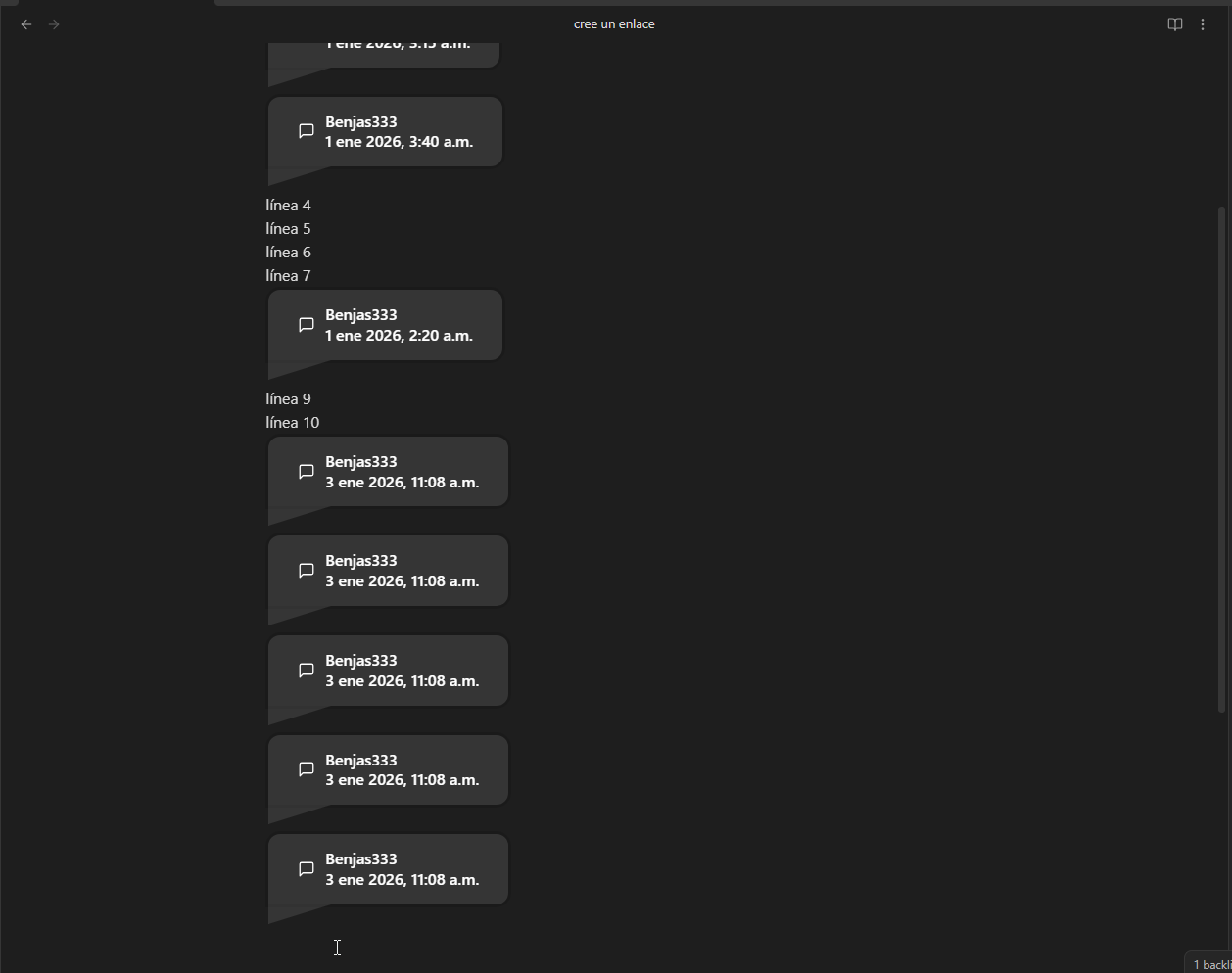
A new callout is defined
> [!COMMENT++] AUTHOR | DATE | UNIQUE_ID
> COMMENT
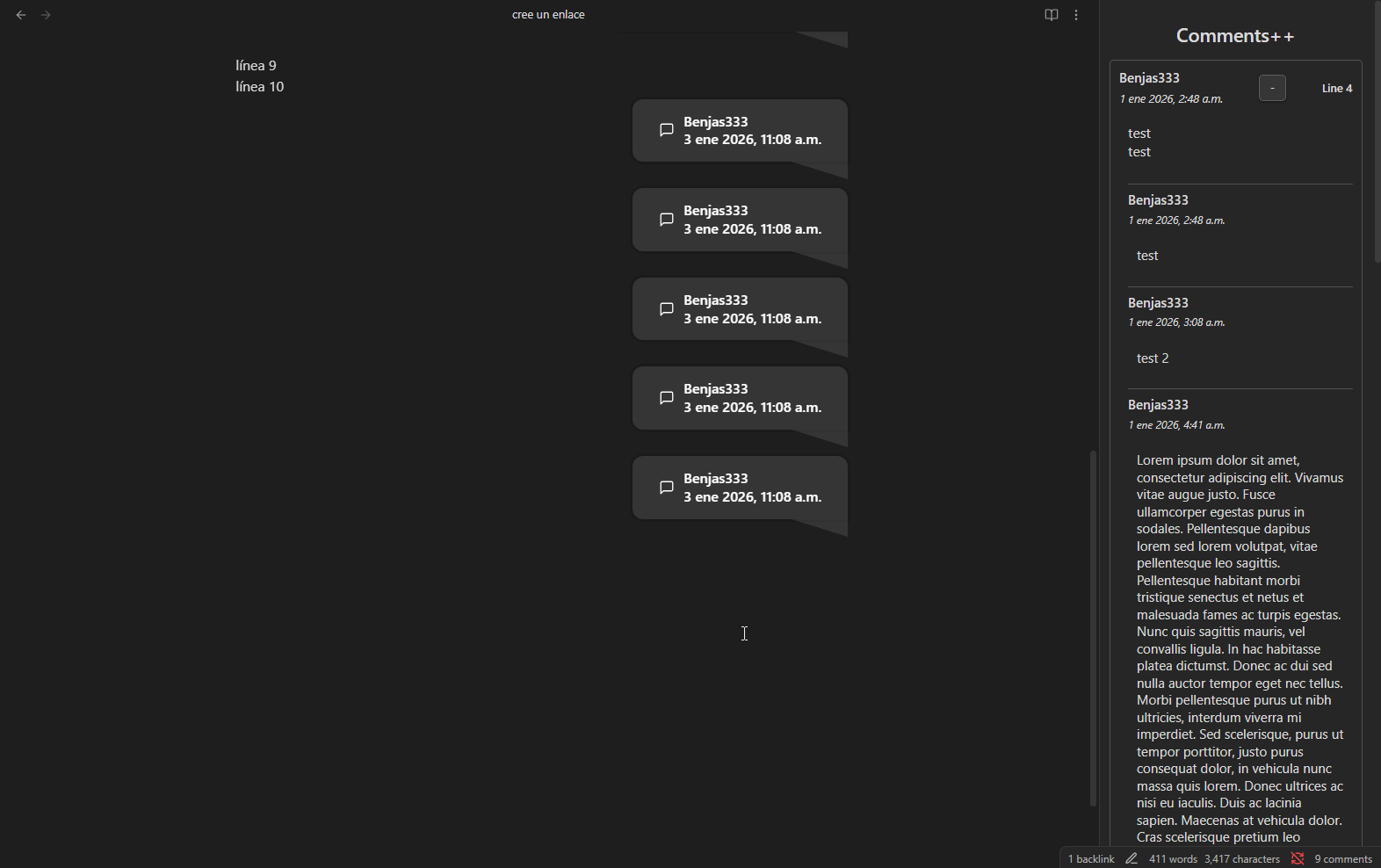
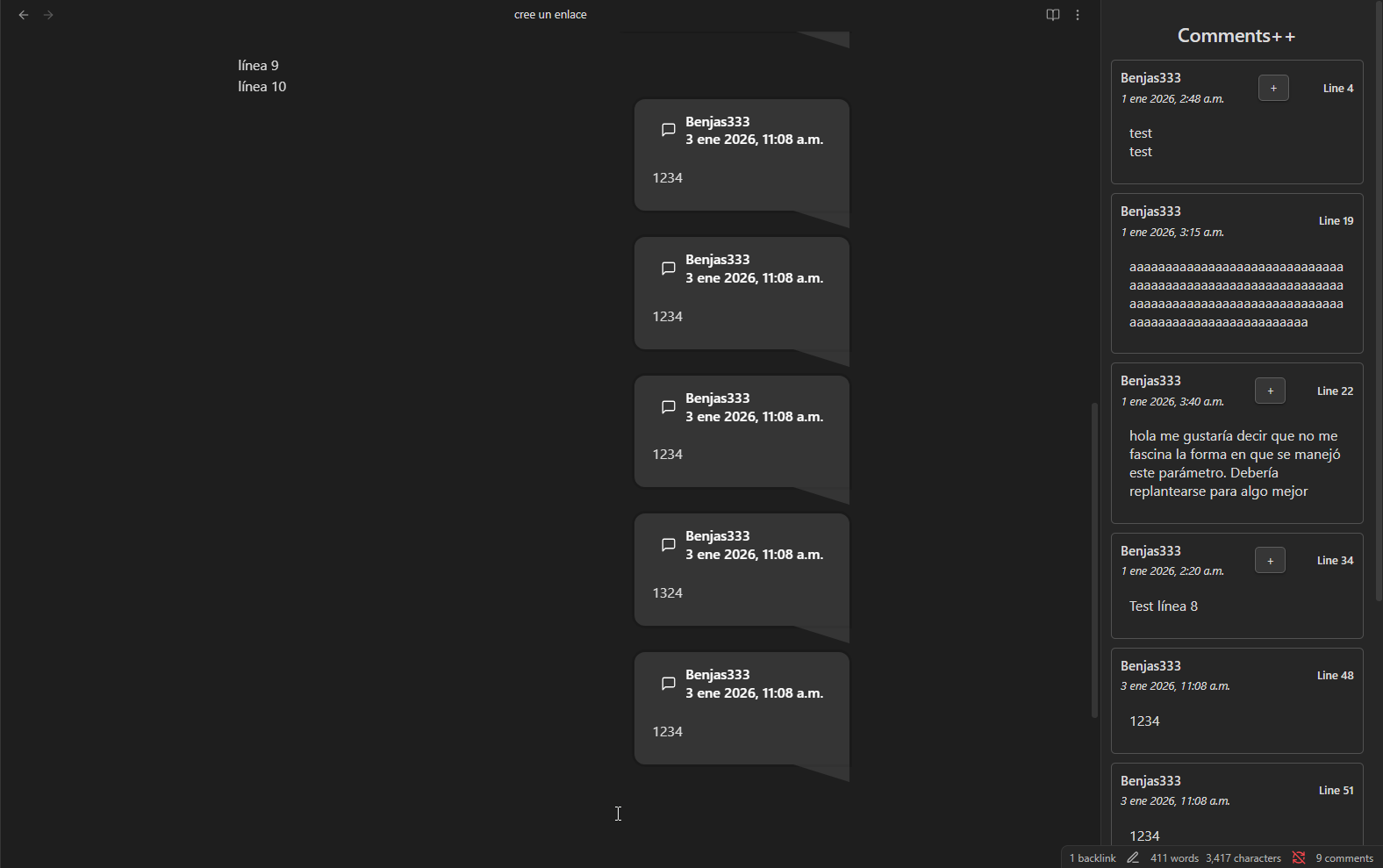
If you click the ribbon to open the plugin, the Comments View will open and show all comments within the file. This will show the name, date, and content of the comment (specified like in the callout above).
Legacy Features
- Command to quickly add a comment (
Ctrl + P->Comments++: Add new comment).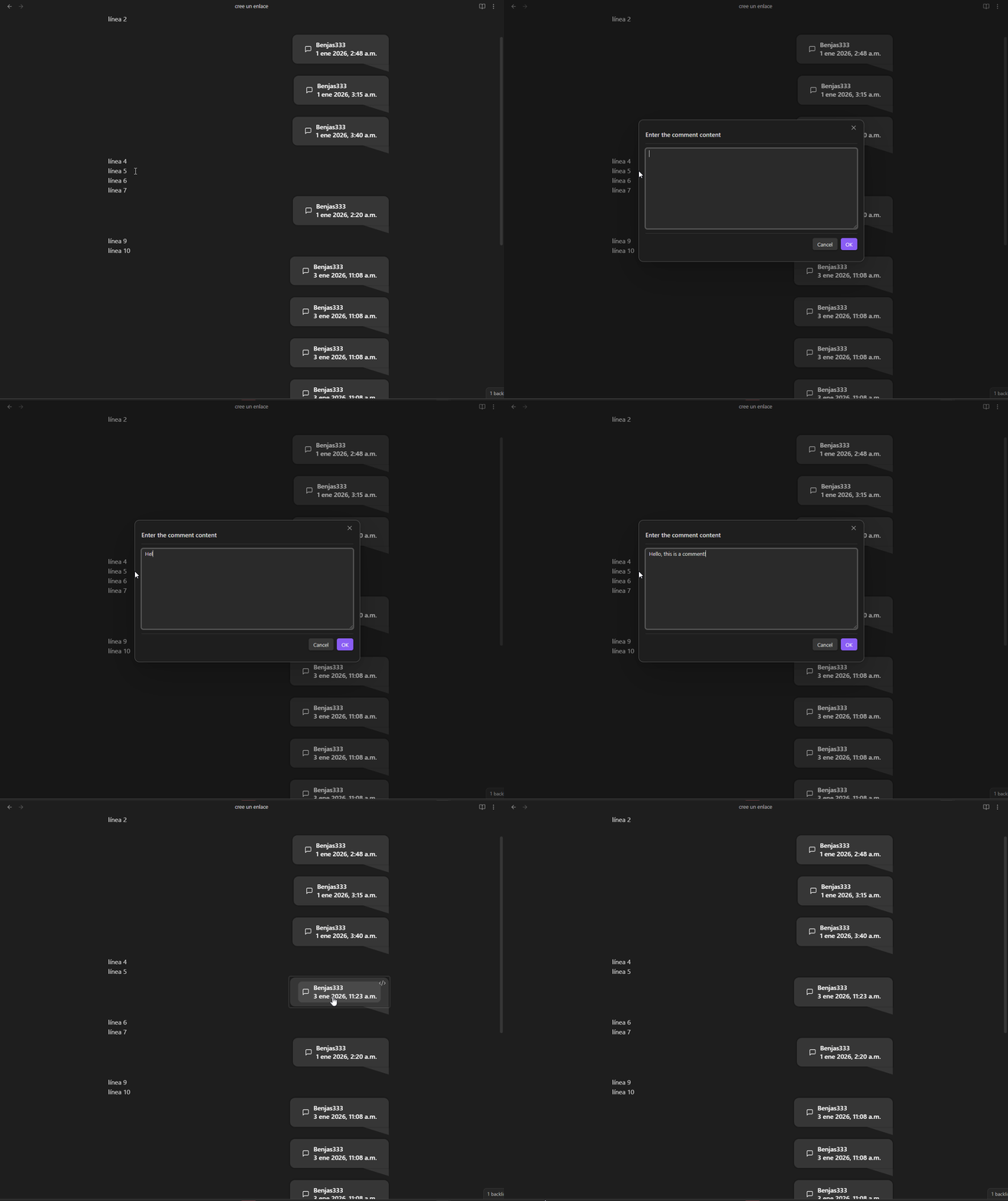
- Quickly add sub-comments with right click in the Comments View.
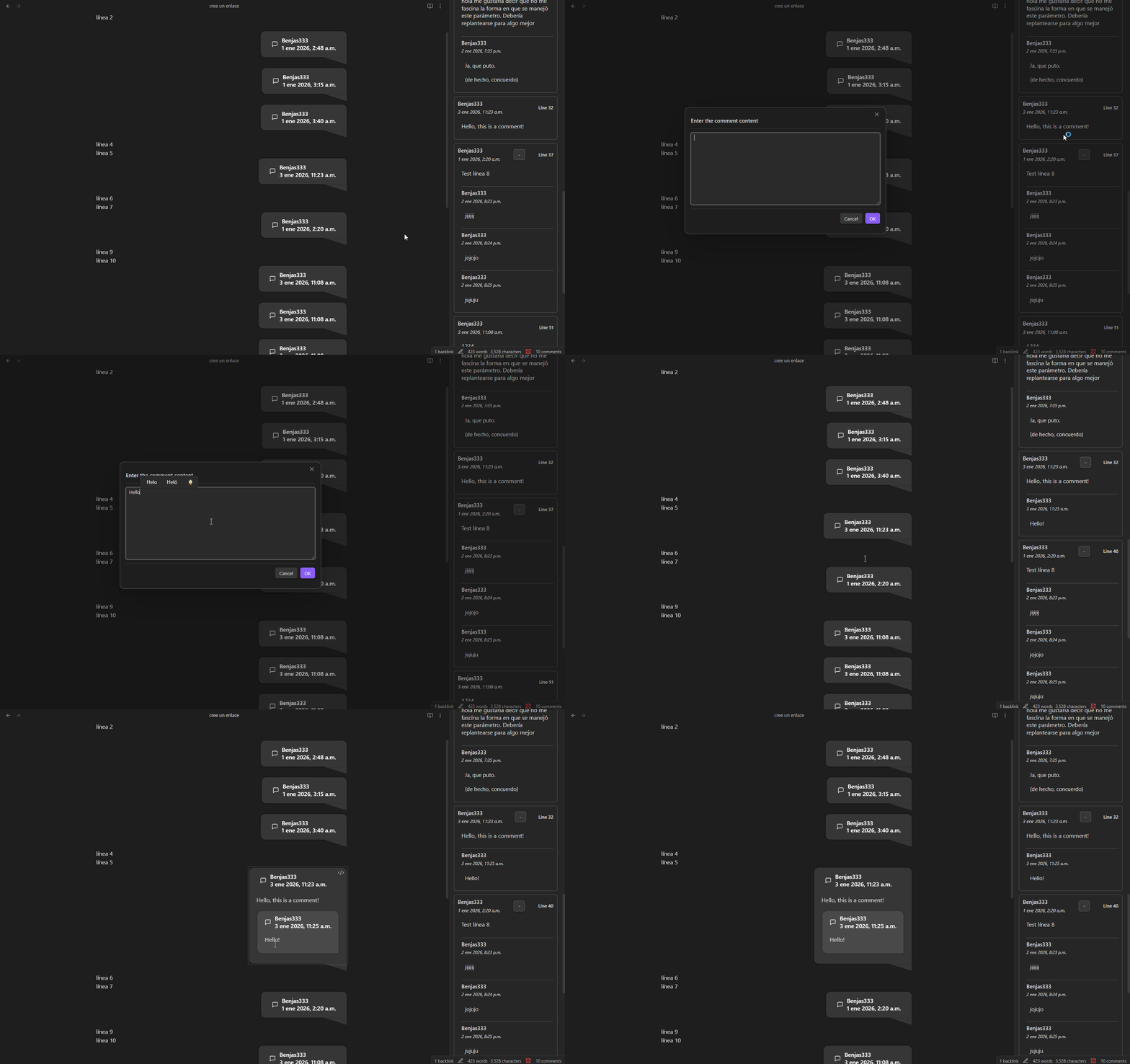
- Quickly remove comments with right click in the Comments View.
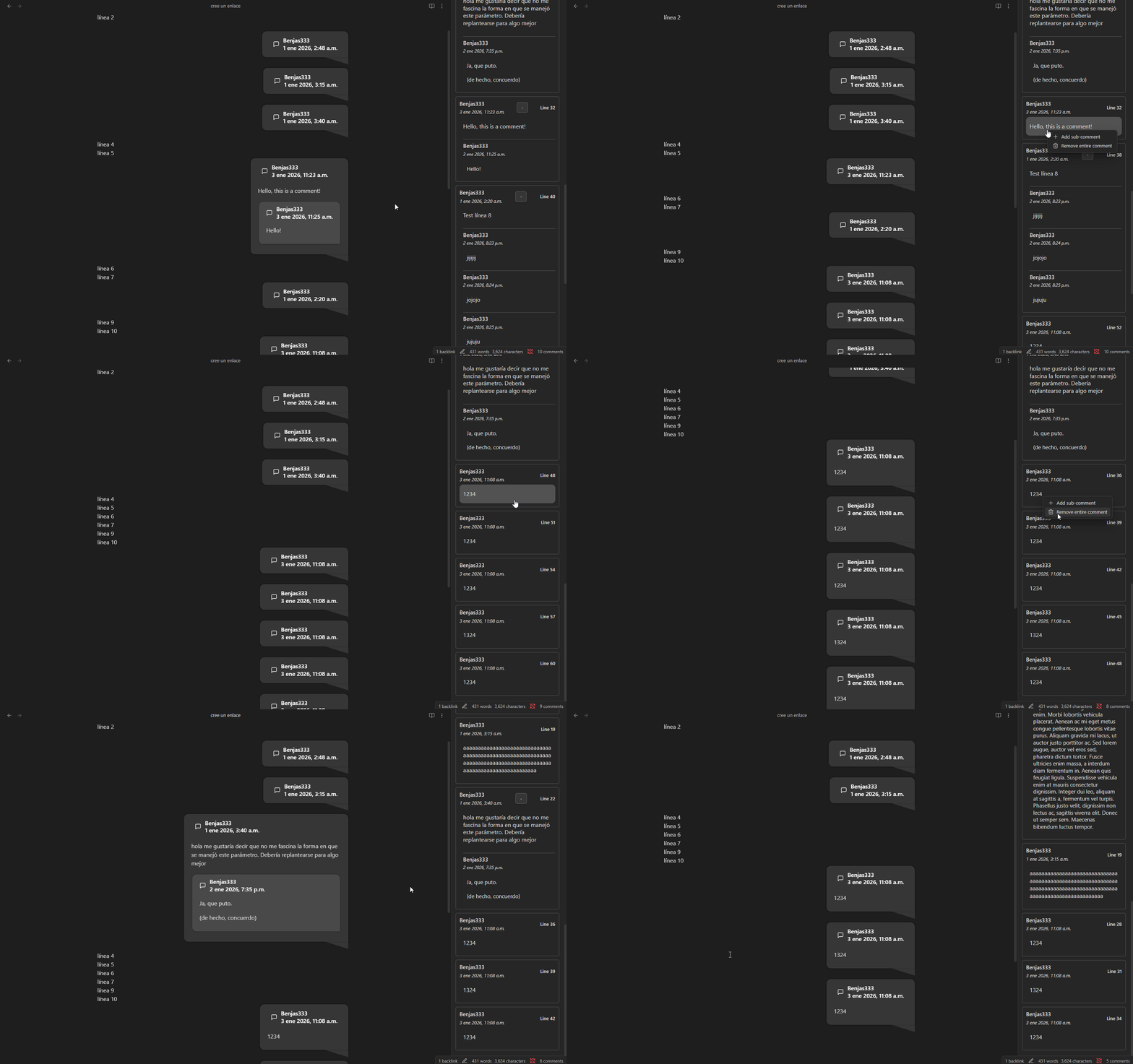
- Quickly navigate to the place of the comment with left click in the Comments View.
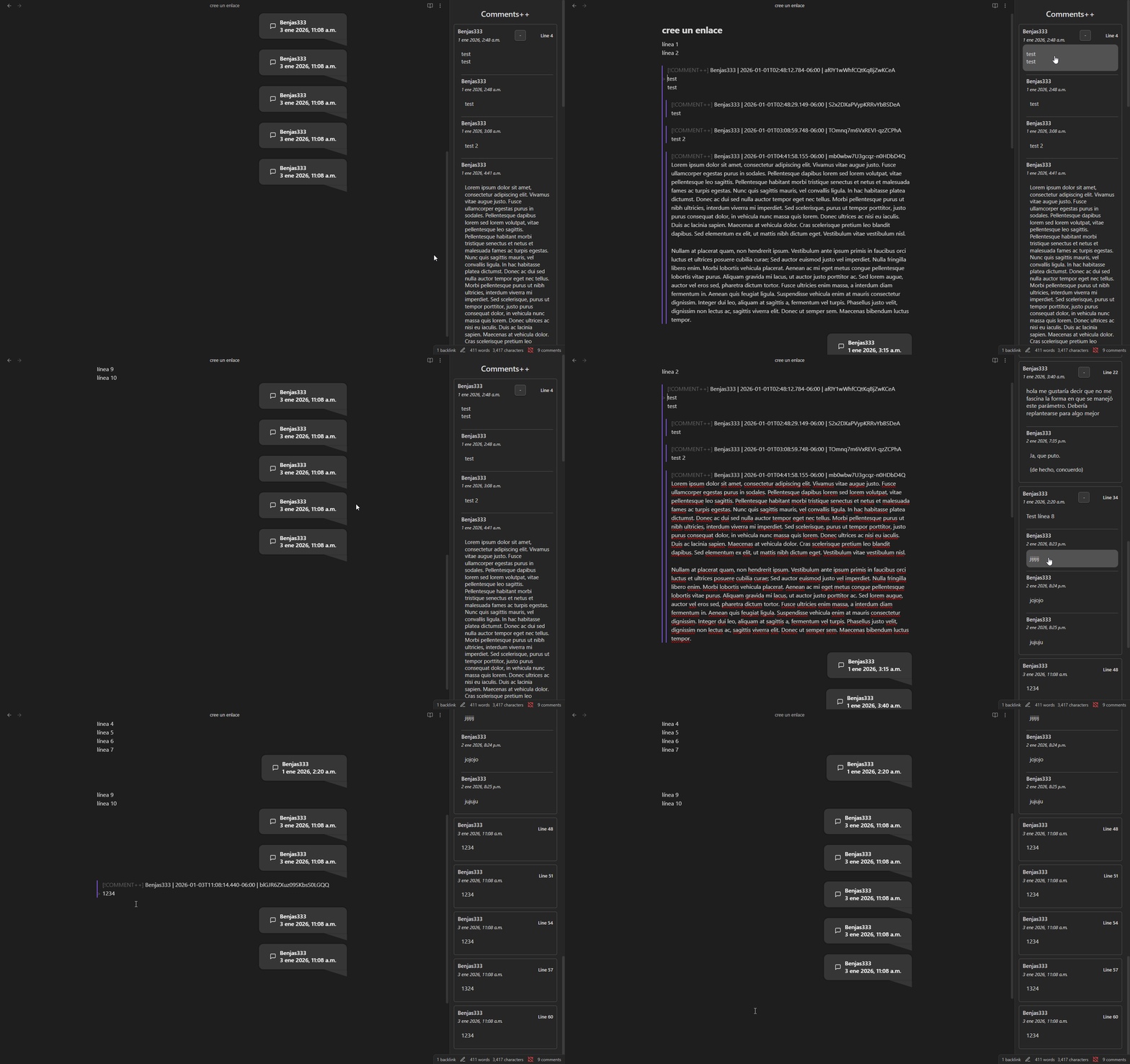
- Comments are hidden in reading mode and when exporting it to other documents (e.g. PDF).
New Features
-
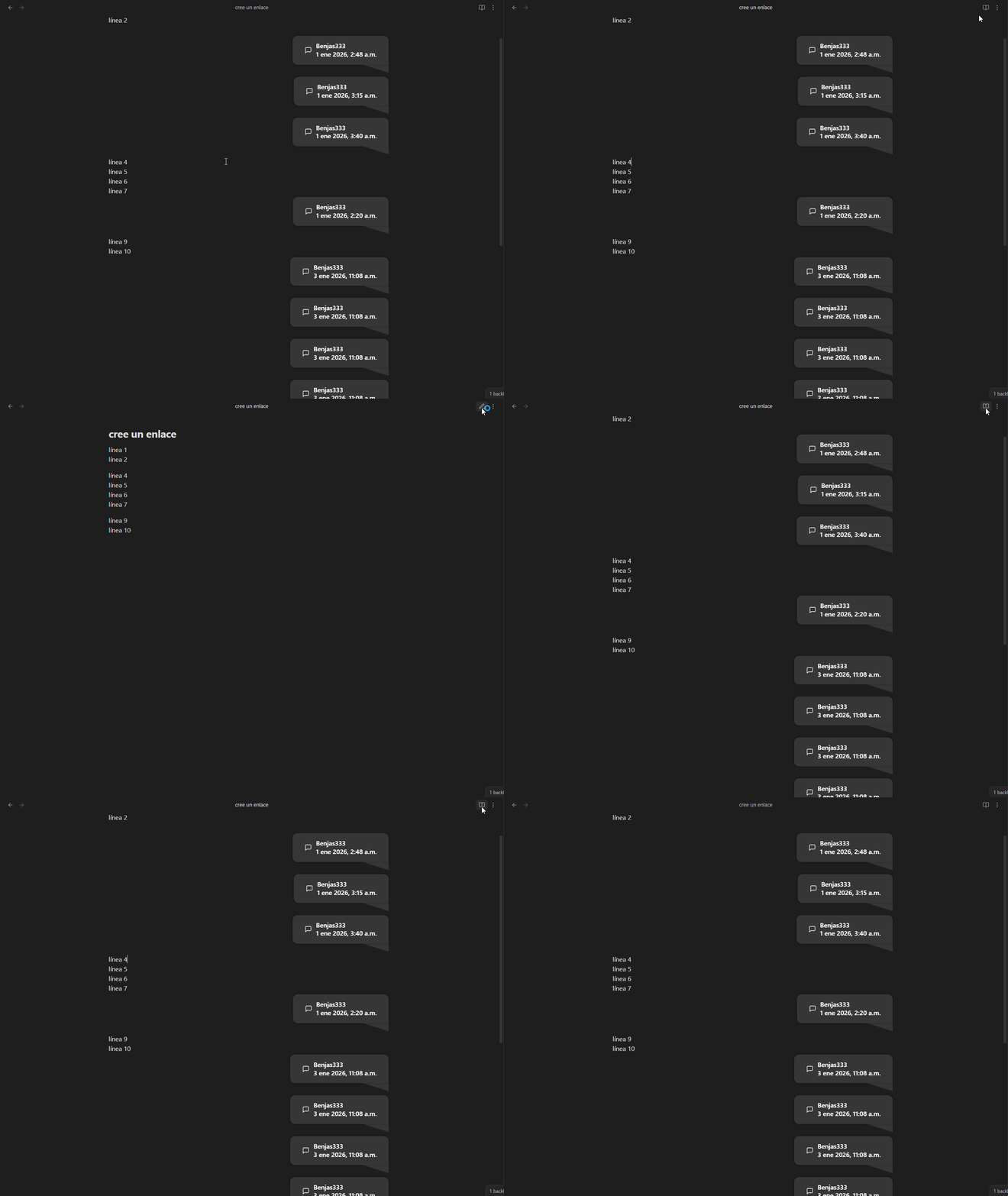
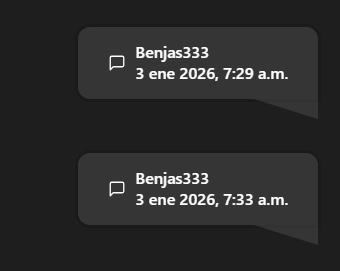
Improved css and datetime format.
-
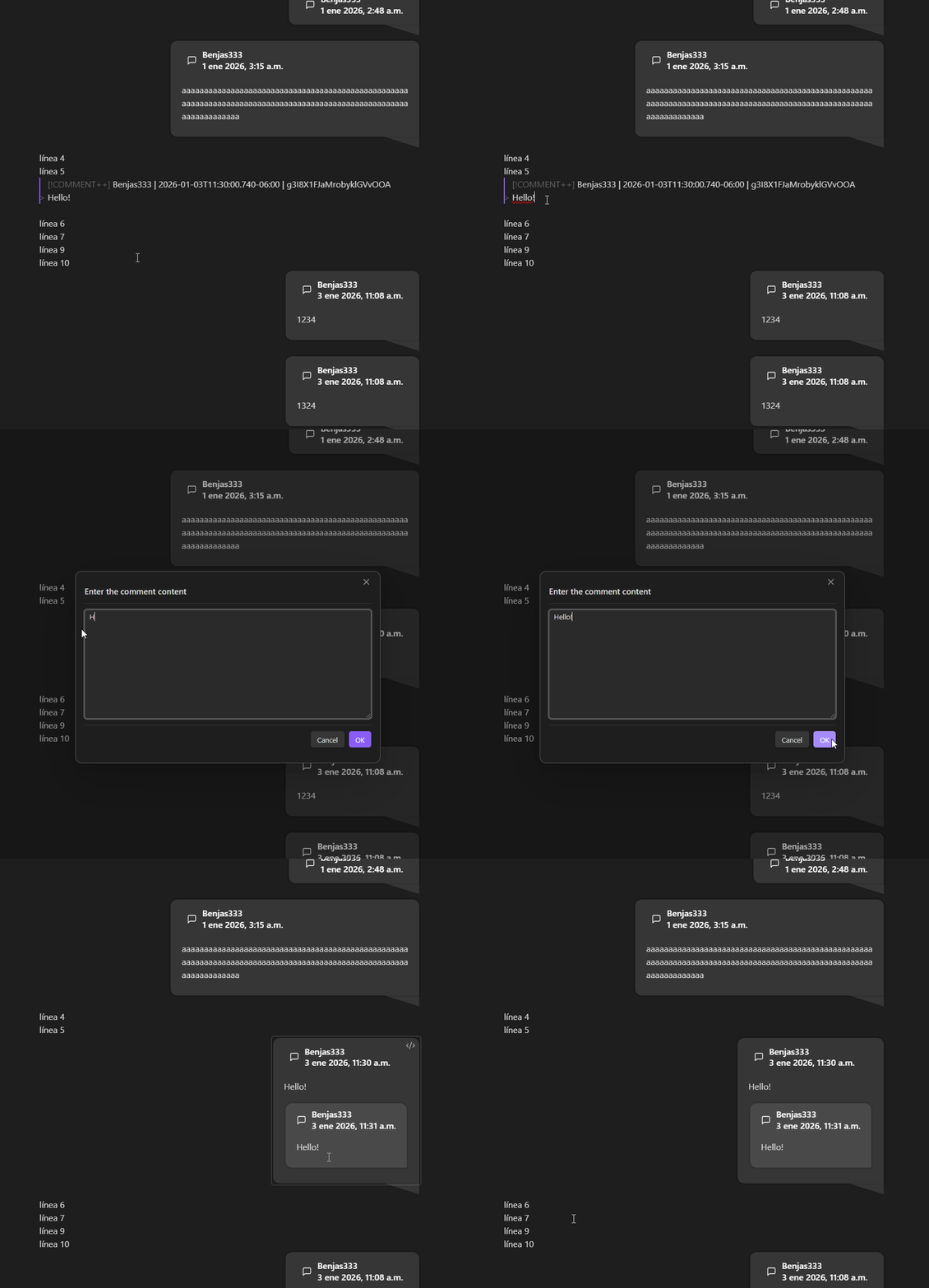
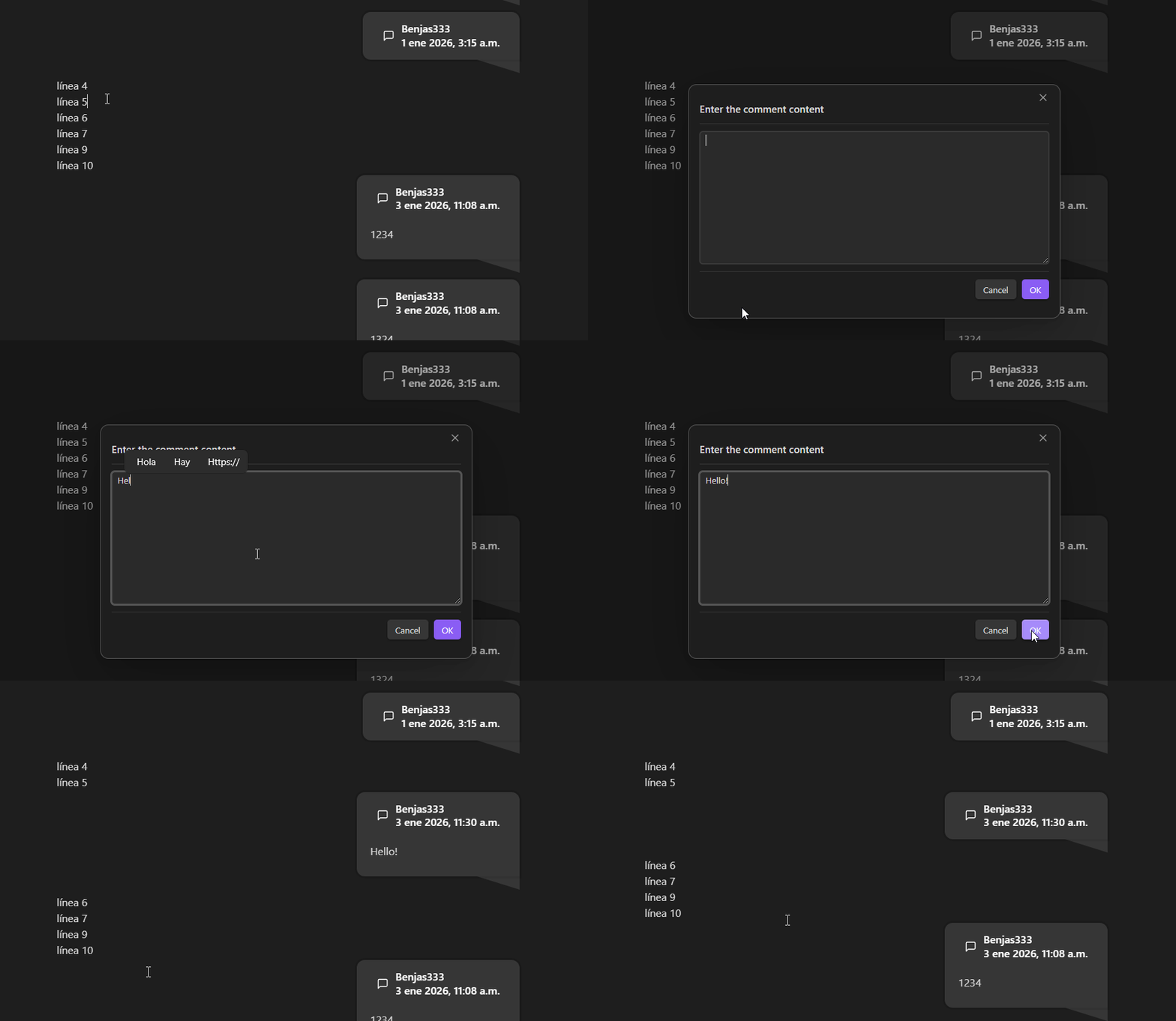
Added modals to request the content of new comments.
-
Command can add sub-comments too.
-
Button to quickly add a comment in the editor context menu.
-
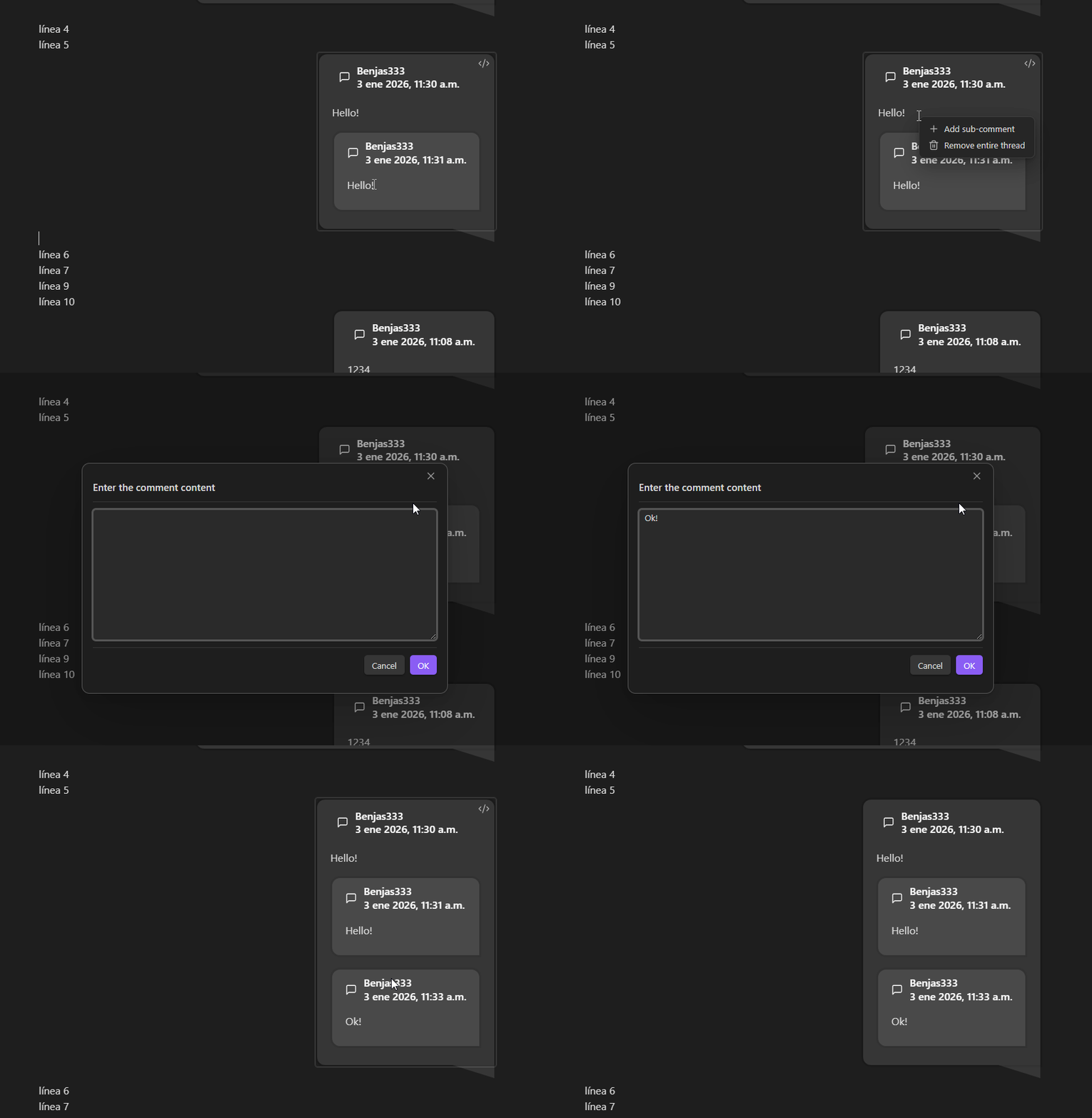
Quickly add sub-comments with right click in the Editor.
-
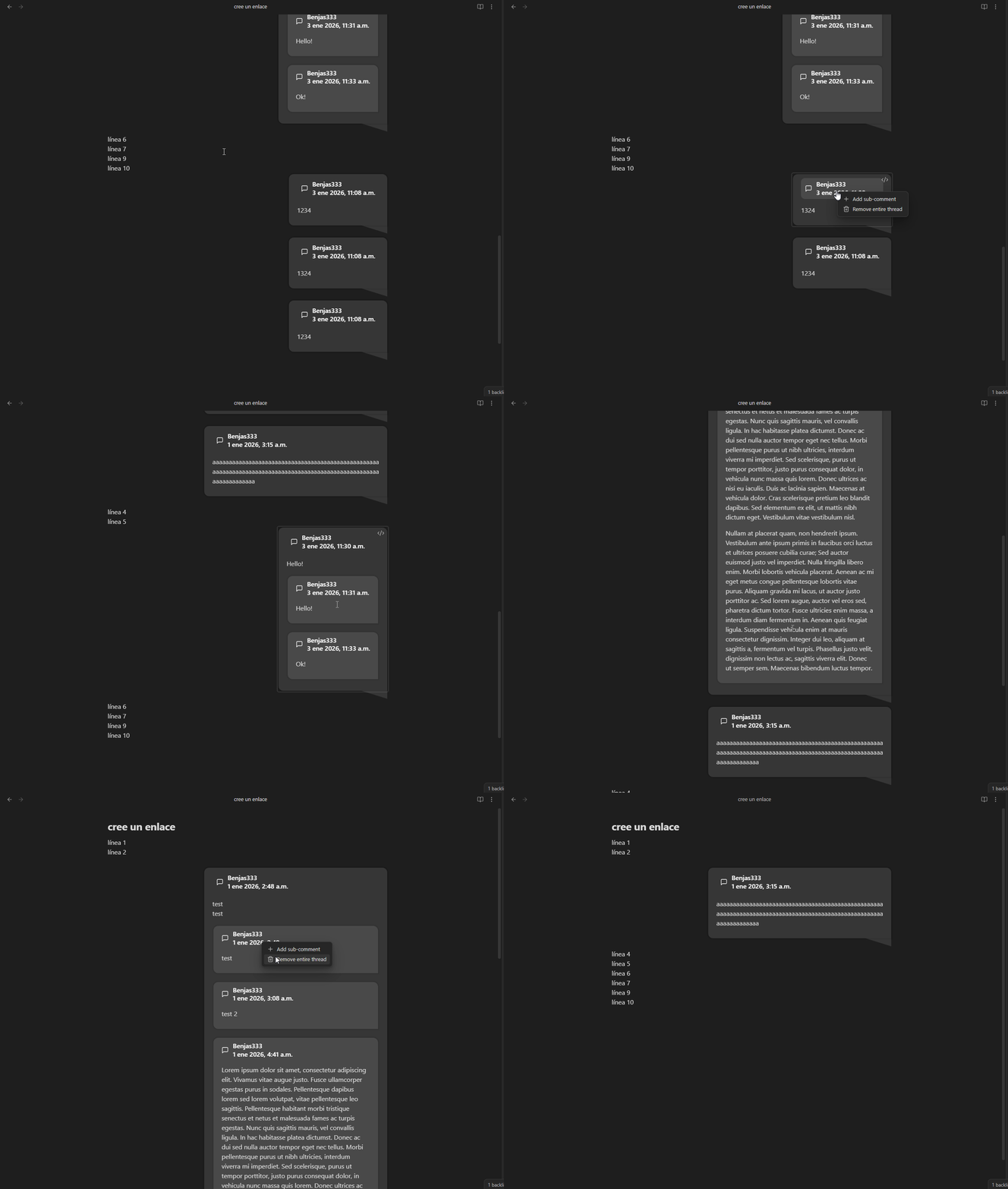
Quickly remove comments with right click in the Editor.
-
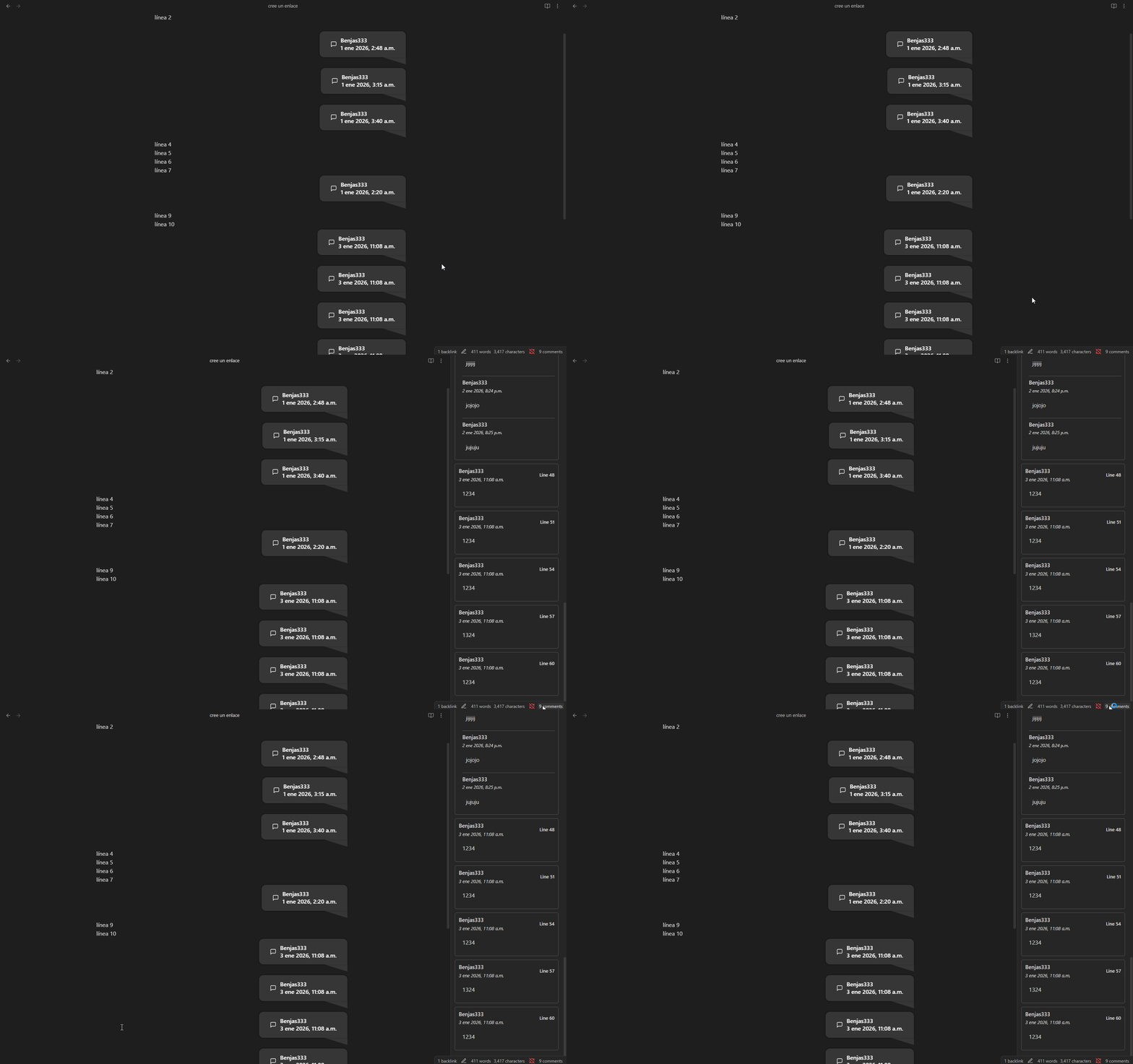
Status bar with comments count per file and click to open the Comments View.
-
Settings:
TODO
- Add @person feature and highlighting.
- Add comment colors for every person (Relay integration).
- Improve code in general.
- Clean the CSS (there're unused classes from the legacy plugin).
- Add configurable datetime format in settings.
- Add indexing for comments in all the vault instead of per file (in the View and maybe in the status bar).
For plugin developers
Search results and similarity scores are powered by semantic analysis of your plugin's README. If your plugin isn't appearing for searches you'd expect, try updating your README to clearly describe your plugin's purpose, features, and use cases.