中文简繁转换
pendingby LanternYoru
一个简单的插件,用于在简体中文和繁体中文之间进行转换。
Chinese Converter
A simple Obsidian plugin to quickly convert text between Simplified Chinese and Traditional Chinese.
Features
- Convert text using the Ribbon icon. The icon state toggles automatically:
- When the icon shows "繁", it will convert Simplified -> Traditional.
- When the icon shows "简", it will convert Traditional -> Simplified.
- Supports conversion via Command Palette:
Convert simplified to traditionalConvert traditional to simplified
- Works on selected text or the entire document if no text is selected.
How to Use
- Click the "繁" / "简" icon in the left-side Ribbon.
- Or, open the Command Palette (Cmd/Ctrl + P) and search for "Convert...".
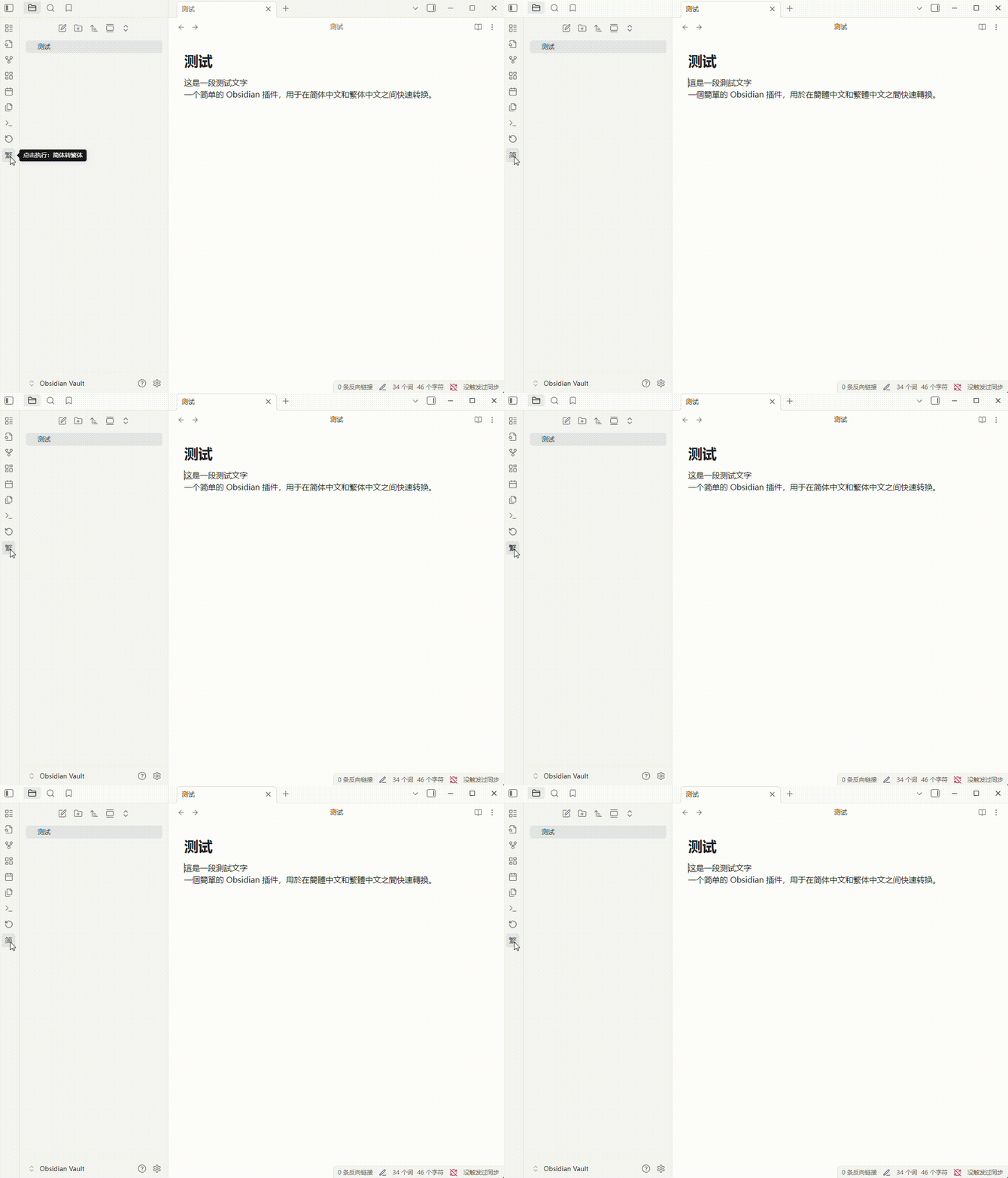
Demo
Author
中文简繁转换 (Chinese Converter)
一个简单的 Obsidian 插件,用于在简体中文和繁体中文之间快速转换。
功能
- 通过左侧 Ribbon 栏的图标按钮进行简繁转换。该按钮会自动切换状态。
- 图标显示 “繁” 时,点击执行“简体 -> 繁体”。
- 图标显示 “简” 时,点击执行“繁体 -> 简体”。
- 支持命令面板调用:
Convert Simplified to Traditional (简体转繁体)Convert Traditional to Simplified (繁体转简体)
- 支持对选中文本或整个文档进行转换。
如何使用
- 点击左侧 Ribbon 栏的 “繁” / “简” 图标。
- 或打开命令面板 (Cmd/Ctrl + P),输入“繁体”或“简体”来查找转换命令。
演示
作者
For plugin developers
Search results and similarity scores are powered by semantic analysis of your plugin's README. If your plugin isn't appearing for searches you'd expect, try updating your README to clearly describe your plugin's purpose, features, and use cases.