Code Import
pendingby yhao3
Import code files with @import syntax. Compatible with Foam.
Code Import Plugin for Obsidian
Import external code files in your Obsidian notes using @import syntax (compatible with Markdown Preview Enhanced).
Screenshots
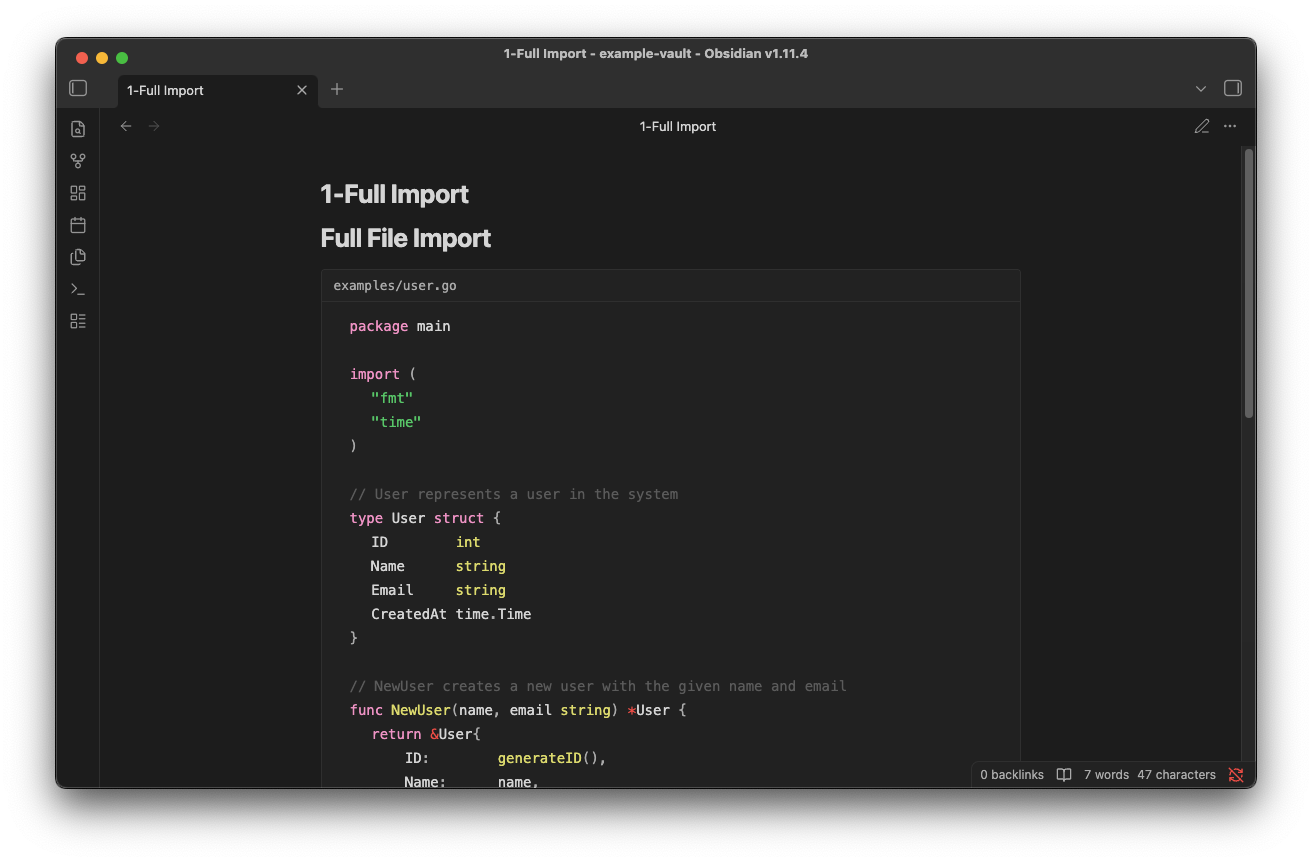
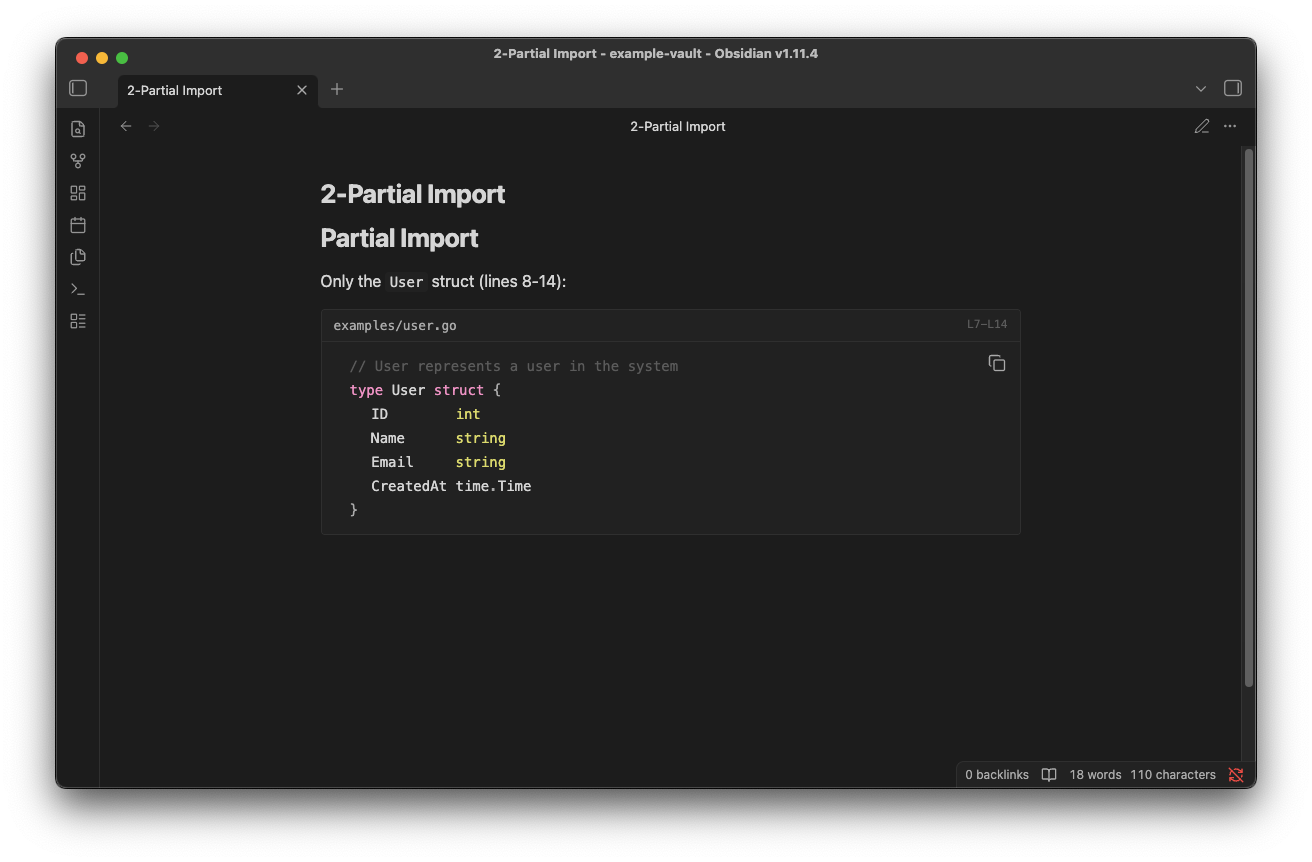
Desktop
Full file import:
Partial import (specific lines):
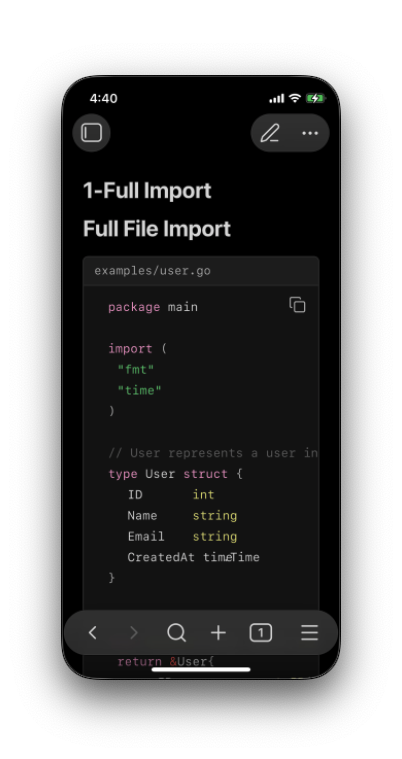
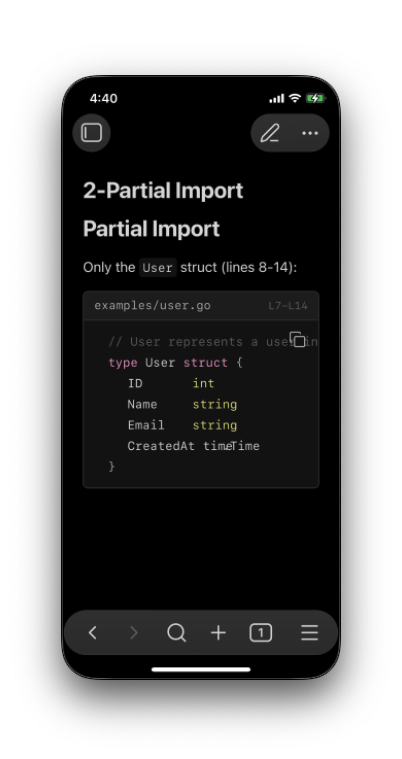
Mobile (iOS)
| Full import | Partial import |
|---|---|
 |  |
Features
- Import code files directly in Reading View
- Support line range selection (
line_begin,line_end) - Automatic syntax highlighting based on file extension
- Works with relative paths (including
../)
Syntax
@import "path/to/file.go"
@import "path/to/file.go" {line_begin=4 line_end=14}
@import "examples/main.py" {line_begin=10}
@import "config.yaml" {line_end=-4}
Parameters
| Parameter | Description (0-based) | Description (1-based) |
|---|---|---|
line_begin | Start line, 0-based index | Start line, 1-based index |
line_end | End line, exclusive (supports negative) | End line, inclusive (supports negative) |
Line Index Examples
0-based mode (default, MPE-compatible):
{line_begin=0 line_end=10}→ Lines 1-10 (indices 0-9){line_begin=5}→ From line 6 to end{line_end=-2}→ From start, excluding last 2 lines
1-based mode:
{line_begin=1 line_end=10}→ Lines 1-10{line_begin=5}→ From line 5 to end{line_end=-2}→ From start, excluding last 2 lines
Installation
From Community Plugins
- Open Settings → Community plugins
- Search for "Code Import"
- Install and enable
Manual Installation
- Download
main.js,manifest.json,styles.cssfrom Releases - Create folder:
<vault>/.obsidian/plugins/code-import/ - Copy the files into the folder
- Enable the plugin in Settings → Community plugins
Usage
- Place your code files in your vault (or reference them with relative paths)
- Add
@importdirective in your markdown file - Switch to Reading View to see the imported code
Example
In your markdown file:
## User Struct Definition

@import "examples/user.go" {line_begin=10 line_end=25}
Settings
| Setting | Description | Default |
|---|---|---|
| Show file name | Display filename header above code block | On |
| Wrap code | Wrap long lines instead of horizontal scrolling | Off |
| Line number base | 0-based (MPE-compatible) or 1-based indexing for line_begin/line_end | 0-based |
License
For plugin developers
Search results and similarity scores are powered by semantic analysis of your plugin's README. If your plugin isn't appearing for searches you'd expect, try updating your README to clearly describe your plugin's purpose, features, and use cases.