Pinyin Replacer
approvedby larrysal
Use the Pinyin tones without having to install extra keyboard layouts.
Pinyin Replacer Plugin
Allows you to take pinyin notes without having to install another keyboard layout.
Adds 4 commands which will replace the vowel behind your cursor into it's "toned" version and 1 command which will remove the tone.
How to Install
From within Obsidian
From Obsidian v0.9.8+, you can activate this plugin within Obsidian by doing the following:
- Open Settings > Community plugin
- Make sure Safe mode is off
- Click Browse community plugins
- Search for "pinyin replacer"
- Click Install
- Once installed, close the community plugins window and activate the newly installed plugin
Demo
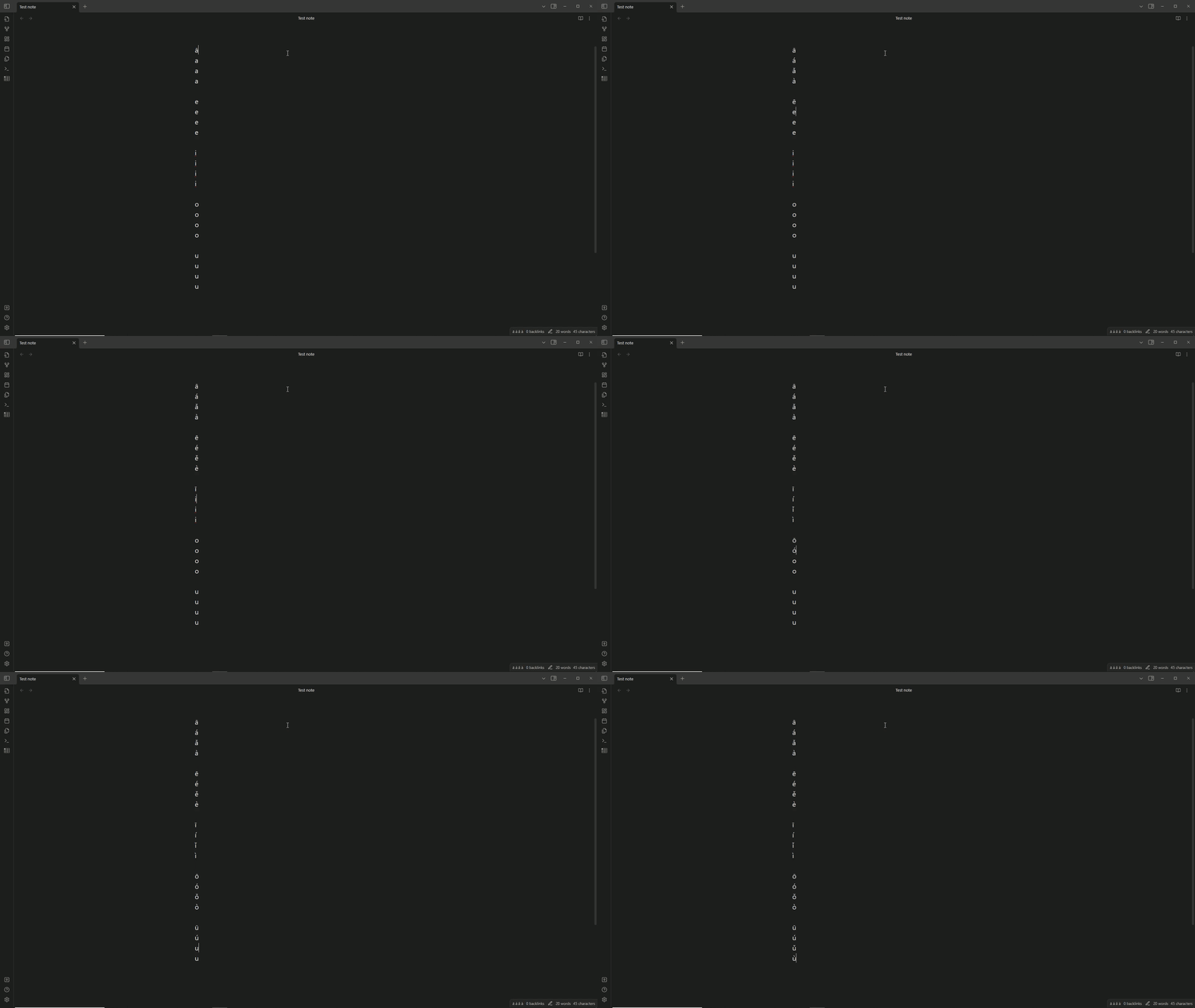
How to use
To replace the vowel with its "toned" version, 4 commands/hotkeys have been added.
| Command Name | Shortcut |
|---|---|
| Replace first tone | "ALT" + "1" |
| Replace second tone | "ALT" + "2" |
| Replace third tone | "ALT" + "3" |
| Replace fourth tone | "ALT" + "4" |
| Remove tone | "ALT" + "R" |
The letter "v" can be used to produce the "ǖ", "ǘ", "ǚ", "ǜ" tones the same way as it works with the vowels.
Additional features
Adds a status bar item to the status bar to remind you the order of the tones.

Further Credit
- VishalJagan - added the "ǖ", "ǘ", "ǚ", "ǜ" tones
- Manzolillom - added flexibility to switch between tones
Funding
If you wish, you can pay me a coffee by donating to my paypal!

For plugin developers
Search results and similarity scores are powered by semantic analysis of your plugin's README. If your plugin isn't appearing for searches you'd expect, try updating your README to clearly describe your plugin's purpose, features, and use cases.