Manta Code Blocks
approvedby woonyong-choi
Edit and run code inside Obsidian notes, with inline results and optional local or remote runtimes. - This plugin has not been manually reviewed by Obsidian staff.

Manta Code Blocks
Edit and run code without leaving your notes.
Install in Obsidian · Try the live editor · User guide
Version: 0.7.10 · Obsidian 1.13.0+ · Desktop and mobile. See release notes for shipped changes and the roadmap for work in progress and plans.
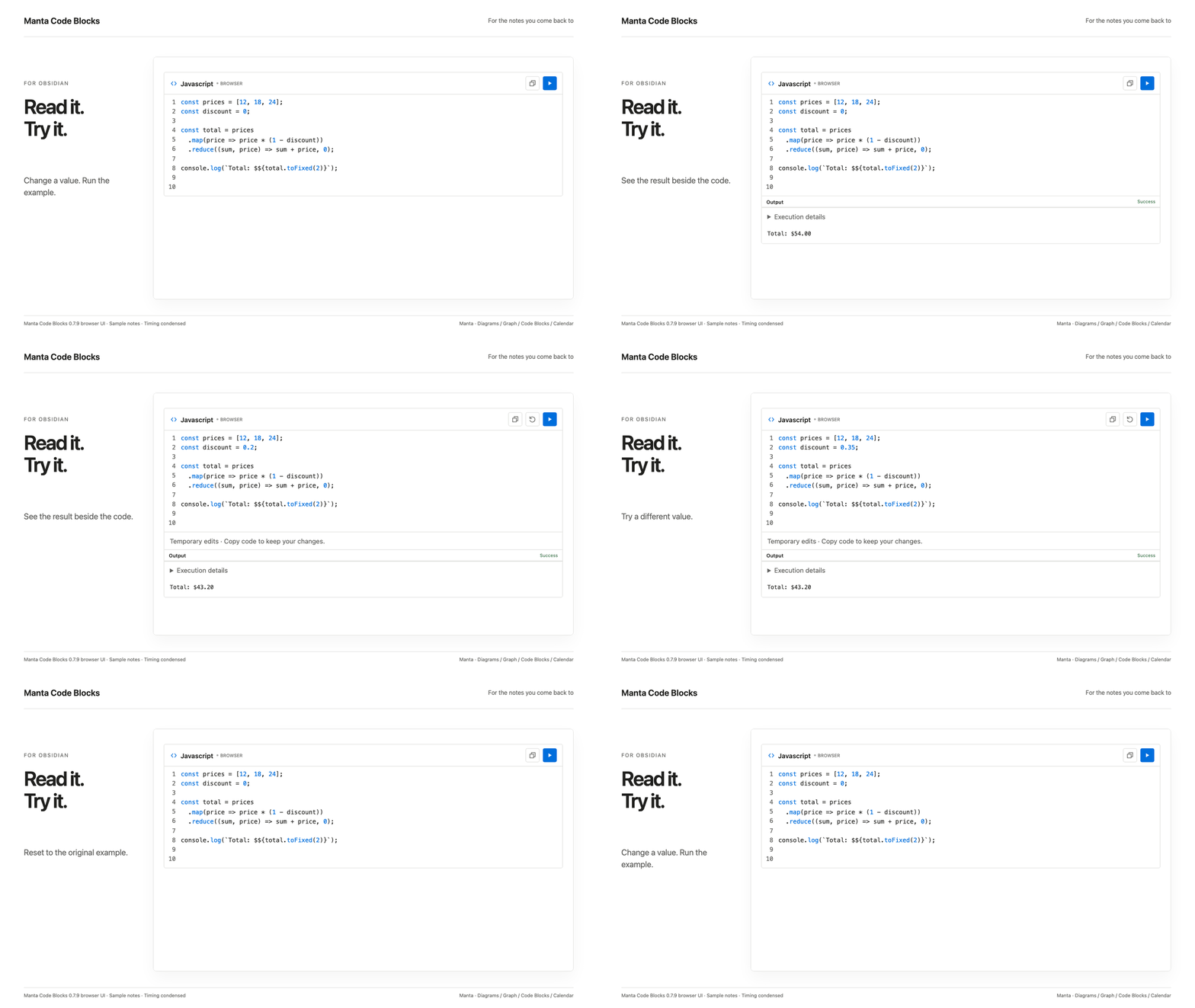
A six-second loop of the current browser UI, with real JavaScript execution. Timing is condensed.
Install and try
- Open the existing Community entry in Obsidian.
- Select Install, then Enable.
- Paste this block in a note, switch to Reading view, and select Run:
```run-javascript
console.log("Hello from Obsidian!");
```
The result appears below the code. Edit the example and run again; Copy keeps your edited code, while Reset restores the original.
Seven browser fences work without an account or server. Other languages use an optional local companion or a named remote provider. Remote execution is enabled by default; disable it in settings to prevent remote submission.
Manual installation: download main.js, manifest.json, and styles.css from Releases into .obsidian/plugins/runnable-code-blocks/, then reload Obsidian.
Original runtime capture and recorded version
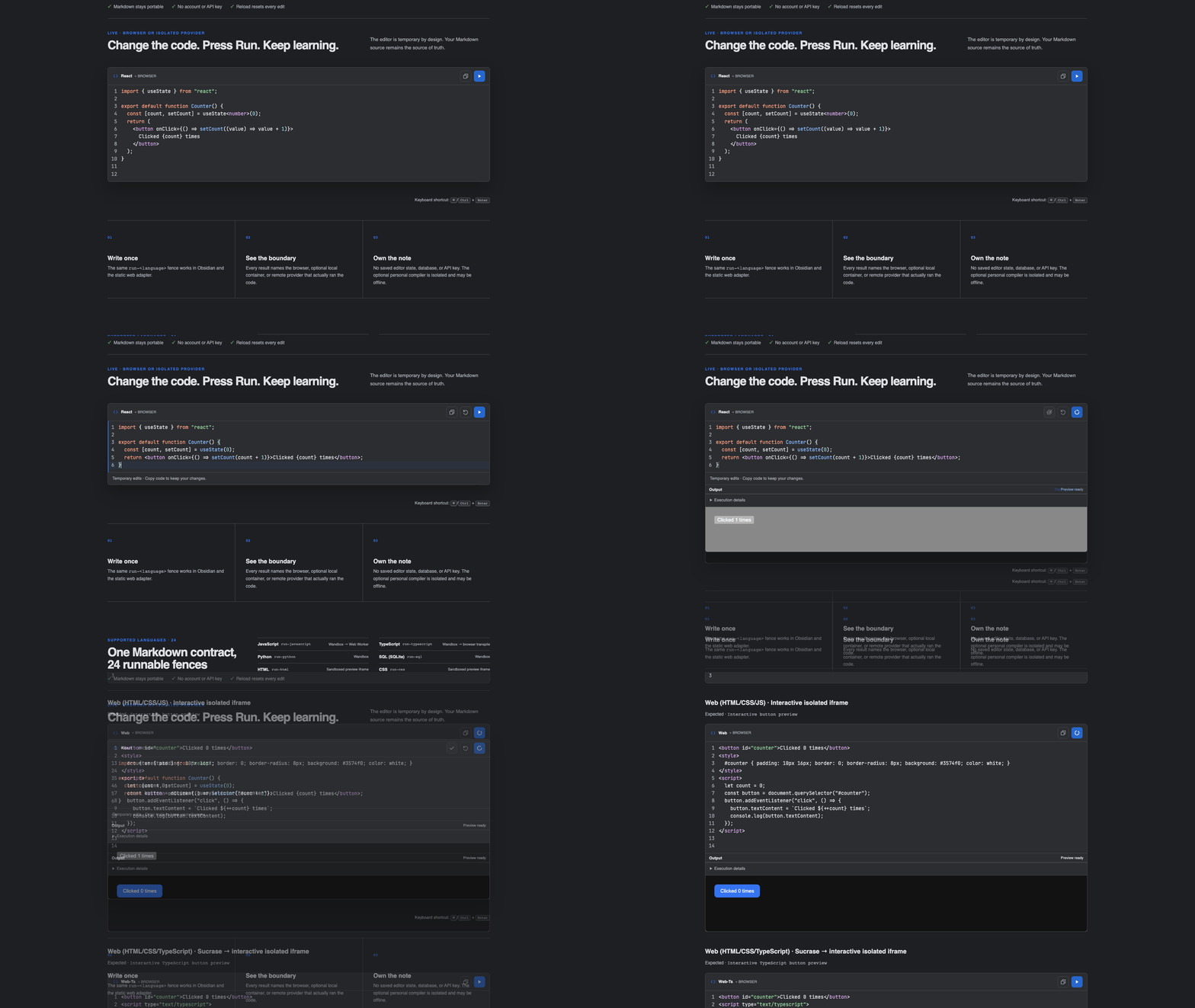
Browser demo, September 9, 2026 (0.7.3); the capture predates the Manta name.
Part of the Manta family
Explain the process with a diagram, try the example, follow related notes and return to its dated review. Manta Diagrams, Manta Graph, Manta Calendar each work on their own. Ordinary notes and links connect the work today; automatic handoffs are planned.
Manta itself is in development and has not been released. I’m building it to turn source material into a personal wiki you can keep adding to. Shared AI tools and the full wiki workflow are still in development.
Help and development
User guide · Report a problem · Community page · Contributing
For plugin developers
Search results and similarity scores are powered by semantic analysis of your plugin's README. If your plugin isn't appearing for searches you'd expect, try updating your README to clearly describe your plugin's purpose, features, and use cases.