Scratchpad
approvedby kvh03
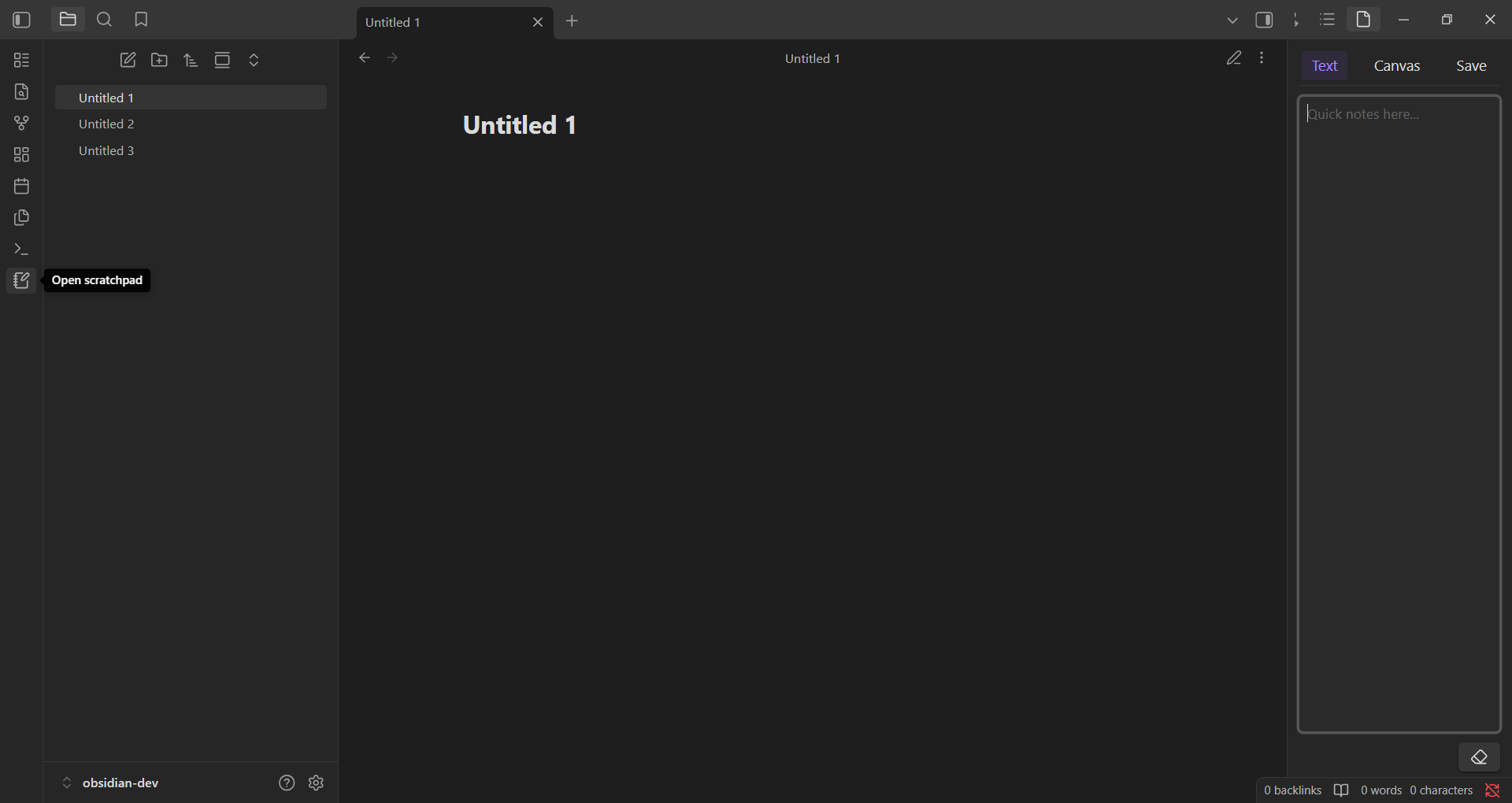
Take temporary notes and draw freehand in a sidebar scratchpad.
★ 11 stars↓ 3,043 downloadsUpdated 2mo agoMIT
Scratchpad


Scratchpad is an Obsidian plugin that provides a simple space in the sidebar for quick text notes and freehand drawings - perfect for jotting down ideas while working across multiple notes.
Features
- A text input area for quick notes
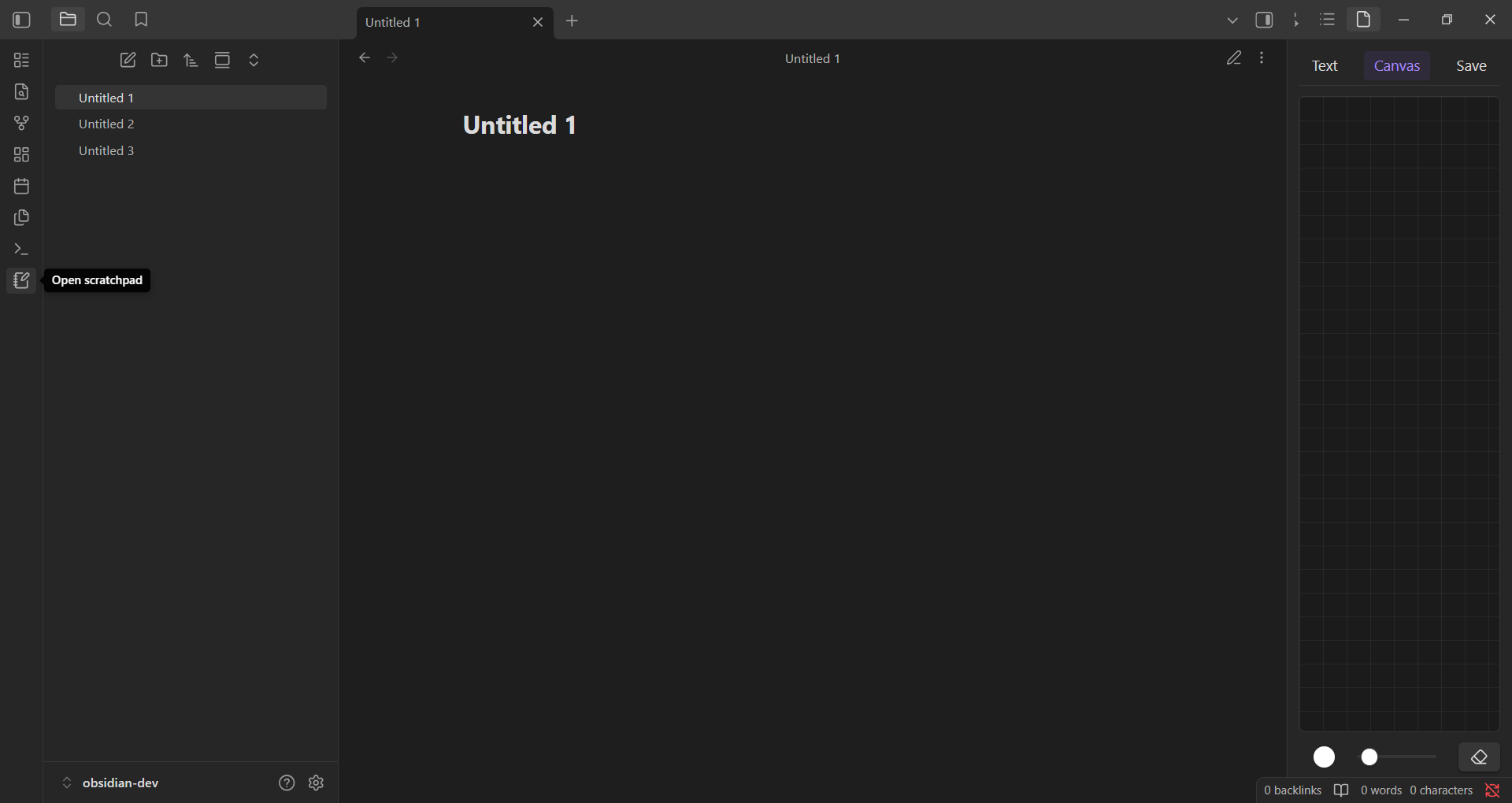
- A canvas for freehand drawing with customizable brush color and size
- Content can be saved to disk
- Lightweight and distraction-free
Installation
- In Obsidian, open Settings → Community Plugins.
- Make sure Safe Mode is turned off to enable plugin installation
- Click Browse, then search for "Scratchpad" or open directly:
obsidian://show-plugin?id=scratchpad - Click Install, then Enable the plugin.
Usage
- Open the command palette (
Ctrl/Cmd + P) and search forScratchpad, or click the notebook-pen icon in the left ribbon. - The plugin opens in the sidebar with two tabs: Text and Canvas.
- In the Text tab, you can type quick notes. Use the Copy to Scratchpad option from the context menu in any Markdown note to append selected text here.
- In the Canvas tab, you can draw using your mouse or stylus, with tools to adjust color, brush size, and clear the canvas.
- Click the Save button at the top to save your current text and drawing content to disk.
[!NOTE]
- This is a temporary note - your content is stored in memory and will be lost when the app is closed unless you manually save it to disk.
- Scratchpad does not support multiple notes.
Read the blog at https://bit.ly/4exb8PZ.
License
MIT
For plugin developers
Search results and similarity scores are powered by semantic analysis of your plugin's README. If your plugin isn't appearing for searches you'd expect, try updating your README to clearly describe your plugin's purpose, features, and use cases.