Simple Prompt
approvedby arumie
Simple interface to generate or rewrite content using LLMs based on user input.
★ 15 stars↓ 1,566 downloadsUpdated 2y agoMIT
Simple Prompt
What is Simple Prompt?
Simple Prompt allows you generate content in your notes using Large Language Models. It provides a simple interface to generate content, rewrite selection or whole notes based on a prompt you provide.
Commands and Options
It provides the following commands:
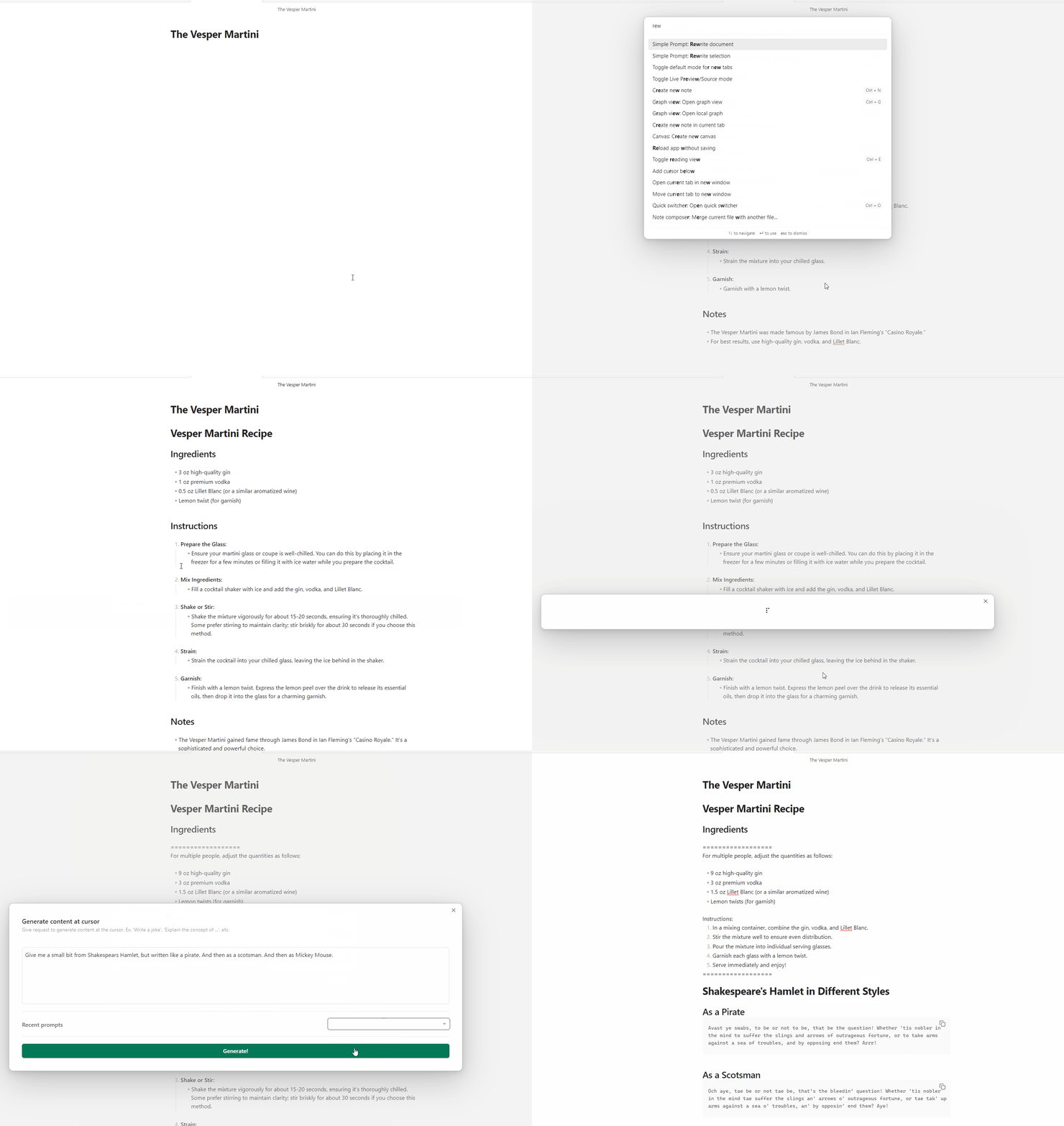
- Generate content at your cursor: This command will generate content at the cursor position.
- Rewrite selection: This command will replace the selected text with the generated content.
- Rewrite document: This command will replace the entire document with the generated content.
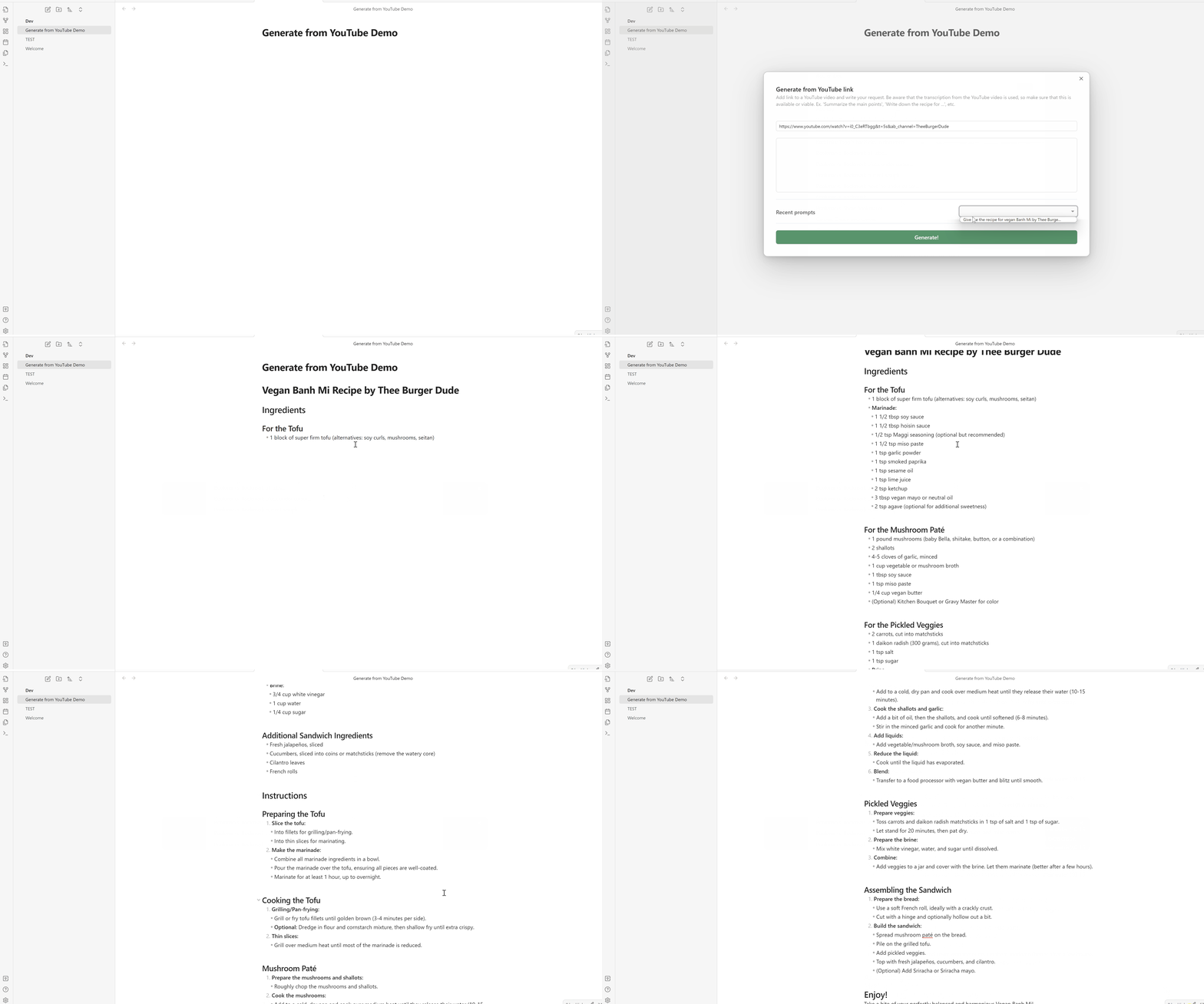
- Generate from YouTube: This command will generate content based on a YouTube video URL and a request at the cursor position.
- OBS, this command uses the captions of the video to generate content, so if the video is not transcribed or doesn't have sound, it will not work.
It also gives the following options:
- Pick which LLM to use: Choose from a list of LLMs and Providers to generate content.
- Supports OpenAI and Ollama
- Customize Prompt Templates: You can customize the prompt templates to generate content based on your needs.
- Recent prompts: You can view the recent prompts you have used and reuse them.
- Streaming responses: You can toggle streaming responses for the generation commands.
Future Features
- Add support for other LLMs (Anthropic Claude, Cohere Aya, Llama-files etc.)
- Add "Generate image" command to generate images using LLMs.
- Add support for indexing all documents in the vault and generating content based on the index.
- Add encryption for the saved API key.
- Add support for adding custom actions and templates
How to use
- Clone this repo into your Obsidian vault's plugins folder.
npm ioryarnto install dependencies.npm run devto start compilation in watch mode.npm run build:cssto build the css.
Manually installing the plugin
- Copy over
main.js,styles.css,manifest.jsonto your vaultVaultFolder/.obsidian/plugins/simple-prompt-plugin/. - Reload Obsidian.
Note: The plugin saves the API key in the Obsidian vault settings. Make sure to keep your API key safe.
- If using Git plugin. Add .gitignore with
.obsidian/plugins/simple-prompt-plugin/data.jsonto the vault to avoid pushing the API key to your repository.
Demo
YouTube Link Demo
Changes
Changelog is available here
For plugin developers
Search results and similarity scores are powered by semantic analysis of your plugin's README. If your plugin isn't appearing for searches you'd expect, try updating your README to clearly describe your plugin's purpose, features, and use cases.