by jjyr
Organize notes with existing tags and optional root-folder filing using your preferred LLM.
Tagged
Tagged is an Obsidian plugin that organizes notes with your existing tags and an OpenAI-compatible LLM. It preserves manual tags and updates only tags it previously added.
Prefer a local LLM for private notes: note content is sent to your configured API. Tagged has no telemetry.
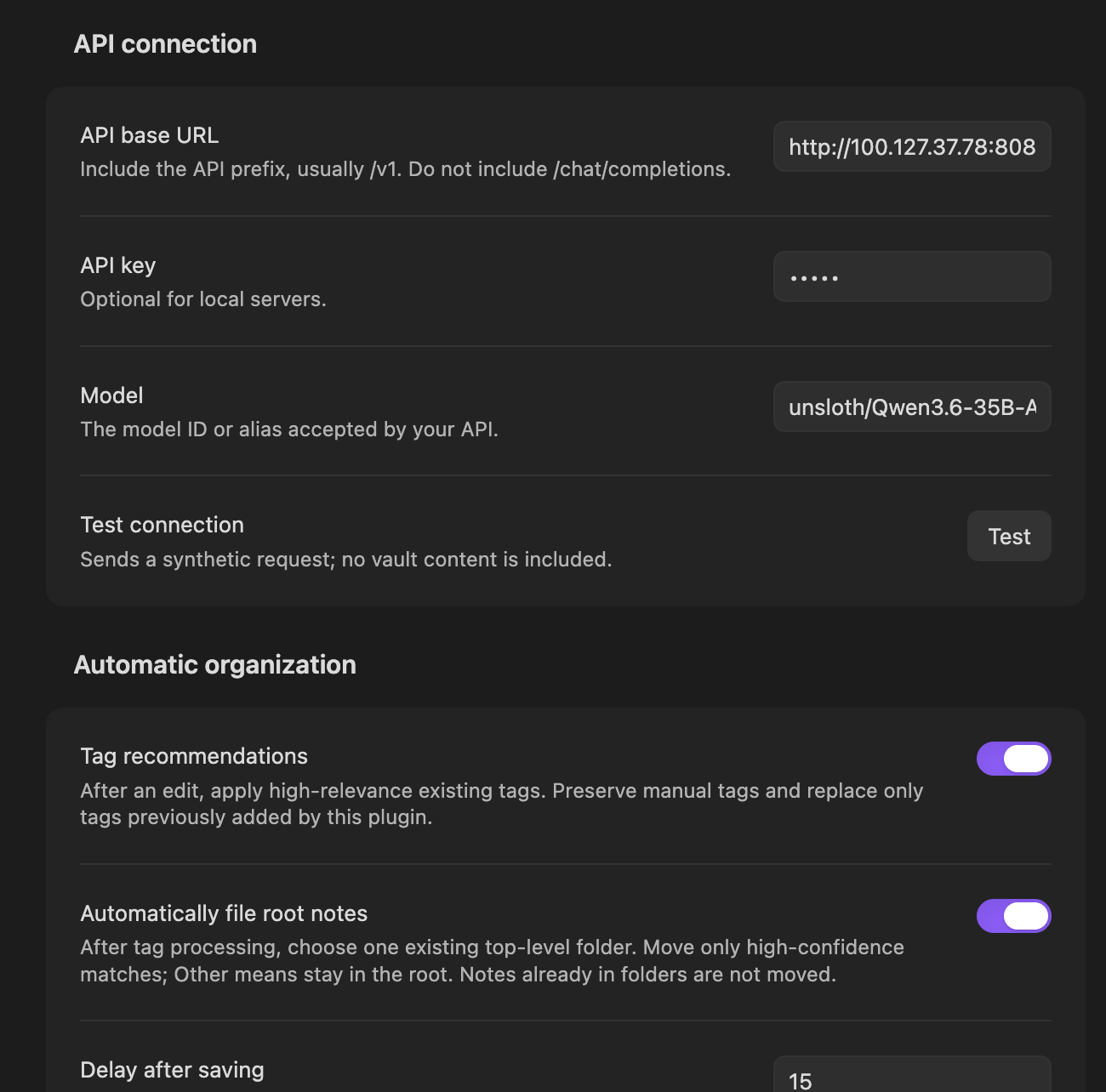
Settings preview
Usage
Configure your API URL, model, and optional API key in settings, then use Test connection.
Run either command from the command palette:
- Tagged: Organize current note — organize the active note.
- Tagged: Reorganize all notes — organize all notes using your enabled options.
Key options:
- Tag recommendations — recommend existing tags; optionally limit this to notes without tags.
- Keep refresh — automatically organize 15 seconds after the last save. Off by default.
- Automatically file root notes — move root notes into existing top-level folders when confidence is high. Off by default. Daily notes are skipped by default; tags and filename patterns can also be excluded.
- Organize root assets — optionally move root images into
Assetsor a custom folder when root filing is enabled. - LLM prompts — edit tag and directory prompts or restore their defaults.
For plugin developers
Search results and similarity scores are powered by semantic analysis of your plugin's README. If your plugin isn't appearing for searches you'd expect, try updating your README to clearly describe your plugin's purpose, features, and use cases.