Cursor History
unlistedby Hafez
Navigate back and forward through cursor position history across files, like VS Code.
Cursor History
Go back to the exact place you were.
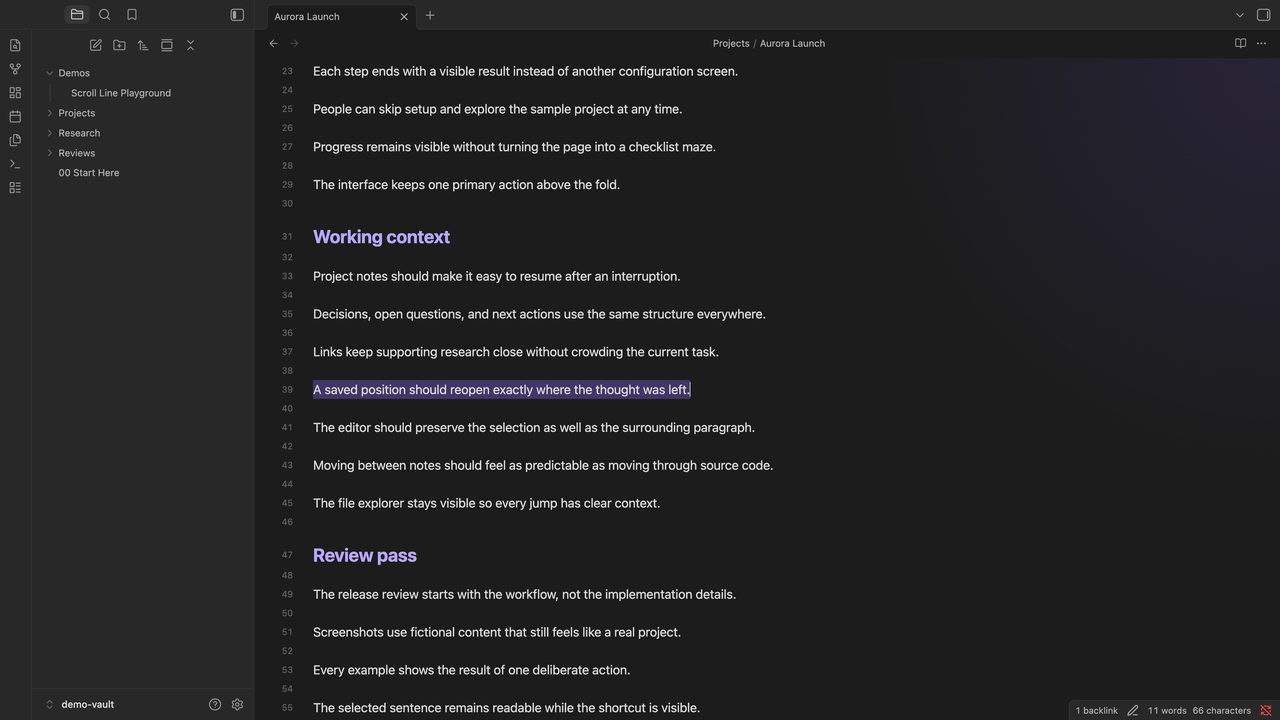
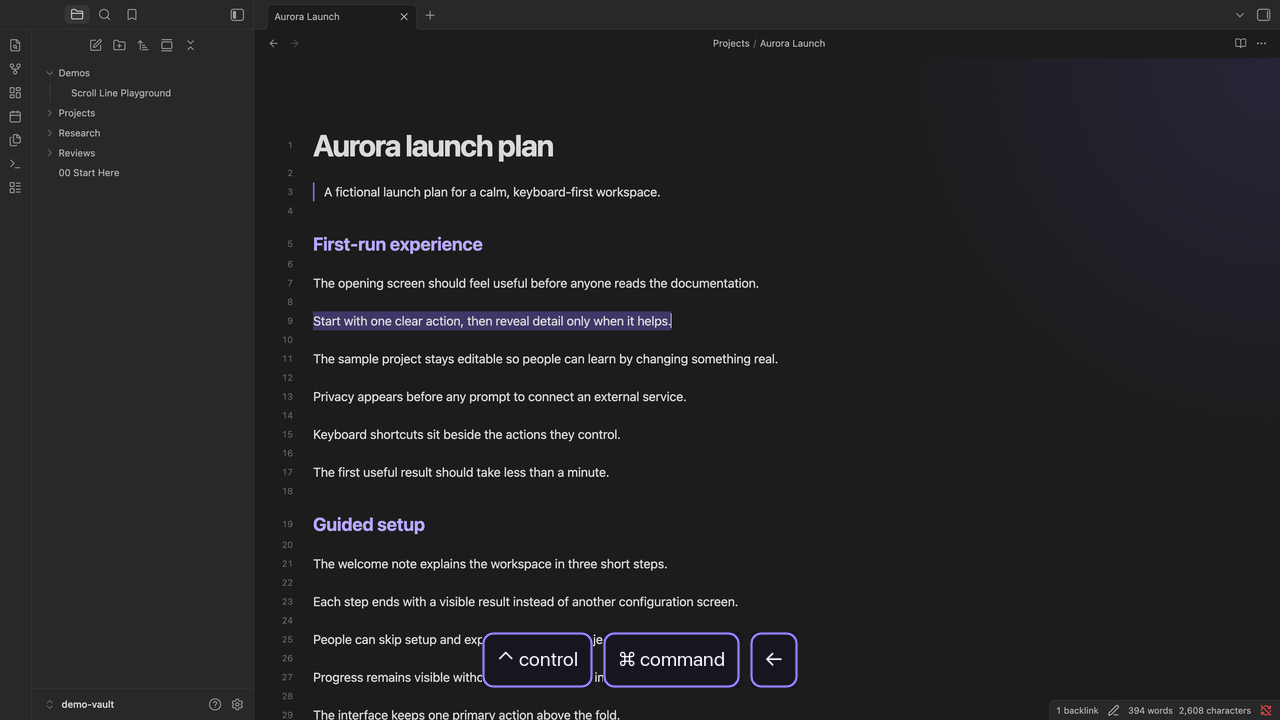
Move through exact cursor and selection positions, including several places inside one Obsidian note.

| One note, several positions | Back to an earlier selection in the same note |
|---|---|
 |  |
See it in action
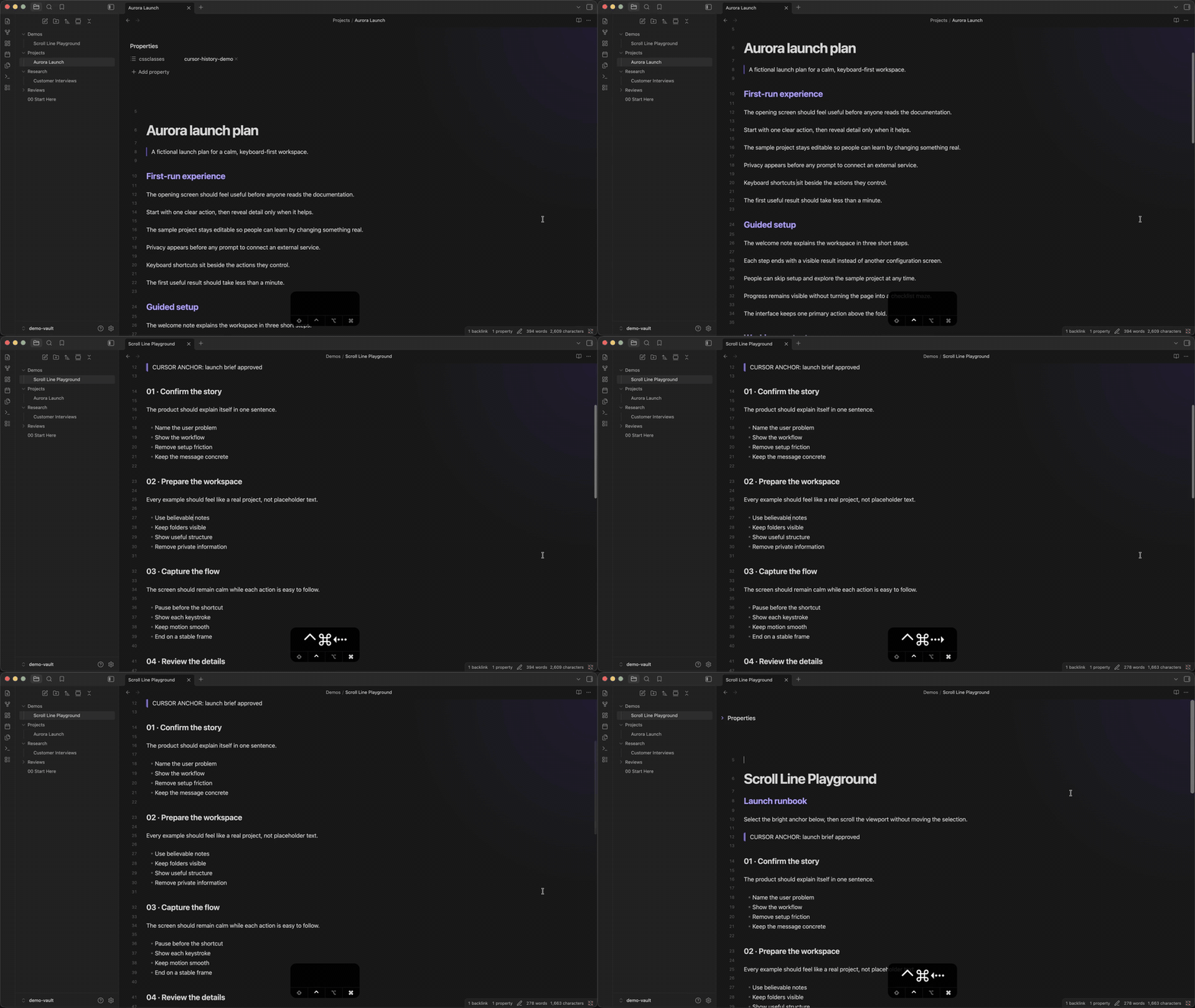
The demo moves through several saved positions inside long notes, then crosses between notes. The live keystroke display appears as each navigation happens.
Watch the full-quality recording
What it does
- Reopens the note, restores the exact cursor or selection, and brings it into view
- Navigates backward and forward through recent cursor and selection locations
- Groups ordinary movements within 10 lines into one stop, while deliberate jumps create new stops
- Creates a new stop when you change files
- Keeps up to 200 positions for the current Obsidian session
Going back and then navigating somewhere new clears the forward history, matching browser behavior.
Shortcuts
| Action | Editing mode default |
|---|---|
| Go back | Ctrl + Cmd + Left |
| Go forward | Ctrl + Cmd + Right |
Change either binding in Settings > Hotkeys by searching for “Cursor History.”
Install
Open Cursor History in the Obsidian Community directory, then press Add to Obsidian.
For a manual installation, download main.js and manifest.json from the latest release, then place them in <vault>/.obsidian/plugins/cursor-history/.
License
For plugin developers
Search results and similarity scores are powered by semantic analysis of your plugin's README. If your plugin isn't appearing for searches you'd expect, try updating your README to clearly describe your plugin's purpose, features, and use cases.