drive9
unlistedby drive9-ai
Sync your vault across devices via drive9 with semantic search and AI-agent access.
Updated 1mo agoMIT
drive9 for Obsidian
Sync your Obsidian vault across devices through drive9 — keep every note in sync, search by meaning, and make your knowledge accessible to AI agents.
Why drive9?
- Sync across devices — edit on desktop, pick up on mobile. Real-time SSE on desktop, battery-friendly polling on iOS/Android.
- Shared workspace — multiple people (or AI agents) can read and write the same vault through the drive9 server.
- Search by meaning — hybrid search combines full-text, vector, and keyword matching so you find notes by what they mean, not just exact words.
- AI-ready — your vault is always accessible to AI agents and tools via the drive9 API, enabling workflows like automated summarization, Q&A, and knowledge retrieval.
Screenshots
| Setup | Connected |
|---|---|
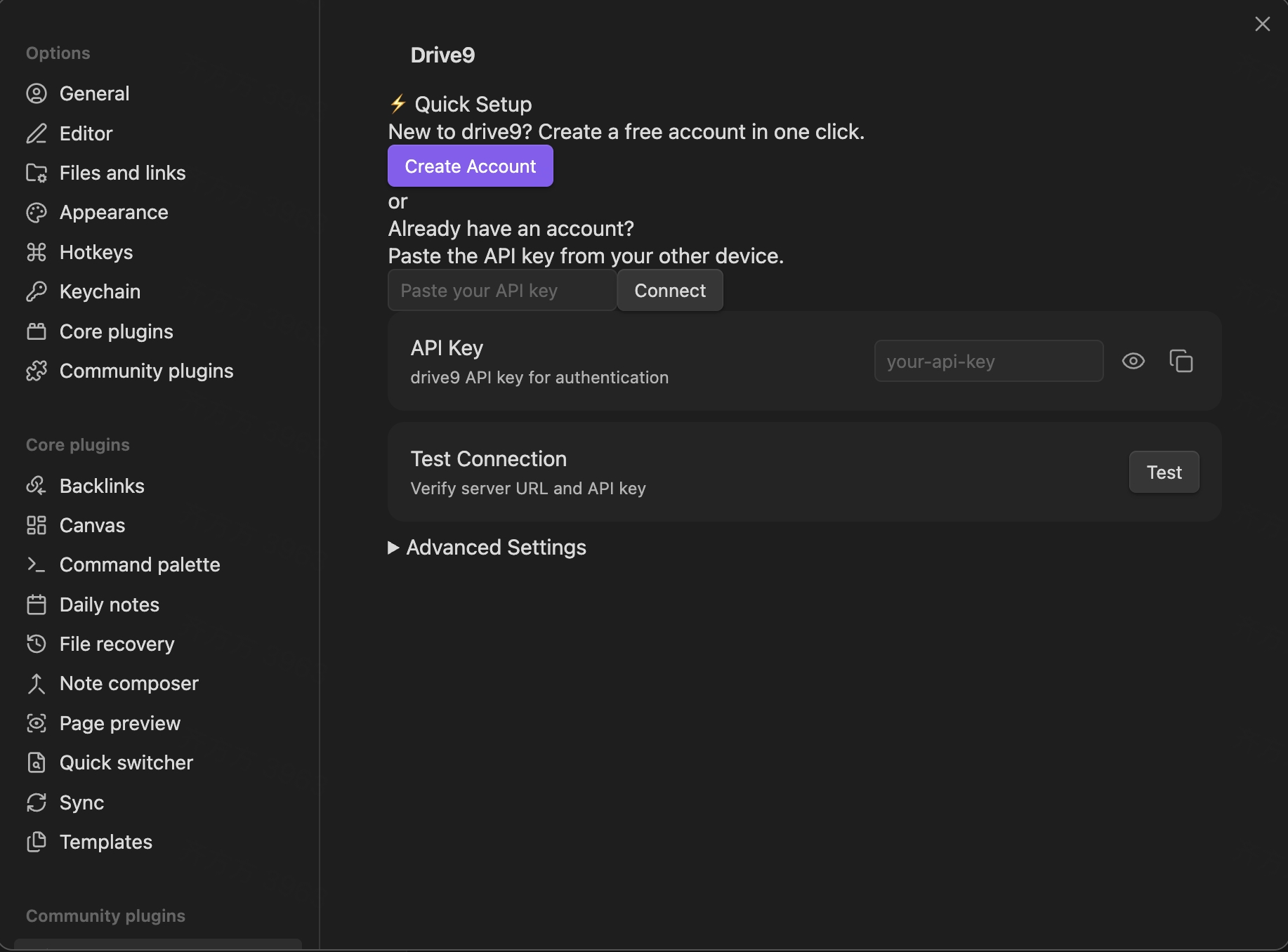 | 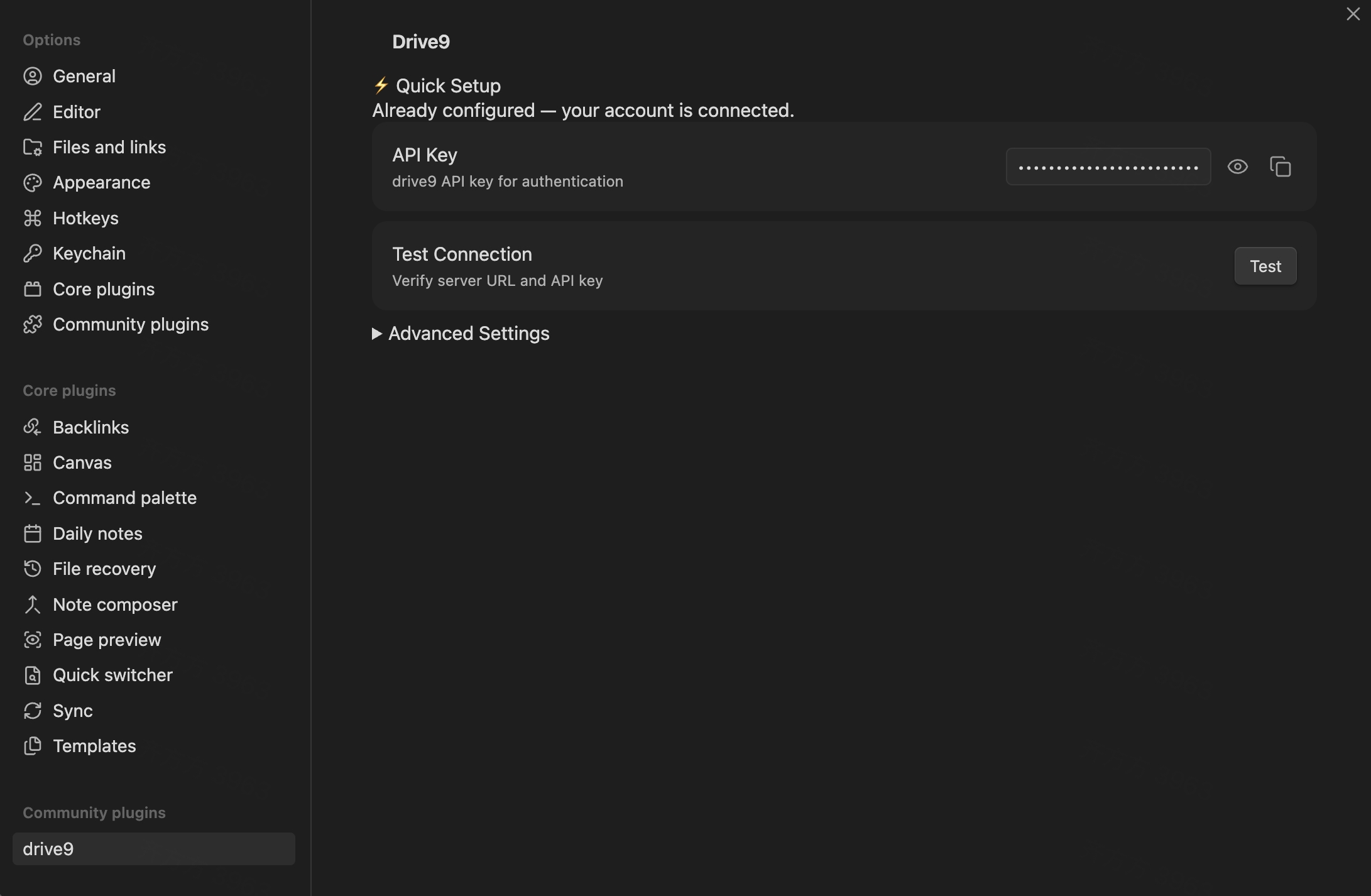 |
| Semantic search | Sync status |
|---|---|
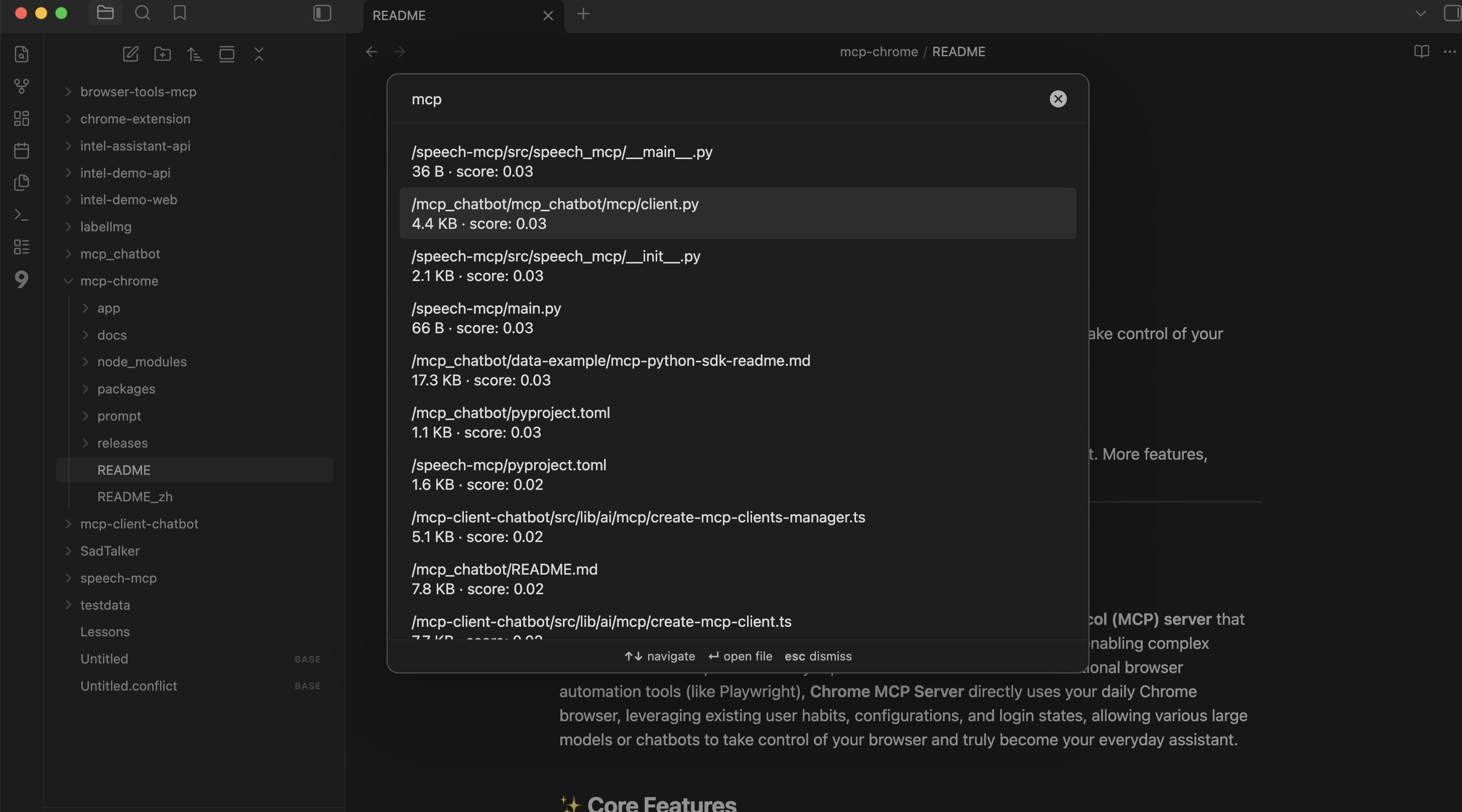 | 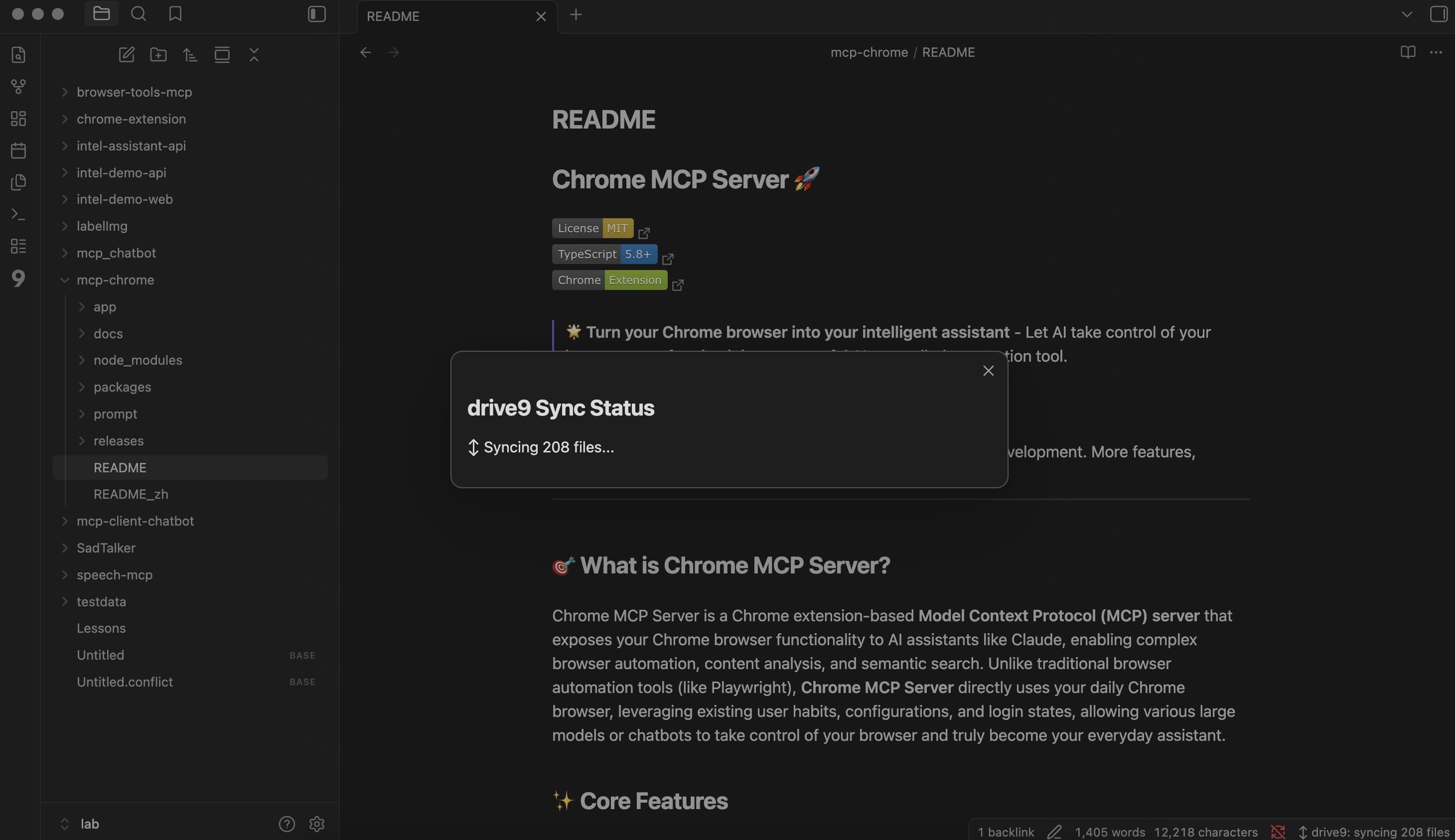 |
Features
- Bidirectional sync — local changes push to drive9; remote changes pull automatically.
- Conflict resolution — 3-way merge with shadow store; binary files get
.conflictcopies. - Semantic search — command palette "Search" opens a modal powered by drive9's hybrid search.
- Large file support — files over 50 KB use multipart upload with progress indication.
- Mobile compatible — works on iOS and Android.
- i18n — English and Simplified Chinese built in.
Setup
- Install the plugin from Obsidian Community Plugins (search "drive9") or manually copy
main.js,manifest.json, andstyles.cssto your vault's.obsidian/plugins/drive9/directory. - Open Settings > drive9.
- Click Create Account to provision a new drive9 workspace, or paste an existing API Key.
- Sync starts automatically after the first-run reconciliation.
First-run behavior
On first launch, the plugin detects whether files exist locally, remotely, or both:
- Local-only vault — uploads all files to drive9.
- Remote-only files — downloads from drive9.
- Both exist — reconciles by comparing files and syncing differences.
Settings
| Setting | Default | Description |
|---|---|---|
| Server URL | https://api.drive9.ai | drive9 server address |
| API Key | — | Authentication key (stored locally in .obsidian/) |
| Push debounce | 2000 ms | Delay before syncing after a file change |
| Ignore paths | <configDir>/**, .trash/**, *.tmp, .DS_Store | Glob patterns excluded from sync |
| Max file size | 100 MB | Skip files larger than this |
| Mobile max file size | 20 MB | Lower limit on mobile to prevent out-of-memory |
Security
- API key is stored in
.obsidian/plugins/drive9/data.json— ensure.obsidian/is in your.gitignoreif your vault is a git repo. - The plugin warns you in settings if
.gitignoredoesn't cover.obsidian/. - Error messages are sanitized to strip Bearer tokens before display.
Commands
| Command | Description |
|---|---|
| Search | Open hybrid search modal |
| Retry failed sync | Retry sync after an error |
Network and data disclosure
This plugin connects to an external drive9 server (default: https://api.drive9.ai) to sync your vault files. Specifically:
- Network requests: the plugin sends your vault files to the configured drive9 server for storage and retrieval. All communication uses HTTPS.
- Account required: a drive9 account and API key are required. You can create a free account directly from the plugin settings.
- No telemetry: the plugin does not collect analytics or telemetry data.
- No files outside the vault: the plugin only reads and writes files within your Obsidian vault directory.
Requirements
- Obsidian 1.5.0 or later
- A running drive9 server with a valid API key
Development
npm install
npm run dev      # Watch mode
npm run build    # Production build
License
For plugin developers
Search results and similarity scores are powered by semantic analysis of your plugin's README. If your plugin isn't appearing for searches you'd expect, try updating your README to clearly describe your plugin's purpose, features, and use cases.