IMA Share Sync
unlistedby oooin
Sync IMA articles and permitted original files to your vault, with local PDF-to-Markdown conversion using Windows desktop automation.
IMA Share Sync
English · 简体中文
Keep it handy
Save articles and files shared through IMA as notes and files in Obsidian.
Find them when you need them. Use them when you write.
Windows 10+ · Obsidian 1.11.4+ · Installed and signed-in IMA desktop
Version 0.3.0 is released. Community installation is not yet available; follow the guide to install manually.
Who it helps
Keep useful material on your computer for learning, work, and writing.
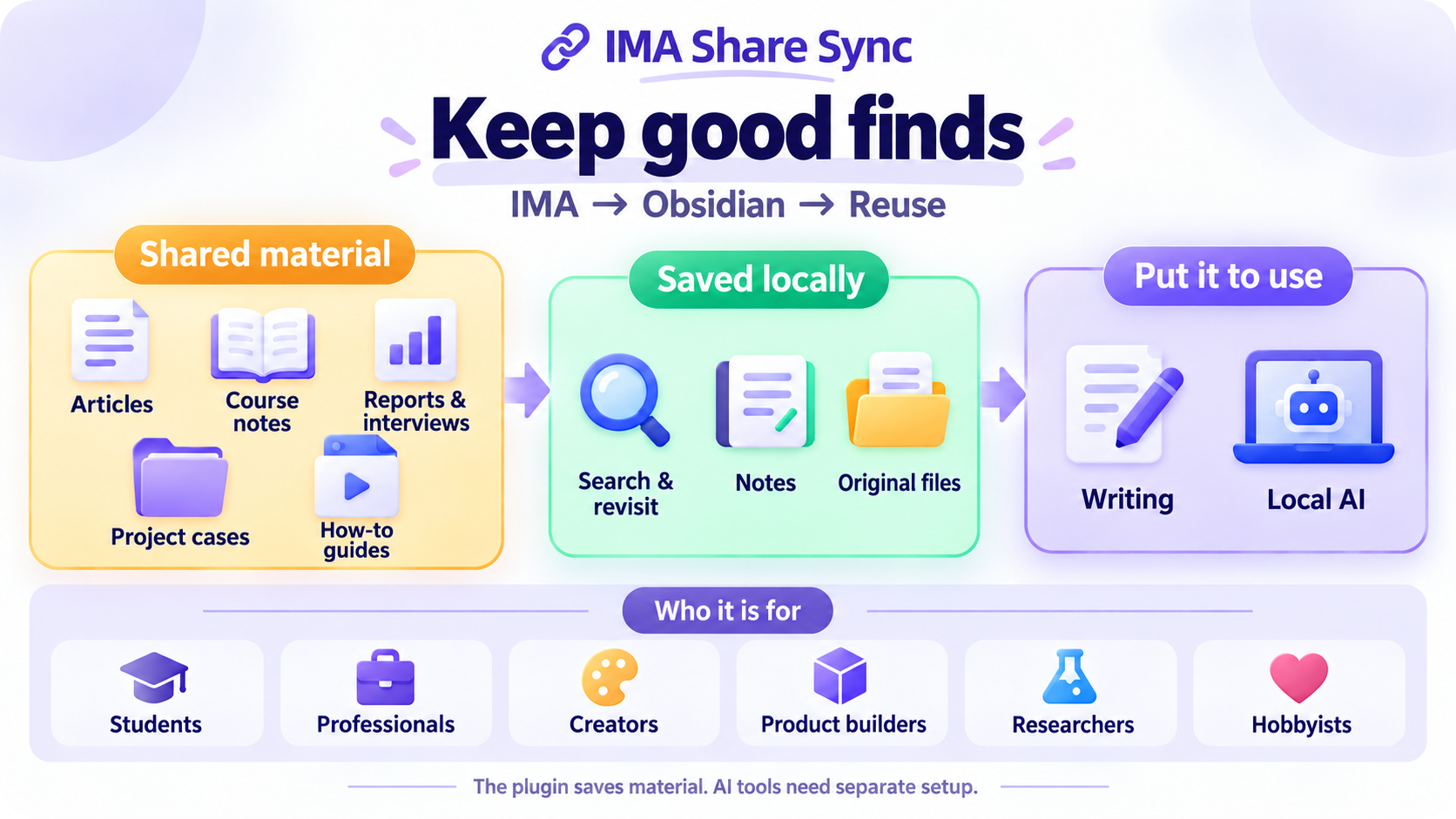
The plugin saves material. AI tools for organizing or analyzing it need separate setup.

Industry research
For: People studying industries, companies, and changes over time.
For example: Save reports, company analyses, and interviews. Compare viewpoints and check the original source.

Study and learn
For: Students, exam candidates, and anyone learning a new skill.
For example: Keep handouts and learning articles together, with fewer places to search when you study.
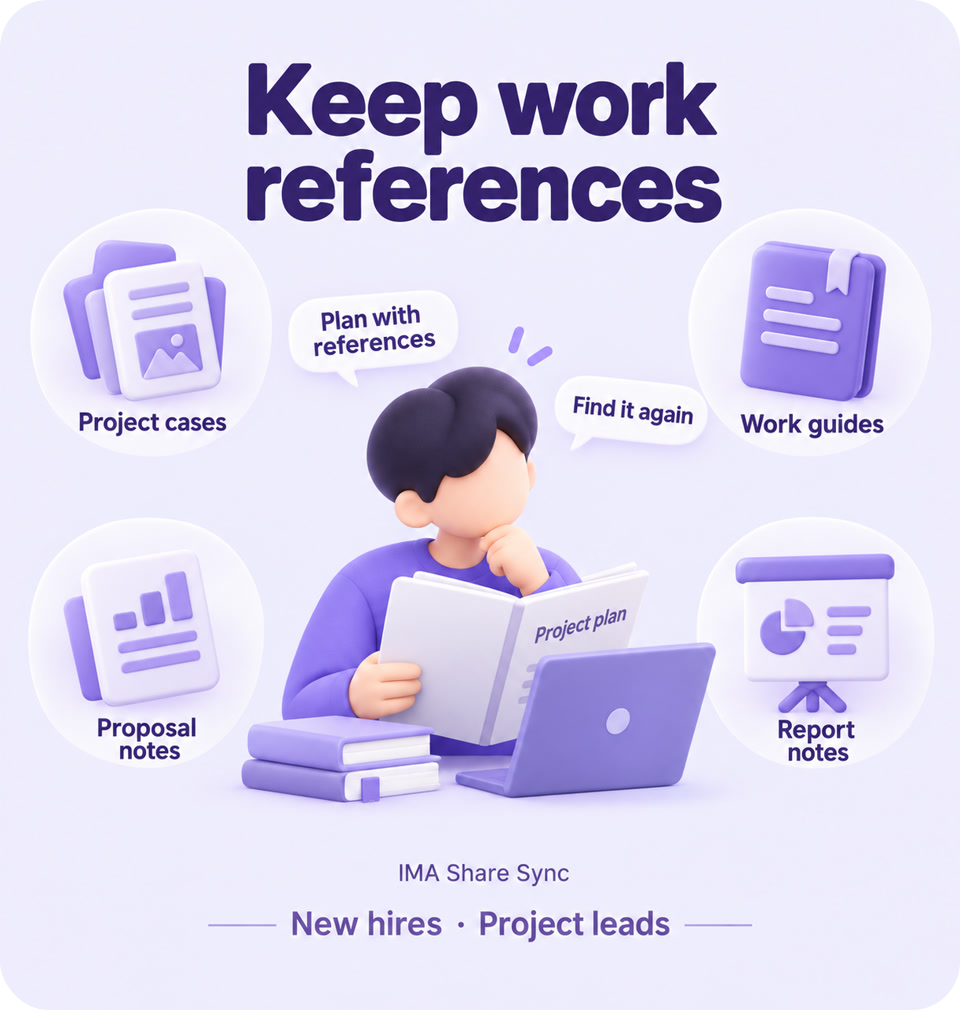
Work references
For: New hires, project leads, and anyone writing proposals.
For example: Save examples and guides from colleagues. Find them again for your next proposal or presentation.
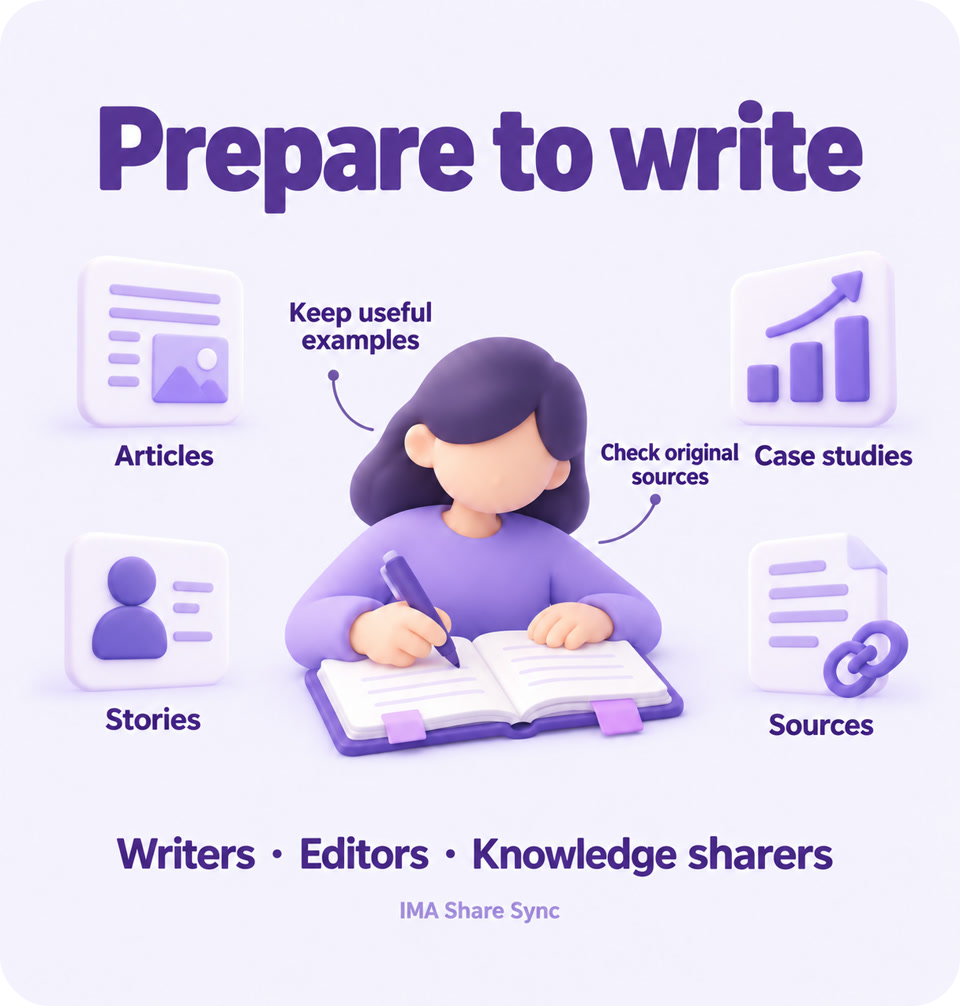
Writing material
For: Writers, editors, and people who share what they know.
For example: Keep articles and personal stories for your next piece. Find the source when you need to cite it.
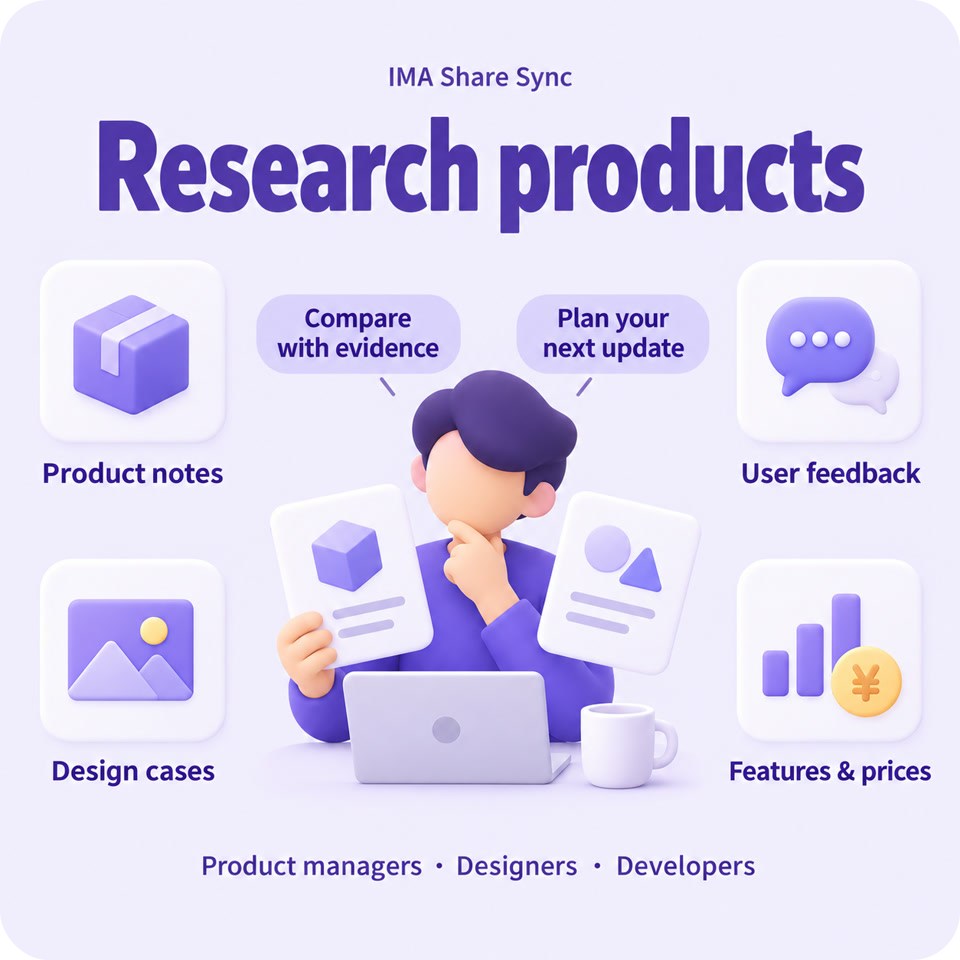
Product research
For: People who build products, design, or develop software.
For example: Keep product details, user feedback, and design examples together to compare features and prices.

Hobby tips
For: People who enjoy photography, gardening, or cooking.
For example: Keep tutorials, plant care tips, and recipes handy as you practice. Add what you learn along the way.
What it does
Open a group to see what you can do.
Save material · 4 features
Save articles
Save IMA articles you are allowed to keep as Obsidian notes. Search, annotate, and read them alongside your other notes.
Keep originals
Keep PDFs, images, and supported audio or video originals using the downloads available in IMA.
Choose material
Start with 1–30 recent items, widen the search, or filter by title. Each batch has a saving limit.
Keep folders
Keep the original folder names. Include subfolders and limit how many folders and levels to search.
Organize notes · 5 features
Make notes
Turn existing PDF text into notes, with optional links to the original. Scans get a notice; text inside images is not read.
Fill missing notes
Add missing notes for PDFs you have already saved, without downloading the files again.
Skip saved articles
Articles recognized as already saved are skipped by default, reducing duplicate copies.
Protect notes
Files with the same name are not replaced by default. Turning PDFs into notes also preserves notes made outside this plugin.
Check files
Check whether a PDF can be read. If it is damaged or access is restricted, see the reason.
Everyday controls · 4 features
Control saving
Start manually or save when Obsidian opens. Delay or cancel an automatic start, or stop a save already in progress.
Review results
See which articles were saved and whether each save worked. Find the matching record if something goes wrong.
See progress
Follow saving progress. Choose result reminders, notices on icons, or desktop notifications.
Choose language
Use Chinese or English for settings, or follow Obsidian's language. Some sidebar text and messages are still in Chinese.
Start collecting
Keep your next good find on your own computer.
For plugin developers
Search results and similarity scores are powered by semantic analysis of your plugin's README. If your plugin isn't appearing for searches you'd expect, try updating your README to clearly describe your plugin's purpose, features, and use cases.