Spotify Mini Player
unlistedby Suryansh Mishra
A draggable Spotify mini player inside Obsidian: now playing, elapsed time, and full transport controls in the sidebar, a popout window, a floating overlay, or embedded in a note.
Spotify Mini Player for Obsidian
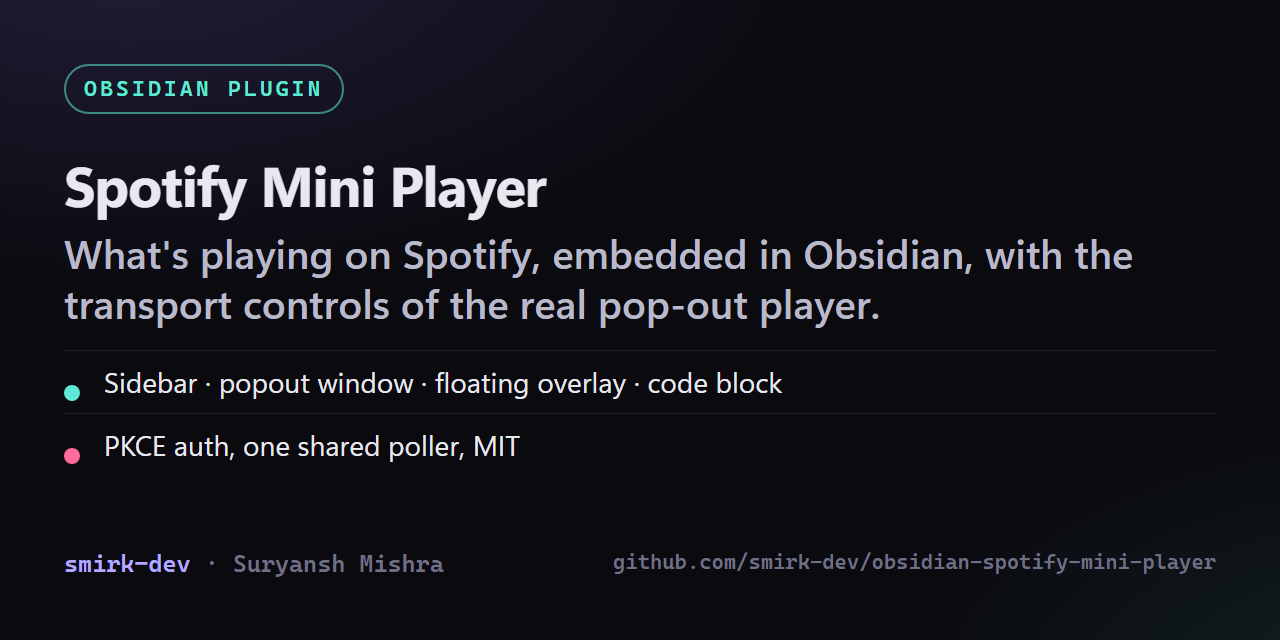
What's playing on Spotify, embedded in Obsidian — with the transport controls you'd get from Spotify's own pop-out mini player, on four surfaces that share one poller.
| Surface | How to open it |
|---|---|
| Sidebar panel | Ribbon icon (♪), or Open mini player in the sidebar |
| Popout window — a real OS window you can drag anywhere, optionally pinned on top | Open mini player in a popout window |
| Floating overlay — draggable + resizable, floats over the workspace | Toggle the floating mini player, or click the status bar |
| Embedded in a note | a ```spotify code block |
Album art, title, artist, elapsed / total time, a scrubbable progress bar, play-pause, previous / next, shuffle, repeat, volume, the active device (click to switch devices), and a heart to save the track to your Liked Songs. The player tints itself with the dominant colour of the album art.
Setup
1. Make a Spotify app
-
Go to https://developer.spotify.com/dashboard and Create app (or open an existing one).
-
Copy the Client ID. You do not need the client secret — this plugin uses Authorization Code + PKCE, so no secret is ever stored.
-
Under Settings → Redirect URIs, add the exact URI shown in the plugin settings. With the default sign-in method that is:
http://127.0.0.1:8888/callbackSpotify rejects
localhost— it has to be the numeric127.0.0.1.
2. Connect
Obsidian → Settings → Spotify Mini Player → paste the Client ID → Connect to Spotify. Your browser opens, you approve, and the tab tells you to come back.
Sign-in methods
| Method | How it works | When to use it |
|---|---|---|
| Loopback (default) | Opens a throwaway HTTP server on 127.0.0.1 for the length of the sign-in, then shuts it down | Desktop. Most reliable. |
| obsidian:// | Registers obsidian://spotify-mini-player as the redirect | If you'd rather no local port were opened. Requires Spotify to accept a custom-scheme redirect URI on your app. |
| Manual paste | You copy the redirect URL out of the browser's address bar into a dialog | Fallback when neither redirect can be registered. |
Switching methods changes the redirect URI, so re-copy it into the Spotify dashboard.
Embedding in a note
```spotify
```
Options, one per line:
```spotify
mode: bar
controls: false
```
mode: card(default) — big art, full controls.mode: bar— one compact row.controls: false— hide the footer row (heart, device, volume).
Commands
All available in the command palette, and all bindable to hotkeys:
- Open mini player in the sidebar / in a popout window
- Toggle the floating mini player
- Play / pause · Next track · Previous track
- Seek forward / backward (step size configurable)
- Save / unsave the current track
- Copy a link to the current track
- Insert the current track at the cursor — uses the template in settings, default
[{{title}} — {{artist}}]({{url}}). Placeholders:{{title}} {{artist}} {{album}} {{url}} {{uri}} {{progress}} {{duration}} {{device}} - Connect to Spotify
How it polls
One PlayerStore polls GET /v1/me/player and every surface subscribes to it, so five
open players still make one request. Between requests the progress bar advances locally,
so it moves smoothly at zero API cost.
The cadence adapts: your configured interval while playing (default 3s), 8s when paused,
20s when nothing is playing, and nothing at all while the window is hidden or no surface
is open. A 429 backs off for exactly the Retry-After Spotify asks for; other errors back
off exponentially to 60s. Control actions update the UI optimistically and then reconcile.
Requirements and caveats
- Playback control needs Spotify Premium. Reading what's playing works on free accounts; play/pause/skip/seek/volume return 403 without Premium.
- Spotify must be playing somewhere. This is a remote control, not a player — it drives your desktop app, phone, or speaker. With no active device you get a prompt to start one.
- Desktop only. Sign-in uses a loopback server and the floating/popout surfaces are desktop features.
- Your refresh token is stored in
data.jsoninside the plugin folder, in plaintext. Anything that syncs or backs up that folder carries the token. Revoke access at https://www.spotify.com/account/apps/ if it ever leaks. - Always-on-top for the popout window is best-effort; it depends on what Electron exposes in your Obsidian build, and silently does nothing if unavailable.
Install
Until it is in the community list: download main.js, manifest.json and styles.css from the
latest release into <vault>/.obsidian/plugins/spotify-mini-player/, reload Obsidian, and enable
it under Community plugins. Then follow Setup above.
Development
Plain CommonJS — no build step, no dependencies. main.js is loaded by Obsidian directly.
node deploy.mjs --vault "D:/My Vault"   # copy manifest.json + main.js + styles.css into the vault
OBSIDIAN_VAULT="D:/My Vault" node deploy.mjs
Then in Obsidian: Settings → Community plugins → Reload, or toggle the plugin off and
on. Ctrl+Shift+I opens devtools; the plugin logs under [spotify-mini-player].
Layout of main.js, top to bottom: constants → utilities → SpotifyAuth (PKCE) →
SpotifyApi → album-art colour extraction → PlayerStore (the single poller) →
PlayerUI (the renderer every surface reuses) → MiniPlayerView → FloatingPlayer →
modals → settings tab → the plugin class.
For plugin developers
Search results and similarity scores are powered by semantic analysis of your plugin's README. If your plugin isn't appearing for searches you'd expect, try updating your README to clearly describe your plugin's purpose, features, and use cases.