Wechat Public Platform
approvedby ai-chen2050
Release the article from your vault to WeChat, Baidu Baijiahao, or another article release platform.
Obsidian Wechat Public Plugin



The Obsidian WeChat public platform plug-in is an obsidian community plug-in that is used to publish articles or videos and other resources in obsidian to the WeChat public account.
Video Walkthrough
- Chinese Video Display 中文视频演示请点击下面图片
| Wechat Public Platform | Baidu BaiJiaHao |
|---|---|
 |  |
Release history
https://github.com/ai-chen2050/obsidian-wechat-public-platform/releases
Functions & Command
- [ upload material to WeChatPublic ] Upload resource pictures and videos to WeChat public account resource management (waiting for obsidian to support formdata body)
- [ add draft to WeChatPublic ] Add graphic and text resources to the draft box of WeChat public platform
- [ Release article to WeChatPublic ] Release graphic messages and various resources and publish them on the WeChat public platform
- [ Send all fans to WeChatPublic ] Send group messages to fans (note: authentication is required to have calling permission)
- [download-material-from-wechatpublic] download material(news,image,video,audio) from wechat public platform
- [download-youtube-video] download video from youtube platform
- [publish-baidu-bjh-news] publish obsidian's article to baidu's baijiahao
- [show-wechat-stats-panel] open a statistics dashboard to view user cumulate data and published content overview (supports date range picker)
| Overall | Down/Upload |
|---|---|
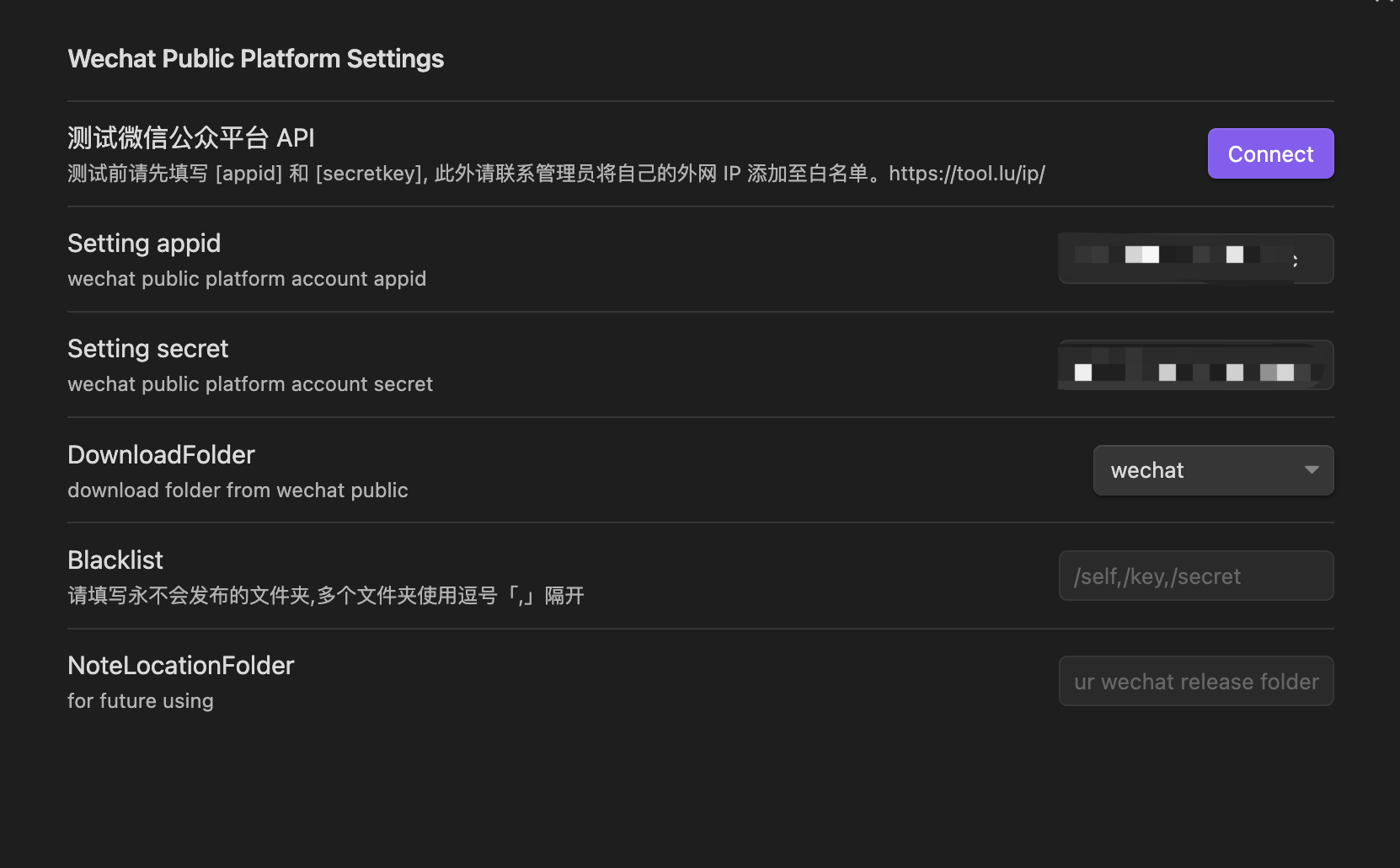 | 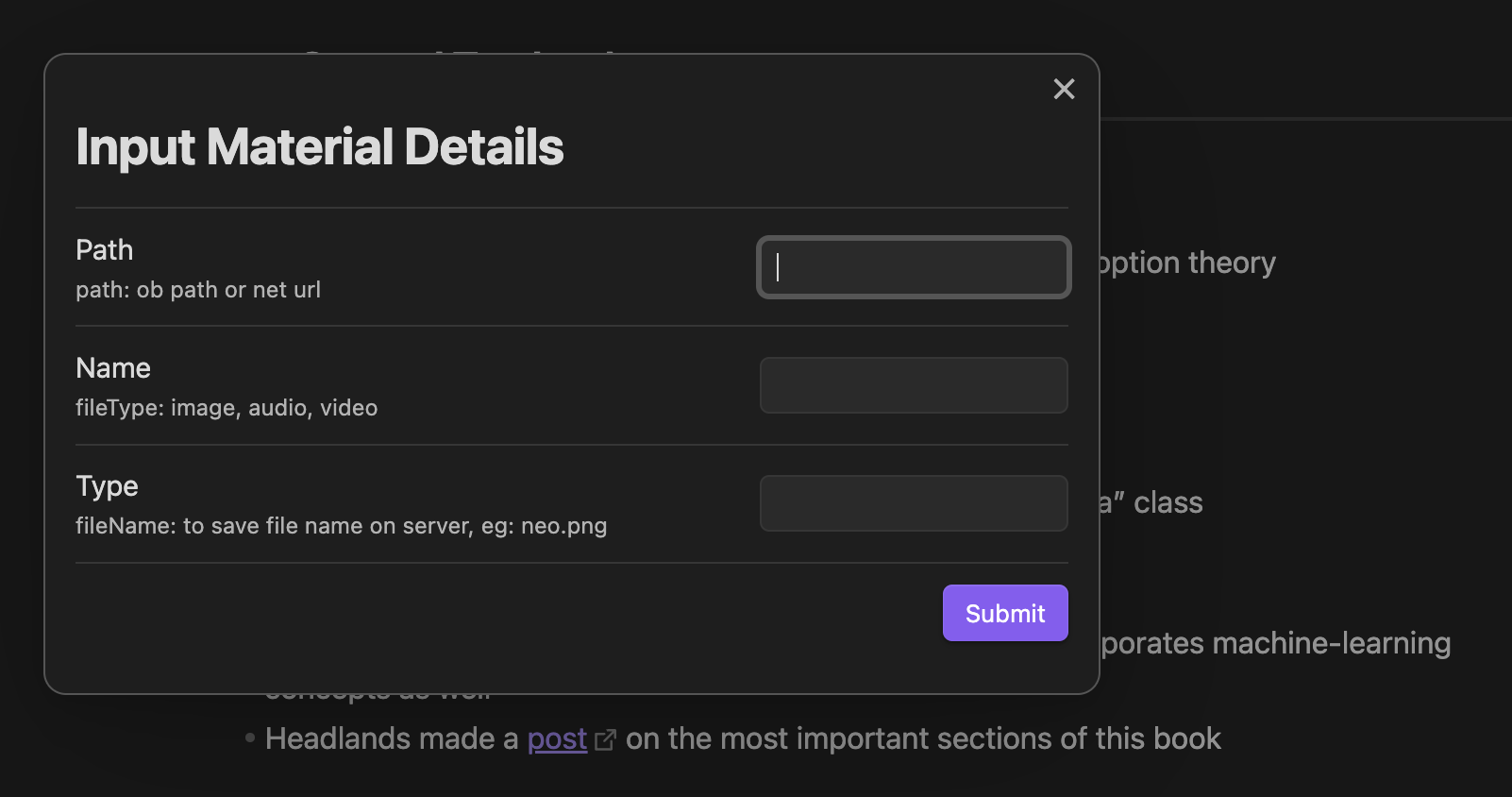 |
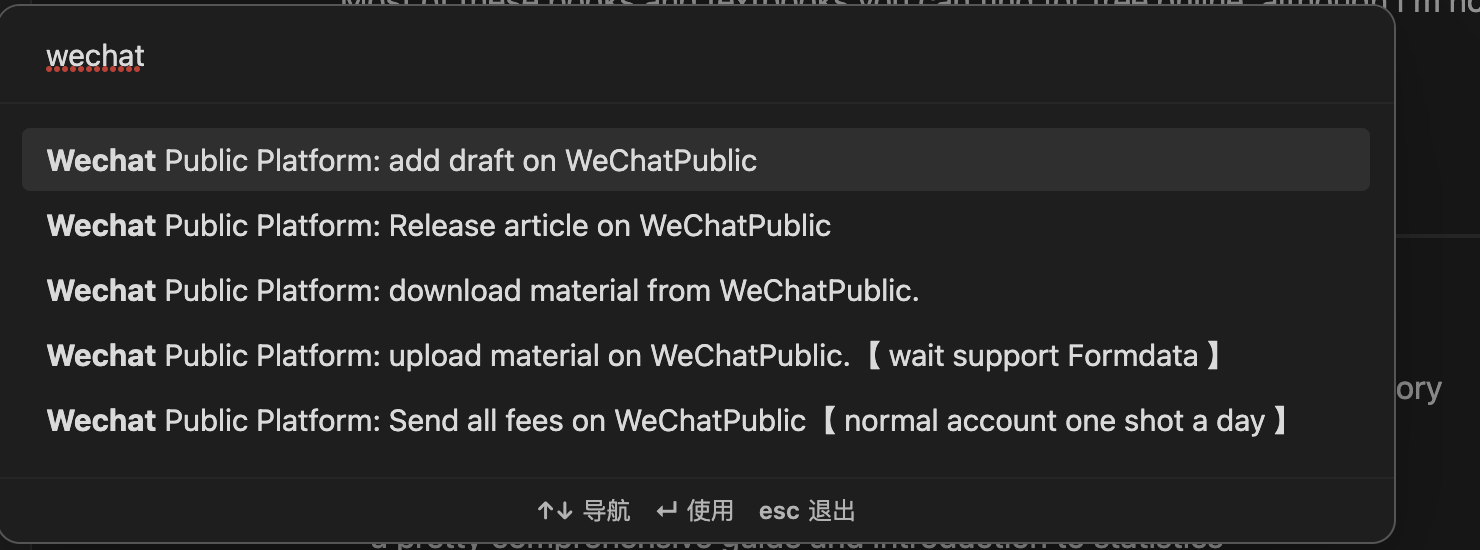 | 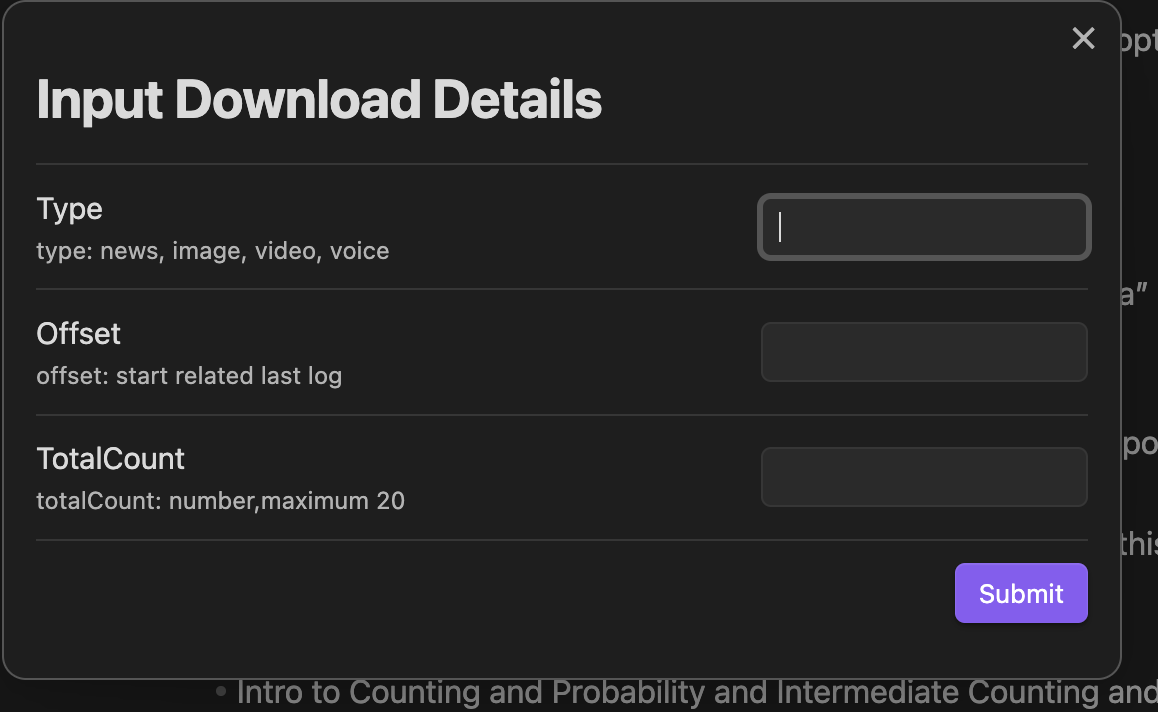 |
Install
Directly search for wechat public in the plug-in market, find Wechat public Plugin and click install to install it. After the installation is complete, click Enable to enable the plug-in. [png]
Second method is download the release package, then make a new dir, name to wechat-public-plugin, last put them to .obsidian/plugin, and find 3rd plugin to enable.
Or download the source code and compile it into main.js manifest.json and put it in the plug-in directory under .obsidian, and then Enable.
OpenClaw CLI
This repo also ships a CLI for OpenClaw automation. You can install and run it in one of these ways:
# Clone and build locally
git clone https://github.com/ai-chen2050/obsidian-wechat-public-platform.git
cd obsidian-wechat-public-platform
npm install
npm run build:cli
./dist/wechat-public-cli.js wechat:draft --file /path/to/article.md
# Install globally via npm (after publish)
npm install -g wechat-public-cli
wechat-public-cli wechat:draft --file /path/to/article.md
# Install via OpenClaw (if available)
claw install wechat-public-cli
If the CLI is published to npm, you can also run it with npx:
npx wechat-public-cli wechat:draft --file /path/to/article.md
Using case
Article frontmatter annotation
- It is recommended to use the following frontmatter. This plug-in will use the following fields
author: Blake   // for article author
thumb_media_id: "awM_2hMypzpKEBfvr0B09MPmBahsXrBzBhNAzIPXHzRYGjzErk7ZBs4L8nL7VpEY" // media id in wechat platform
banner: "https://images.unsplash.com/photo-1620266757065-5814239881fd?ixlib=rb-4.0.3&q=85&fm=jpg&crop=entropy&cs=srgb&w=2400"
banner_path: "twitter.jpg"  // image file path
open_comment: 0
source_url: ""  // ref article url source
digest: ""
- Article cover: When the WeChat public platform internal resource thumb_media_id has the highest priority, followed by the network image banner, and finally the local image path of obsidian
- Other fields will be filled with relevant information about articles published on the WeChat public platform.
API Key And Secret
- Login Tencent Wechat Server, go into Setting and Develop page.
- And find the basic setting subpage of Setting and Develop page. copy appid and secret to plugin setting.
whiteList
- The wechat platform request user put the client Ip to server whitelist. It's same page with API Key and Secret.
- You could find your outneter ip in here.
- And put ip [192.168.0.0/16] or [192.168.66.66] if you out network ip is [192.168.66.66]
custom css & themes
please refer to this page.
The Settings take effect only after the plug-in is restarted.
Wechat public API
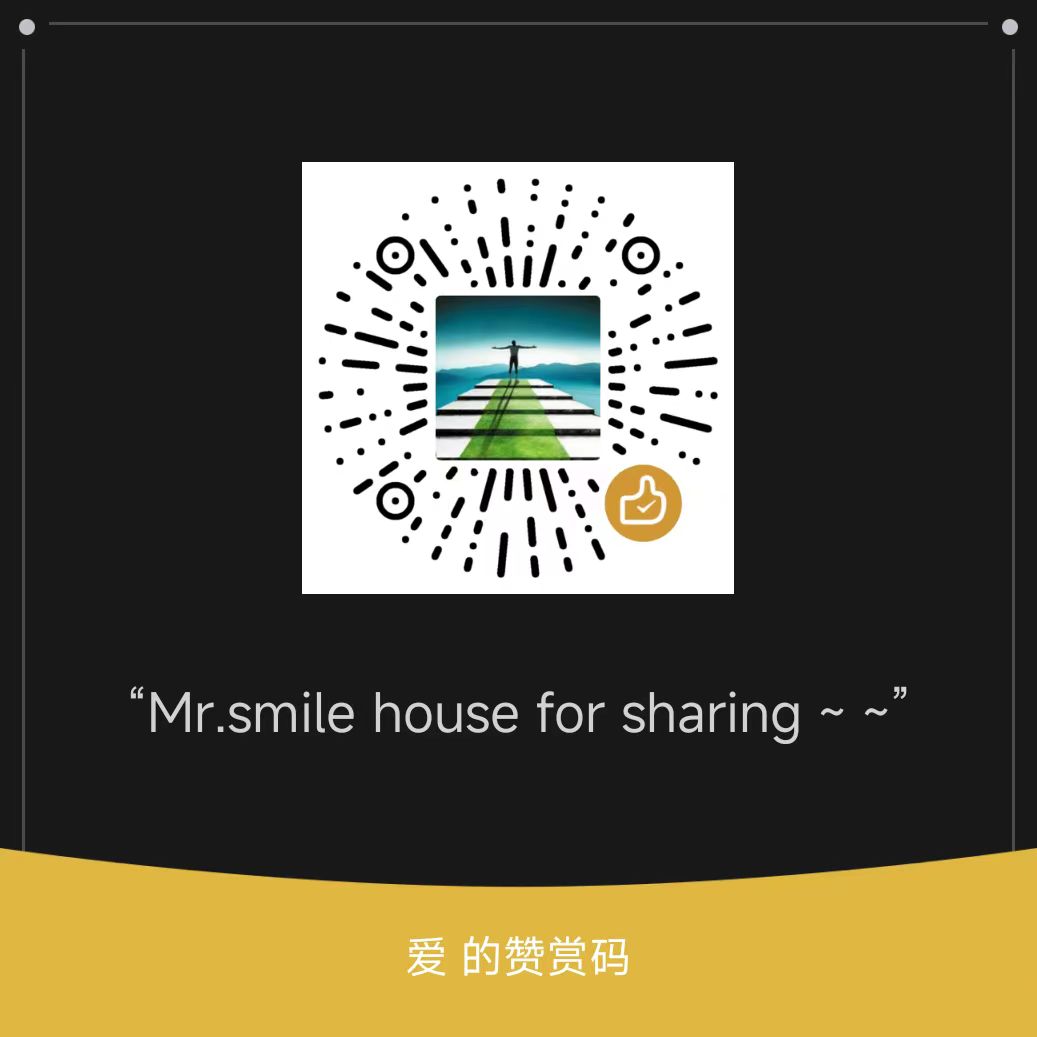
Support & Funding
| Halo | World |
|---|---|
 |  |

Star History
For plugin developers
Search results and similarity scores are powered by semantic analysis of your plugin's README. If your plugin isn't appearing for searches you'd expect, try updating your README to clearly describe your plugin's purpose, features, and use cases.