Arcadia Connect
approvedby arcadia-studio
Personal CRM: @-mention contacts in notes, log interactions, manage a deal pipeline, and get AI-powered follow-up suggestions. - This plugin has not been manually reviewed by Obsidian staff.
Arcadia Connect
A personal CRM inside Obsidian. Arcadia Connect links the people you know to the notes you already write: type @ to mention a contact anywhere in your vault, keep structured person notes with interaction history, and see follow-ups before they slip. Premium adds a deal pipeline board, a cross-contact interaction timeline, and AI follow-up suggestions powered by your own API key. Your data never leaves your vault.



Features
Free
| Feature | Description |
|---|---|
| @-mention autocomplete | Type @ in any note to link a person. Live fuzzy-matched dropdown in the editor |
| Person notes | Structured contact notes with frontmatter for email, phone, organization, role, and follow-up dates |
| People panel | Searchable sidebar listing all contacts, with sorting by name, recent mention, last contact, follow-up due date, deal stage, or relationship |
| Hover profile cards | A compact profile card appears when hovering an @-mention in reading view |
| Interaction logging | Log calls, emails, meetings, and notes straight into the contact's note |
| Follow-up reminders | Hourly check with notices for overdue and due-today follow-ups |
Premium
Premium requires a license key from arcadia-studio.lemonsqueezy.com.
| Feature | Description |
|---|---|
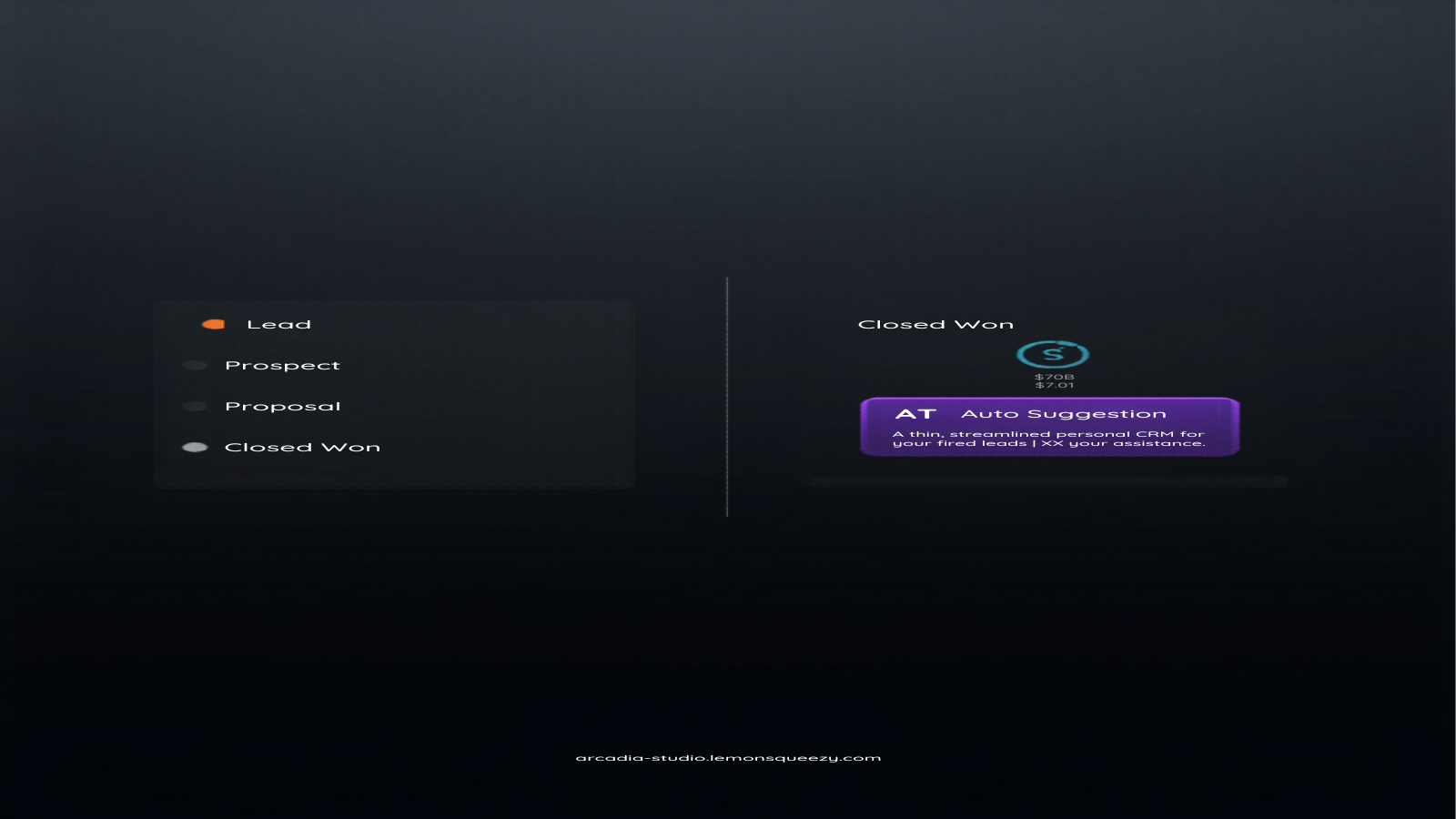
| Deal pipeline | Kanban board grouped by deal stage, with per-column deal value totals and one-click stage moves |
| Interaction timeline | Chronological feed of every logged interaction across all contacts, grouped by date and filterable by name |
| AI follow-up suggestions | Bring your own Anthropic or OpenAI key for next-action suggestions based on a contact's history. Calls go directly from your machine to the provider; keys stay in your vault settings |
If the license server is unreachable, validated licenses keep working offline for a 14-day grace period. Premium features pause (they never crash) if the grace period runs out before the license can be revalidated.
Installation
The plugin is awaiting review for the Obsidian community plugins directory. Until it is listed, install with one of these methods:
Manual install (from GitHub releases)
- Download
main.js,manifest.json, andstyles.cssfrom the latest release - Create the folder
.obsidian/plugins/arcadia-connect/in your vault - Copy the three files into that folder
- In Obsidian, open Settings, go to Community plugins, and enable Arcadia Connect
BRAT
- Install the BRAT plugin from the community directory
- In BRAT settings, choose "Add beta plugin" and enter
Arcadia-Studio/obsidian-arcadia-connect - Enable Arcadia Connect in Community plugins
BRAT keeps the plugin updated automatically as new releases ship.
Quick start
- Set the people folder. Open Settings, then Arcadia Connect, and set "People folder" to the path where contact notes should live (default
People/). - Create a contact. Click the people ribbon icon to open the people panel and use "+ person", or run "Create person note" from the command palette.
- Mention people. Type
@in any note and pick a name from the dropdown. The mention is inserted as a regular internal link, so backlinks and graph view work as usual. In reading view, hover a mention to see the profile card. - Log interactions. Use "+ log" next to any contact in the people panel, run "Log interaction" from the command palette, or use the "+ log" button on a pipeline card. Each entry is appended to the contact's
## Interaction Logsection andlast-contactis updated. - Stay on top of follow-ups. Set a follow-up date when logging an interaction (or with the calendar button in the people panel). The plugin checks hourly and shows a notice for anything due or overdue.
- Premium views. With a license active, open the interaction timeline and the deal pipeline from their ribbon icons or the command palette. For AI suggestions, add your Anthropic or OpenAI key under "AI enrichment" in settings, open a contact note, and run "Suggest AI follow-up for active contact".
Contact note frontmatter
file-role: crm-contact
name: "Jane Doe"
email: jane@example.com
organization: Acme Corp
role: VP of sales
last-contact: 2026-06-01
next-follow-up: 2026-06-15
follow-up-status: pending
deal-stage: proposal
deal-value: 5000
| Field | Values | Description |
|---|---|---|
file-role | crm-contact | Marks the note as a contact (legacy type: person is also accepted) |
last-contact | YYYY-MM-DD | Date of the most recent interaction |
next-follow-up | YYYY-MM-DD | Scheduled follow-up date |
follow-up-status | pending / done / snoozed | Follow-up state |
deal-stage | lead / prospect / proposal / negotiation / closed-won / closed-lost / nurture | Pipeline stage |
deal-value | number | Deal value in dollars |
organization, role, email, phone | string | Contact details shown on cards and in the panel |
Settings reference
| Setting | Default | Description |
|---|---|---|
| People folder | People/ | Vault folder where contact notes are stored and scanned |
| Trigger character | @ | Character that opens the mention autocomplete |
| Show hover card | on | Show the mini profile card when hovering mentions in reading view |
| Auto-create person note | on | Offer a "create new person" entry in the autocomplete for unknown names |
| License key | empty | Premium license key; click "Validate" to activate |
| AI provider | Anthropic | Choose Anthropic or OpenAI for follow-up suggestions |
| API key | empty | Your own provider key, stored locally in plugin settings |
| Model (OpenAI) | gpt-4o-mini | OpenAI model used for suggestions |
Commands
| Command | Tier |
|---|---|
| Open people panel | Free |
| Create person note | Free |
| Mention person | Free |
| Log interaction | Free |
| Open interaction timeline | Premium |
| Open deal pipeline | Premium |
| Suggest AI follow-up for active contact | Premium |
Pricing
The free tier has no time limit and no account requirement. Premium is a one-time license purchase at arcadia-studio.lemonsqueezy.com. One license covers your personal devices. License validation happens against the Lemon Squeezy API; a 14-day offline grace period keeps premium active when you are away from a connection.
Privacy
- No telemetry, no analytics, no account.
- Contact data stays in plain Markdown files in your vault.
- AI requests (premium, optional) go directly from your machine to Anthropic or OpenAI using your own key. Nothing passes through Arcadia servers.
- The only other network call is license validation against the Lemon Squeezy API when a license key is configured.
Support
Questions, bug reports, and feature requests: open an issue on GitHub or email arcadiastudio77@gmail.com.
Development
git clone https://github.com/Arcadia-Studio/obsidian-arcadia-connect.git
cd obsidian-arcadia-connect
npm install --legacy-peer-deps
npm run dev        # watch mode
npm run build      # typecheck + production build
License
The plugin code is released under the MIT license. A premium license key unlocks the premium feature set but does not change the code license.
For plugin developers
Search results and similarity scores are powered by semantic analysis of your plugin's README. If your plugin isn't appearing for searches you'd expect, try updating your README to clearly describe your plugin's purpose, features, and use cases.