Attachment Manager
approvedby chenfeicqq
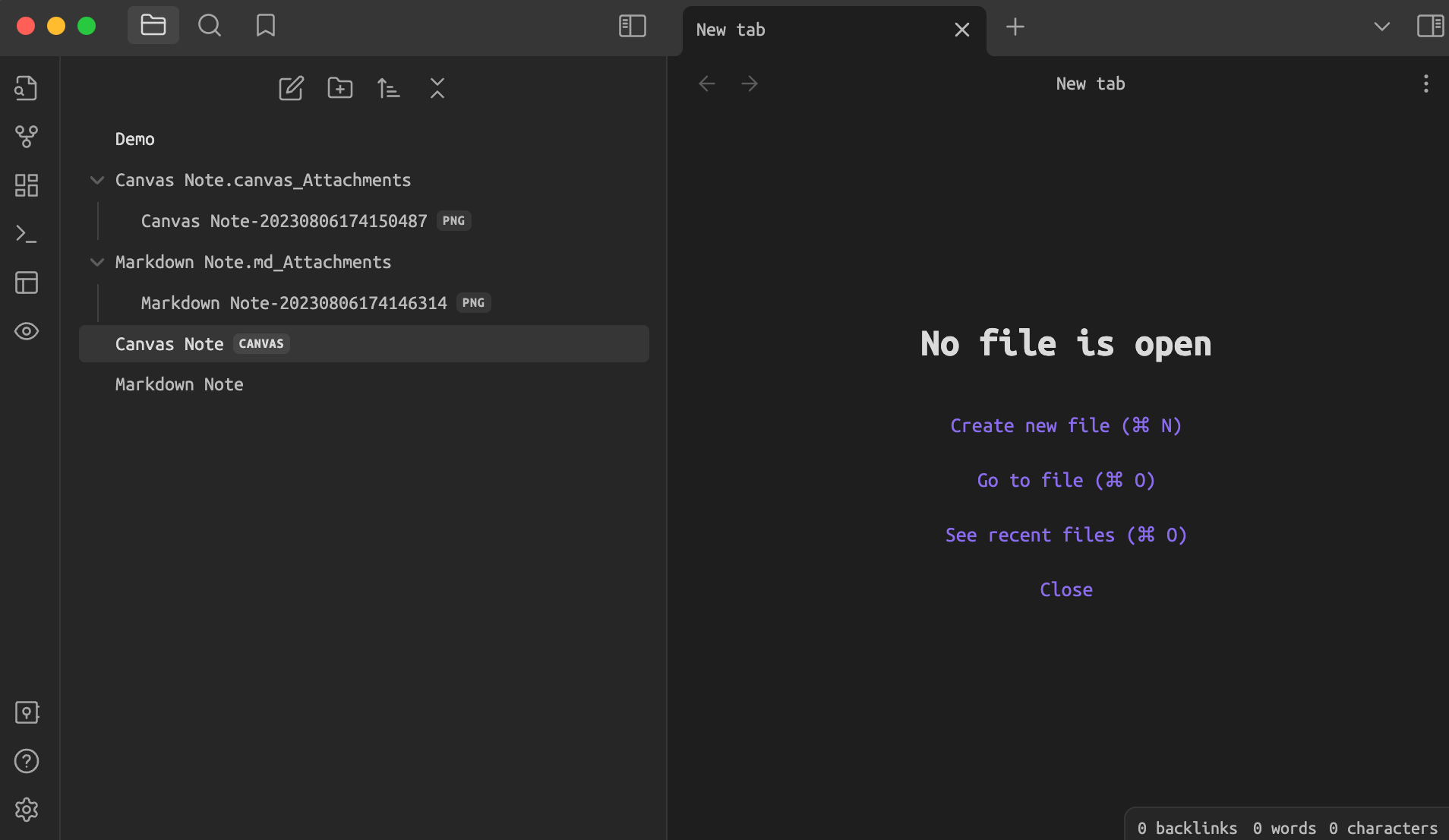
Bind attachment folder names to note names, which automatically rename, delete and show/hide when changed.
★ 52 stars↓ 12,334 downloadsUpdated 2y agoMIT
Attachment Manager
Attachment Manager: Attachment folder name binding note name, automatically rename, automatically delete, show/hide.
Features
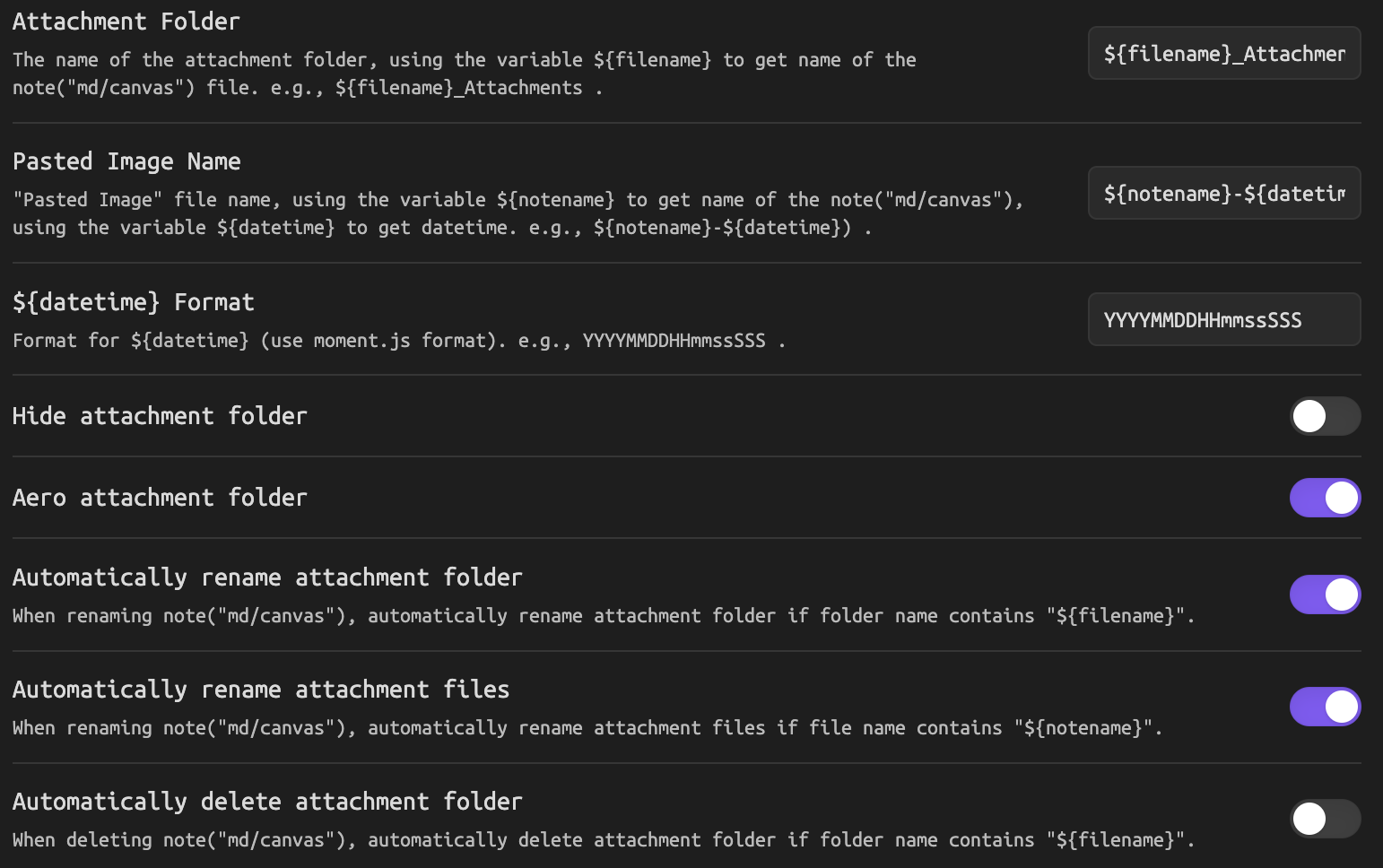
- Attachment folder name binding note name
- Download current open (md or canvas) note's remote image to attachment folder
- Automatically rename 'Pasted Image'
- Automatically rename attachment folder
- Automatically rename attachment files
- Automatically delete attachment folder
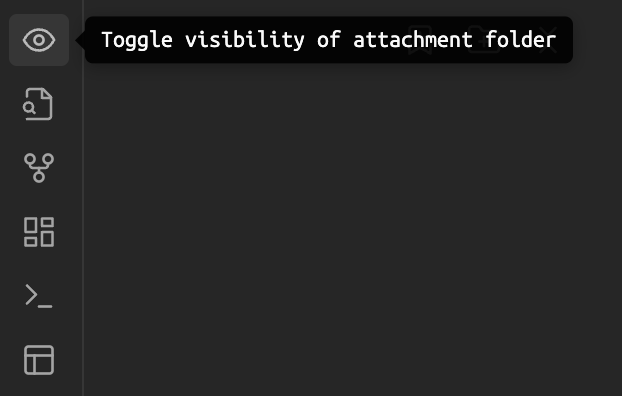
- Hide/show attachment folder
- Aero attachment folder
⚠️ IMPORTANT: This plugin will overwrite the following two settings and restore them when the plugin is disabled.
- "Files & Links -> New link format for generating md links.
- "Files & Links -> Default location for new attachments" for custom attachment folder.
How to use
Plugin Manager
- Install via the Community plugins setting. Search for Attachment Manager.
- Activate the plugin in the settings.
Manual Install
- Download
main.js,styles.css,manifest.jsonin the Git releases. - Create the plugin directory
obsidian-attachment-managerin the vault plugins directoryVaultFolder/.obsidian/plugins. - Copy
main.js,styles.css,manifest.jsontoobsidian-attachment-managerdirectory. - Enable plugin in Obsidian setting.
Screenshots

For plugin developers
Search results and similarity scores are powered by semantic analysis of your plugin's README. If your plugin isn't appearing for searches you'd expect, try updating your README to clearly describe your plugin's purpose, features, and use cases.