Brunet
approvedby masykurisyaifullah
Bruno API format support view, edit, and run .bru HTTP requests in your vault. - This plugin has not been manually reviewed by Obsidian staff.
Brunet
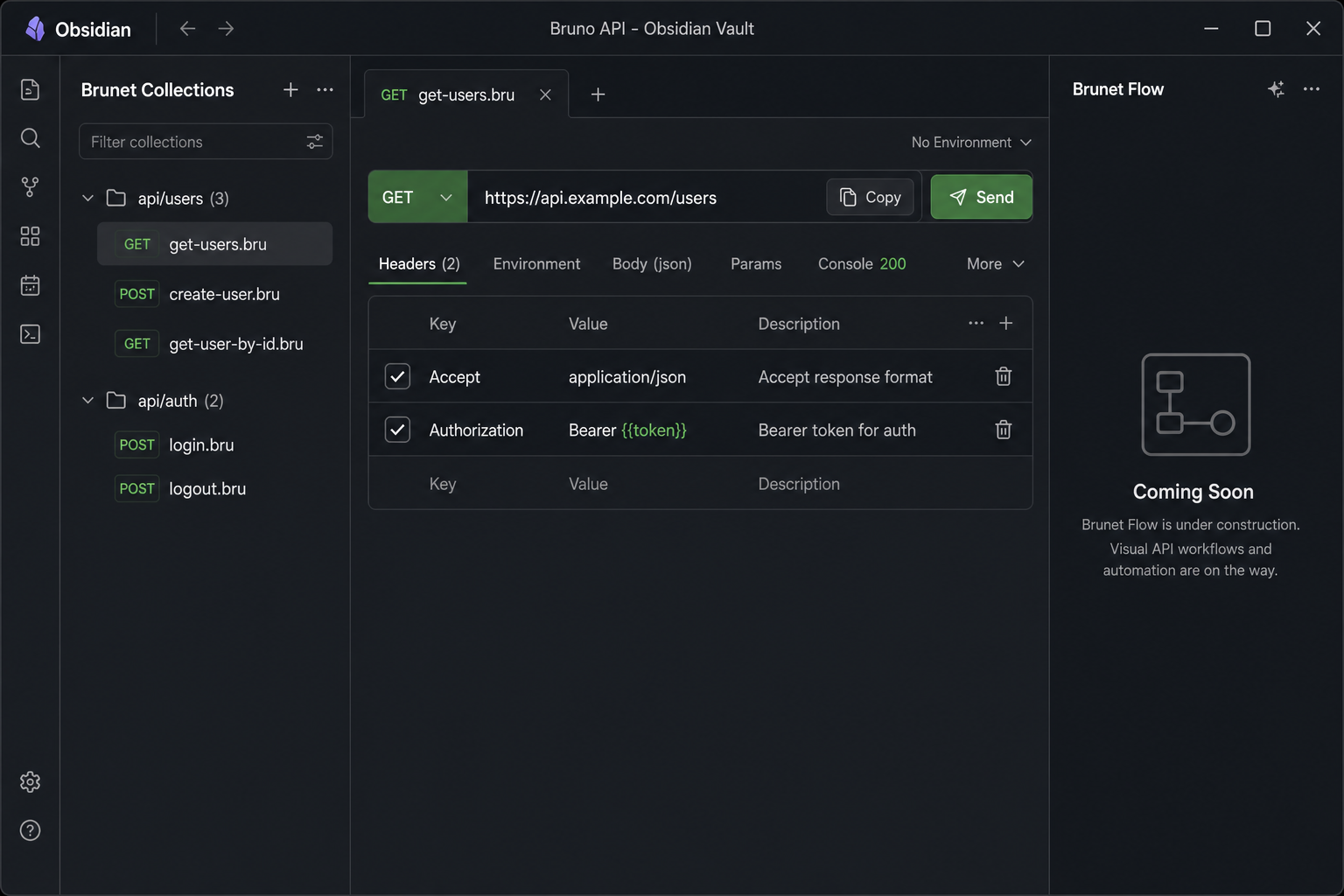
Bruno API collections inside Obsidian. Open .bru and Bruno .yml request files, edit them visually, send HTTP requests, and browse your whole vault from the Collections sidebar — without leaving your notes.
Screenshots
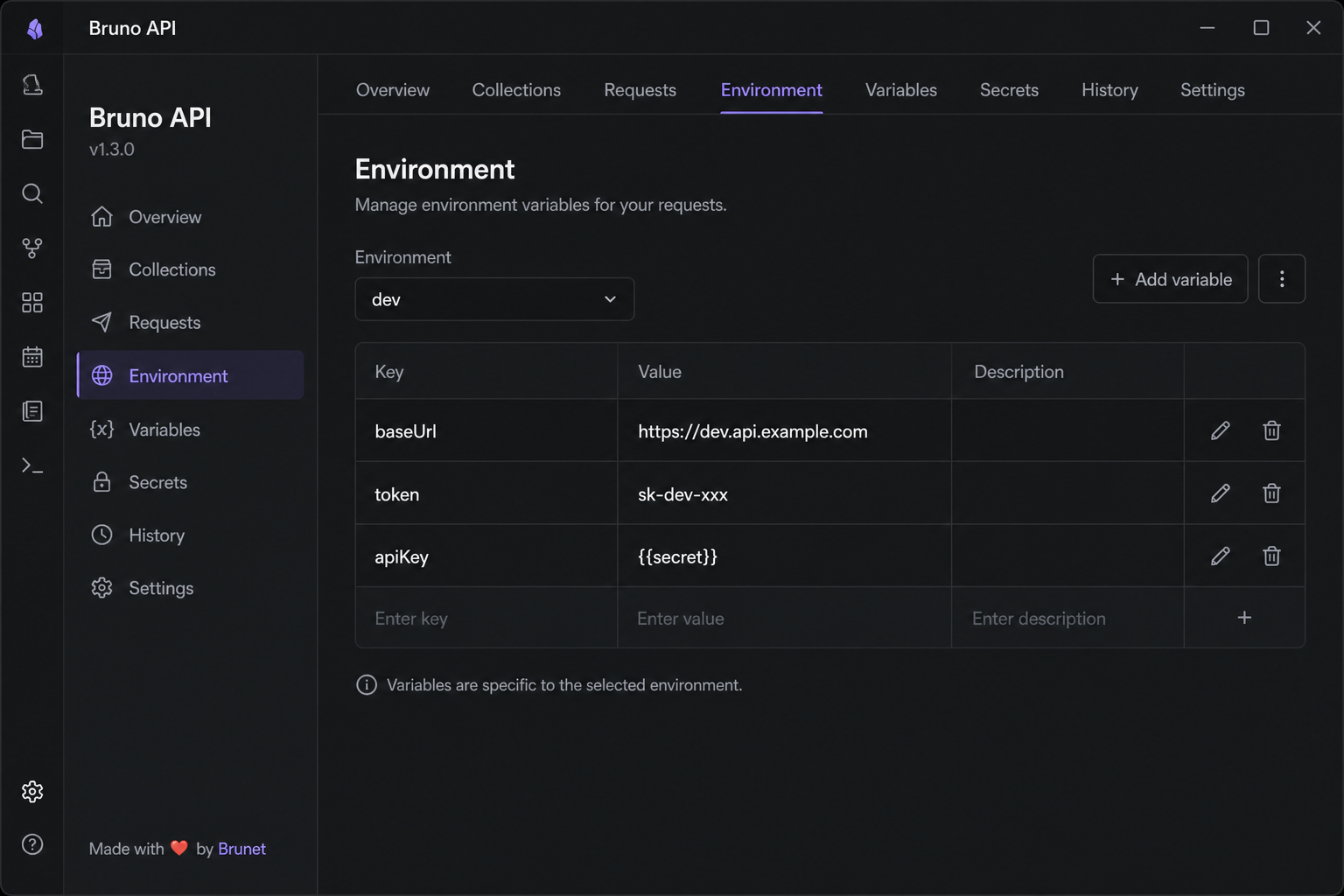
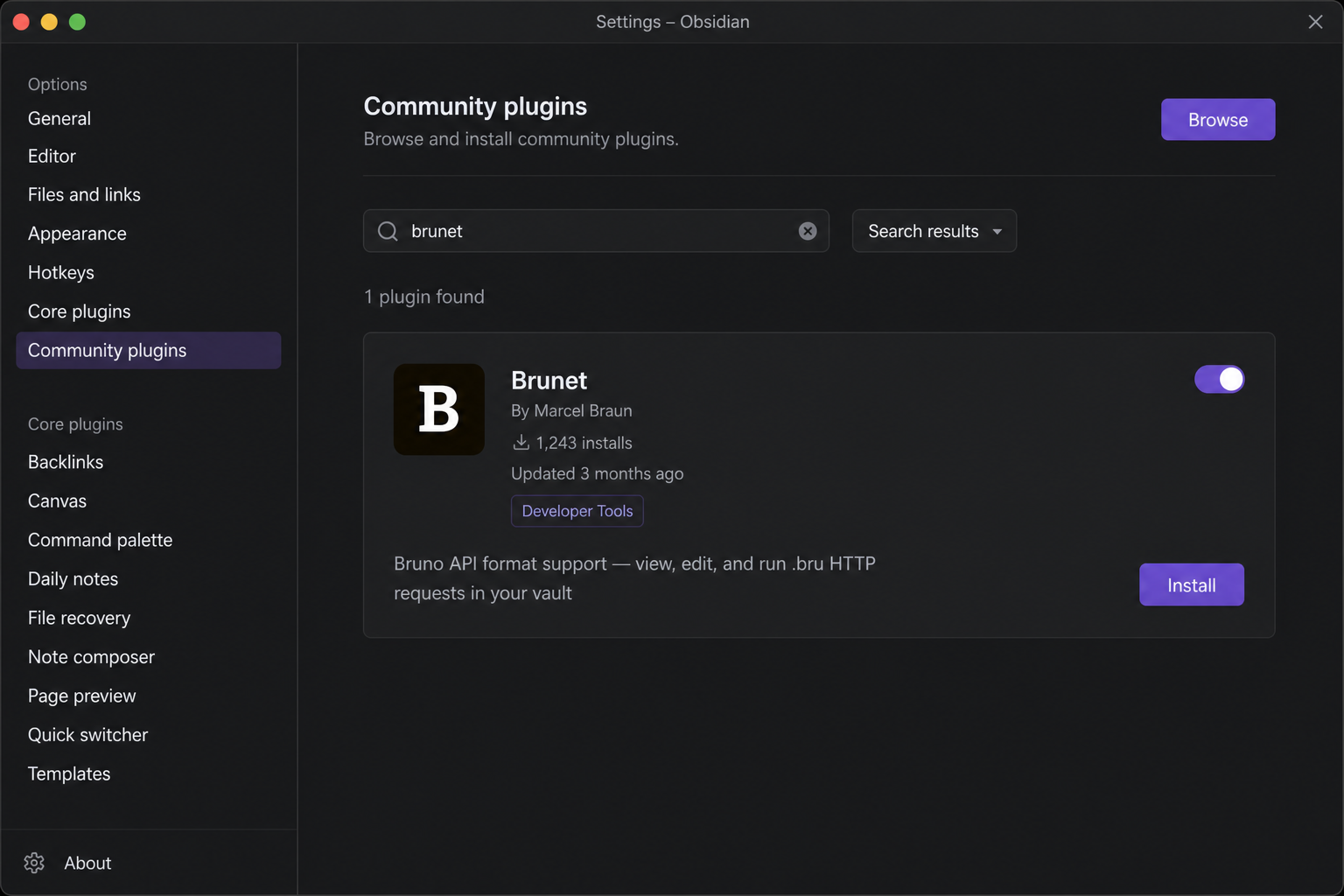
Install
- Open Settings → Community plugins
- Turn off Safe mode if prompted
- Click Browse, search for Brunet
- Install, then enable the plugin
Quick start
- Put a Bruno collection in your vault (a folder with
bruno.jsonorcollection.bruat the root). - Open any request file (
.bruor runnable.yml) from the file explorer. - Click Send to run the request. Results appear in the Console tab.
Brunet opens automatically with two sidebars:
| Panel | Location | Purpose |
|---|---|---|
| Brunet Collections | Left sidebar | Browse and quick-run every request in the vault |
| Request preview | Main editor | Edit and send the active request |
Tip: Use the Environment tab (or Settings → Brunet) to pick a Bruno environment so
{{variables}}resolve fromenvironments/*.brufiles.
Request preview
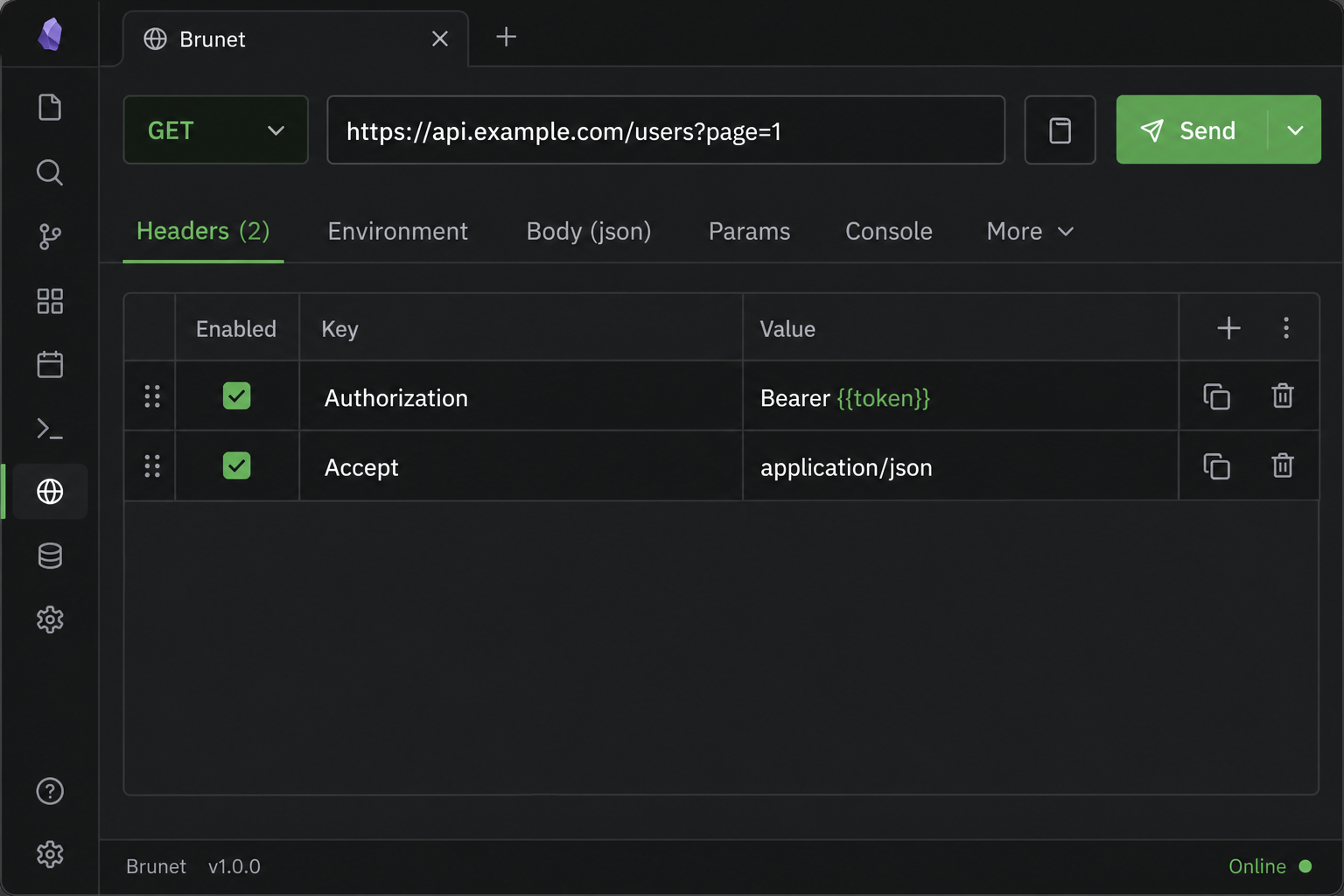
Every HTTP request opens as a formatted card instead of raw text.
Header bar
- Method — change the HTTP verb from the dropdown; saved back to the file.
- URL — edit inline; query and path params sync with the Params tab.
- Copy (clipboard icon) — copies a
bru runCLI command, including the active environment when set. - Send — runs the request inside Obsidian and switches to the Console tab.
Tabs
| Tab | What it does |
|---|---|
| Headers | Edit request headers (enable/disable rows, add or remove keys) |
| Environment | Select a Bruno environment and edit its variables |
| Body | Edit the request body with syntax highlighting, folding, and prettify for JSON |
| Params | Edit query and path parameters |
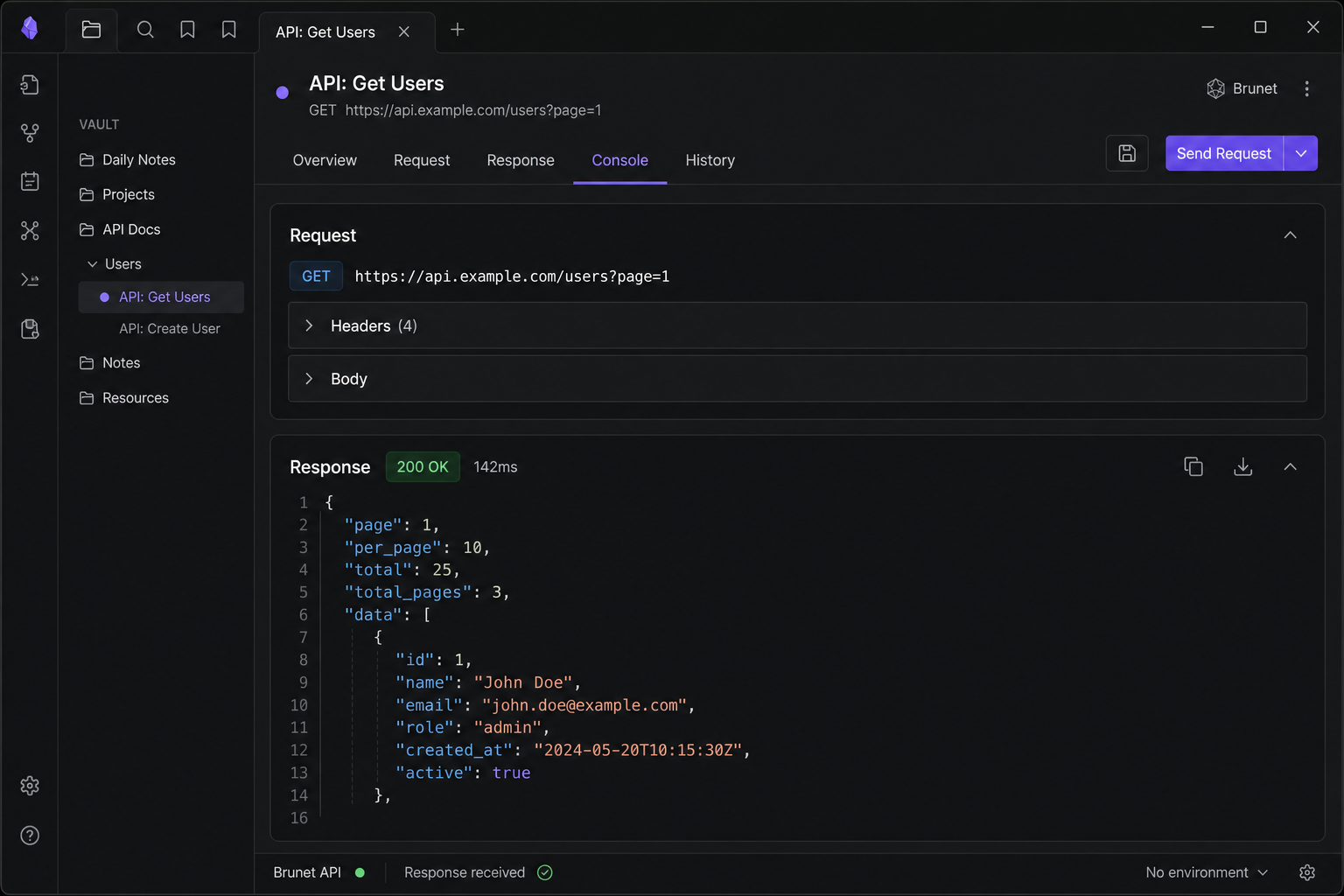
| Console | Request snapshot and full response after Send |
| More | Scripts, assertions, docs, and other Bruno blocks |
Changes in the preview are written back to the .bru / .yml file automatically.
Send a request & read the response
After Send:
- Console shows the resolved request (URL, headers, body) and the response (status, duration, headers, body).
- JSON responses are pretty-printed.
- Requests use Obsidian's built-in HTTP client (works around browser CORS limits on desktop and mobile).
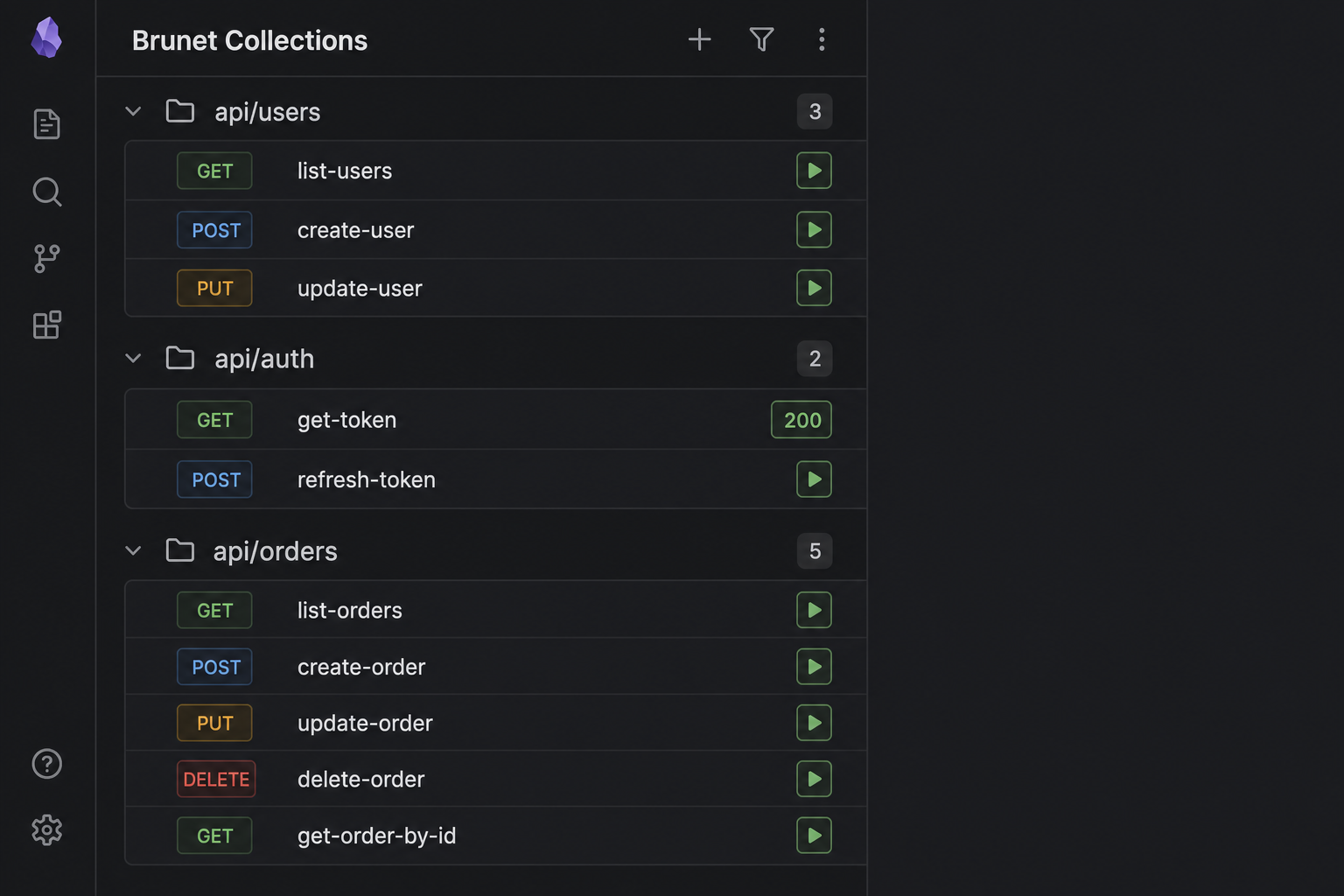
From the Collections sidebar, click ▶ on any row to run that file without opening it. The button shows the status code when finished (e.g. 200 or ERR).
Collections sidebar
Open via Settings → Community plugins → Brunet or the command palette: Open Collections panel.
- Requests are grouped by folder with collapsible sections.
- Each row shows the HTTP method, file name, and a ▶ run button.
- Click the row to open the file; click ▶ to run only.
Environment and collection variables are applied the same way as in the main preview.
Environments & variables
Brunet resolves {{variable}} placeholders in URLs, headers, params, and body using:
- Collection- and folder-level variables from manifest files
- The selected environment (
environments/*.bru) - Request-level vars blocks (highest priority)
Select an environment in the Environment tab or under Settings → Brunet → Active environment.
Supported files
| File | Role |
|---|---|
*.bru | Standard Bruno HTTP requests |
*.yml / *.yaml | OpenCollection YAML requests |
bruno.json | Collection manifest (read-only overview) |
collection.bru, folder.bru | Collection / folder manifests |
environments/*.bru | Environment variable files (not listed as requests) |
Syntax highlighting is applied when viewing .bru, .yml, and .yaml Bruno files in the editor.
Commands
| Command | Action |
|---|---|
Open Collections panel | Show the Collections sidebar |
Open Brunet panel | Show the Brunet right sidebar |
Copy 'bru run' command to clipboard | Copy CLI command for the active .bru file |
Open .bru file in preview mode | Open the active file in the preview view |
Run Brunet Request | Show a notice with the bru run command (CLI) |
Settings
Settings → Brunet
- Active environment — Bruno environment name (file in
environments/without.bru). Prefer the Environment tab in the request view; this setting is used for CLI commands and collection quick-runs.
Bruno CLI
Use the header Copy button or the Copy 'bru run' command to clipboard command to copy something like:
bru run path/to/request.bru --env dev
Run that in a terminal where you use the Bruno CLI outside Obsidian.
License
MIT — see LICENSE
For plugin developers
Search results and similarity scores are powered by semantic analysis of your plugin's README. If your plugin isn't appearing for searches you'd expect, try updating your README to clearly describe your plugin's purpose, features, and use cases.