Canvas Filter
approvedby ikoshelev
Filter Canvas to only show items of specific color, tags or only connected to currently selected node.
Obsidian Canvas Filter Plugin
This is a plugin for Obsidian Canvas (https://obsidian.md), it allows to select nodes by color / connections / tags and show only those nodes (hide all unrelated)
Usage
When you have a canvas like this:
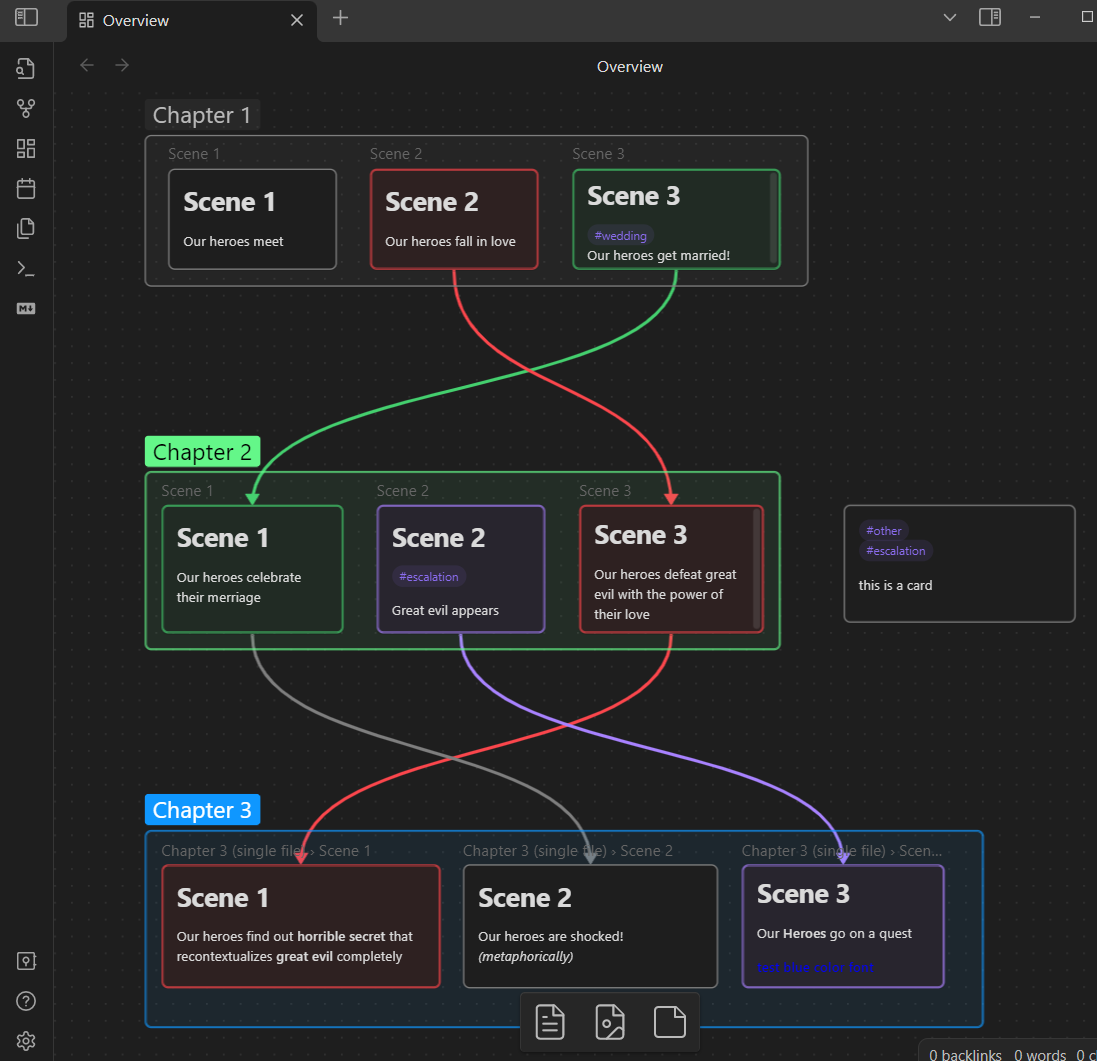
Select one or more nodes, whose color you are interested in:

Open console and select filter command:
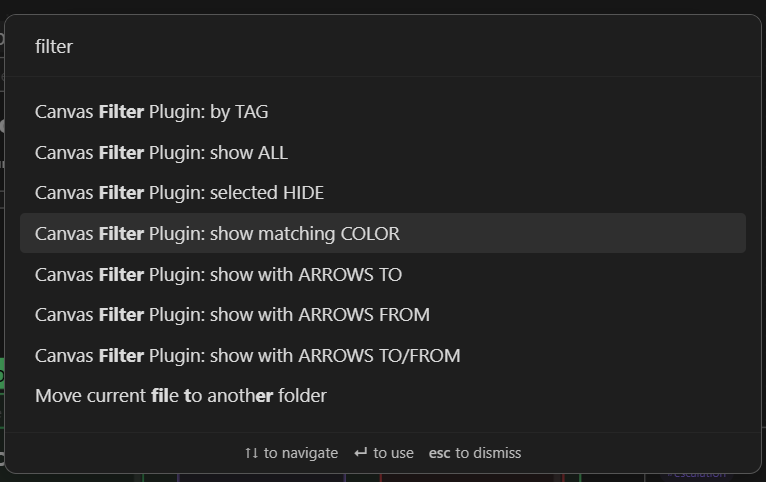
Your nodes will be filtered:
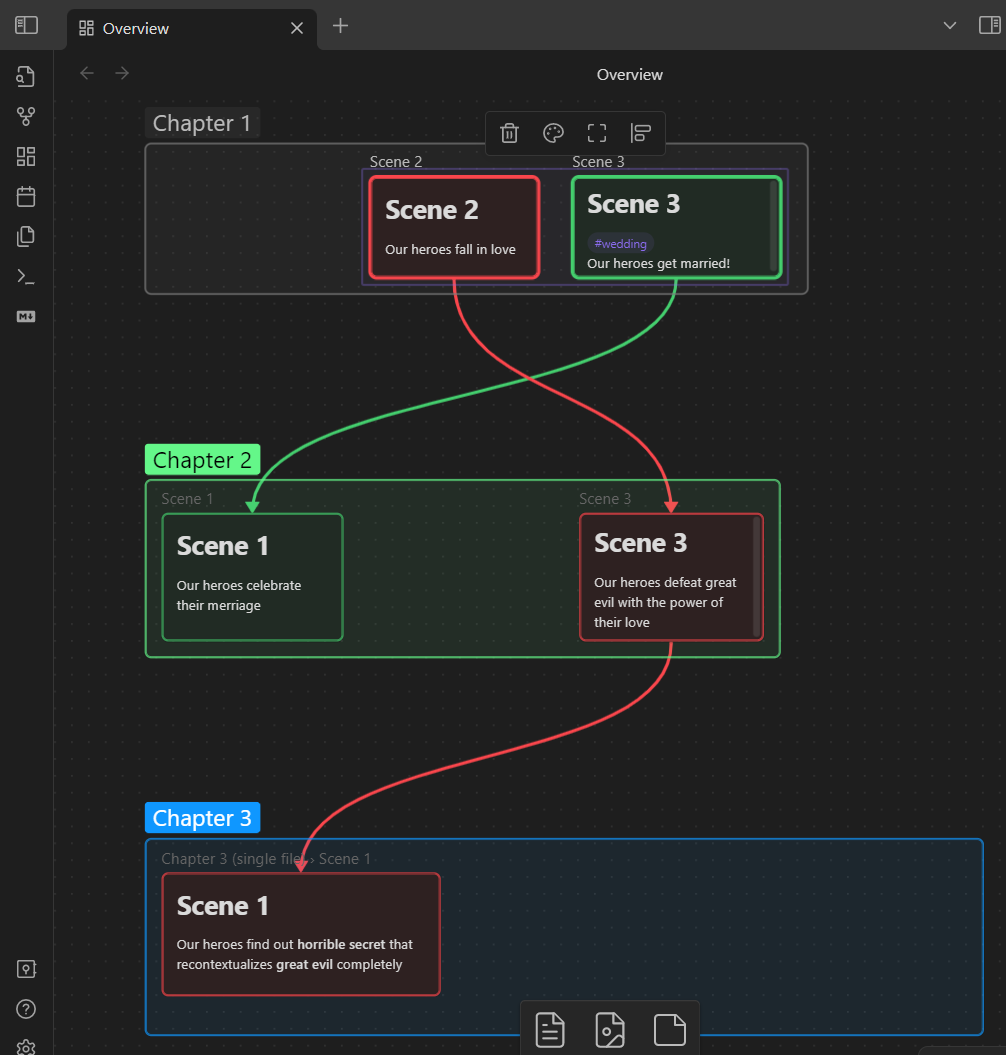
You can also filter by arrow connections to and from selected nodes.
Additionally, you can filter by Tags:
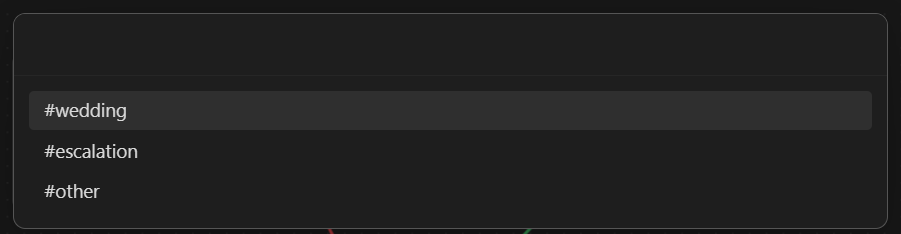
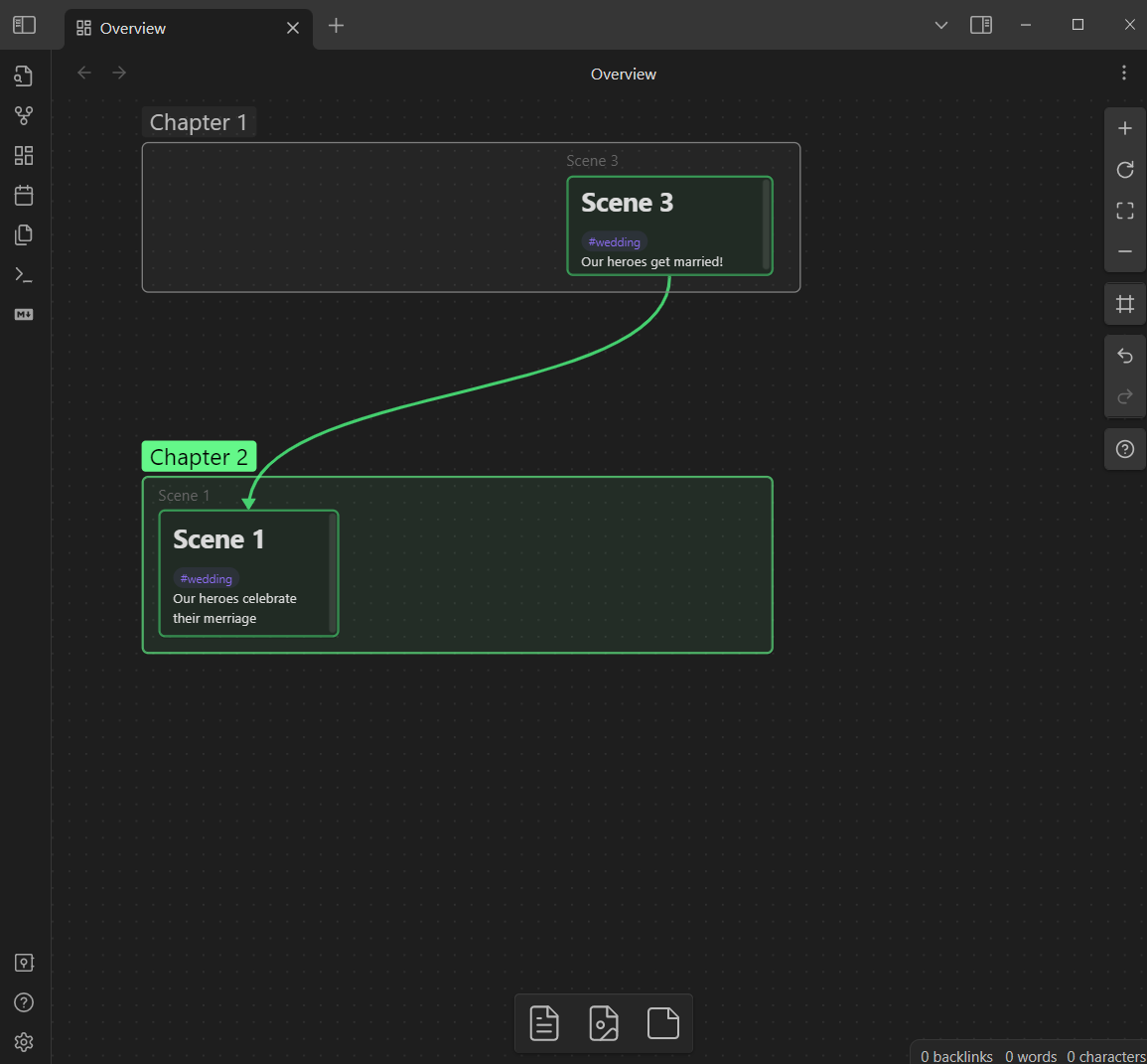
You can also just hide selected nodes.
Please note, that nodes are still part of the canvas in the same positions they were, they are just not visible for the moment. Opening and closing canvas will restore visibility.
For plugin developers
Search results and similarity scores are powered by semantic analysis of your plugin's README. If your plugin isn't appearing for searches you'd expect, try updating your README to clearly describe your plugin's purpose, features, and use cases.