Canvas Mindmap
approvedby Boninall
Make your canvas work like a mindmap.
★ 374 stars↓ 156,678 downloadsUpdated 2y ago
Canvas MindMap
Usage
- Install the plugin
- Create a new canvas
- Create a node in the empty canvas
- Select the node and the press
Tabto create a child node (You need to exit edit mode first by pressingEscape) - Select the child node and press
Enterto create a brother node - Done, you get a mindmap.
Features
- Auto layout for specific direction
- Select node's tree
- Change color for node's edges
Hotkeys
- Press
Enterto create brother card; (You can change this hotkey in setting) - Press
Tabto create child card; - Press
Alt+←/→/↓/↑to navigate between nodes; - Press
Cmd / Ctrl+←/→/↓/↑to create floating nodes; - Press
Cmd / Ctrl+Shift+←/→/↓/↑to create child nodes;
Commands
- Create child node
- Create sibling node
- Create floating node
- Open changelog
- Enter/exit edit mode
Showcase
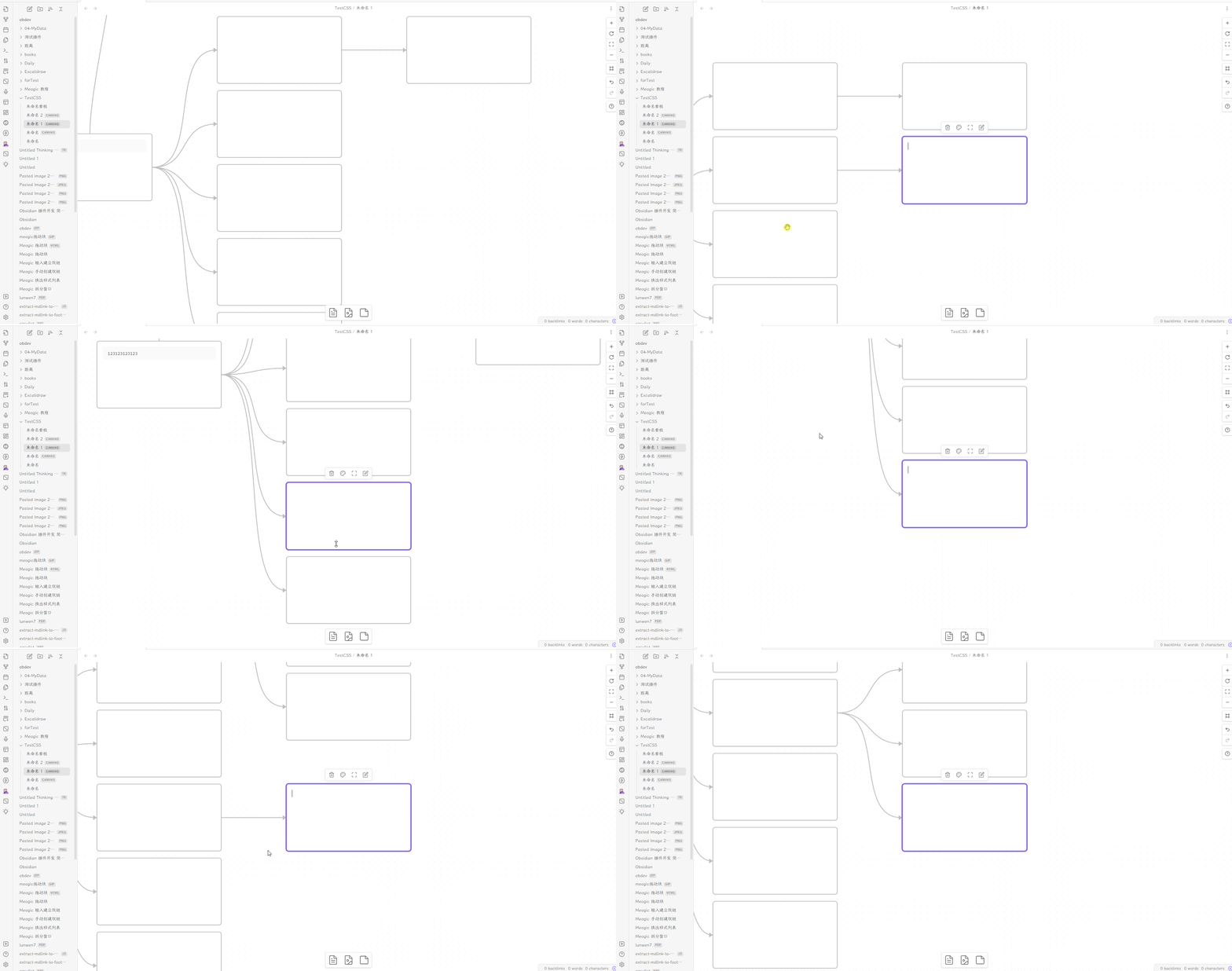
How to Install
- Obsidian: Available on Obsidian Plugin Market
- BRAT: Add
quorafind/canvas-mindmapto BRAT. - Manual: Download the latest release. Extract and put the three files (main.js, manifest.json, styles.css) to
{{obsidian_vault}}/.obsidian/plugins/obsidian-canvas-mindmap.
For plugin developers
Search results and similarity scores are powered by semantic analysis of your plugin's README. If your plugin isn't appearing for searches you'd expect, try updating your README to clearly describe your plugin's purpose, features, and use cases.