Chat Stream
approvedby rpggio
Create branching GPT chats using canvas notes.
Chat Stream 🔀


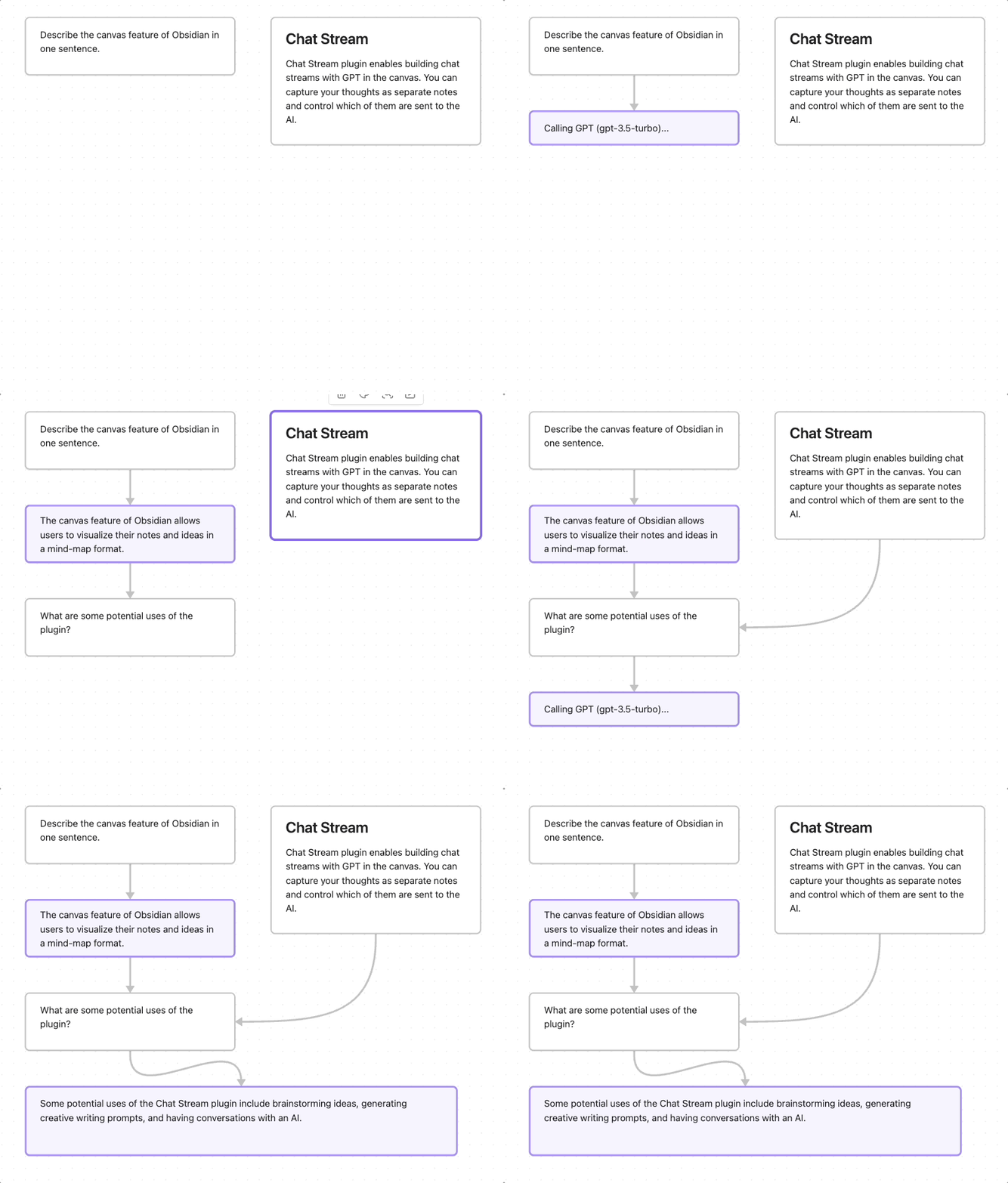
An Obsidian plugin for conversing with GPT AI via canvas notes. Ancestor notes/files are included in the chat context. You can quickly create chat streams, and control what other notes are sent to the AI.
Install
Install as community plugin
Or, add rpggio/obsidian-chat-stream to BRAT.
Chat Stream is supported only on desktop.
Setup
Add an OpenAI API key in Chat Stream settings.
Usage
- Select a note in the canvas
- Press Alt+Shift+G to generate new note from GPT using current note + ancestors
- To create next note for responding, press Alt+Shift+N.
AI notes are colored purple, and tagged with chat_role=assistant in the canvas data file.
Development
- Download source and install dependencies
pnpm install - In Obsidian, install and enable hot reload plugin
- Create symbolic link from this project dir to an Obsidian store
ln -s . your-obsidian-store/.obsidian/plugins/chat-stream - Start dev server
pnpm run dev - In Obsidian, enable Chat Stream Plugin and add OpenAI key in plugin settings.
Changes to code should automatically be loaded into Obsidian.
Attribution
- Canvas plugin code from Canvas MindMap
Say thanks
If you love it you can send me a coffee thumbs-up so I know folks find it useful.

For plugin developers
Search results and similarity scores are powered by semantic analysis of your plugin's README. If your plugin isn't appearing for searches you'd expect, try updating your README to clearly describe your plugin's purpose, features, and use cases.