by ryyai
Preview Notes-style cards and WeChat articles beside the current Markdown note.
Chenggao
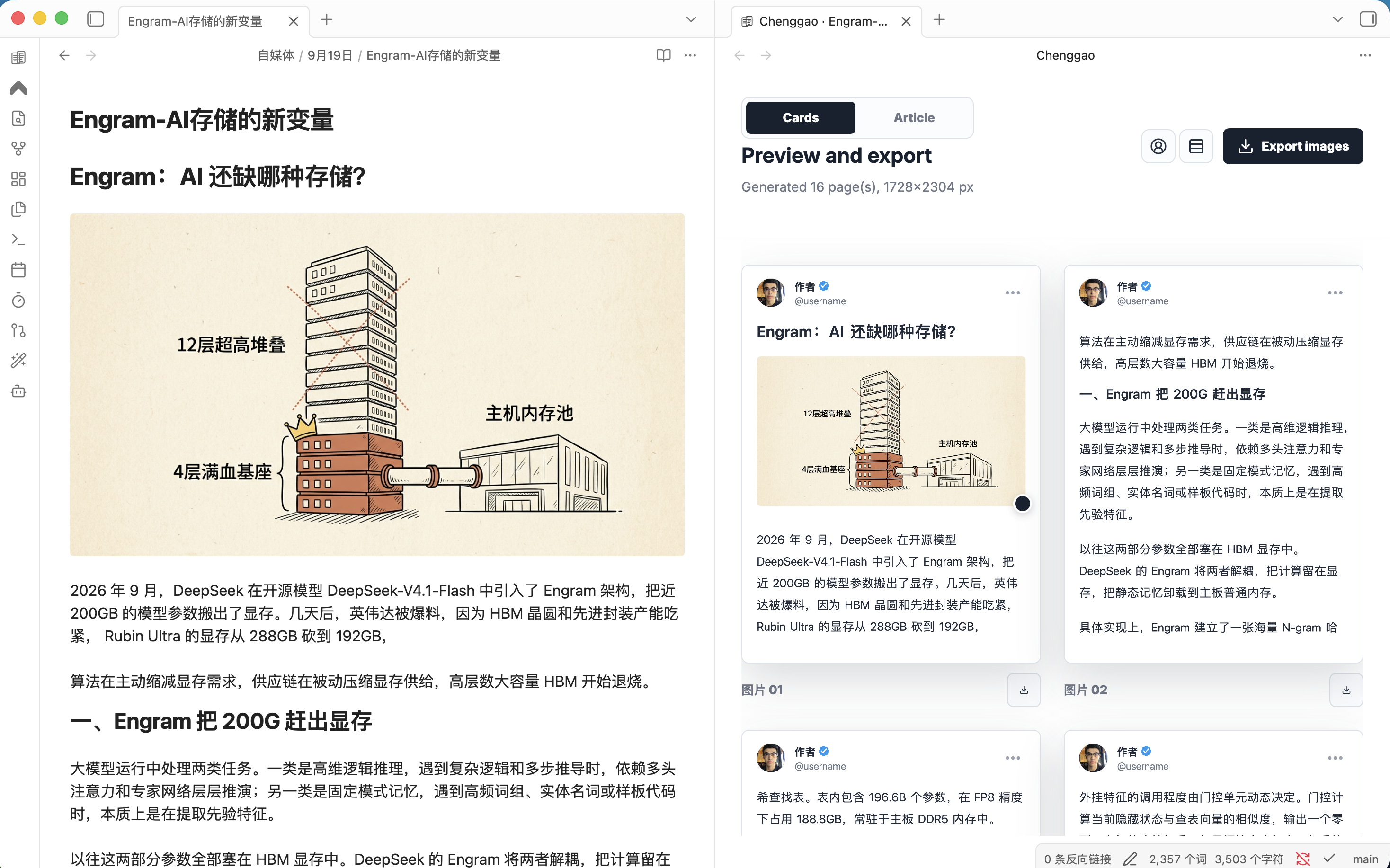
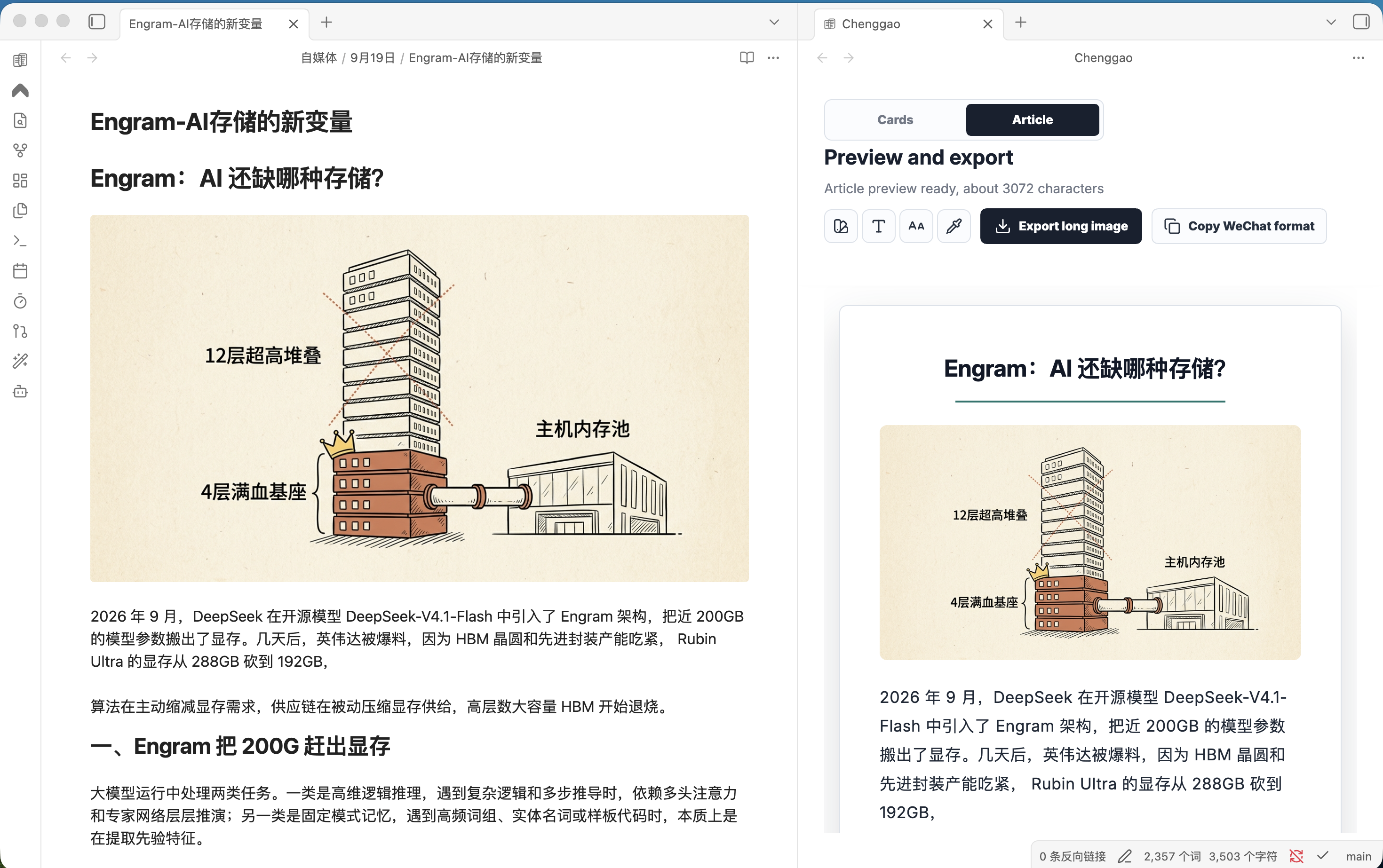
Obsidian desktop plugin. Keep writing Markdown on the left; preview Twitter-style cards or a WeChat article on the right. Edits update the preview as you type.
中文说明见 README.zh.md. The in-app UI follows the Obsidian language (Chinese when it starts with zh, otherwise English).
- Cards: paginated Twitter-style cards (1728×2304)
- Article: WeChat-style preview you can copy into the official editor
- Export: PNGs go to a sibling
图片/folder; article HTML can be saved as.wechat.html
Preview
Left: keep writing in Obsidian. Right: Chenggao updates as you type.
Cards paginates the note into Twitter-style images.
Article shows a WeChat-style long preview you can copy into the official editor.
Install
Until it is listed in the community directory, install from this repository.
Build:
git clone https://github.com/RYYAI/Chenggao.git
cd Chenggao
npm install
npm run build
Copy these files into your vault:
.obsidian/plugins/chenggao/
  manifest.json
  main.js
  styles.css
Then enable Chenggao under Settings → Community plugins. Details: install.
Usage
- Open a Markdown note
- Click the Chenggao ribbon icon, or run Chenggao: Open layout preview
- Switch Cards or Article in the preview
- Edit the note; the preview refreshes automatically
| Command | What it does |
|---|---|
| Open layout preview | Open preview beside the current note |
| Copy WeChat article format | Copy WeChat-ready rich text |
| Export images next to the note | Export PNG pages or a long image |
Right-click a note title and choose Open with Chenggao. More: usage.
Export paths
Relative to the current note:
| Output | Path |
|---|---|
| Card page N | 图片/<note>-01.png |
| Article image | 图片/<note>-长文.png |
| WeChat HTML | <note>.wechat.html |
Desktop only.
Privacy
Chenggao does not require an account and does not contact remote servers. There is no telemetry. Copying a WeChat article uses the system clipboard. Exporting writes images and optional HTML into the current vault.
Develop
npm install
npm run dev
Source lives in src/. Reload the plugin after a rebuild. See develop.
Libraries
The release bundle includes html2canvas (MIT), JSZip (MIT or GPLv3), and Lucide (ISC).
License
For plugin developers
Search results and similarity scores are powered by semantic analysis of your plugin's README. If your plugin isn't appearing for searches you'd expect, try updating your README to clearly describe your plugin's purpose, features, and use cases.