Chillight Graph
approvedby Ivan Roliuk
Transform Obsidian Graph View into an animated themed graph with glowing nodes and garland-style wires. - This plugin has not been manually reviewed by Obsidian staff.
Chillight Graph
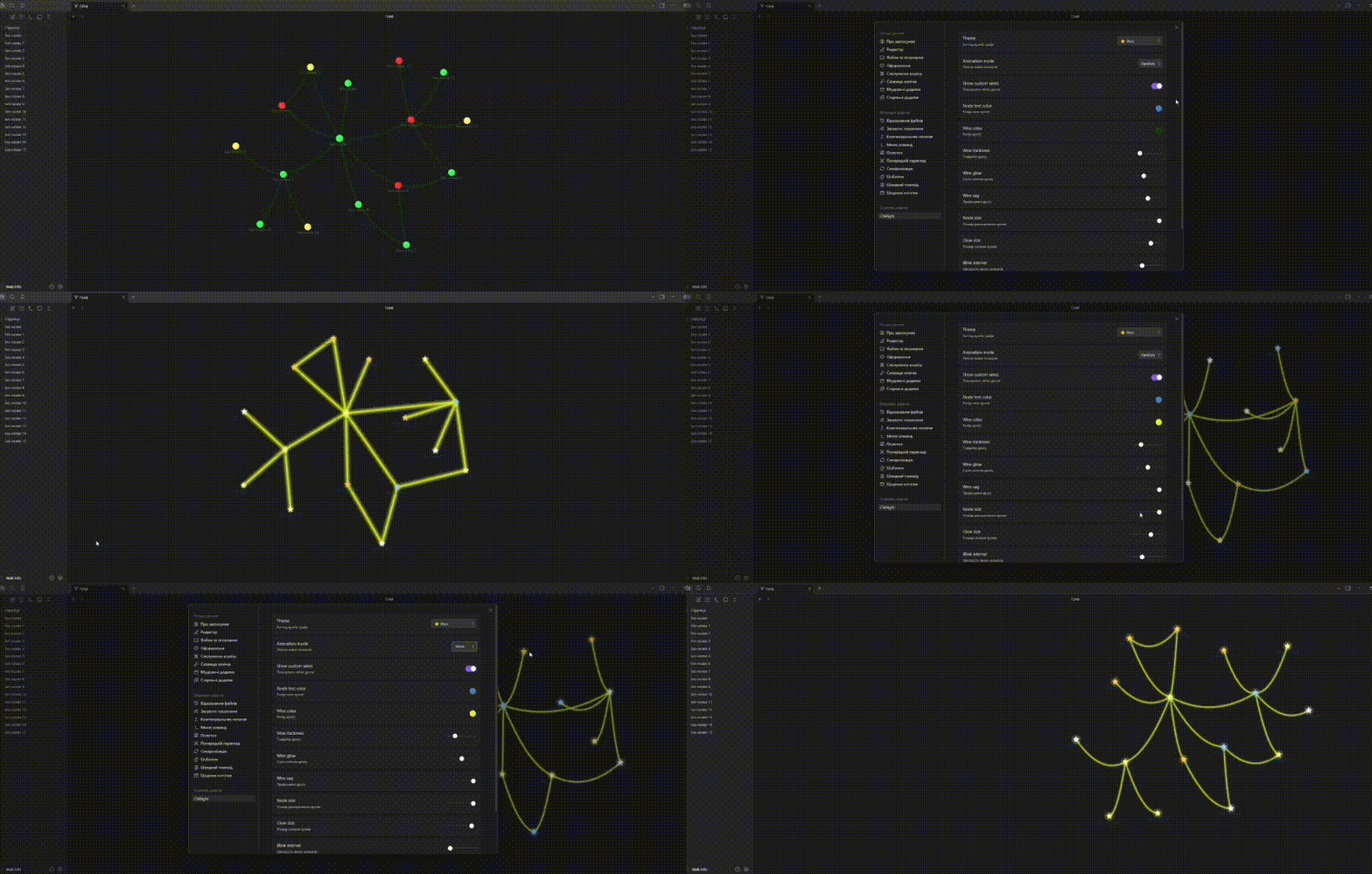
A beautiful animated Graph View plugin for Obsidian with glowing themed nodes, curved garland-style wires, customizable colors, and decorative visual effects.




✨ Features
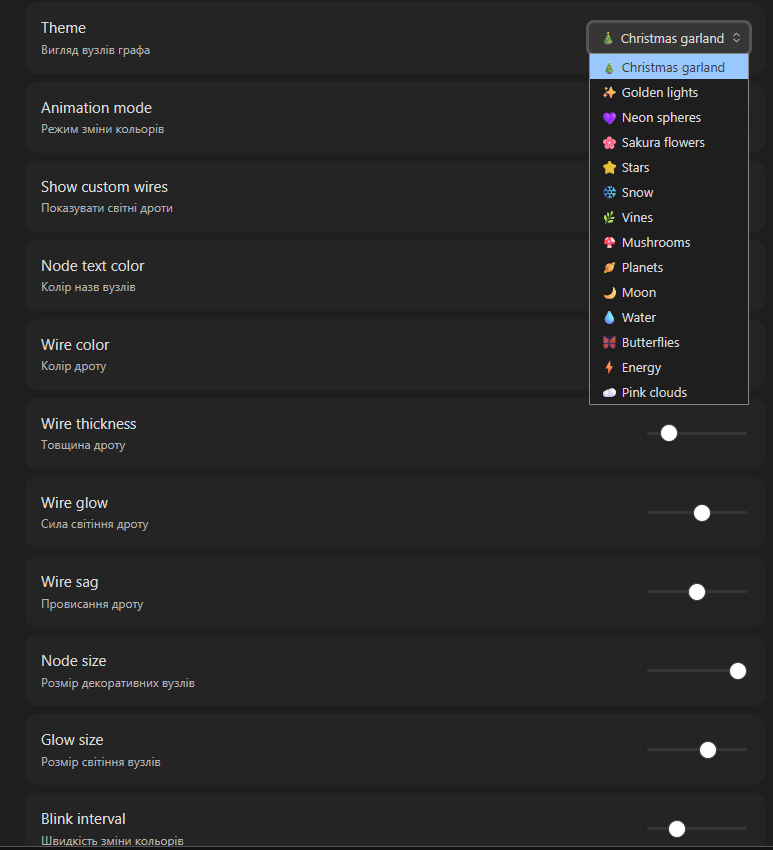
- 🎨 14 built-in visual themes
- 🌈 Multiple animation modes
- 💡 Glowing animated nodes
- 🔌 Curved garland-style wires
- 🎨 Custom wire color
- 📏 Custom wire thickness
- ✨ Custom wire glow
- 🌊 Custom wire sag
- 🔴 Custom node size
- 💫 Custom node glow
- 📝 Custom node text color
- ⚡ Lightweight and fun
- 🖥 Desktop only
🎨 Themes
🎄 Christmas Garland
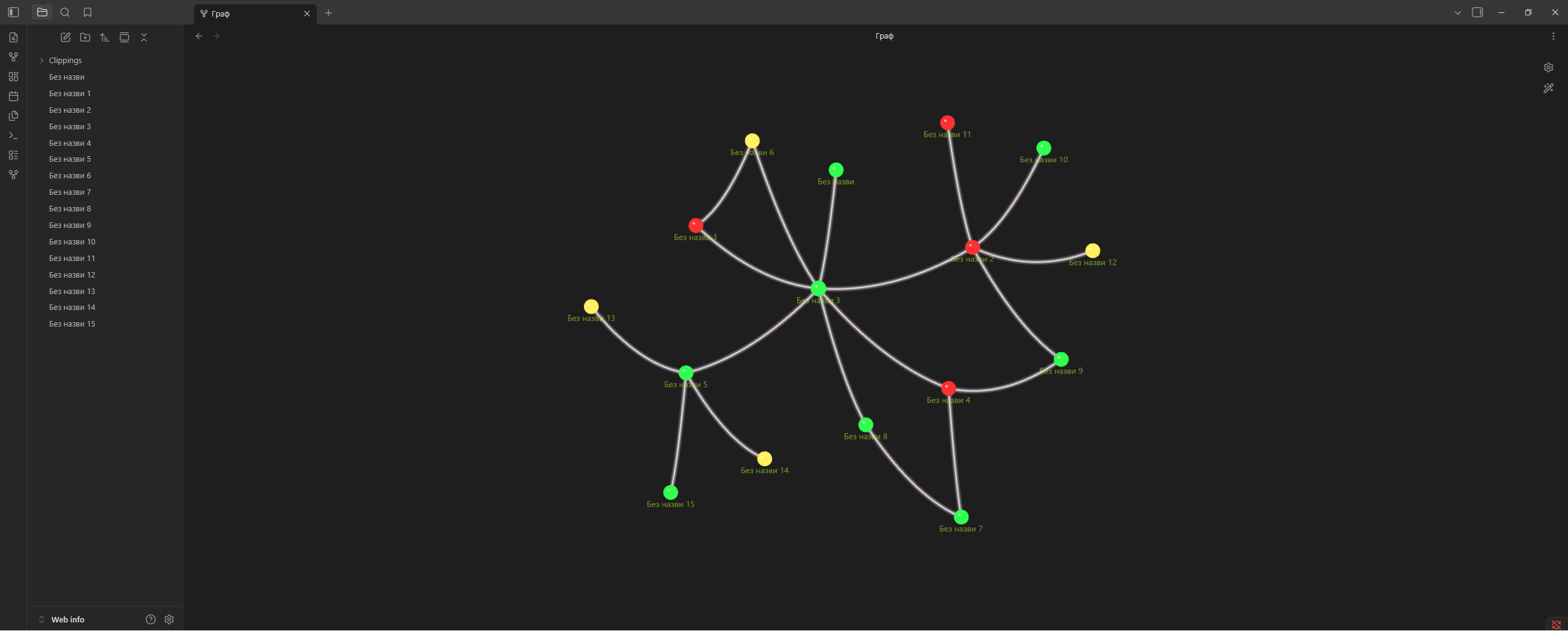
🌸 Sakura Flowers
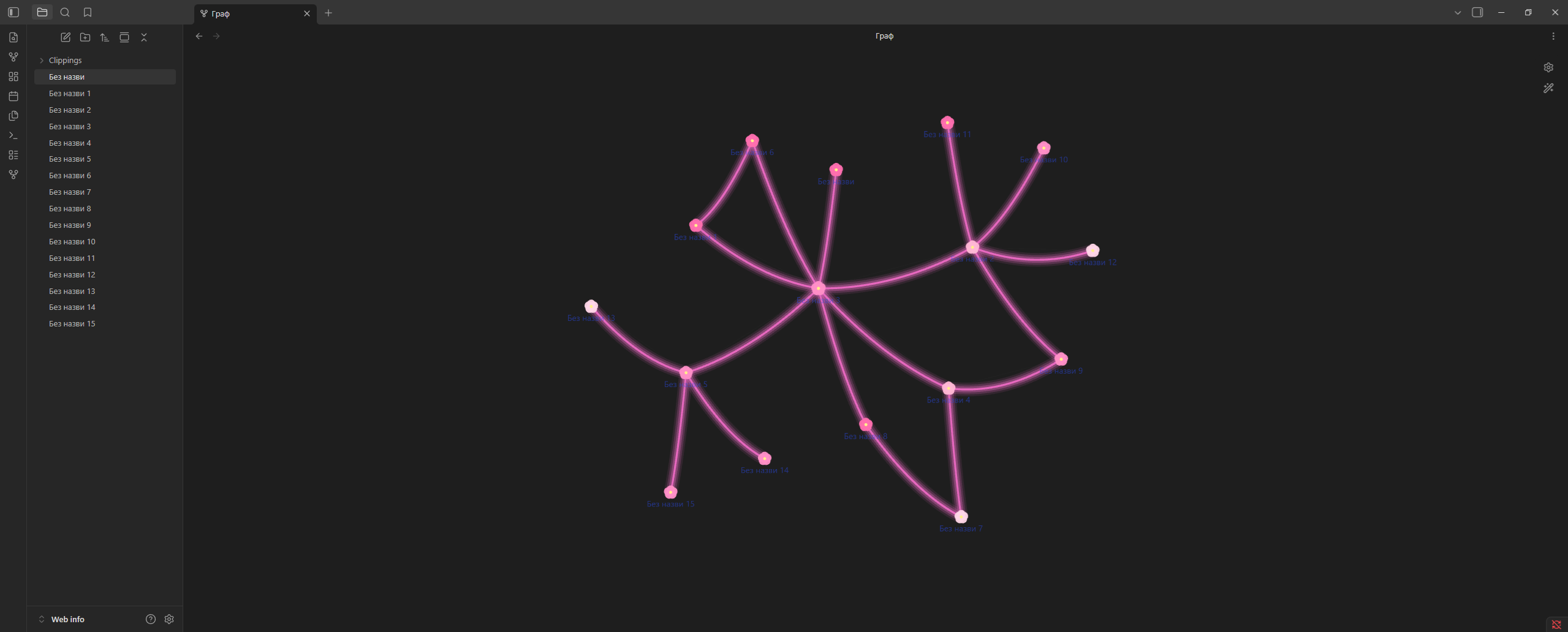
☁️ Pink Clouds
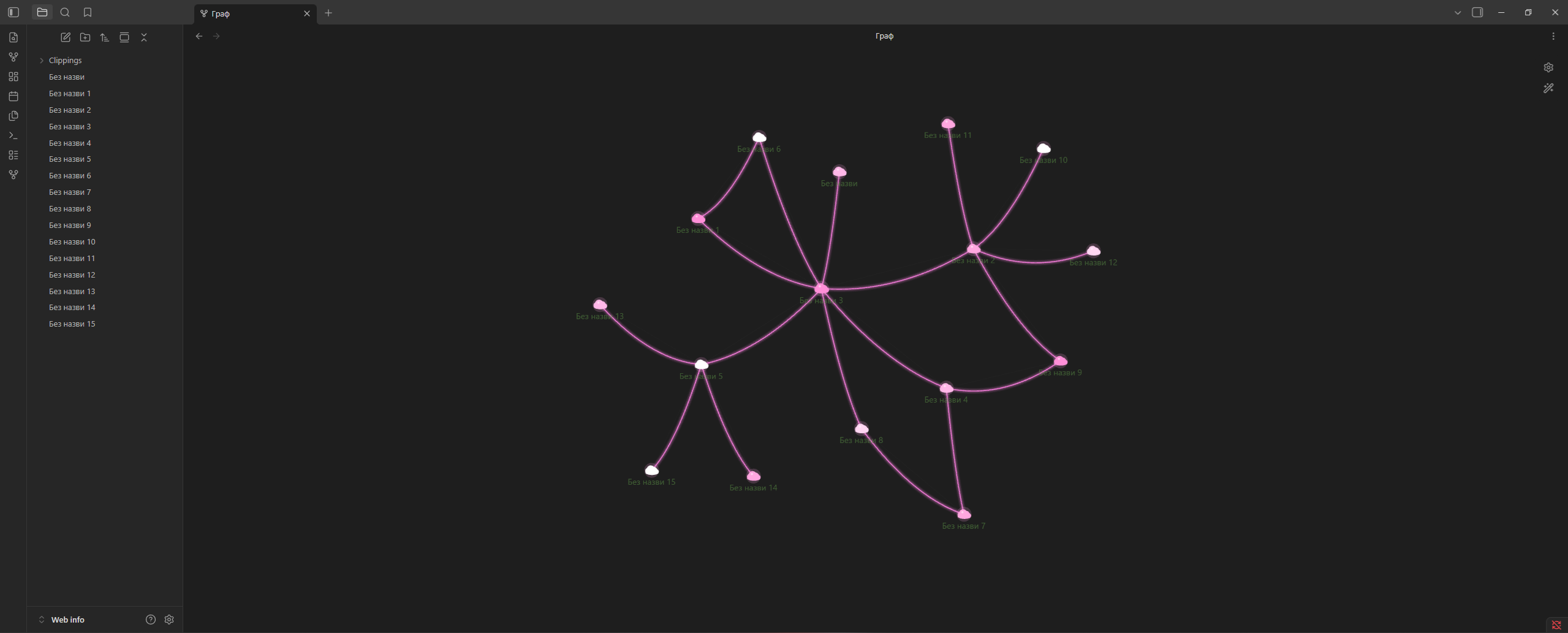
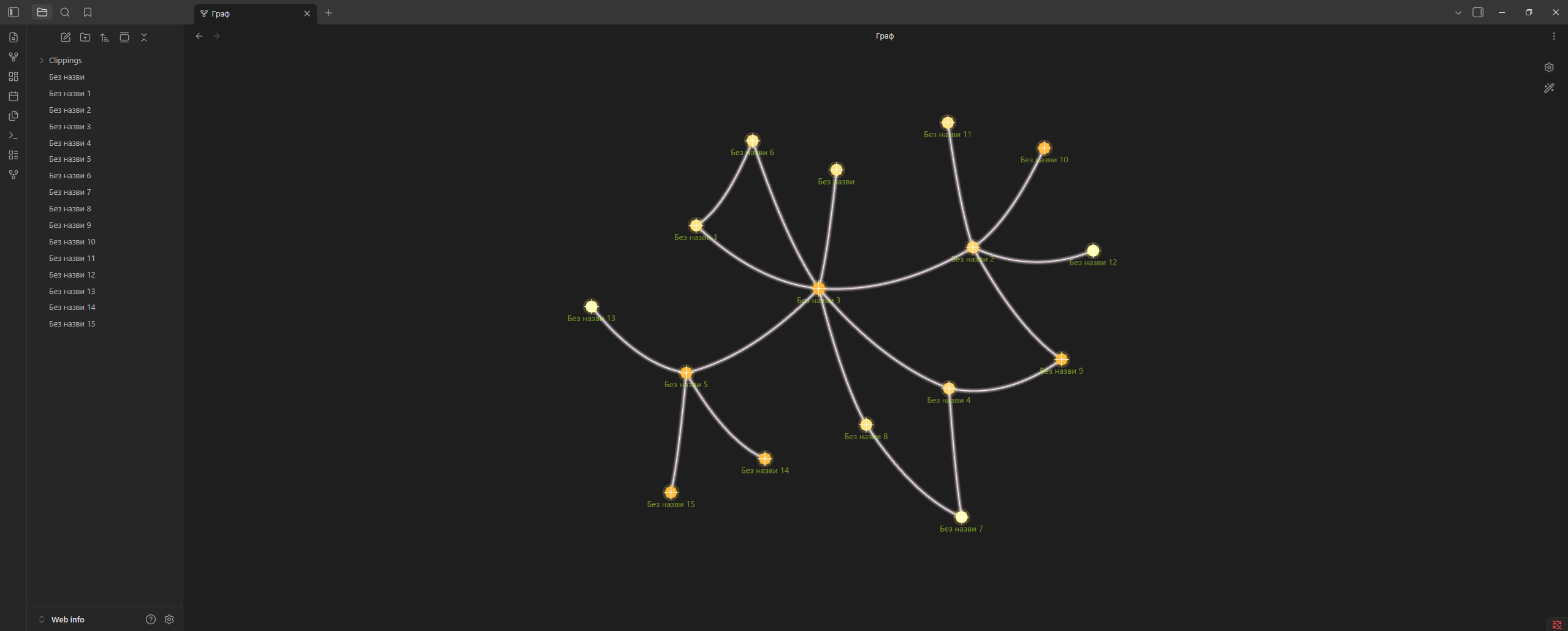
✨ Golden Lights
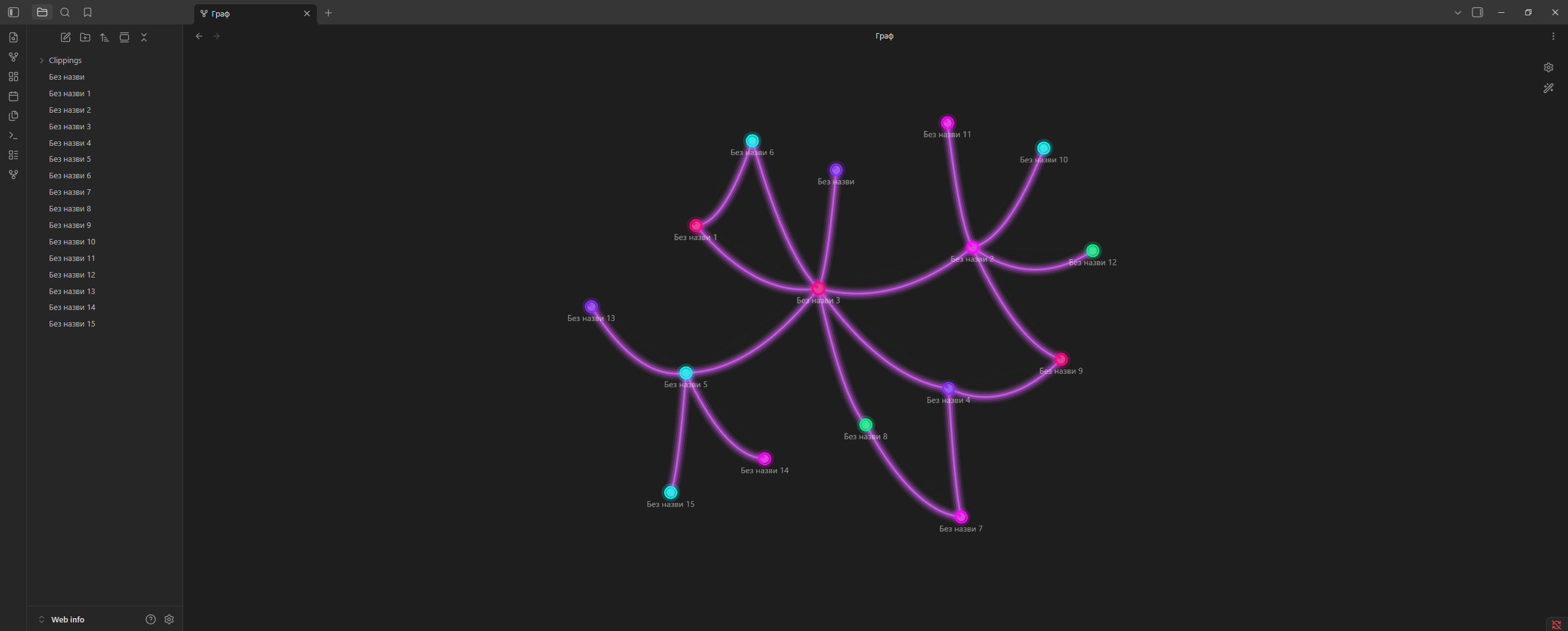
💜 Neon Spheres
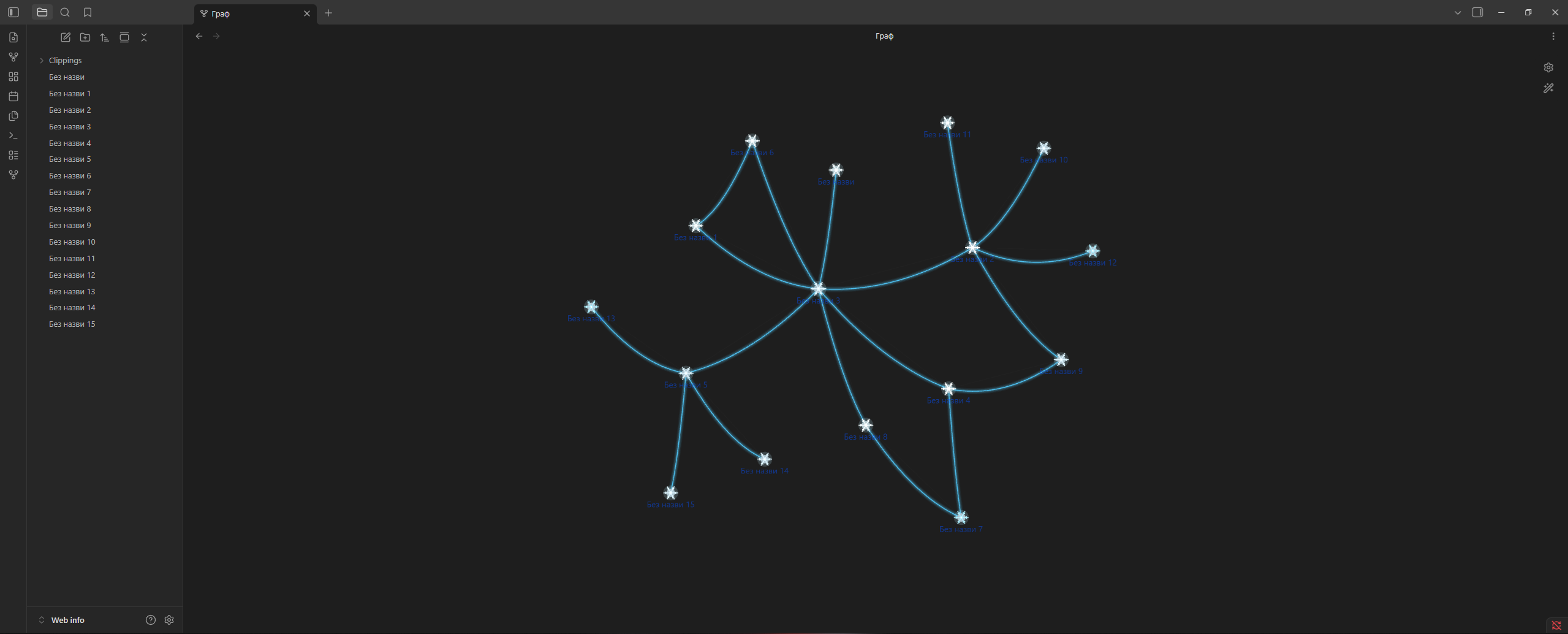
❄️ Snow
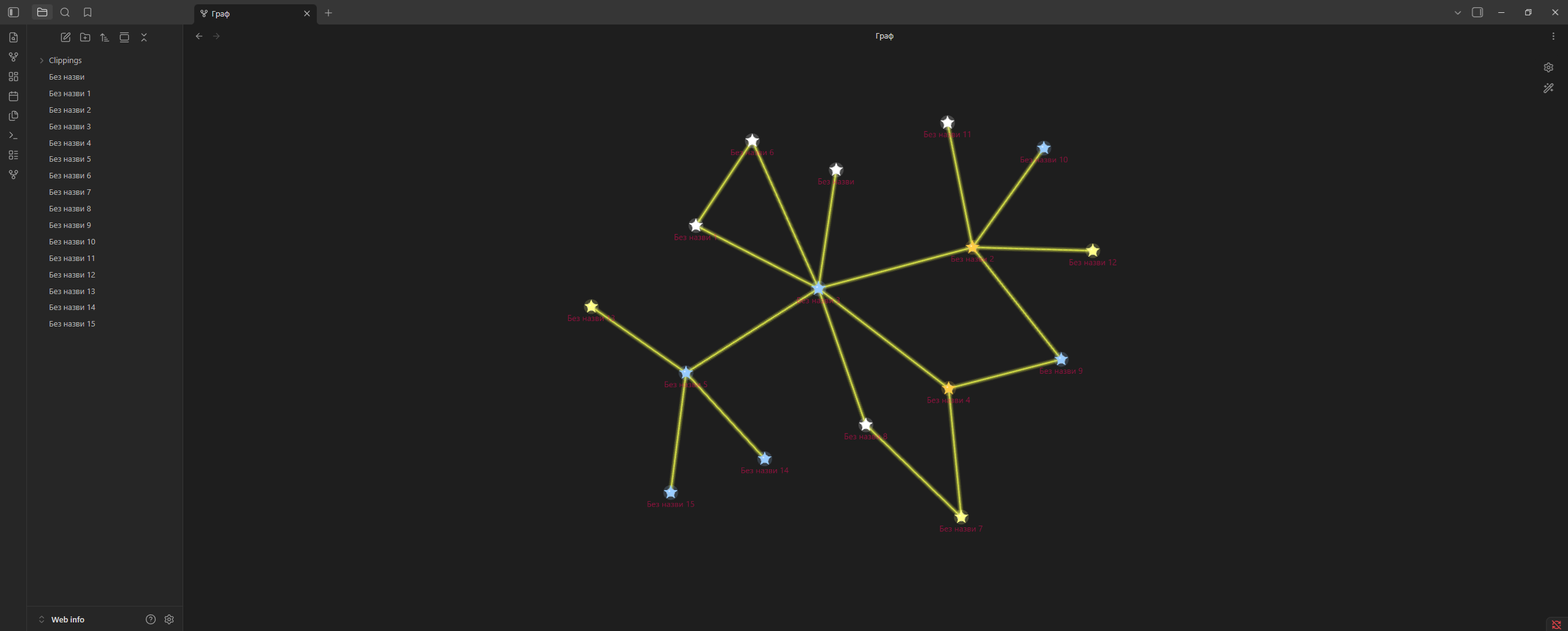
⭐ Stars
🌿 Vines
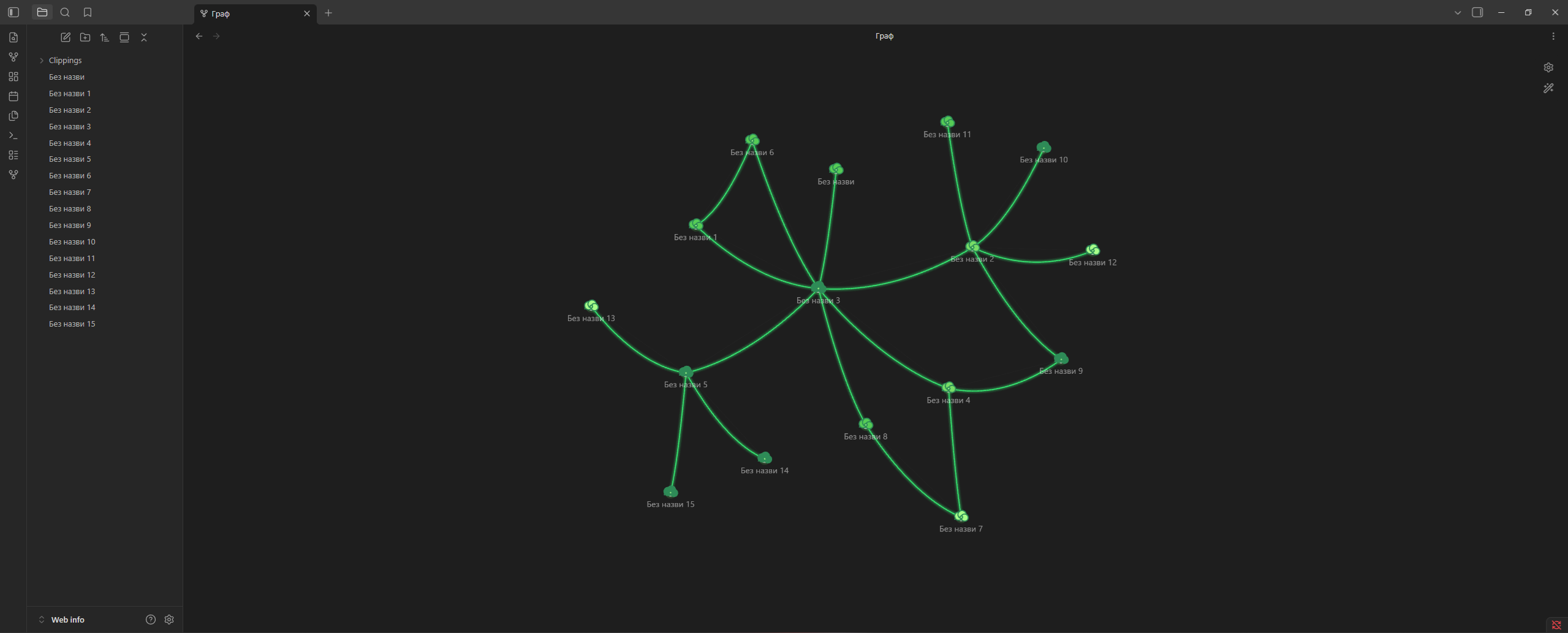
🍄 Mushrooms
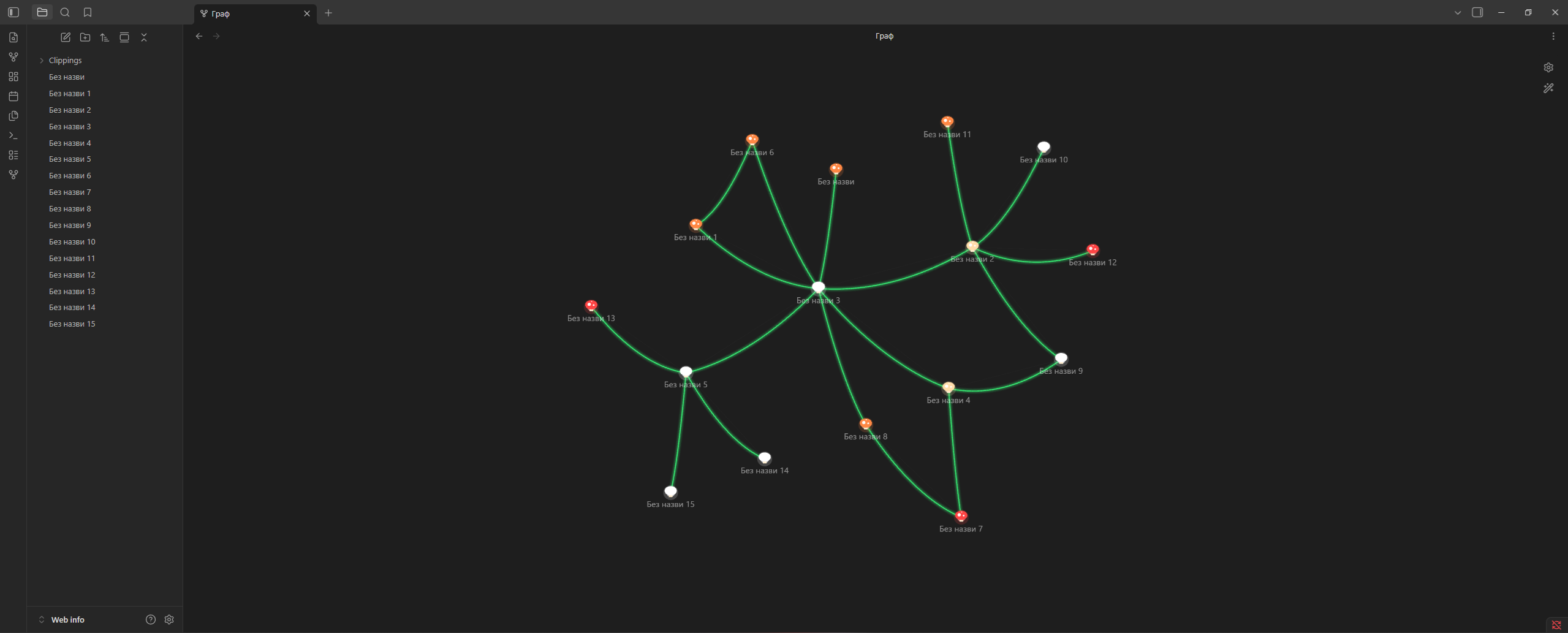
🪐 Planets
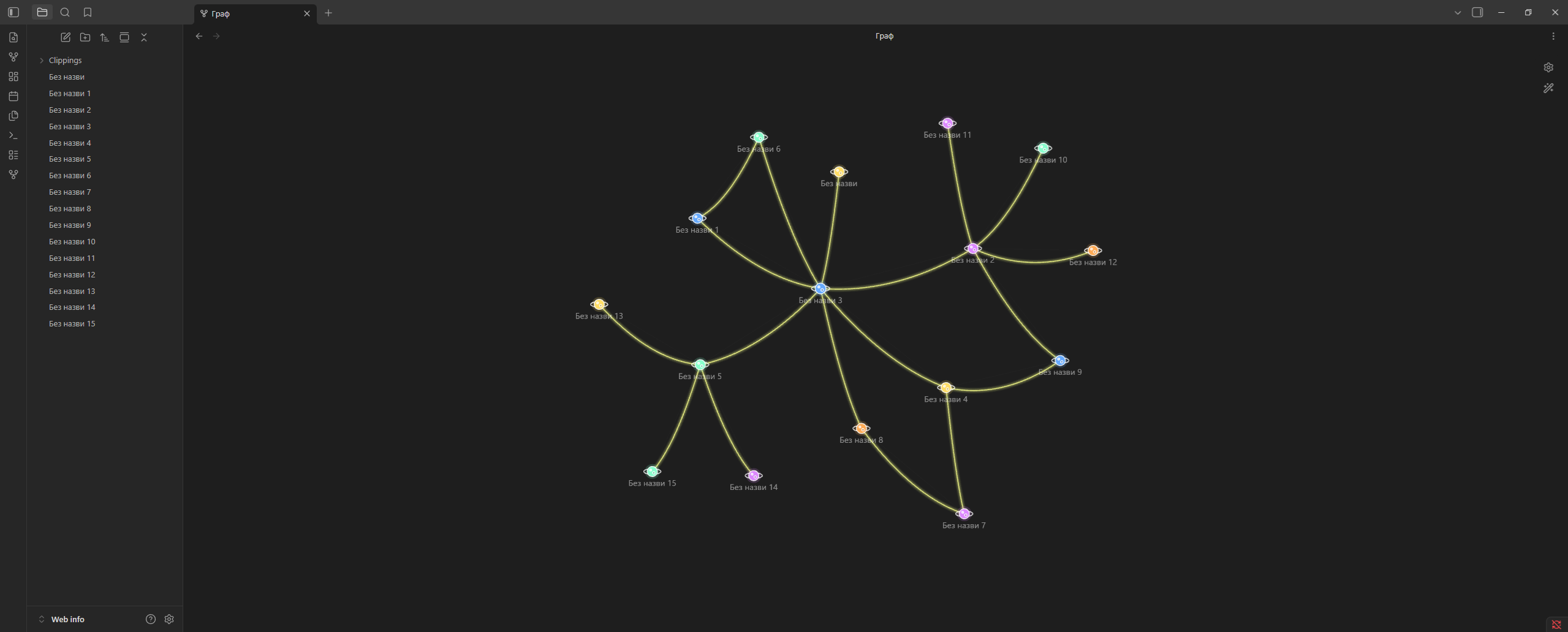
🌙 Moon
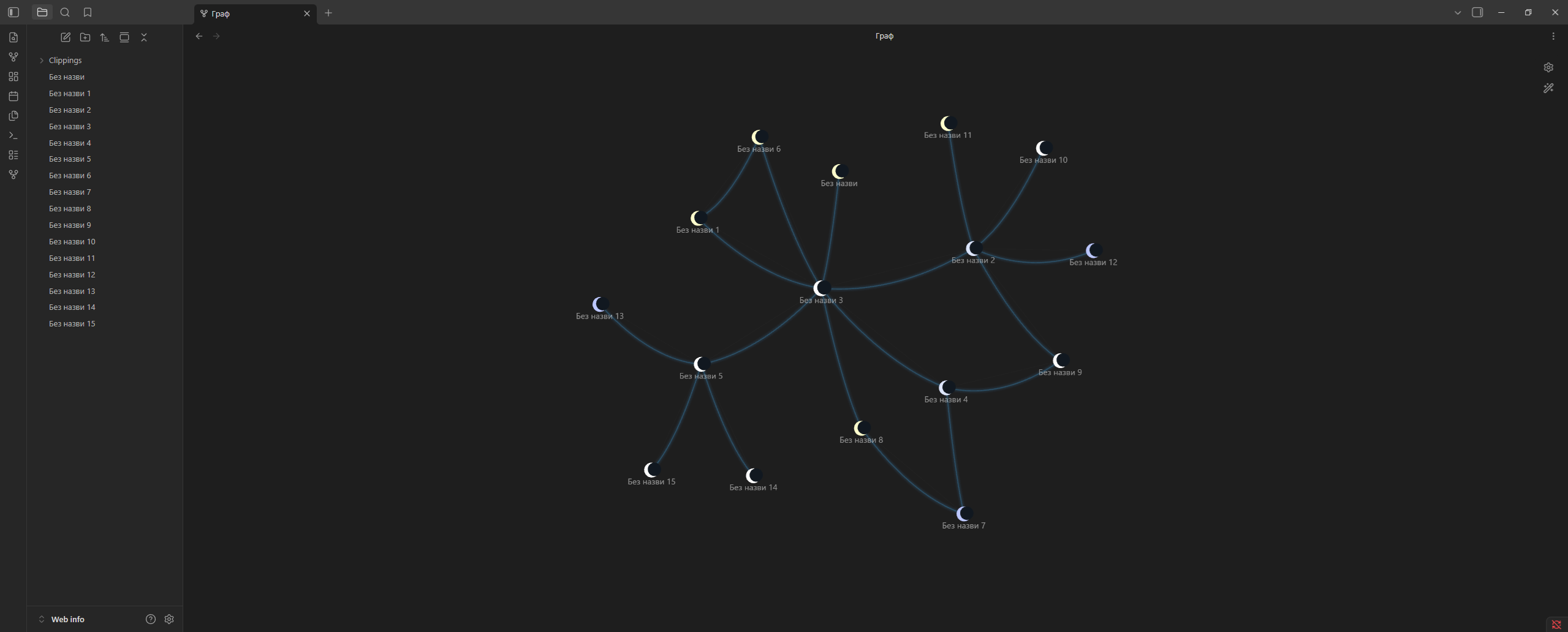
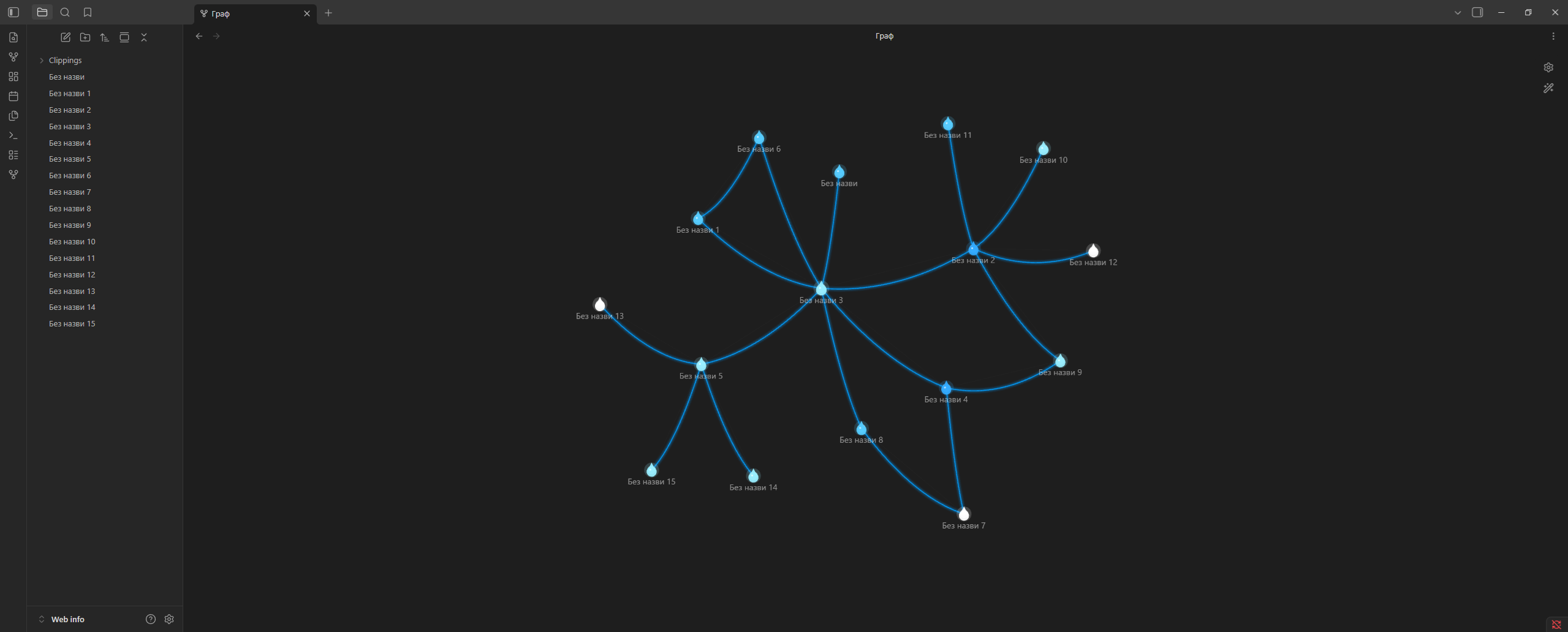
💧 Water
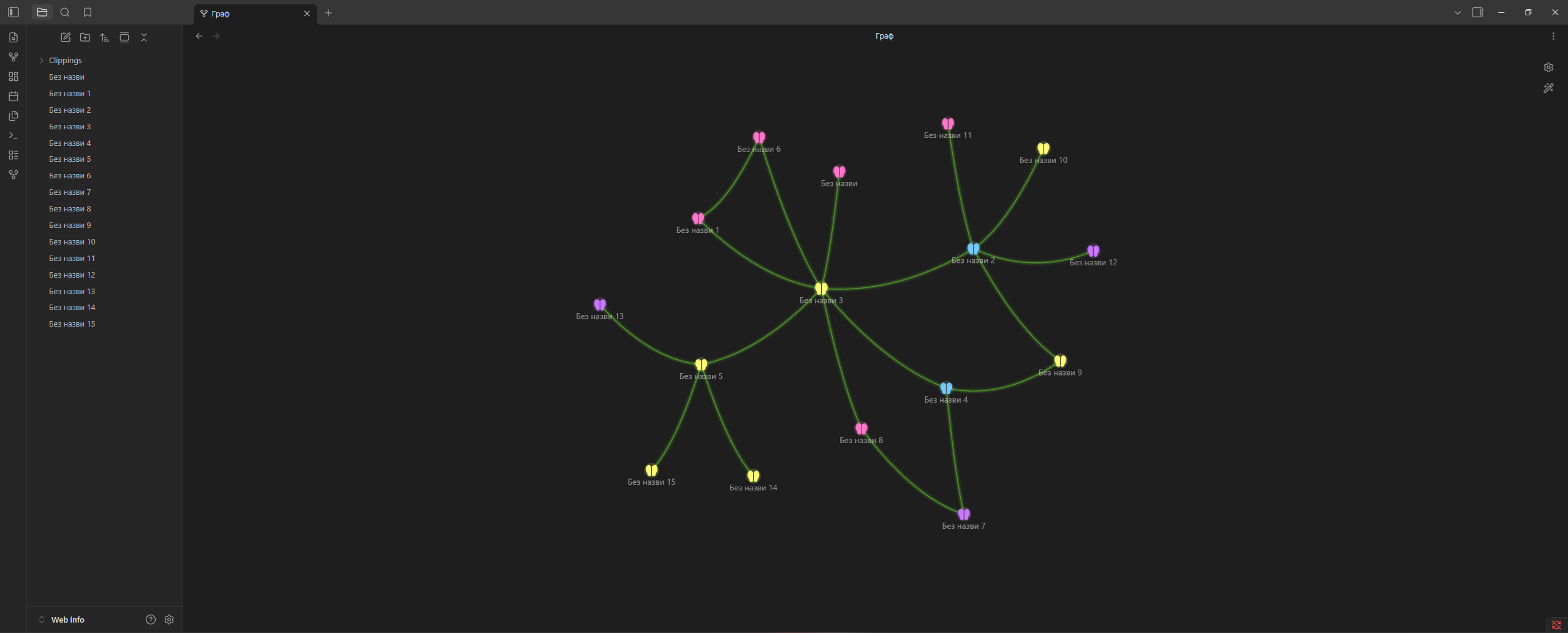
🦋 Butterflies
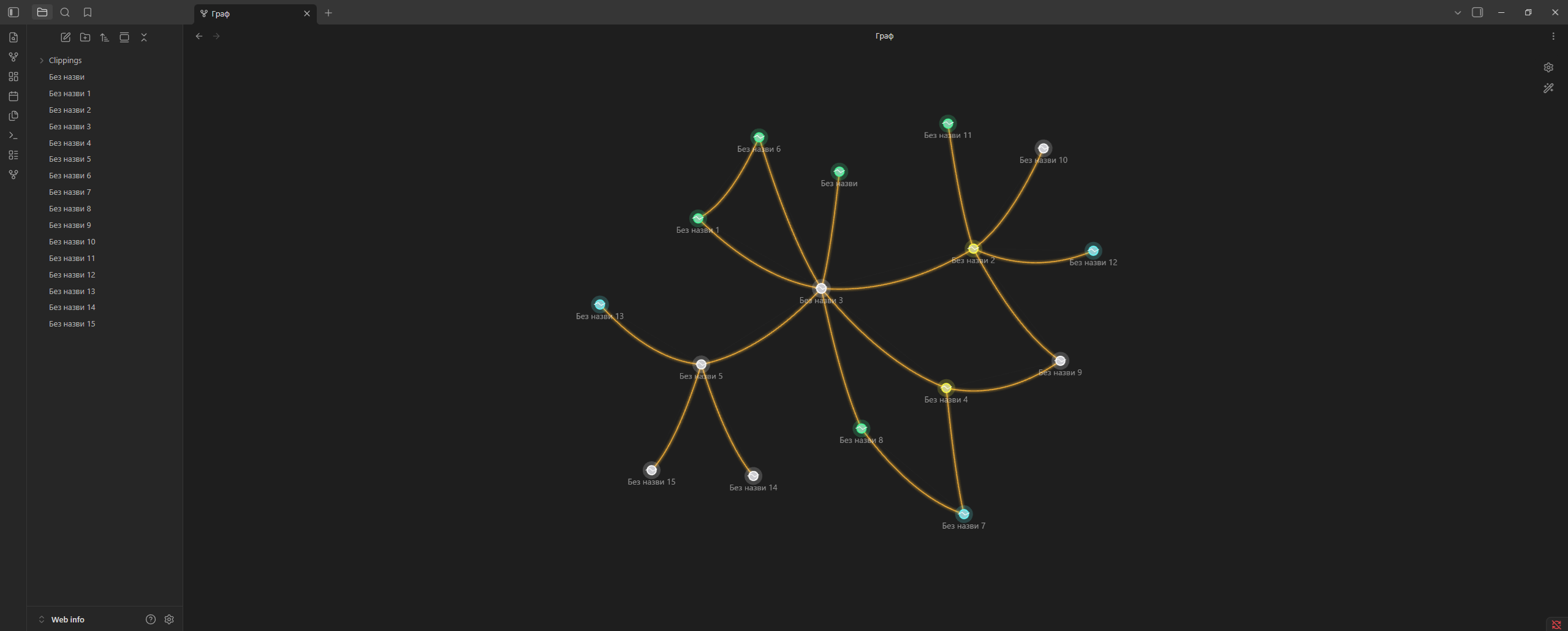
⚡ Energy
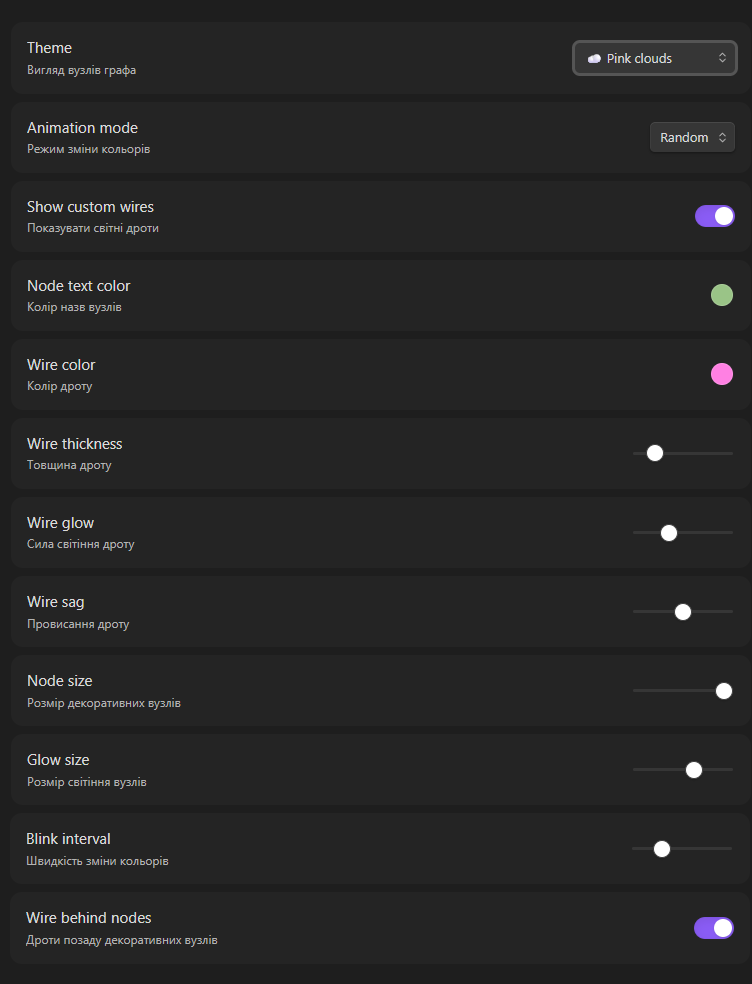
⚙️ Settings
Appearance
- Theme
- Animation mode
- Node size
- Node glow
- Node text color
Wires
- Show / hide custom wires
- Wire color
- Wire thickness
- Wire glow
- Wire sag
🌈 Animation Modes
- 🎲 Random
- 🌊 Wave
- 🌈 Rainbow
- 💓 Pulse
- ⏸ Static
📦 Installation
Community Plugins
Coming soon.
Manual installation
Download the latest release and copy these files into:
Vault/.obsidian/plugins/chillight-graph/
Required files:
main.js
manifest.json
styles.css
Then restart Obsidian and enable Chillight Graph in:
Settings → Community Plugins
🛠 Development
git clone https://github.com/irolyuk/chillight-graph.git
cd chillight-graph
npm install
npm run dev
Production build:
npm run build
❤️ Support Development
If you like Chillight Graph and want to support future updates, you can donate here:
🚀 Roadmap
- More themes
- Theme presets
- Import / export presets
- Animated theme effects
- More wire styles
- Better glow rendering
- Community Plugin release
📄 License
MIT License
Made with ❤️ for the Obsidian community.
For plugin developers
Search results and similarity scores are powered by semantic analysis of your plugin's README. If your plugin isn't appearing for searches you'd expect, try updating your README to clearly describe your plugin's purpose, features, and use cases.