Colorizelt
approvedby wine-ineff
Easy color and clear selected text
★ 3 stars↓ 3,312 downloadsUpdated 1y agoMIT
Colorizelt
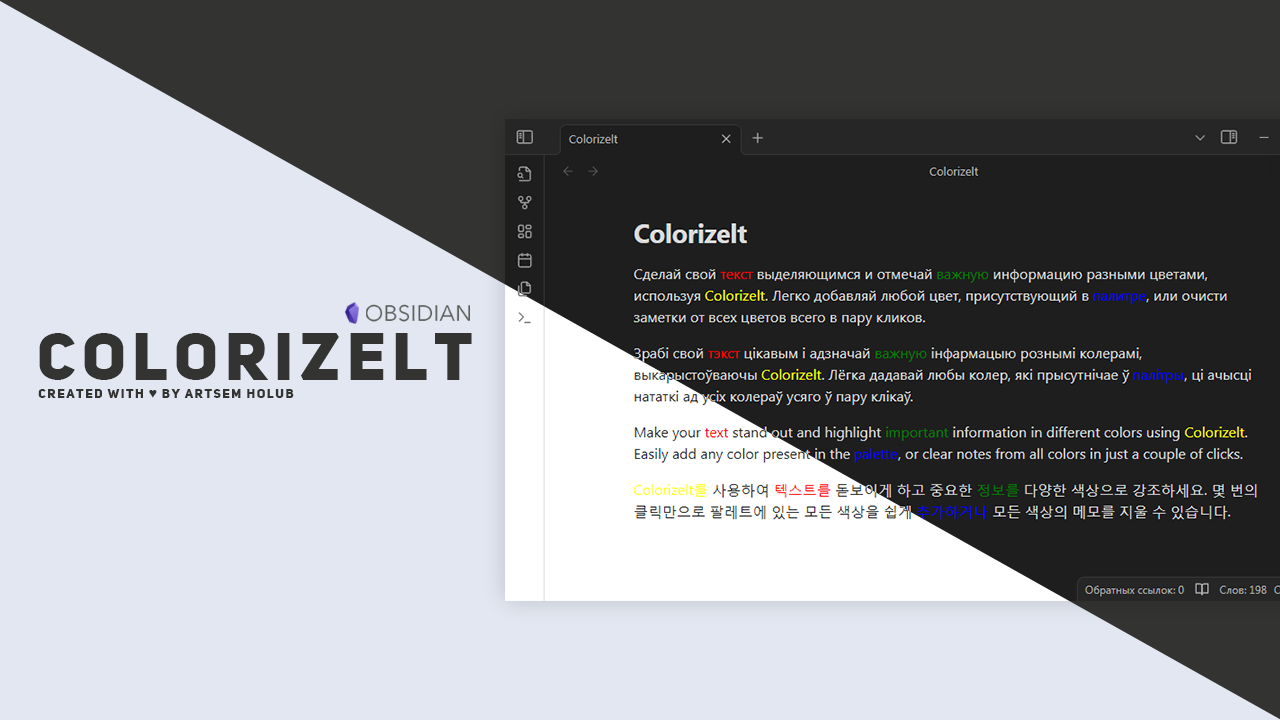




Easy color or clear selected text
Features
- Add any of the available colors to text with a simple keyboard shortcut or using command pallete
Windows/Mac: Shift + Ctrl/Command + 1 for red color; Shift + Ctrl/Command + 2 for yellow color Shift + Ctrl/Command + 3 for green color: Shift + Ctrl/Command + 4 for blue color - Easy work on mobile with using buttons
- Using the same keyboard shortcuts, remove all colors in the selected fragment
Plan for future updates
- Add icons for quick access from your phone
- Add setting tab for edit some colors
- Add more colors
- Add different type of text highlights
Development support
If you want to support this project and author of this project:
| Wallet | Adress |
|---|---|
| TON | UQDXHLtVLfeMsUjk_XtvgEC6CYxo63ZkLOrrFlaAe2cGn3-Z |
| BTC | 3KhWEKA2LpGeesshPCfgRRLsZuBHFtCnfU |
| USDT (TRC20) | TGfzwpq2FhQbWisZMWyY98h2KgqV2JVjFH |
Licensed under MIT | Copyright Ⓒ 2024 Artsem Holub
For plugin developers
Search results and similarity scores are powered by semantic analysis of your plugin's README. If your plugin isn't appearing for searches you'd expect, try updating your README to clearly describe your plugin's purpose, features, and use cases.