cursor-goaway
approvedby liuxingyu521
Hide the cursor after opening a note
★ 13 stars↓ 26,766 downloadsUpdated 9mo agoMIT
obsidian-plugin-cursor-goaway
make cursor goaway after open a text file
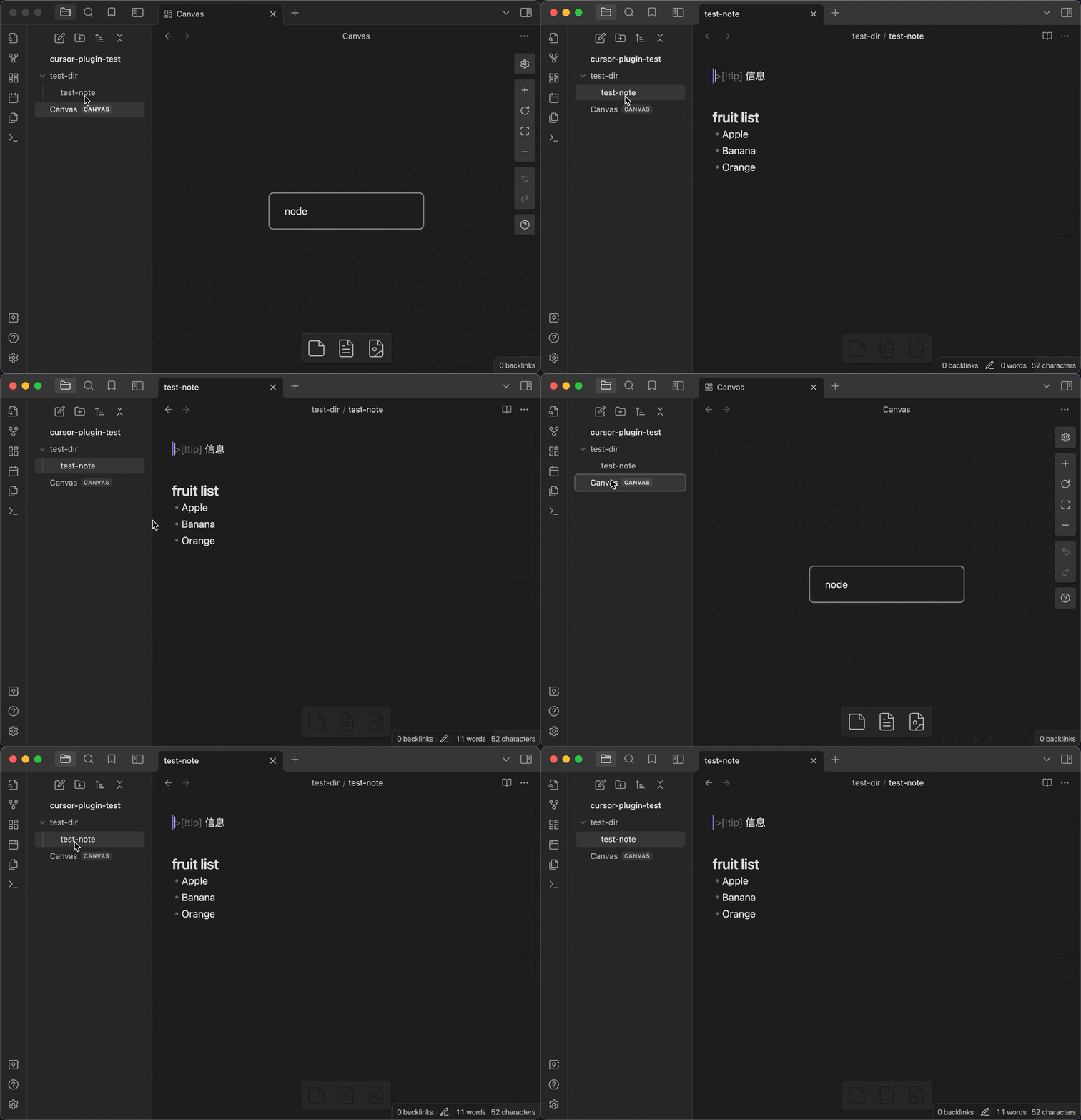
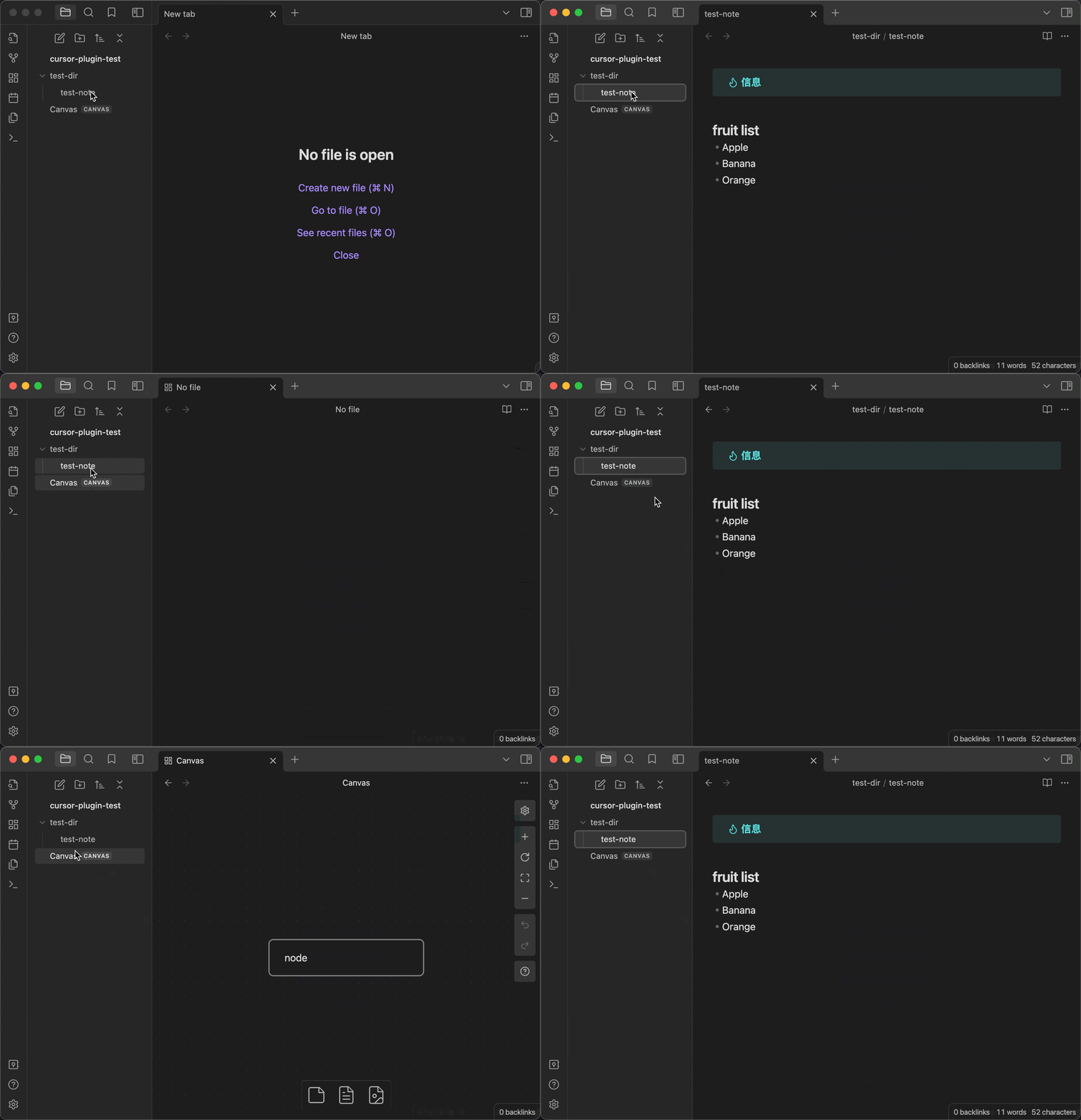
before vs after
before 😑
When the file is opened, the cursor is automatically positioned in the first line and enters the editing mode, which affects the display effect of the first line
after 😀
Usage
- When a Markdown file is opened, the plugin temporarily removes the editor focus (about 500 ms) to hide the cursor and prevent the first line's style from being affected.
- To immediately show the cursor and start editing, press ArrowDown (↓).
- Focus will return to the editor and the cursor will be placed at the beginning of the first line.
- This is a one-time trigger: it works on the first press after each file open/switch. It resets after you switch or reopen the file.
- If it doesn't take effect, wait ~0.5 s and press it again (the key is ignored while the defocus window is active).
Local Dev
- Clone this repo.
- Make sure your NodeJS is at least v16 (
node --version). npm ioryarnto install dependencies.npm run devto start compilation in watch mode.
For plugin developers
Search results and similarity scores are powered by semantic analysis of your plugin's README. If your plugin isn't appearing for searches you'd expect, try updating your README to clearly describe your plugin's purpose, features, and use cases.