DataCards
approvedby sophokles187
Transform Dataview query results into visually appealing, customizable card layouts.
DataCards for Obsidian
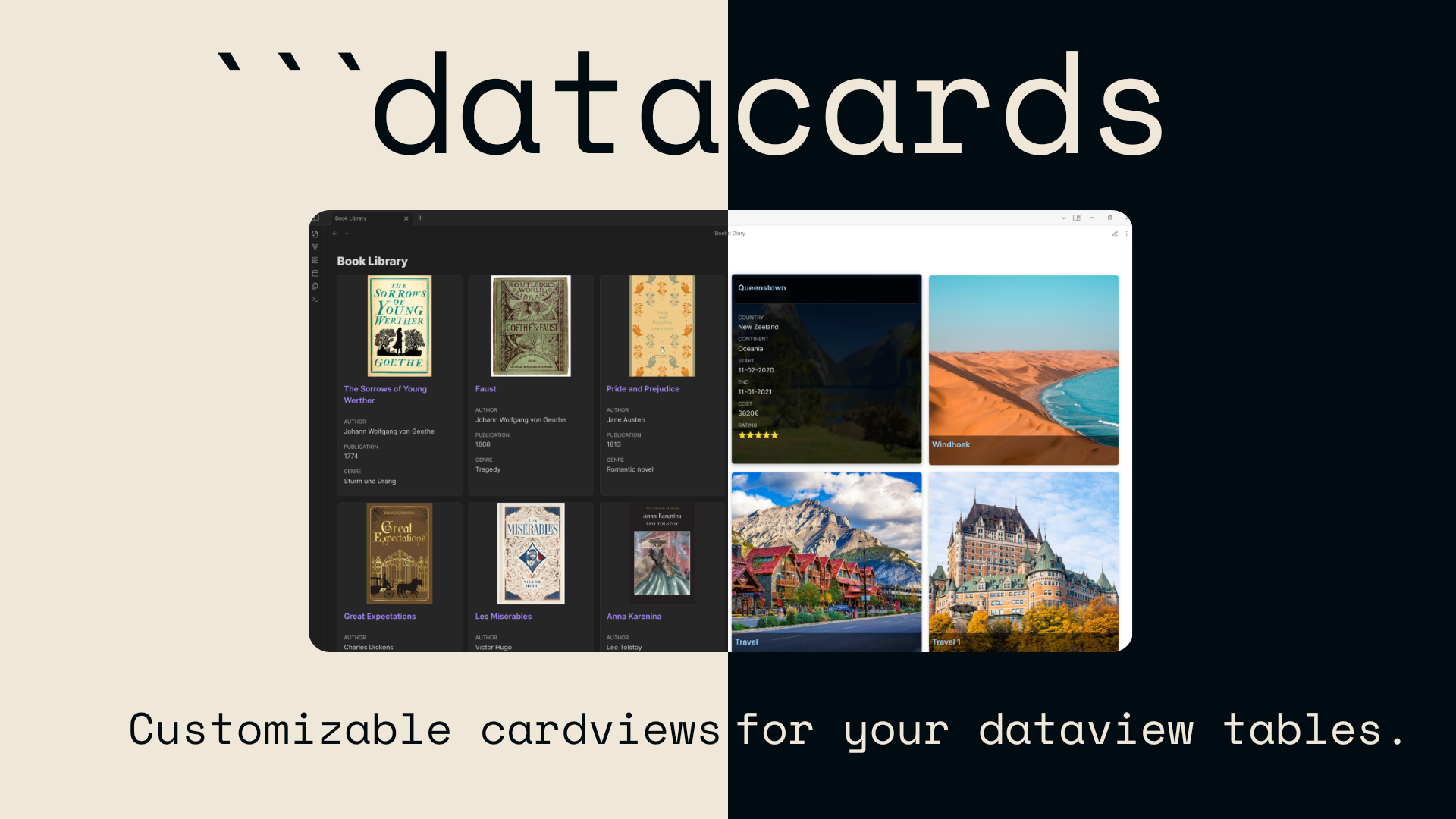
Transform Dataview query results into visually appealing, customizable card layouts.

Quick Start
- Enable: Activate the plugin in Obsidian's Community Plugins settings
- Use: Create a code block with the
datacardslanguage and write a Dataview query:
```datacards
TABLE author, rating, cover FROM #books
SORT rating DESC

// Settings
preset: portrait
imageProperty: cover
```
Or create a kanban board:
```datacards
TABLE file.link as "Task", priority, status FROM #tasks
SORT status ASC

// Settings
preset: kanban
```
That's it! Your Dataview results will now display as beautiful cards or interactive kanban boards.
Features
- Custom Code Block: Use
datacardscode blocks with Dataview query syntax - Kanban Boards: Interactive task boards with inline editing, new task creation, and automatic organization
- Flexible Presets: Multiple card preset options (grid, portrait, square, compact, dense, kanban) optimized for different use cases
- Highly Customizable: Adjust nearly all settings per code block, mixing and matching preset characteristics, including property display and font size options
- Advanced Image Support: Display images from frontmatter properties with support for wiki links, embedded wiki links (
![[image.jpg]]), and markdown syntax - Refresh Button: Manual refresh button for reliable updates in both reading and editing modes
- Dynamic & Fixed Columns: Choose between responsive dynamic columns or fixed column layouts with unlimited column support
- Smart Settings Hierarchy: Per-block settings properly override global settings with clear priority rules
- Global Settings: Default configuration with per-block overrides
- Mobile Optimization: Dedicated mobile settings for better display on small screens
- Performance Enhancements: Lazy loading for images to improve loading times
Documentation
Visit the documentation site for complete guides, examples, and reference materials:
Requirements
- Obsidian v0.15.0+
- Dataview Plugin
Installation
Community Plugins
Note: DataCards is not yet available in the Community Plugins store. Please use BRAT or manual installation until then.
- Open Obsidian Settings
- Go to Community Plugins
- Click "Browse" and search for "Data Cards"
- Click "Install", then "Enable"
Example Usage
Create a datacards code block with a Dataview query and optional settings:
```datacards
TABLE author, rating, genre, cover FROM #books
SORT rating DESC
WHERE rating >= 4

// Settings
preset: portrait
columns: 8
imageProperty: cover
properties: [author, rating, genre]
```
Important: You must explicitly include all properties you want to display in your Dataview query (including the image property).
See the documentationok for more detailed examples.
Support Development
If you find DataCards useful and would like to support its development, consider buying me a coffee:

License
GNU General Public License v3.0 (GPL-3.0)
This project is licensed under the GNU General Public License v3.0 - see the LICENSE file for details.
Acknowledgments
- Dataview Plugin (MIT License) - This plugin uses the Dataview API
For plugin developers
Search results and similarity scores are powered by semantic analysis of your plugin's README. If your plugin isn't appearing for searches you'd expect, try updating your README to clearly describe your plugin's purpose, features, and use cases.