Eleven Labs
approvedby veritas1
Turn your notes into text-to-speech audio files with Eleven Labs.
Eleven Labs text-to-speech Obsidian Plugin
This is a plugin for Obsidian (https://obsidian.md).
This project allows you to create text-to-speech audio files using the Eleven Labs api, straight from your Obsidian notes.
This requires an Eleven Labs (https://elevenlabs.io) account, and api key. You can retrieve your api key from "Profile Settings", when signed into the Eleven Labs web dashboard.
How to use
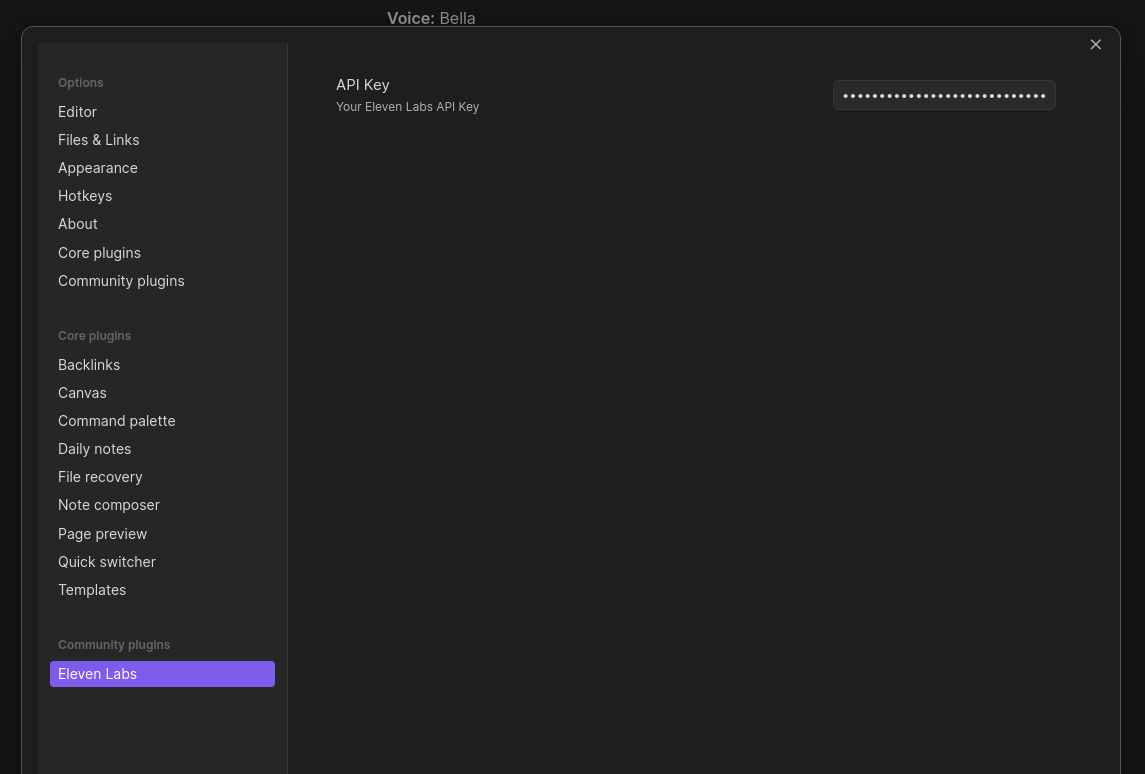
Once the plugin is installed, head to the plugin settings page in Obsidian and paste in your api key.
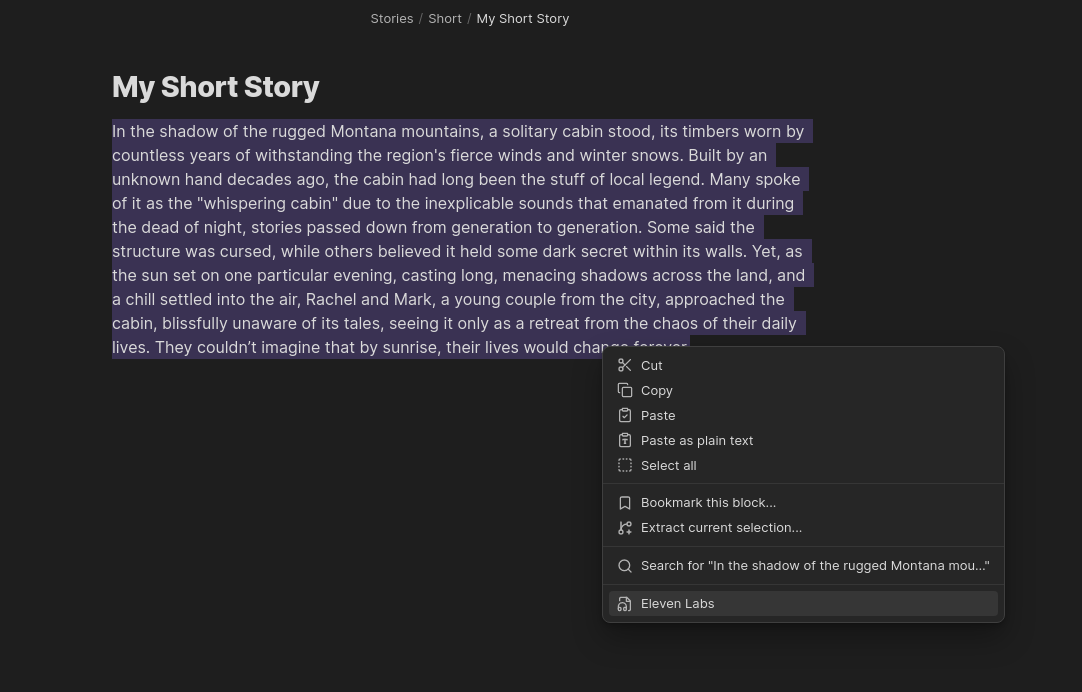
In your notes, when in edit mode, simply highlight the text you want to use, right click and select "Eleven Labs" from the context menu.
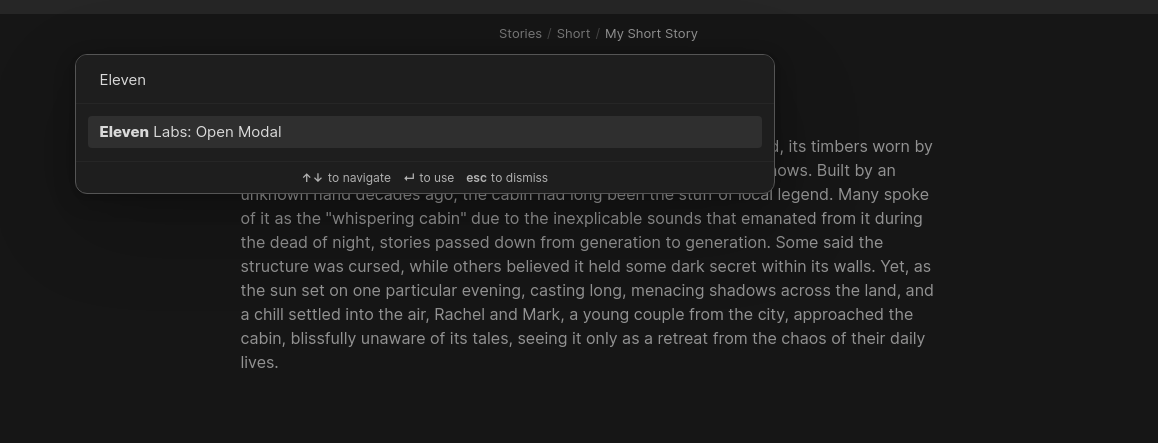
If you prefer, you can trigger the modal using the Command Palette (CTRL + p).
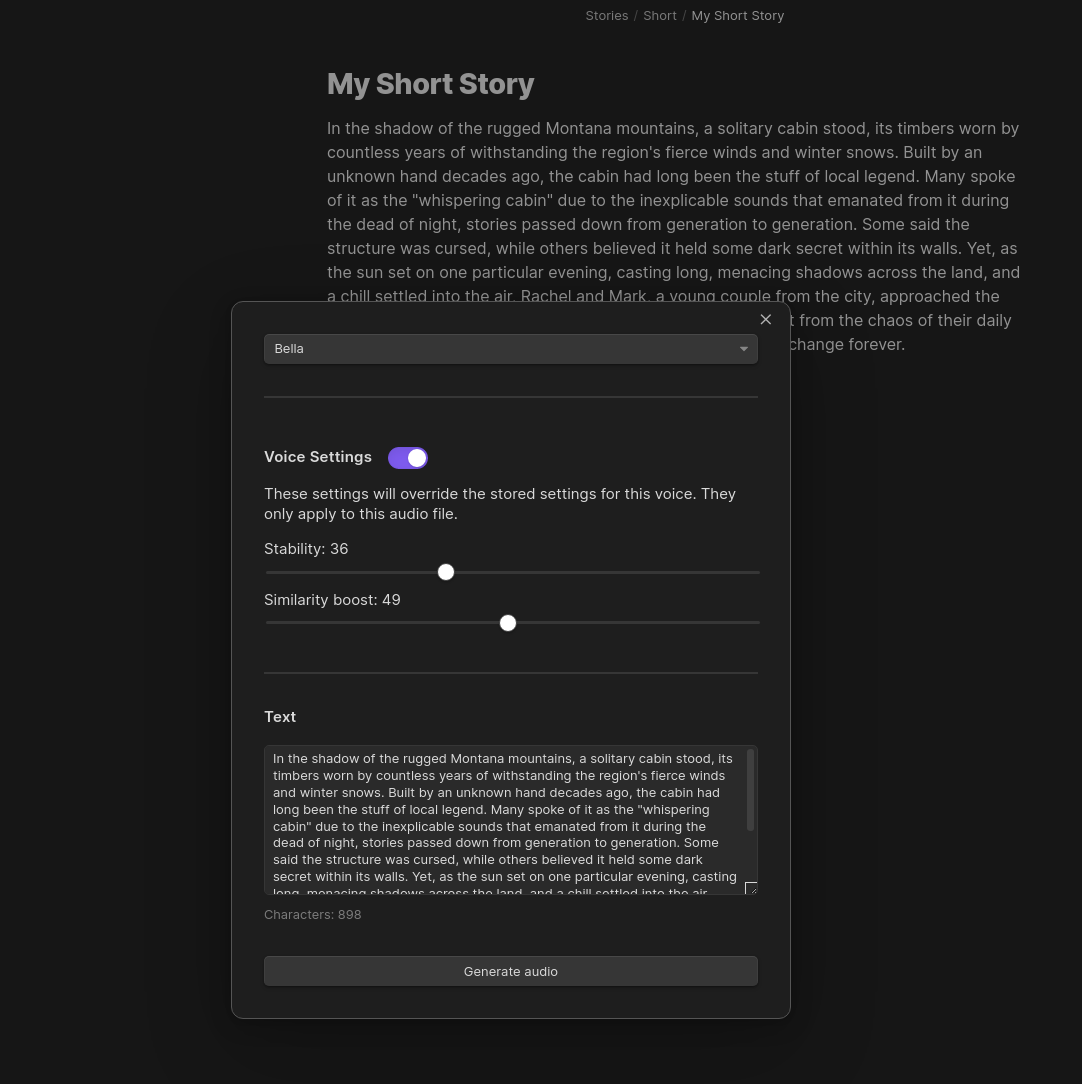
You'll then be presented with a modal, where you can select a voice to use from your Eleven Labs account:
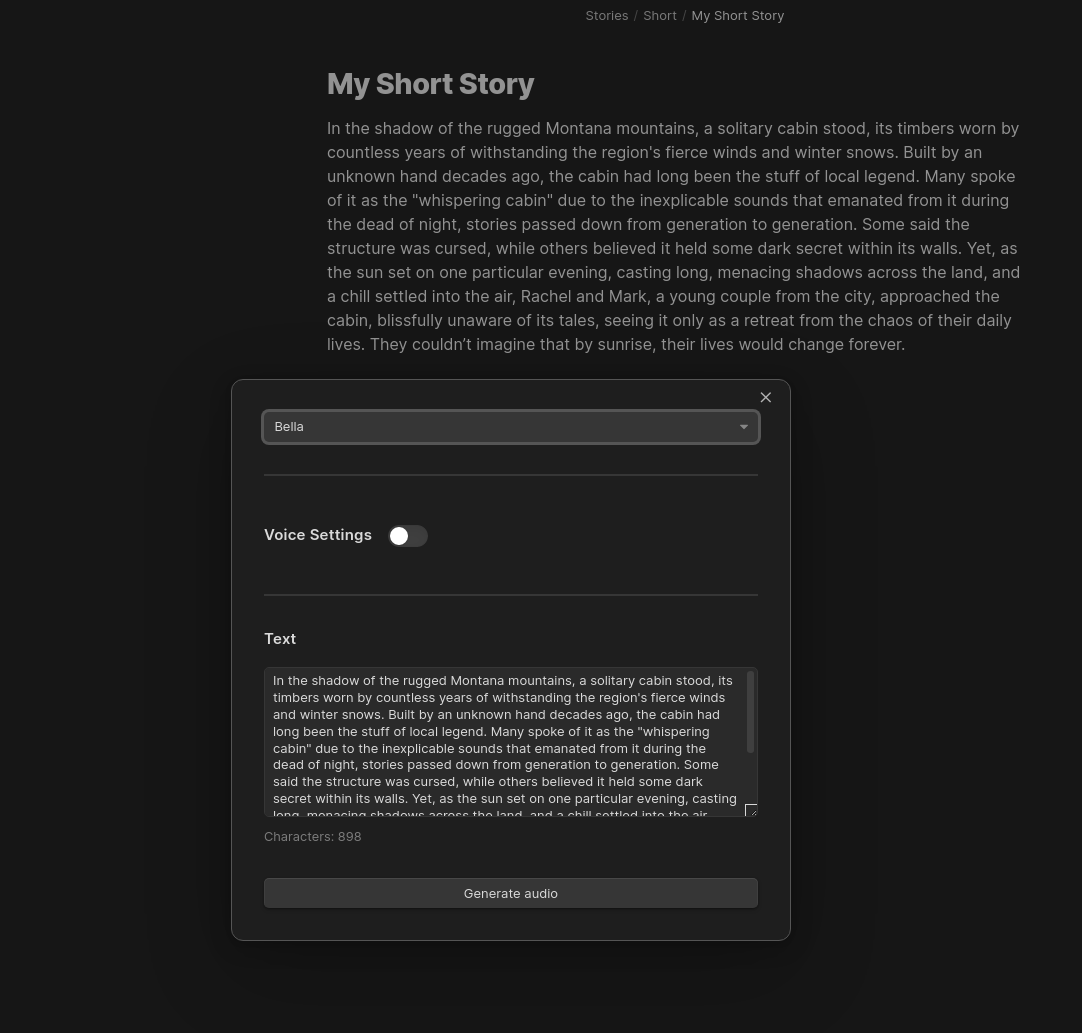
Override the voice settings:
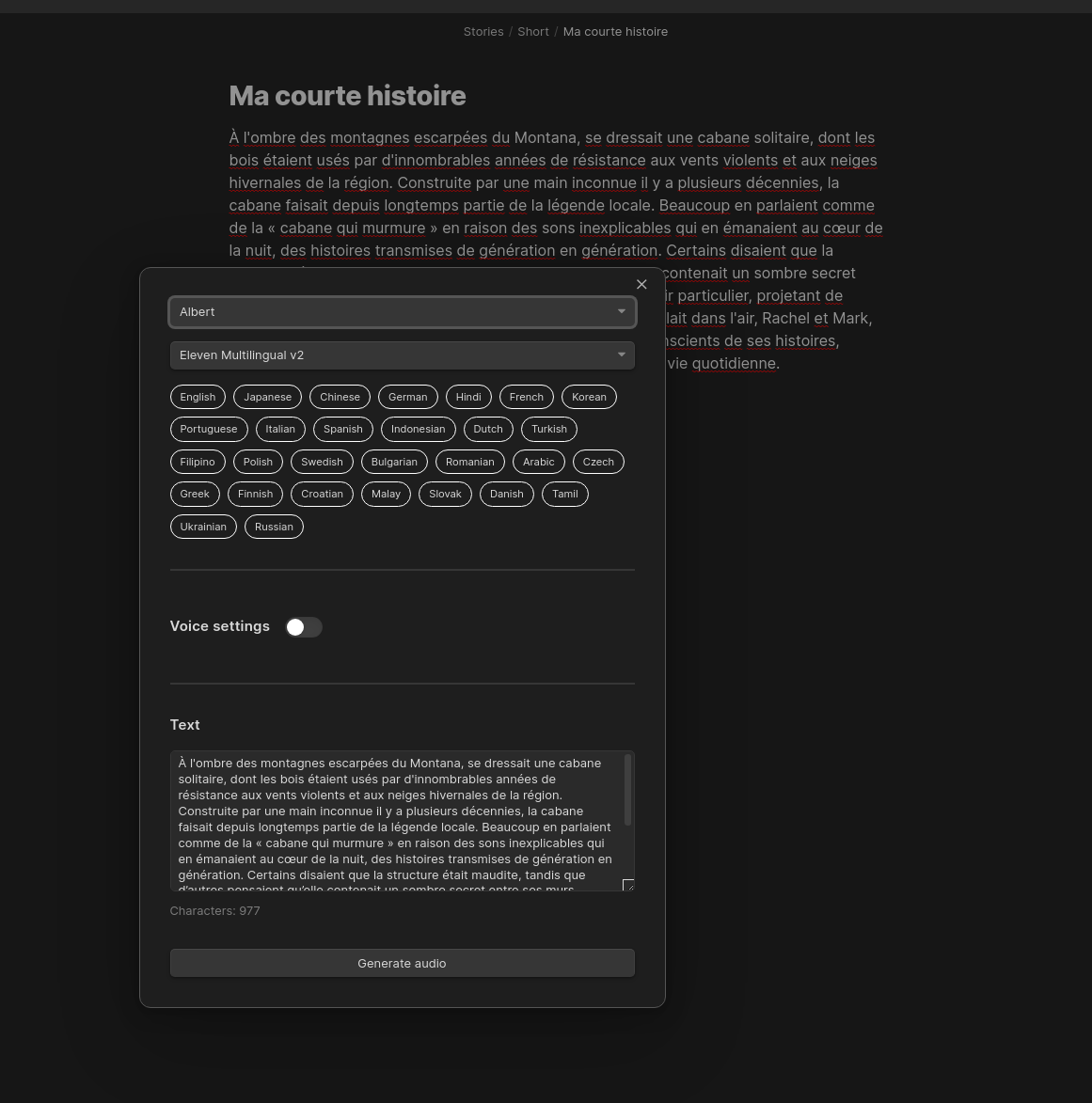
Select which model to use, allowing multilingual output:
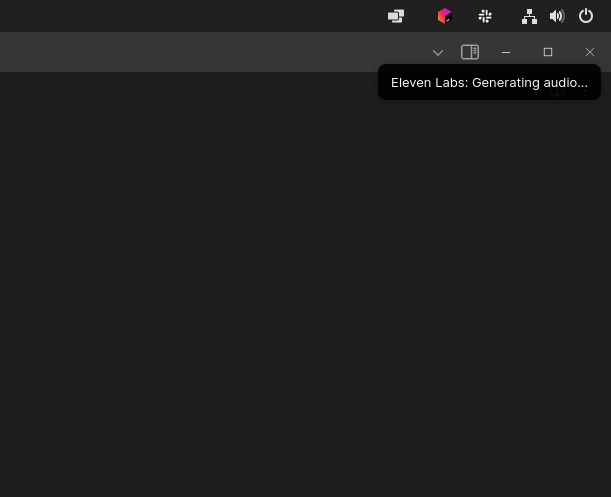
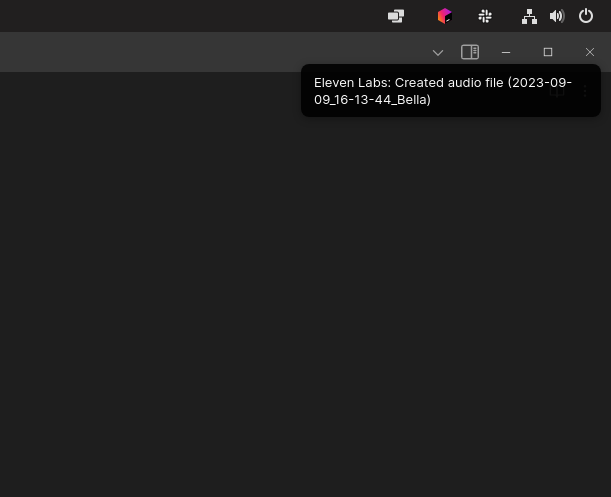
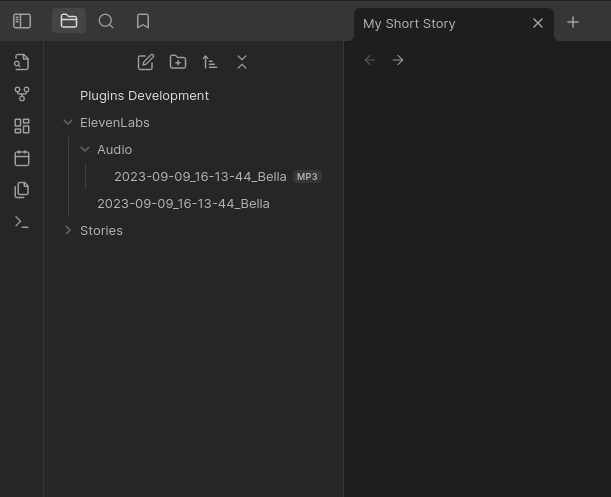
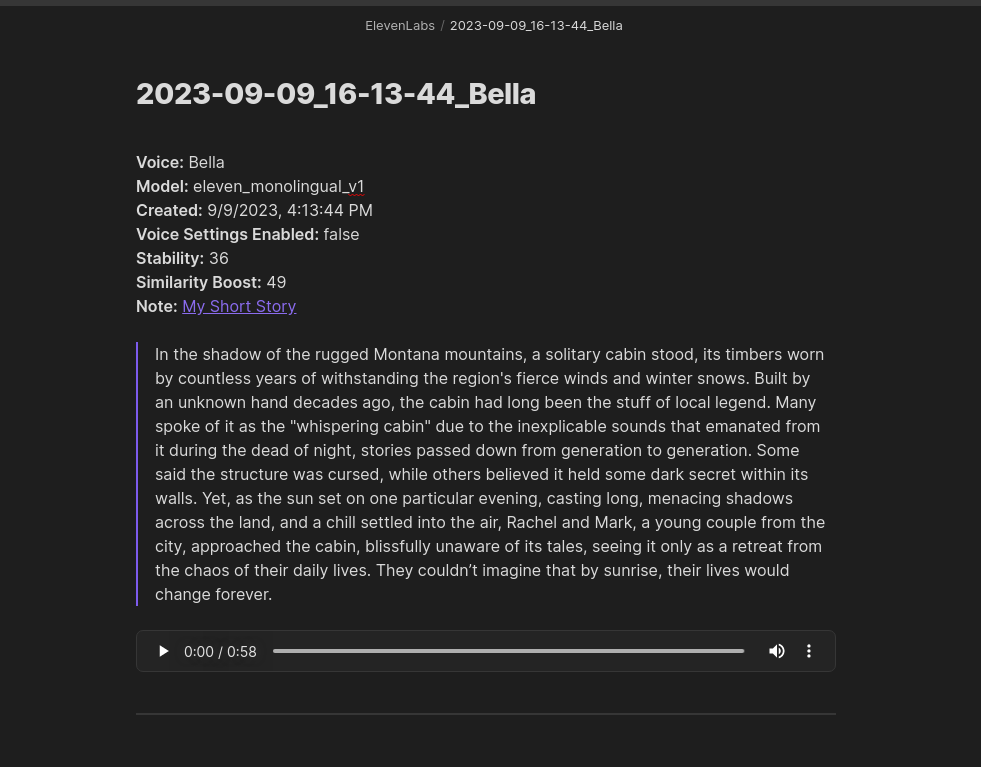
Now you can generate your audio, by pressing the "Generate audio" button. This will happen in the background and can take a few minutes depending on the number of characters being processed. You will get a notification once the audio has been generated and downloaded to your vault.
For plugin developers
Search results and similarity scores are powered by semantic analysis of your plugin's README. If your plugin isn't appearing for searches you'd expect, try updating your README to clearly describe your plugin's purpose, features, and use cases.