File Preview
approvedby xhuajin
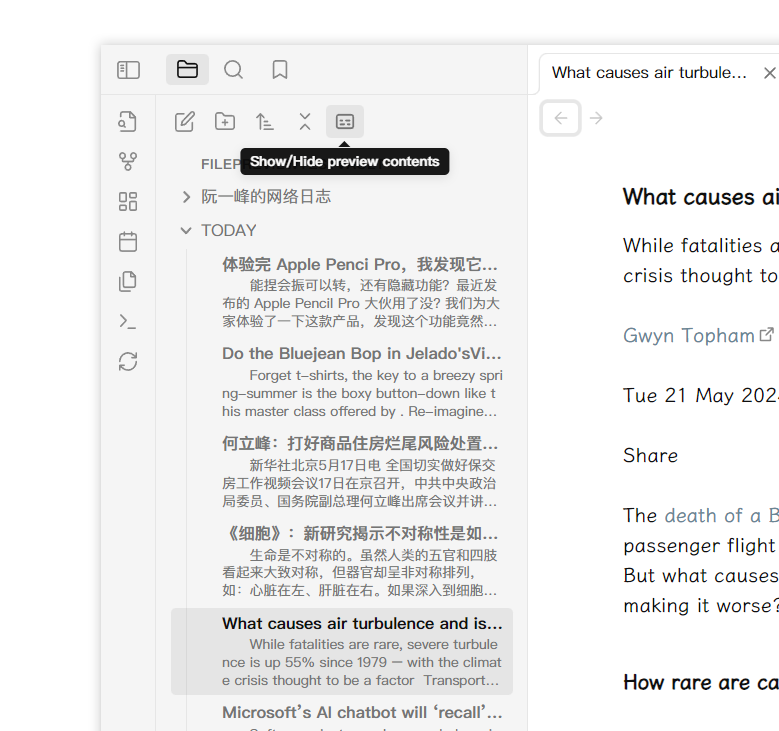
Add file preview contents under file in file explorer.
★ 30 stars↓ 5,524 downloadsUpdated 1y agoMIT
Overview
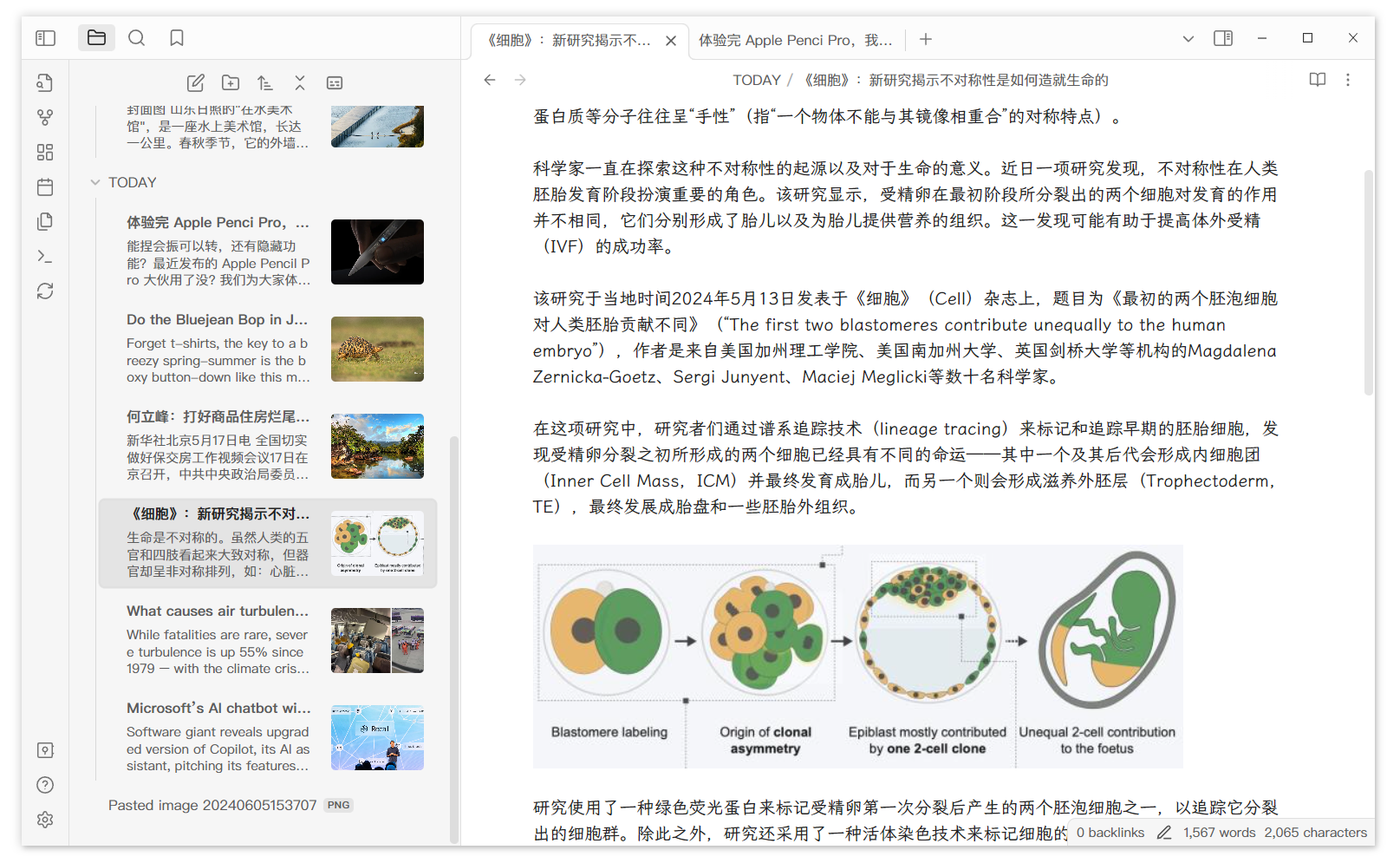
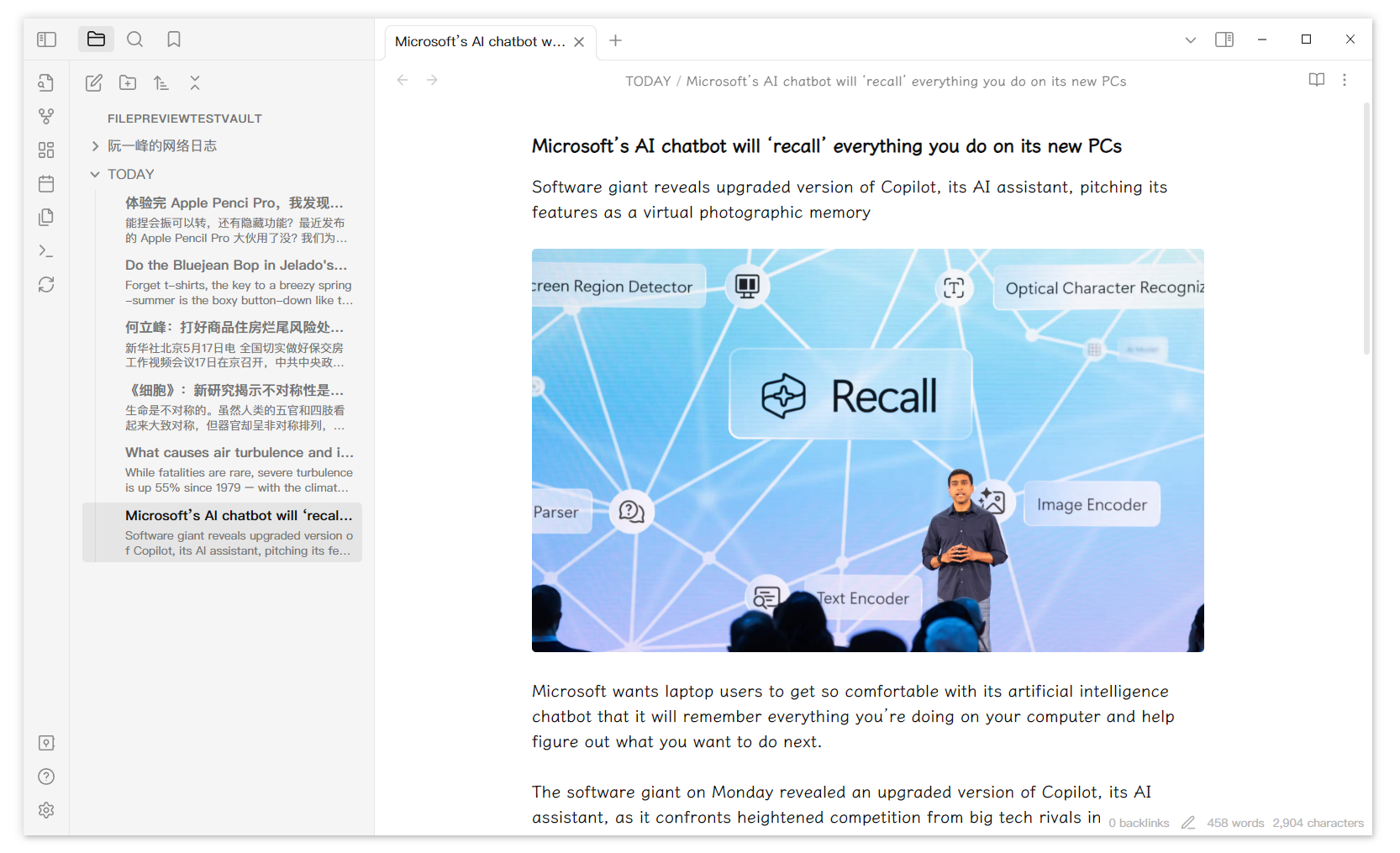
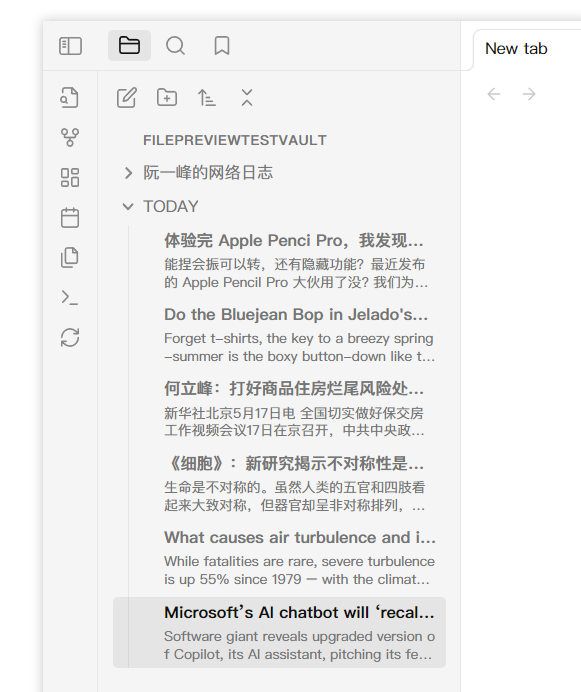
Add file preview contents under markdown file's title in file explorer.
Overall screenshot
Detail screenshot
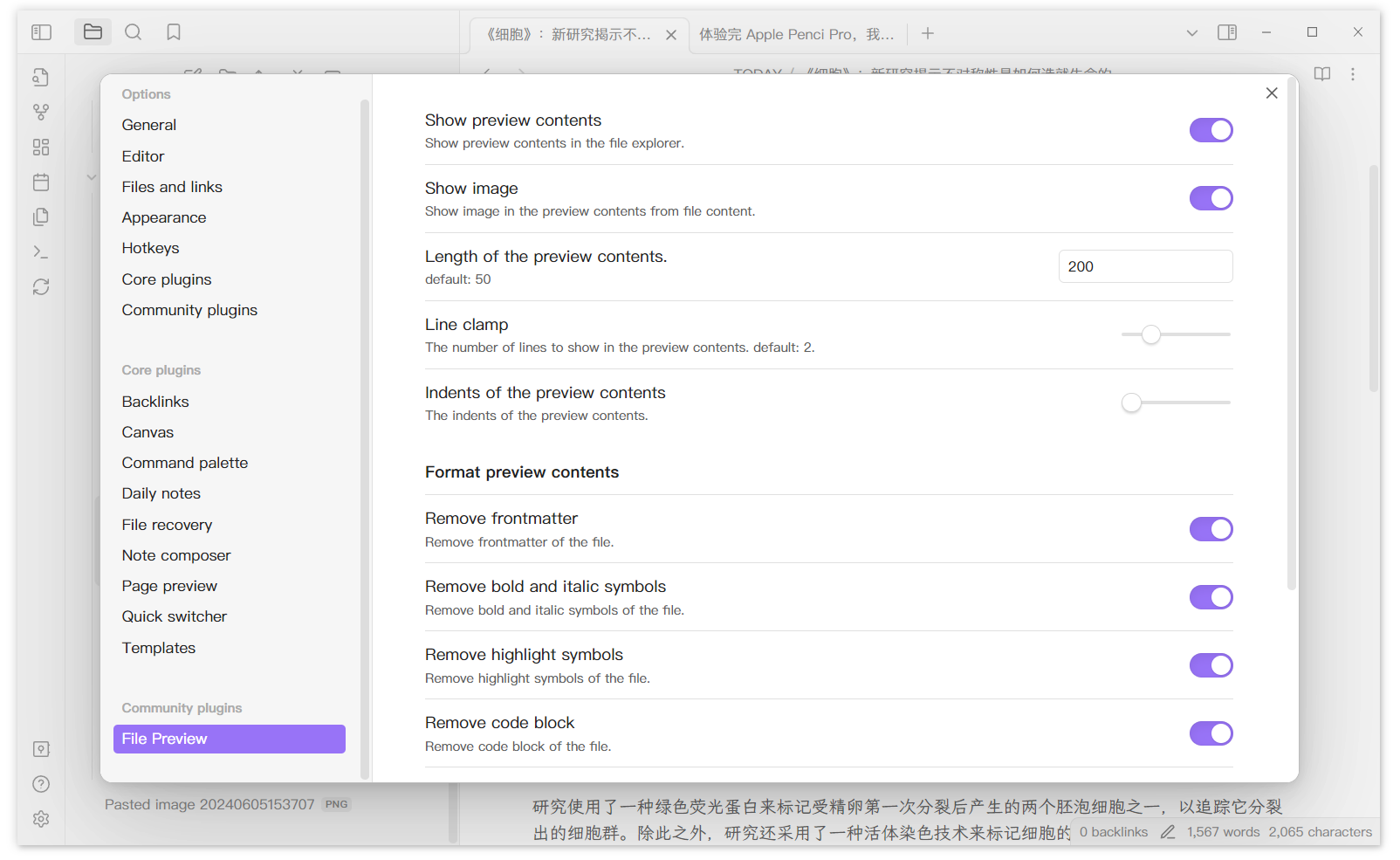
Setting screenshot
This plugins will only add preview contents to existing files. If you create new files, you need to click the refresh botton on the left ribbon.
You can click the button at the top of the file-explorer to quickly show/hide the preview contents.
Changelog
- v1.0.2: Add a setting to modify indents of the preview contents.
- v1.0.3: Add a quick switching button.
- v1.0.5: Add an image into preview contents from file. (Wiki type image first)
For plugin developers
Search results and similarity scores are powered by semantic analysis of your plugin's README. If your plugin isn't appearing for searches you'd expect, try updating your README to clearly describe your plugin's purpose, features, and use cases.