Getnote Sync
approvedby AndIwei
自动同步得到大脑知识库到 Obsidian,并支持手动推送。 - This plugin has not been manually reviewed by Obsidian staff.
Getnote Sync
Getnote Sync provides controlled, two-way synchronization between Getnote knowledge bases and a local vault.
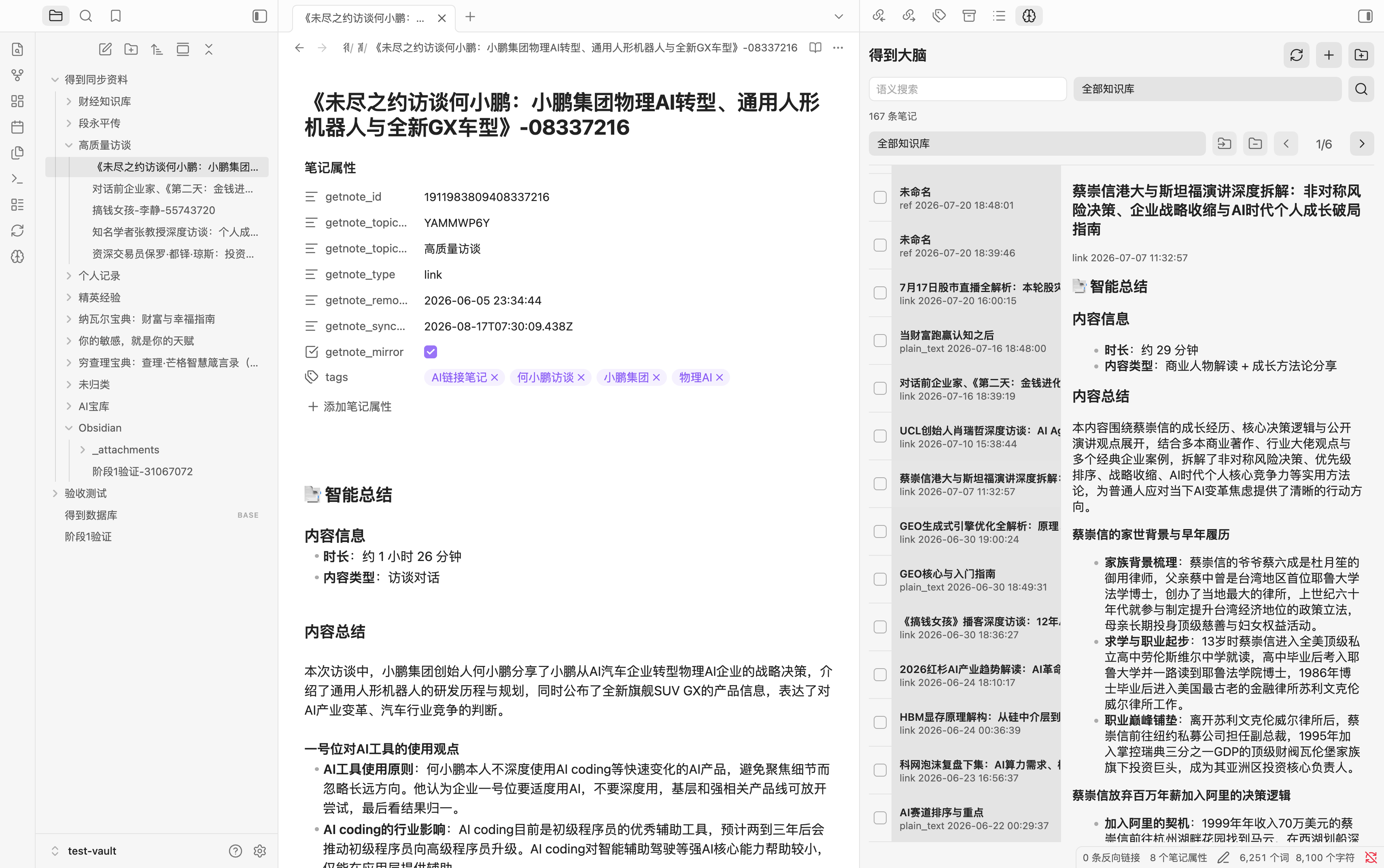
Features
- Mirror Getnote notes to Markdown files, organized by knowledge base.
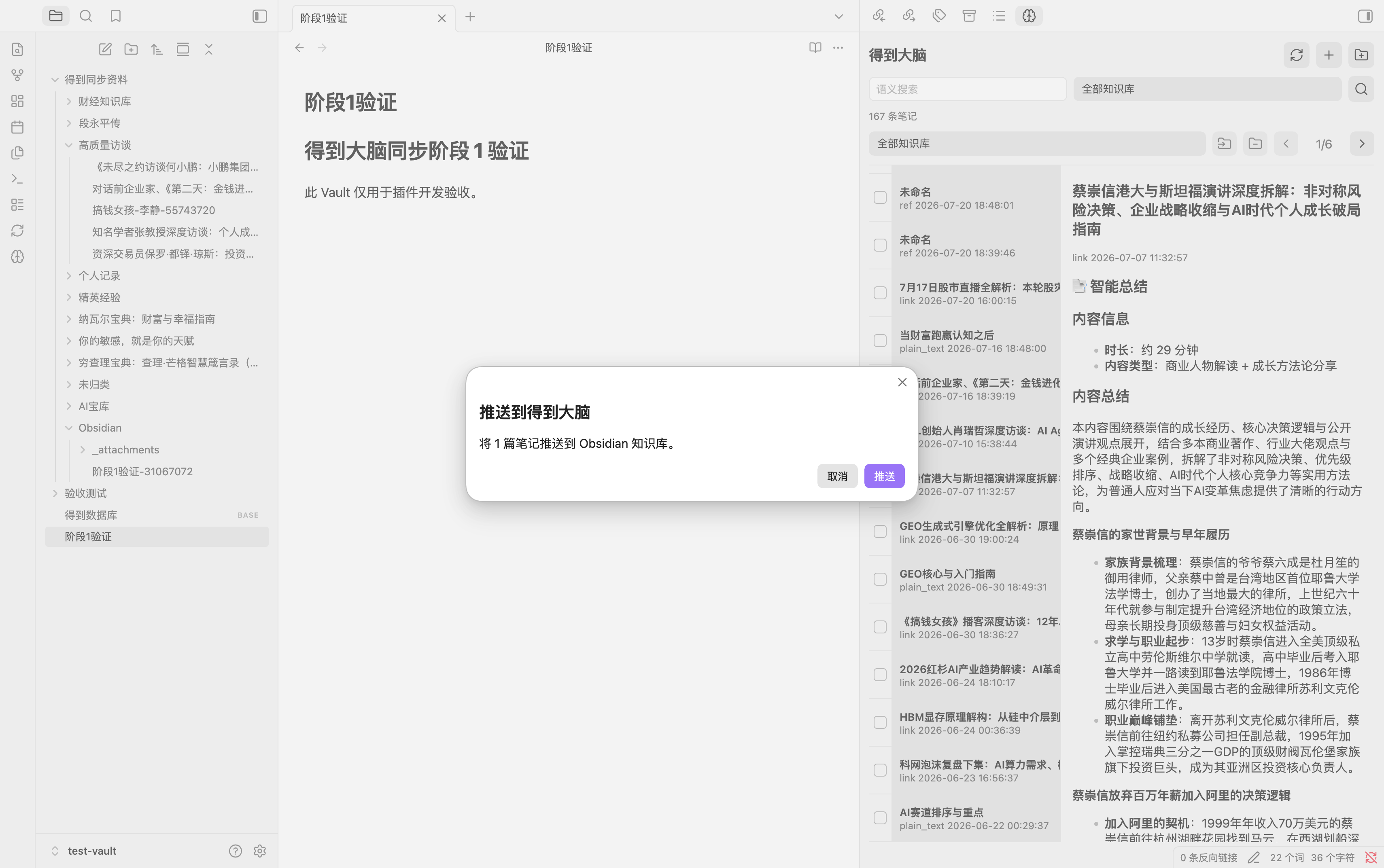
- Push the current note, a single selected file, or multiple selected files to Getnote.
- Browse, filter, search, create, tag, and categorize notes in the built-in dashboard.
- Download images and attachments, retain conflict copies, clean orphaned attachments, and export sync failures.
How Synchronization Works
Getnote is the remote knowledge source, while the vault is a local mirror and editing surface.
- Pull synchronization fetches remote note lists and details on startup, on a schedule, or when manually requested. Markdown frontmatter records the remote note ID, knowledge-base ID, content hash, and last synchronization time.
- Push synchronization is explicitly initiated from the command palette, file context menu, multi-file context menu, or dashboard. The plugin creates or updates the corresponding remote note in the Getnote
Obsidianknowledge base. - Change detection compares remote hashes, local mirror hashes, and file state. Unchanged notes are skipped to prevent duplicate writes.
- Safety boundaries keep automatic synchronization read-only. Creating, updating, tagging, categorizing, and recovery actions require an explicit user action.
- Conflicts and attachments are handled without silently overwriting local edits. Attachments are stored in a dedicated
_attachmentsdirectory and can be cleaned when no longer referenced.
Installation
Community plugins
After approval in the community directory, search for Getnote Sync in the plugin browser.
Manual installation
Copy these files to .obsidian/plugins/getnote-sync/ inside your vault:
main.js
manifest.json
styles.css
Then enable Getnote Sync in the community plugin settings.
Configuration
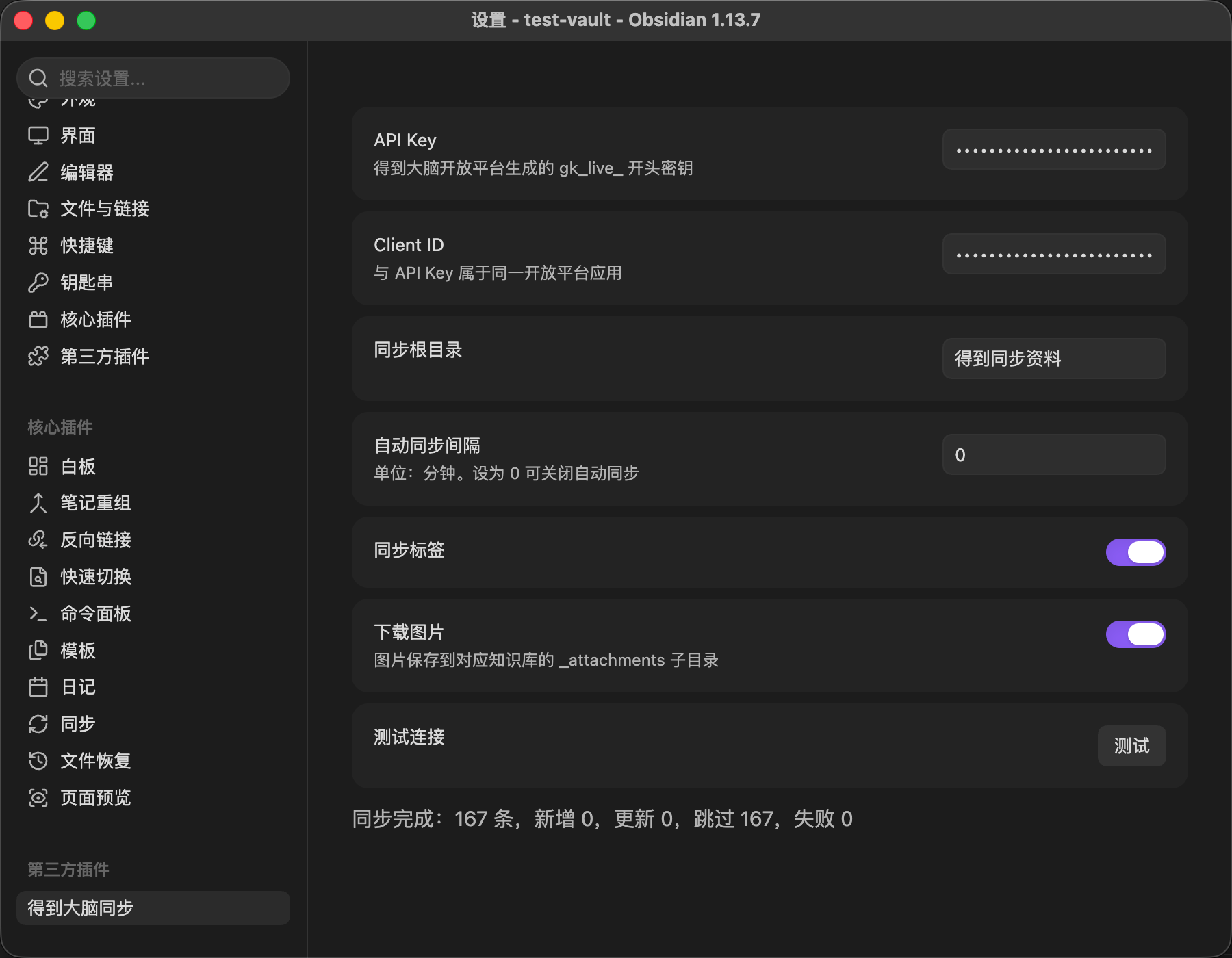
Configure the following values in the plugin settings:
- API key beginning with
gk_live_ - Client ID
- Synchronization root folder
- Automatic synchronization interval
- Synchronization tags
- Image downloads
Use Test connection to validate the current credentials and configuration.
Screenshots
Build
npm install
npm run typecheck
npm test
npm run build
Security
- Automatic synchronization only reads remote content.
- Remote writes require an explicit user action.
- Credentials are stored in the plugin's
data.jsonfile. - Write requests are not retried automatically to avoid duplicate note creation.
Development Notes
See Stage 0 findings and the end-to-end acceptance record for implementation and validation details.
For plugin developers
Search results and similarity scores are powered by semantic analysis of your plugin's README. If your plugin isn't appearing for searches you'd expect, try updating your README to clearly describe your plugin's purpose, features, and use cases.