Header Counter
approvedby nancyel
Count the number of headers in the current note.
Header Counter Plugin
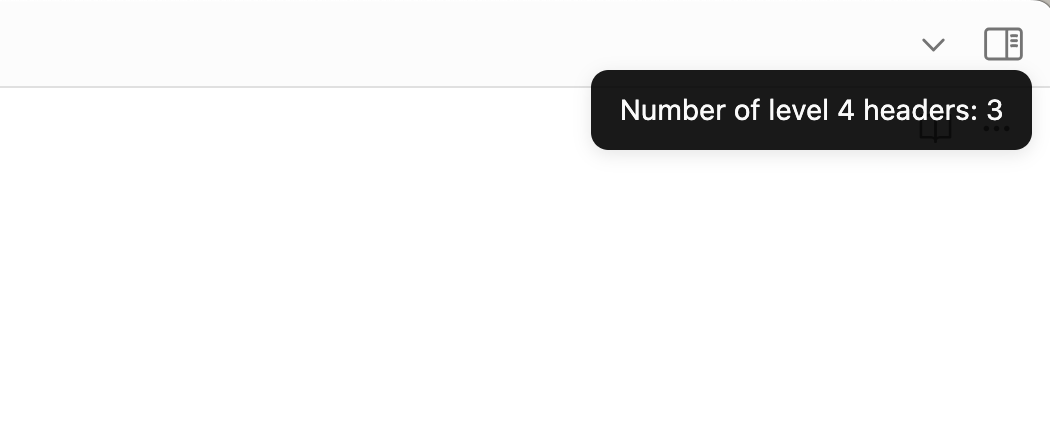
This plugin counts the number of headers in the current note and displays the count in a notification message.
Installation
If this plugin isn't listed in the Obsidian plugin registry yet, you'll need to use a git checkout or download and unzip the release zipfile in the .obsidian/plugins directory of the vault you want to add it to.
Available Commands
-
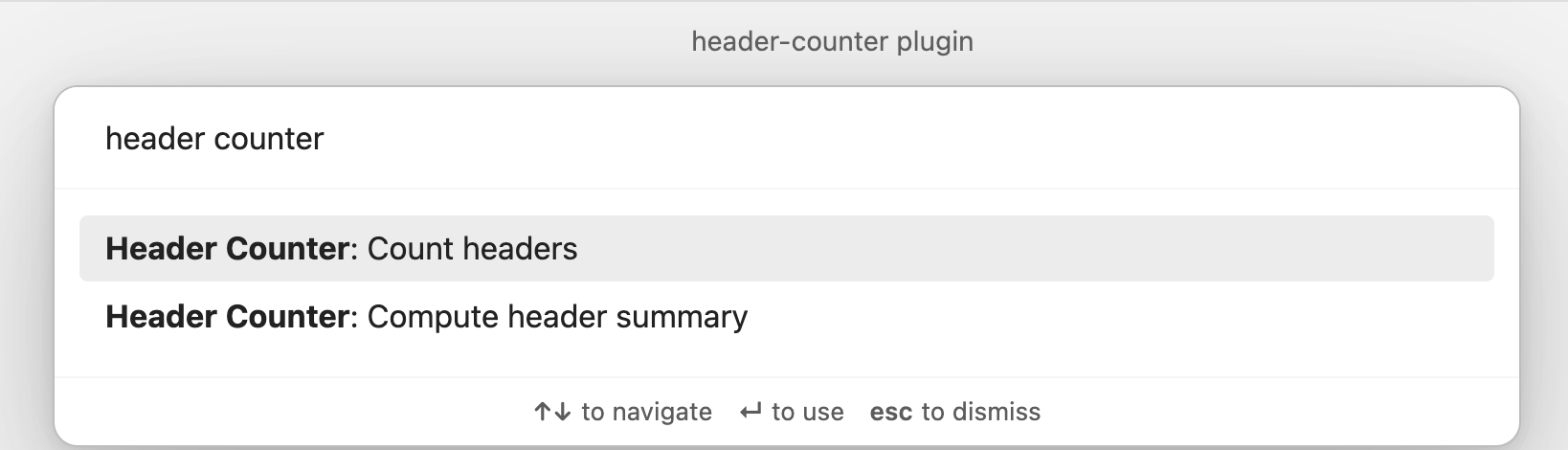
Count headers: Open the command palette and search for "Header Counter: Count Headers" to count the headers in the current note.
-
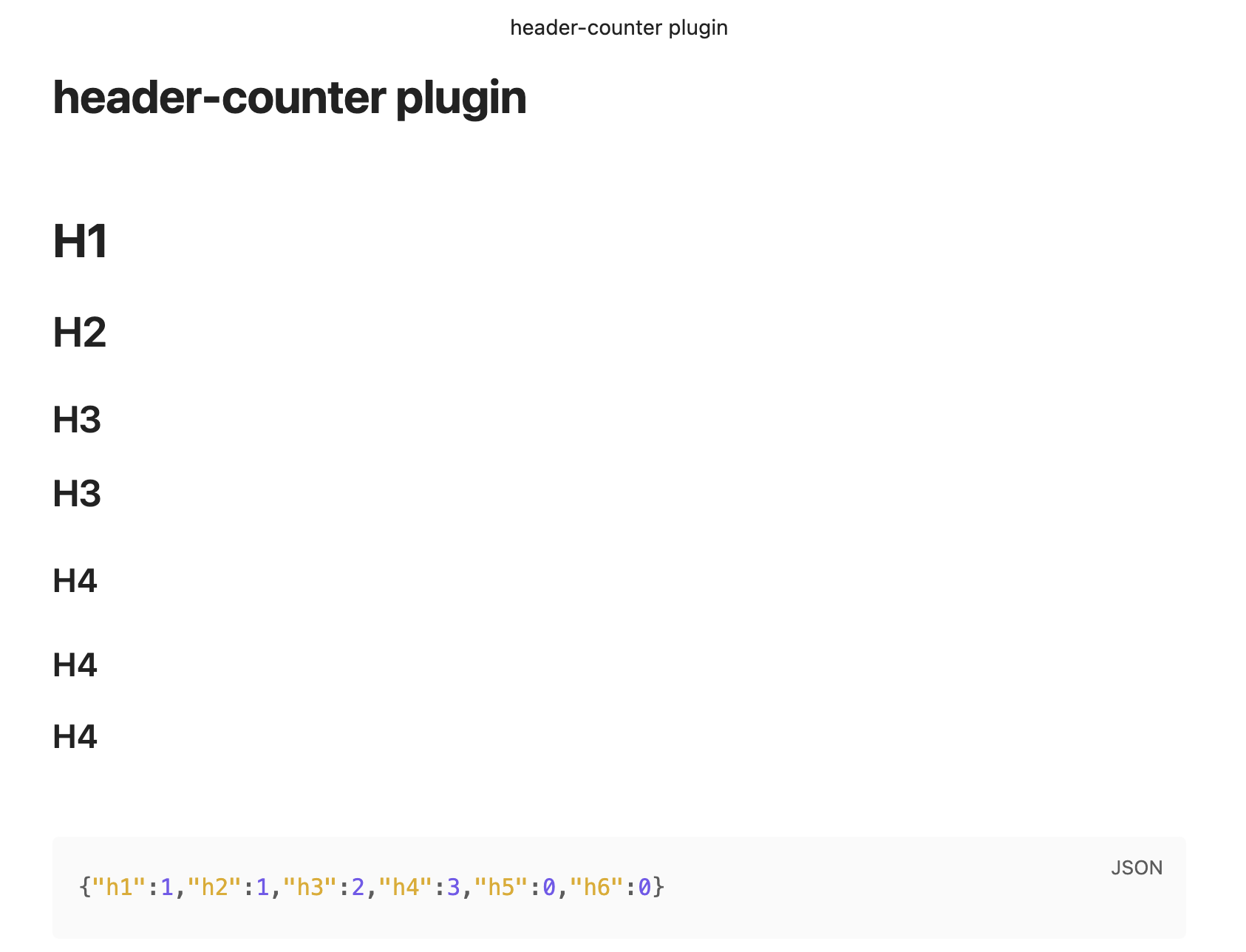
Compute header summary: Open the command palette and search for "Header Counter: Compute Header Summary" to compute the header summary for the current note.
Configuration
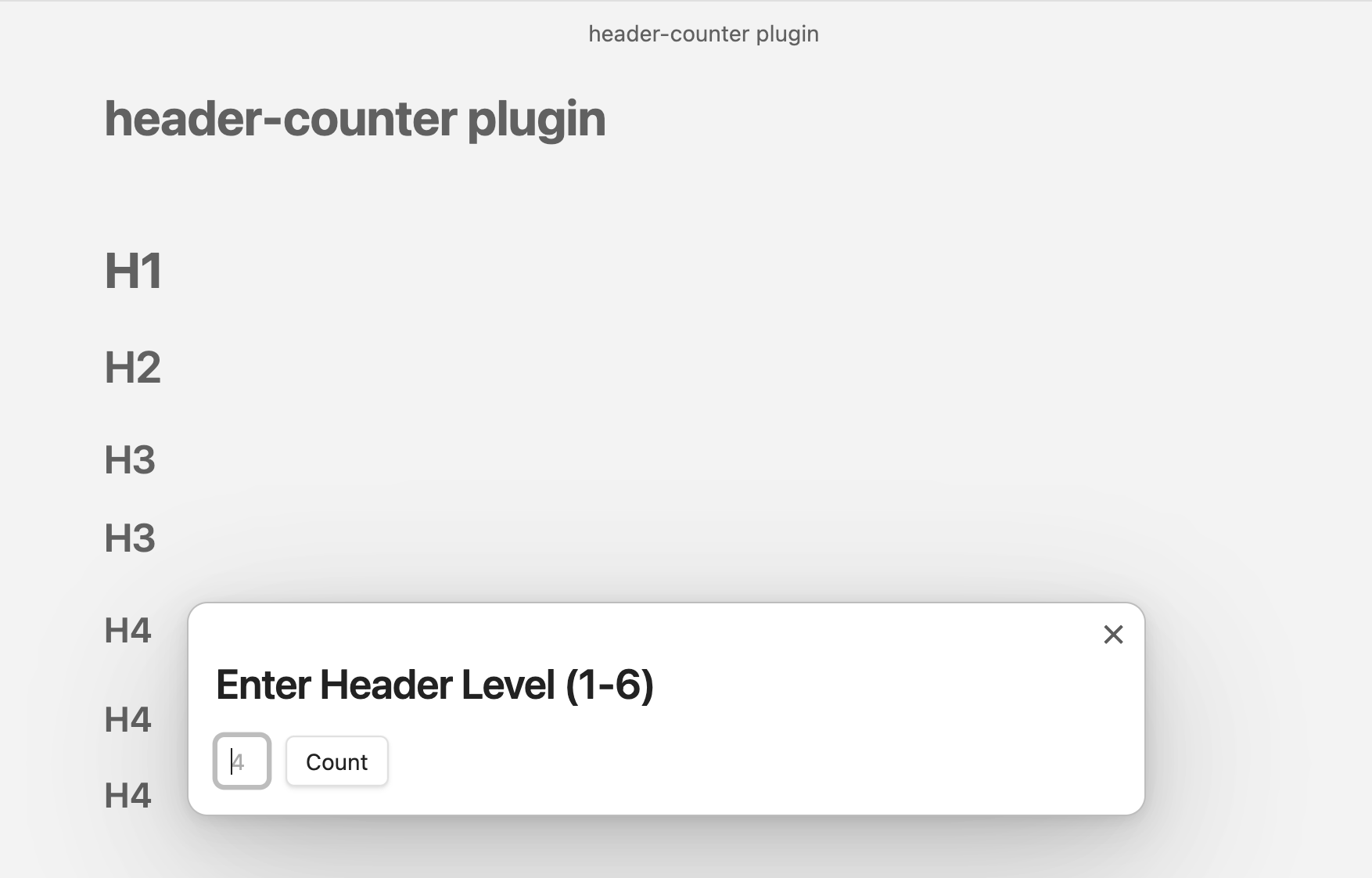
- Header Levels: You can configure the header levels to count in the plugin settings. The default is set to 4.
Screenshots
-
Browse commands from command palette
-
Set the header level from a modal
-
View the header count in the notification message
-
Paste the header summary from the clipboard
For plugin developers
Search results and similarity scores are powered by semantic analysis of your plugin's README. If your plugin isn't appearing for searches you'd expect, try updating your README to clearly describe your plugin's purpose, features, and use cases.