Table of Contents
approvedby hipstersmoothie
Create a table of contents for a note.
obsidian-plugin-toc
Create a table of contents for a note.
Features
This plugin exposes the following commands:
| Action | Hotkey |
|---|---|
| Create full table of contents | Blank by default |
| Create table of contents for next heading level | Blank by default |
And the following settings:
| Setting | type | Default |
|---|---|---|
| List Style | 'bullet' or 'number' | 'bullet' |
| Title | 'string' | undefined' |
| Minimum header depth | number | 2 |
| Maximum header depth | number | 6 |
Usage
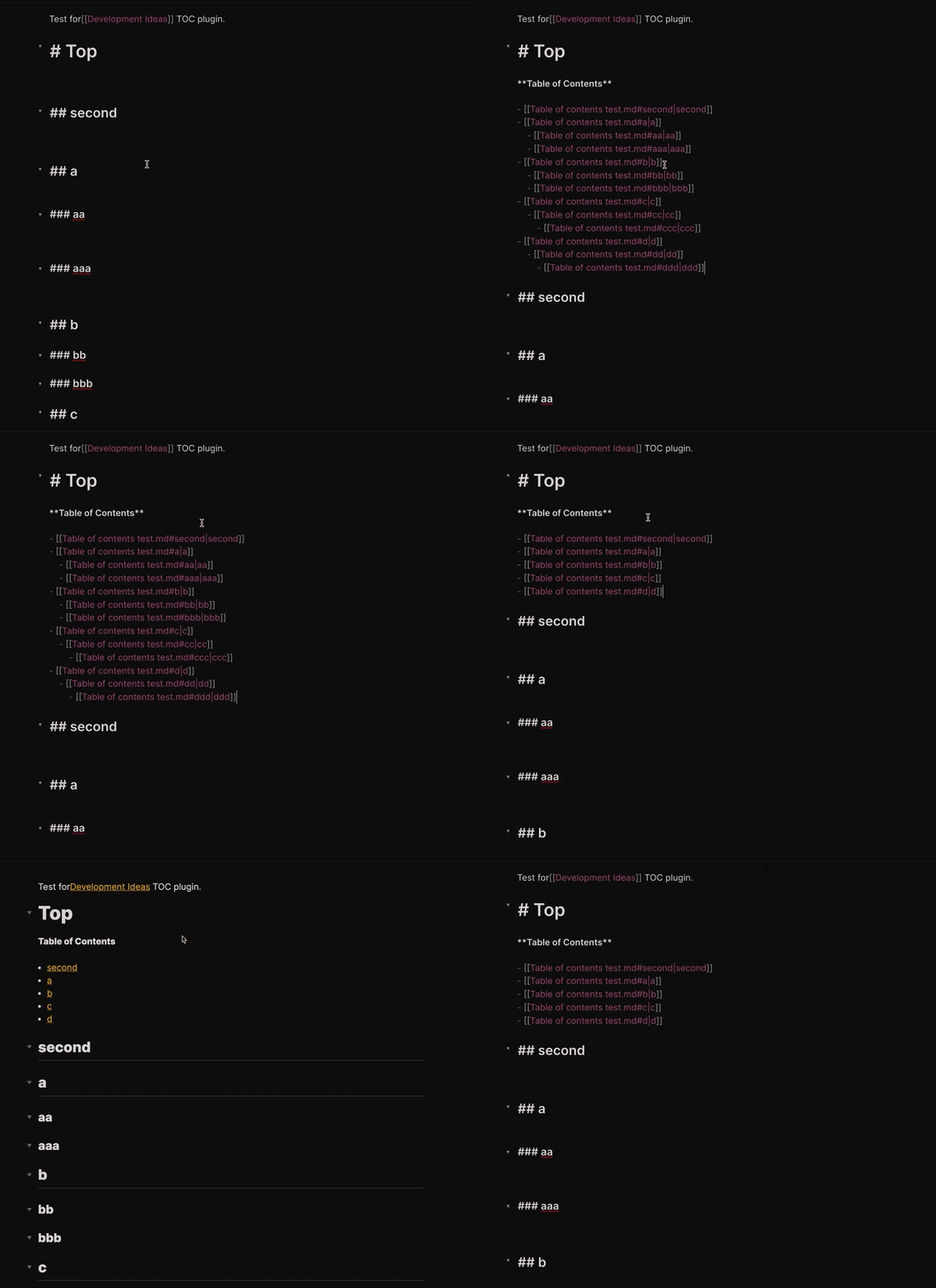
This plugin will create a table of content for the sub-heading of the current heading level.
Example:
Input: Run "Table of Contents" under a level 2 heading
Output: "Table of Contents" only contains subheadings of that level 2 heading
Installing
Either install the latest release from Obsidian directly or unzip the latest release into your <vault>/.obsidian/plugins/ folder.
Once the plugin is installed, you need to make sure that the switch for "Table of Contents" is turned on.
After you are all setup you would see this plugins commands in the command palette (CMD + P).
You can assign the commands to hotkeys for easy usage.
Here is my setup:
- Create full table of contents =>
CMD + SHIFT + T - Create table of contents for next heading level =>
CMD + T
Customizations
Detailed Nested Ordered Lists
If you want the table of contents to use nested list counting (ex: 1.1, 1.2) add the following CSS snippet to obsidian. This will effect all ordered lists in your notes.
ol {
  counter-reset: item;
}

ol li {
  display: block;
}

ol li:before {
  content: counters(item, ".") ". ";
  counter-increment: item;
  padding-right: 5px;
}
NOTE: Make sure you enable the snippet in obsidian's options.
For plugin developers
Search results and similarity scores are powered by semantic analysis of your plugin's README. If your plugin isn't appearing for searches you'd expect, try updating your README to clearly describe your plugin's purpose, features, and use cases.