Hub Sidebar
approvedby Saiki77
Frame the local graph and outline in a clean, Publish-style right-sidebar card, with a one-click Graph / Incoming / Outgoing switcher. - This plugin has not been manually reviewed by Obsidian staff.
Hub Sidebar
Give Obsidian's right sidebar an Obsidian Publish ("Obsidian Hub") look — a framed local-graph card and a clean "On this page" outline — plus the one thing CSS can't do: a real, clickable Graph / Incoming / Outgoing switcher on the graph card.
Features
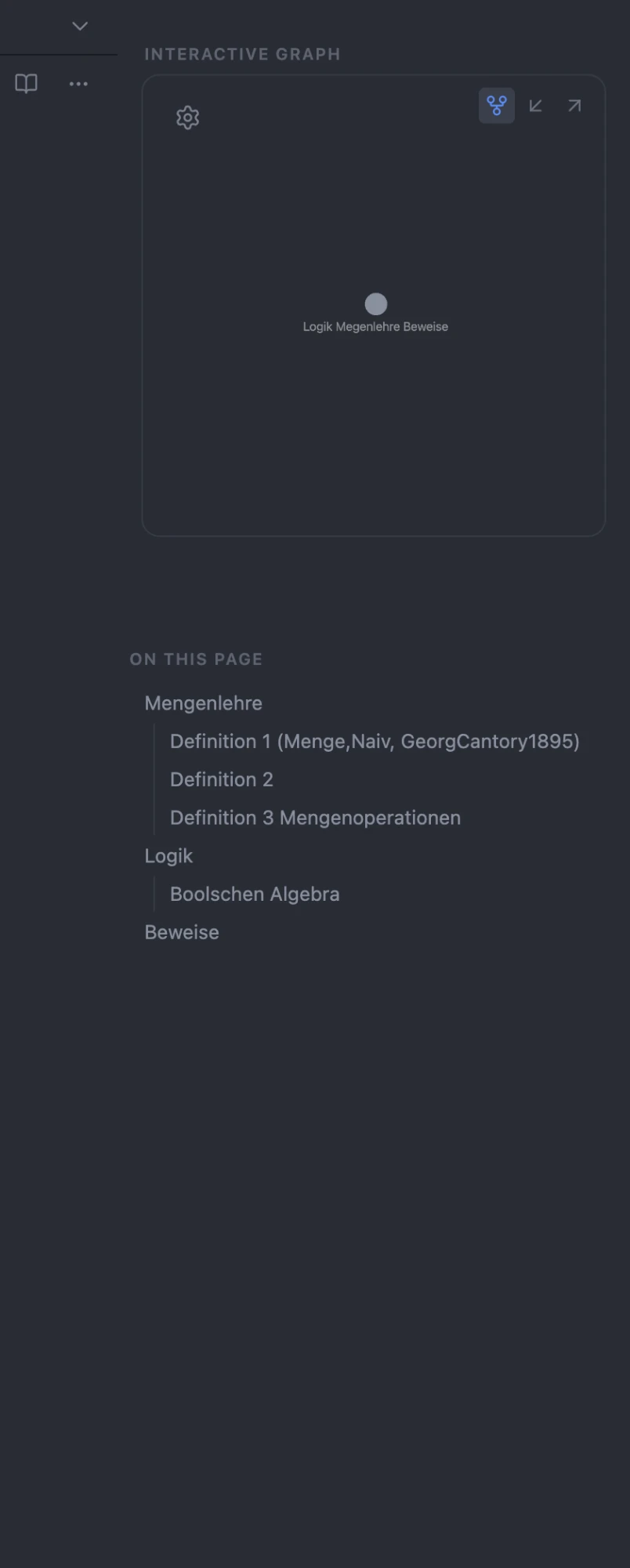
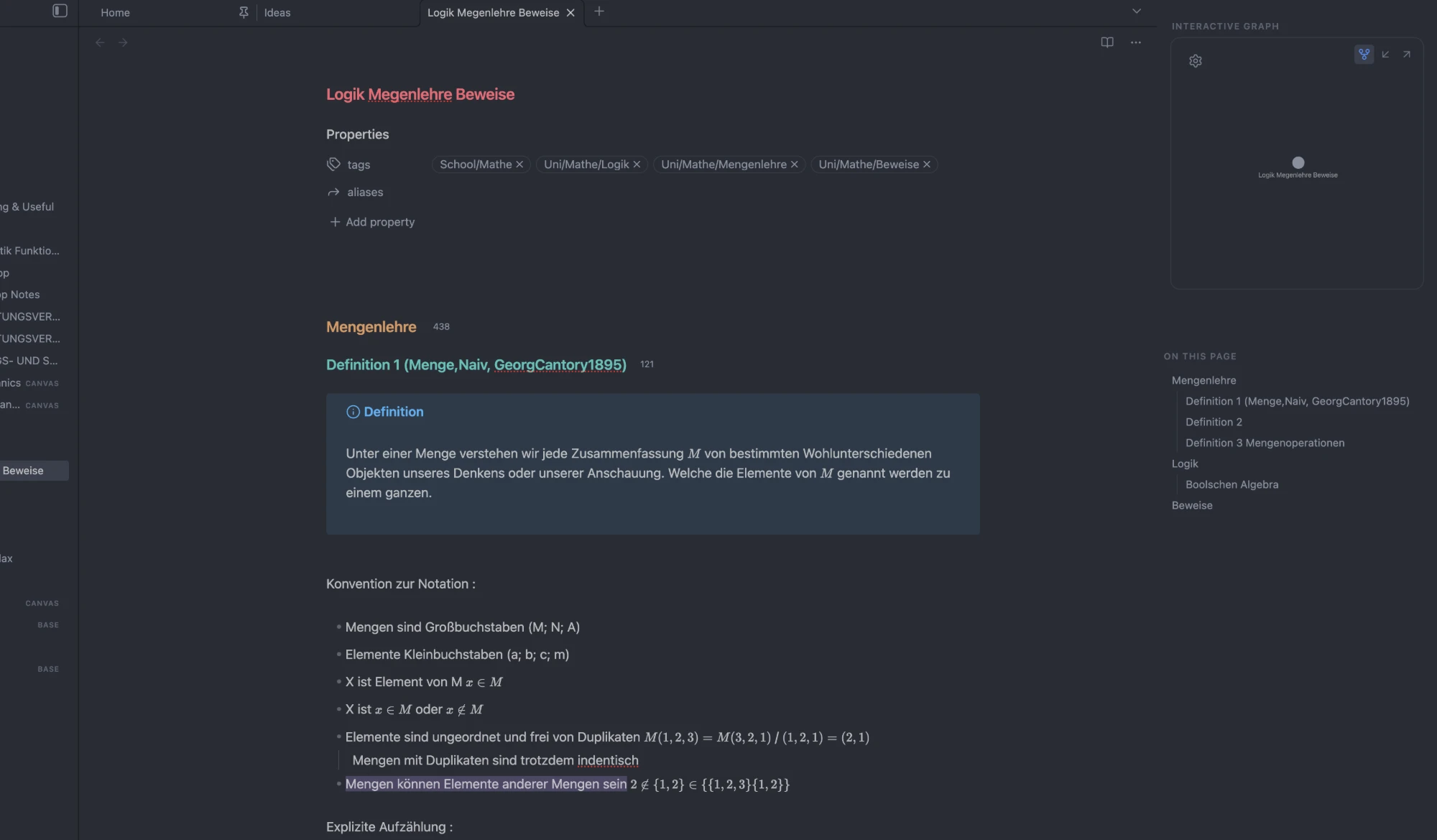
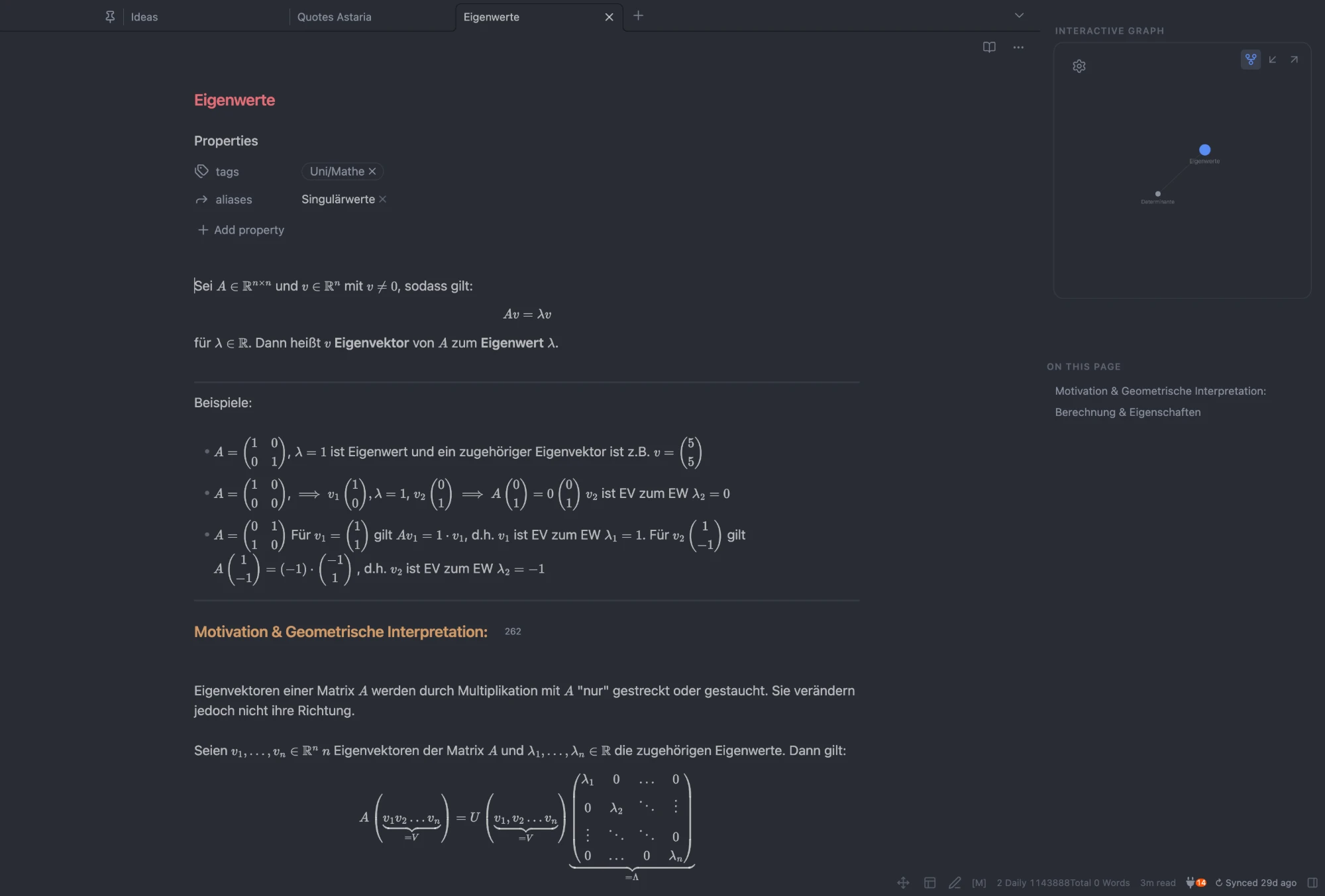
- Framed graph card — wraps the local graph (and Backlinks / Outgoing Links) in a rounded, borderless box, with adjustable shape and top offset.
- One-click switcher — buttons on the card morph it between the local graph, incoming links (backlinks), and outgoing links, in place.
- Section labels — "Interactive graph" / "On this page" headers, Publish-style.
- Clean outline — a plain-text "On this page" list: no chevrons, no toolbar, with a configurable heading depth (1–3 tiers).
- Borderless sidebar — removes the hairline borders (the editor↔sidebar divider is an optional toggle).
- Center note on screen — optional: keeps the editor column centered in the window when the sidebar is open.
- Right-sidebar toggle — a command (assignable to a hotkey) and an optional status-bar button to hide/show the sidebar.
- New-tab search: an imprinted search box on the empty "New tab" page. Type to fuzzy-find notes inline — results expand in place and replace the action links; arrow keys + Enter to open. On by default. Optionally show a large quote above it.
- Templater buttons: configurable icon buttons in each note's header that insert a bound Templater template into the current note. Pick a template, an icon (from Obsidian's built-in set), and a tooltip in settings. Shown only when Templater is installed.
Screenshots
Settings
Outline heading tiers · graph switcher · section labels · hide tab bar · sidebar divider line · graph box shape (with a live preview) · graph box top padding · center note on screen · right-sidebar toggle button · new-tab search field · new-tab quote (size + strength) · search box strength · templater buttons.
Development
A TypeScript project bundled with esbuild (entry src/main.ts → root main.js).
npm install          # install dev dependencies
npm run dev          # esbuild watch build (inline sourcemap, no minify)
npm run build        # tsc --noEmit typecheck, then a minified production bundle
npm run lint         # eslint with the Obsidian plugin-guideline rules
styles.css is hand-written at the repo root and auto-loaded by Obsidian.
main.js and styles.css are committed — they are the release assets.
Release
npm version <x.y.z>  # bumps package.json, syncs manifest.json + versions.json, makes a bare tag
git push --follow-tags
Pushing the tag triggers .github/workflows/release.yml, which lints, builds,
verifies manifest.json matches the tag, attests build provenance, and publishes
a GitHub release with main.js, manifest.json, and styles.css.
Notes
- Needs Obsidian 1.7.2+ (declared as
minAppVersion). - Theme-agnostic (core selectors + CSS variables); tuned to sit well with the Minimal theme.
For plugin developers
Search results and similarity scores are powered by semantic analysis of your plugin's README. If your plugin isn't appearing for searches you'd expect, try updating your README to clearly describe your plugin's purpose, features, and use cases.