by Viggo Meesters
Open local .ics files as a read-only event inspection view with source fallback.
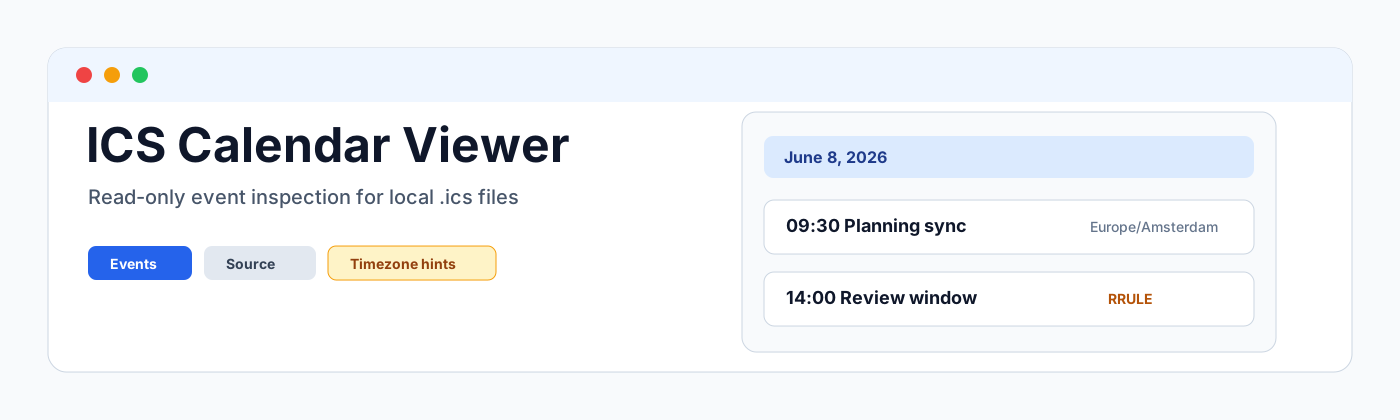




ICS Calendar Viewer
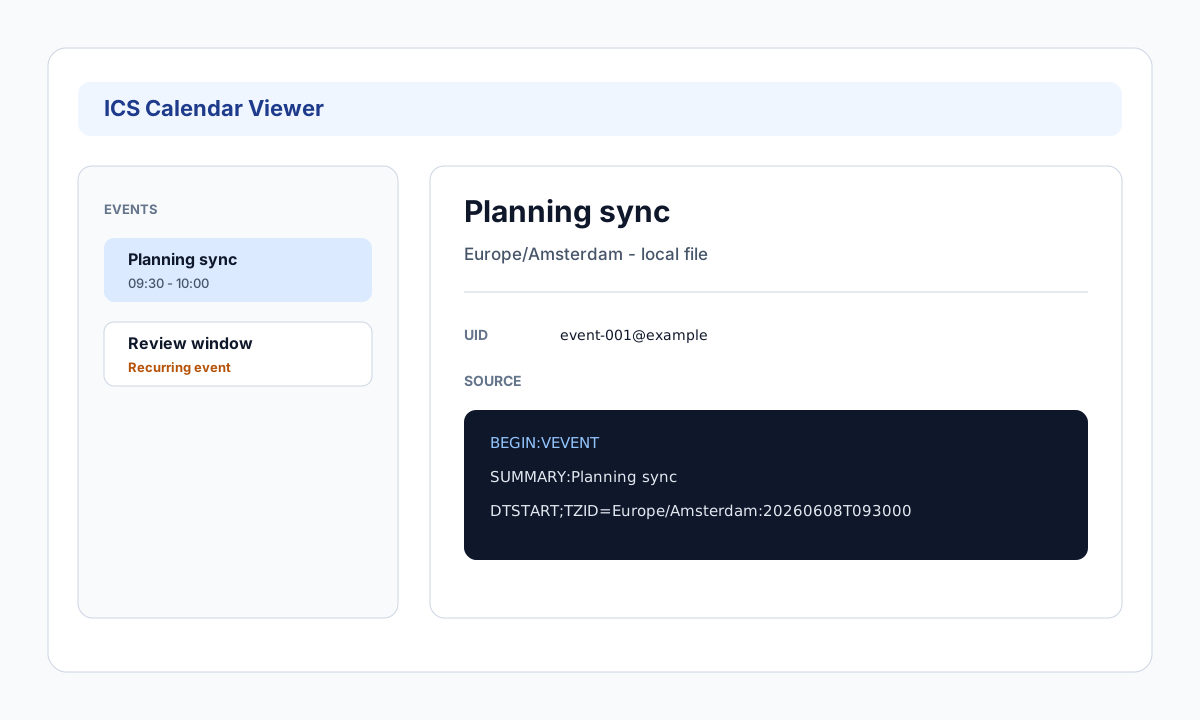
ICS Calendar Viewer is a read-only Obsidian viewer for local .ics files. It opens calendar files as an inspection surface with component summaries, grouped event lists, filters, event details, recurrence and timezone warnings, and a raw source fallback.
Scope
- Registers
.icsfiles with theics-calendar-viewerview. - Parses local
VCALENDAR,VEVENT,VTODO, andVTIMEZONEdata. - Shows event and task lists grouped by date or component type.
- Shows details for summary, description, location, organizer, attendees, start/end, timezone, UID, status, recurrence, and source lines.
- Provides text and date filters for summary, location, attendee, UID, and date range.
- Keeps large files bounded with parse/render caps.
- Never syncs calendars, fetches remote URLs, imports to daily notes, generates event notes, sends RSVP, or writes back to
.icsfiles.
Non-goals
This plugin is not a calendar sync plugin, CalDAV client, daily note importer, note generator, attendee mailer, RSVP client, notification service, or drag/drop planning calendar. It does not use network APIs, clipboard APIs, eval, new Function, or process APIs in plugin runtime code.
Related Community Plugins
- ICS imports events from calendar/ICS URLs into Daily Notes.
- Full Calendar provides a full calendar UI with read-only ICS/CalDAV remote calendars.
- MemoChron focuses on calendar integration and event notes.
- iCal generates iCal from vault tasks.
ICS Calendar Viewer deliberately stays file-inspection first: open a local .ics, inspect what is inside, and fall back to raw source when parsing is limited.
Development
npm install
npm run build
npx tsc --noEmit
npm test
For plugin developers
Search results and similarity scores are powered by semantic analysis of your plugin's README. If your plugin isn't appearing for searches you'd expect, try updating your README to clearly describe your plugin's purpose, features, and use cases.