Image Collector
approvedby tdaykin
Collects all images from current note and saves them to a new folder
★ 10 stars↓ 2,736 downloadsUpdated 2y agoMIT
How to use:
While in note either CTRL + P to open command palette and run Image Collector: Export markdown images or right click on current open note and select Export images
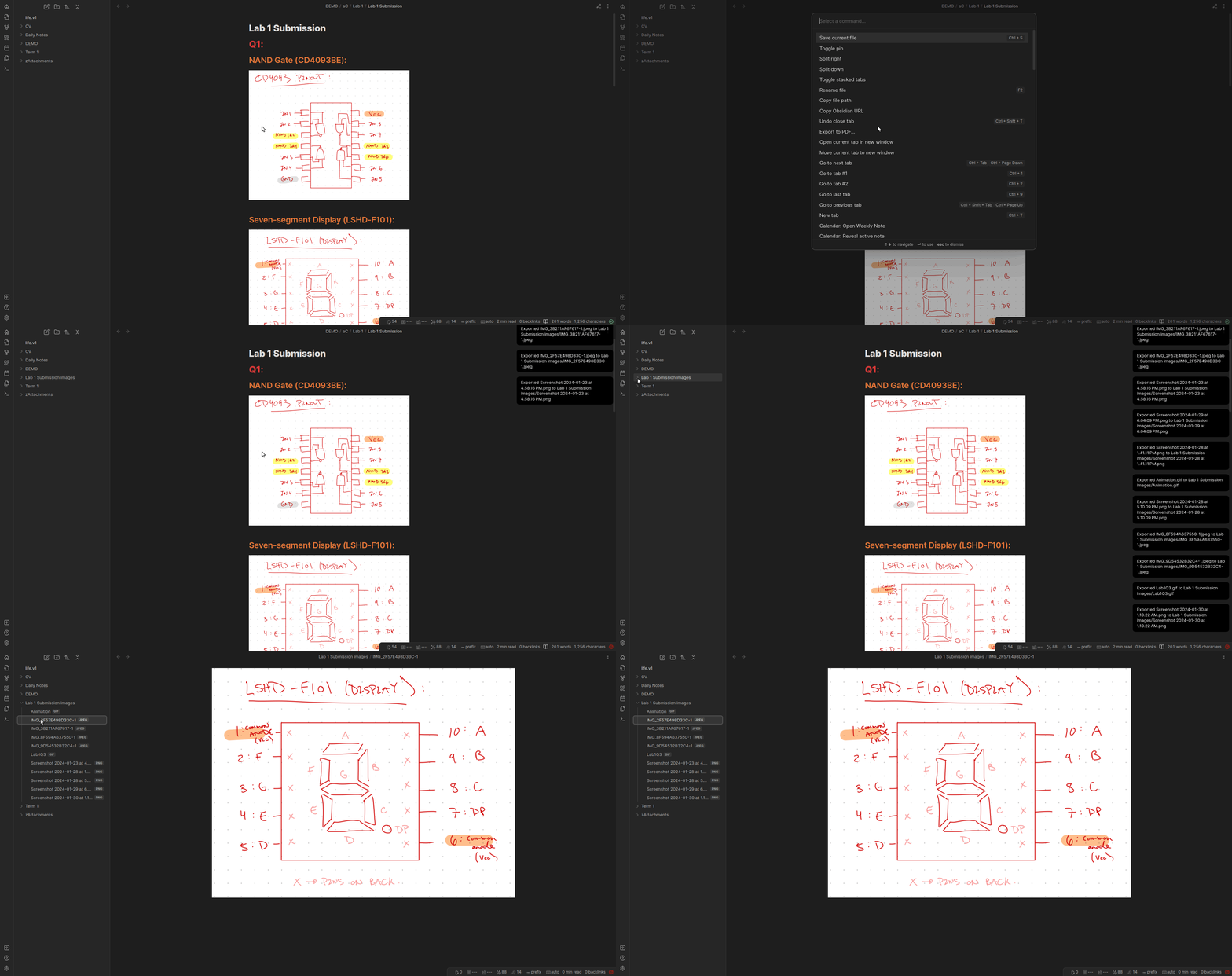
Purpose:
I often find that I want to collect all images within a note, whether it is for:
- transforming my school notes to latex, no longer having to handpick the images from my attachments directory.
- making posts to my GitHub pages website, so I can use Obsidian to create the content and simply upload all associated images to GitHub.
Link to Personal Webpage:
Support
If you like this plugin and would like to buy me a coffee, you can!

For plugin developers
Search results and similarity scores are powered by semantic analysis of your plugin's README. If your plugin isn't appearing for searches you'd expect, try updating your README to clearly describe your plugin's purpose, features, and use cases.